Self Timer
Self Timer
다운로드: App Store

이 페이지는 앱이나 개발자의 공식 페이지가 아니며, 정보 제공 및 논평을 목적으로 작성된 독립 편집 간행물입니다. 명시적으로 달리 언급되지 않는 한, 해당 앱이나 개발자는 MWM, Apple, Google Play, 앱 퍼블리셔 또는 앱 개발자와 제휴, 보증, 후원, 승인 또는 공식적으로 연결되어 있지 않으며, 이 페이지의 어떤 내용도 해당 앱이 MWM의 서비스를 사용하여 개발되었음을 의미하지 않습니다. 모든 상표, 로고, 스크린샷 및 기타 콘텐츠는 해당 소유자의 자산입니다.

로고: Self Timer
다운로드: App Store

Self Timer

기본 카메라의 한계를 벗어나세요. 사용자 지정 가능한 카운트다운, 핸즈프리 Siri 명령, 진정한 미소와 완벽한 포즈를 포착하도록 설계된 연사 모드로 사진을 마스터하세요.

주요 수치

다운로드

259K+

사용자 평점

3.9/5

총 평가 수

600

개발사

Ivan Gobbo

카테고리

Photo & Video

지원 언어

10

최신 버전

26

크기

19.5 MB

출시일

2009년 12월 19일
기능

모든 순간을 마스터하세요

타이머를 기다리느라 서두르지 말고 자신 있게 포즈를 취하세요. 셀프 타이머는 매번 자연스럽고 소셜 미디어에 바로 올릴 수 있는 사진을 포착하는 데 필요한 전문적인 제어 기능을 제공합니다.

연사 모드

한 번의 촬영에 만족하지 마세요. 빠른 연속 이미지 촬영으로 완벽한 미소와 포즈가 담긴 순간을 선택할 수 있습니다.

핸즈프리 Siri 제어

멀리서도 완벽하게 제어하세요. 'Hey Siri'를 사용하여 카메라를 트리거하세요. 혼자 여행하는 사람이나 '메인 캐릭터' 콘텐츠 제작자에게 완벽합니다.

다음 스크린샷과 설명은 앱의 공식 스토어 목록에서 직접 가져온 것이며 앱 개발자의 자산입니다.

앱 스토어

스크린샷
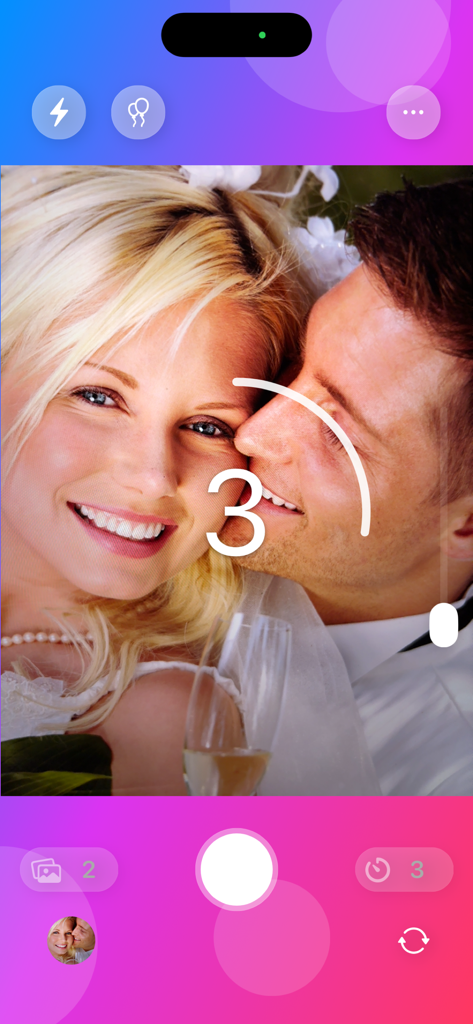
Self Timer - 미소 짓는 커플 사진에 3초 카운트다운이 표시된 카메라 앱 인터페이스.
미소 짓는 커플 사진에 3초 카운트다운이 표시된 카메라 앱 인터페이스.

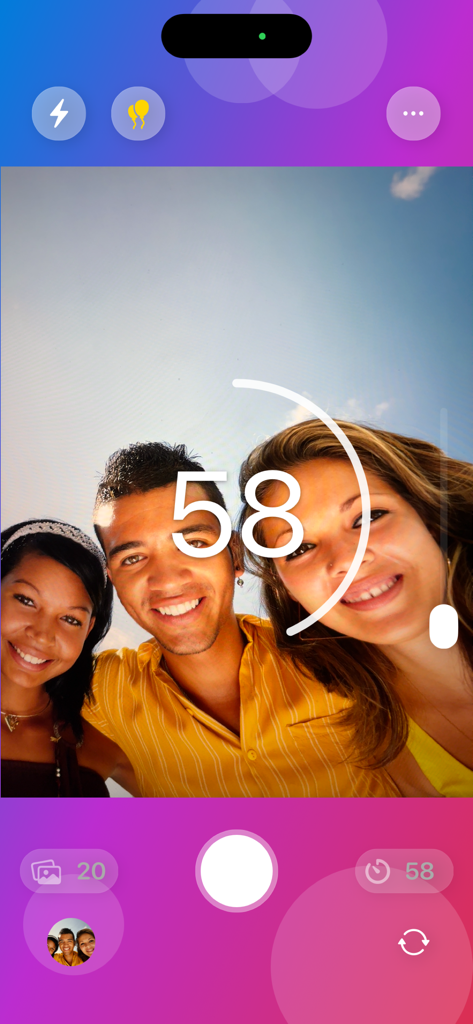
Self Timer - 셀프 타이머 앱 인터페이스에 큰 카운트다운 타이머와 카메라 컨트롤이 있는 그룹 셀카 표시
셀프 타이머 앱 인터페이스에 큰 카운트다운 타이머와 카메라 컨트롤이 있는 그룹 셀카 표시

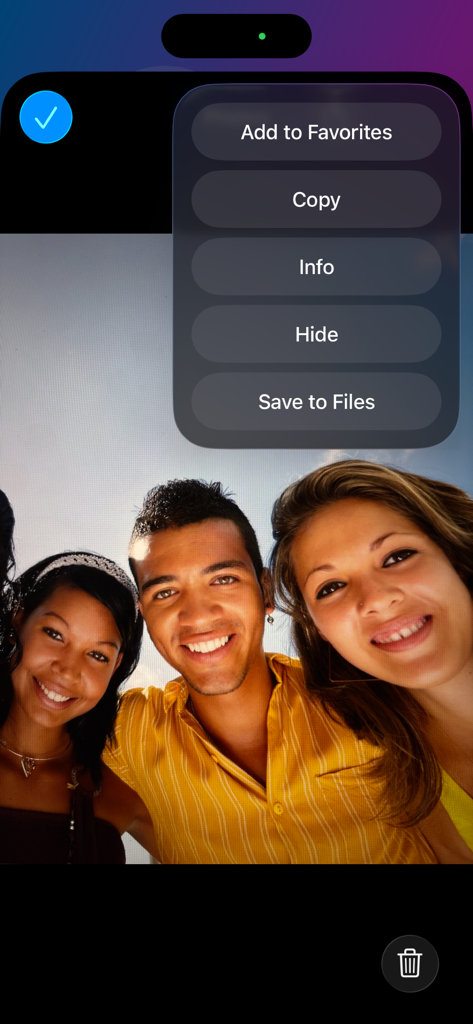
Self Timer - 사진 관리 옵션 메뉴 오버레이와 함께 셀프 타이머 앱에 표시된 단체 사진
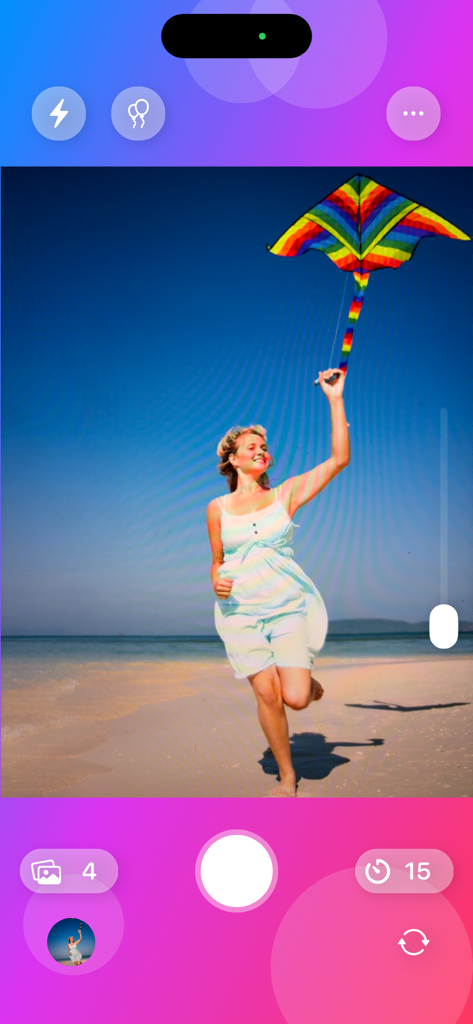
사진 관리 옵션 메뉴 오버레이와 함께 셀프 타이머 앱에 표시된 단체 사진

Self Timer - 연 15초 카운트다운과 함께 연을 날리며 해변을 달리는 여성의 모습을 보여주는 셀프 타이머 앱 인터페이스
연 15초 카운트다운과 함께 연을 날리며 해변을 달리는 여성의 모습을 보여주는 셀프 타이머 앱 인터페이스

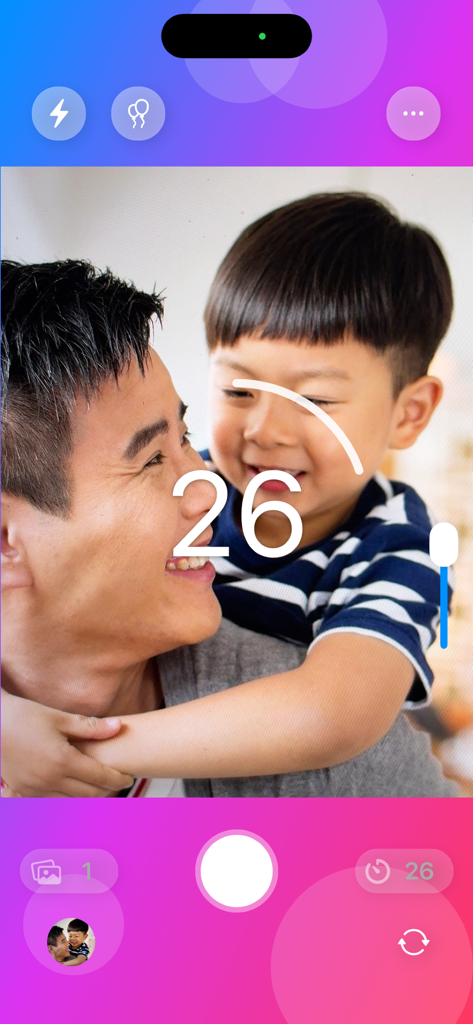
Self Timer - 셀프 타이머 앱 인터페이스에 미소 짓는 아버지와 아들의 사진 위에 26초 카운트다운이 오버레이된 모습 표시
셀프 타이머 앱 인터페이스에 미소 짓는 아버지와 아들의 사진 위에 26초 카운트다운이 오버레이된 모습 표시

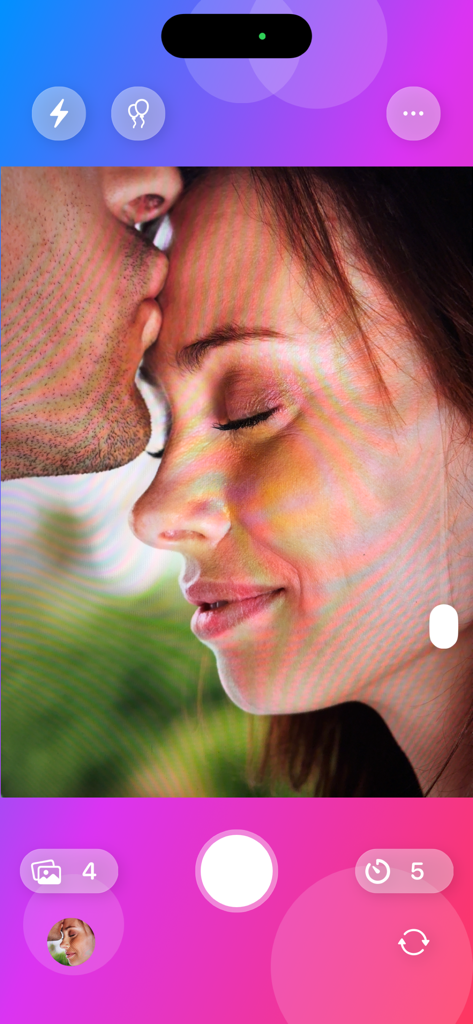
Self Timer - 타이머 및 연사 모드 설정이 있는 로맨틱한 커플 초상화가 표시된 셀프 타이머 앱 카메라 인터페이스
타이머 및 연사 모드 설정이 있는 로맨틱한 커플 초상화가 표시된 셀프 타이머 앱 카메라 인터페이스

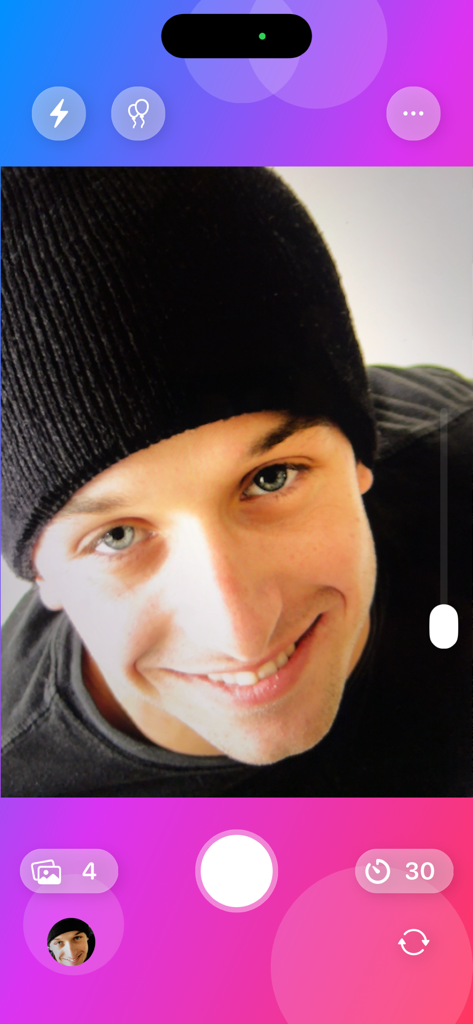
Self Timer - 카운트다운 타이머와 셀프 보기 기능이 있는 셀프 타이머 앱 카메라 인터페이스
카운트다운 타이머와 셀프 보기 기능이 있는 셀프 타이머 앱 카메라 인터페이스

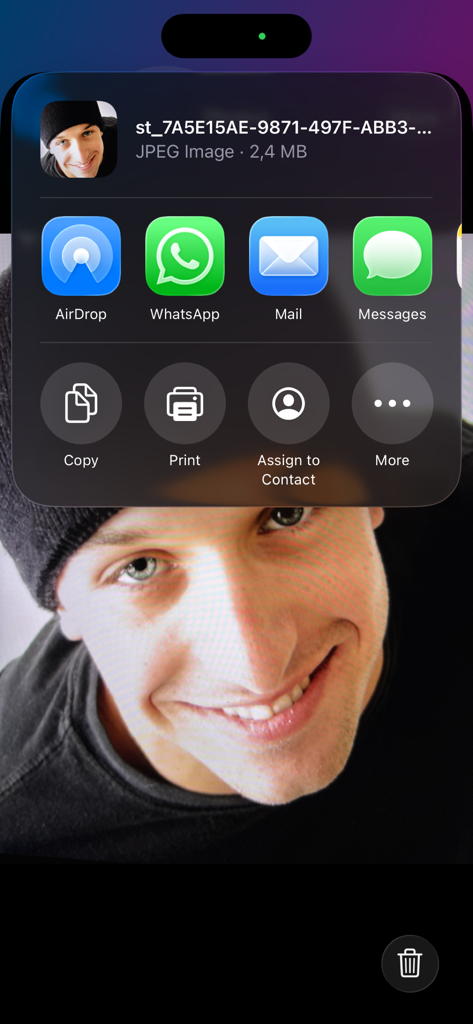
Self Timer - 셀프 타이머 앱으로 찍은 셀카 위에 열린 iOS 공유 메뉴

셀프 타이머 앱으로 찍은 셀카 위에 열린 iOS 공유 메뉴

설명

There’s a new way to take better group photos and selfies. Whether you’re capturing a smile, a night out with friends, or an unforgettable trip, the app helps you catch the perfect moment — even when you’re in front of the camera. Place your iPhone or iPad, or hold it in your hand, choose the countdown time, and get ready to pose. In just a few seconds, the automatic burst mode starts shooting: one, two, three, as many pictures as you want, one after another — so you can later pick the one that truly captures the feeling of the moment. The Multi-Photo feature is the key to better shots: it takes multiple images in quick succession, so you can later choose the best one — the one with the right look or the perfect smile. No more closed eyes, awkward poses, or half expressions — just real, natural, beautiful photos. During the countdown, Party Mode fills the wait with cheerful, random sounds that make everyone smile. Perfect for group selfies, parties, or fun moments, it makes every photo more relaxed and spontaneous. Every detail is carefully crafted, just like in all apps made by Apimac: essential controls, smooth gestures, and an interface designed to keep your results at the center. The vertical slider is always available to adjust zoom with a smooth, precise gesture, and the animated interface responds gracefully to every touch. On iPhone, haptic feedback accompanies each action; on iPad, the app takes full advantage of the screen for maximum control and privacy. And when you want to shoot without touching the screen, just say: “Hey Siri, take a photo with Self Timer app.” Thanks to Shortcuts, you can create custom automations and start your favorite shots with your voice anytime you like. Self Timer enhances the built-in Camera app with the features you actually need. It gives you more time, more control, and better results — sharper, more natural, more personal photos, and above all, more options to choose from. Because with Self Timer, you don’t just take a photo — you choose the perfect moment among many and get the picture you truly wanted. Shoot, live, and let Self Timer handle perfection.

Download

다운로드: App Store

이 페이지는 앱이나 개발자의 공식 페이지가 아니며, 정보 제공 및 논평을 목적으로 작성된 독립 편집 간행물입니다. 명시적으로 달리 언급되지 않는 한, 해당 앱이나 개발자는 MWM, Apple, Google Play, 앱 퍼블리셔 또는 앱 개발자와 제휴, 보증, 후원, 승인 또는 공식적으로 연결되어 있지 않으며, 이 페이지의 어떤 내용도 해당 앱이 MWM의 서비스를 사용하여 개발되었음을 의미하지 않습니다. 모든 상표, 로고, 스크린샷 및 기타 콘텐츠는 해당 소유자의 자산입니다.








