이 페이지는 앱이나 개발자의 공식 페이지가 아니며, 정보 제공 및 논평을 목적으로 작성된 독립 편집 간행물입니다. 명시적으로 달리 언급되지 않는 한, 해당 앱이나 개발자는 MWM, Apple, Google Play, 앱 퍼블리셔 또는 앱 개발자와 제휴, 보증, 후원, 승인 또는 공식적으로 연결되어 있지 않으며, 이 페이지의 어떤 내용도 해당 앱이 MWM의 서비스를 사용하여 개발되었음을 의미하지 않습니다. 모든 상표, 로고, 스크린샷 및 기타 콘텐츠는 해당 소유자의 자산입니다.
Sign.Plus - Sign PDF Documents
기업급 보안으로 문서를 스캔, 서명 및 전송하는 전문가를 위한 신뢰할 수 있는 모바일 솔루션. 의료, 법률 및 비즈니스 워크플로우를 위해 완벽하게 HIPAA 규정을 준수하고 암호화되었습니다.
보안에 민감한 모바일 전문가를 위해 구축된 법적 효력이 있고 HIPAA 규정을 준수하는 솔루션으로 워크플로우를 간소화하세요.
군사 등급 보안
256비트 AES 암호화 및 안전한 클라우드 스토리지를 기반으로 HIPAA 및 SOC 2 규정 준수로 비즈니스를 보호하세요.
스마트 모바일 스캔
자동 자르기 및 원근 보정 기능을 사용하여 카메라로 물리적 계약서를 즉시 디지털 PDF로 변환하세요.
다음 스크린샷과 설명은 앱의 공식 스토어 목록에서 직접 가져온 것이며 앱 개발자의 자산입니다.
앱 스토어
스크린샷
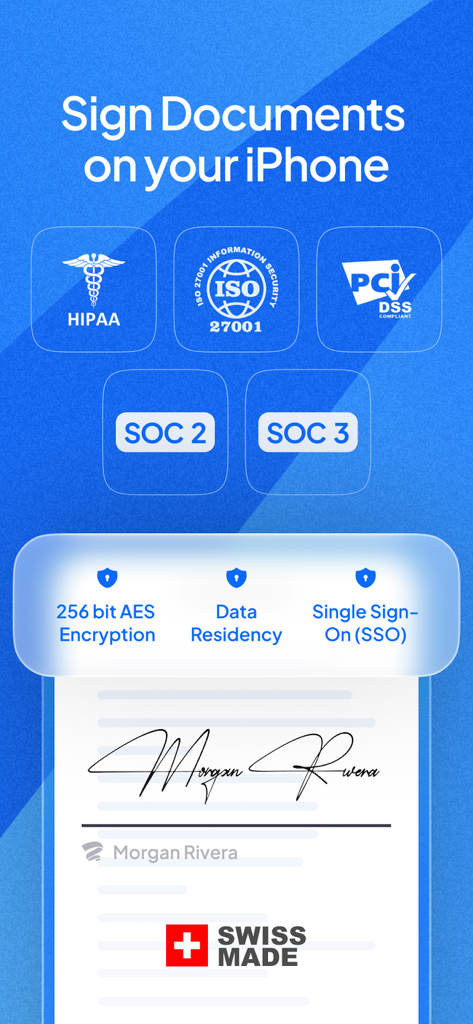
Sign.Plus 앱 보안 기능으로 iPhone에서 문서 서명을 위한 HIPAA ISO 27001 및 SOC 2 규정 준수 인증 표시
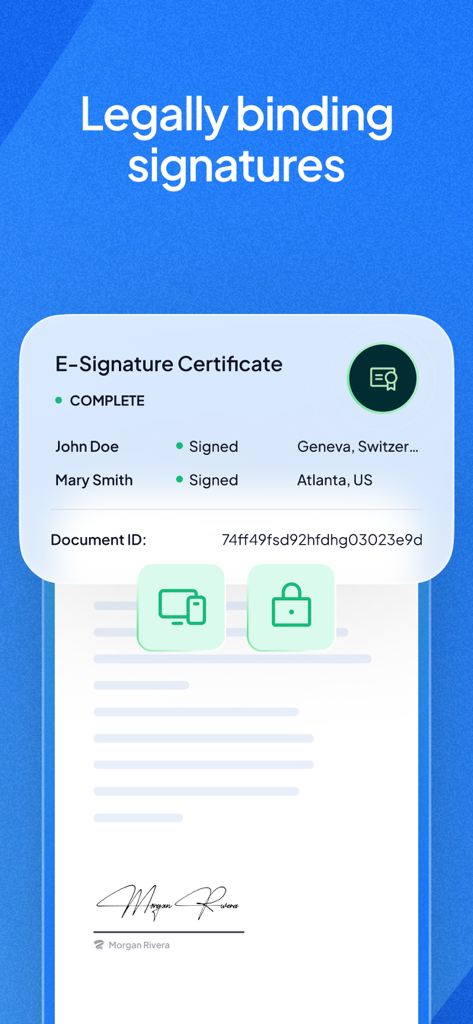
Sign.Plus 앱 인터페이스에 서명인 이름과 문서 ID가 포함된 법적 효력이 있는 전자 서명 인증서 표시
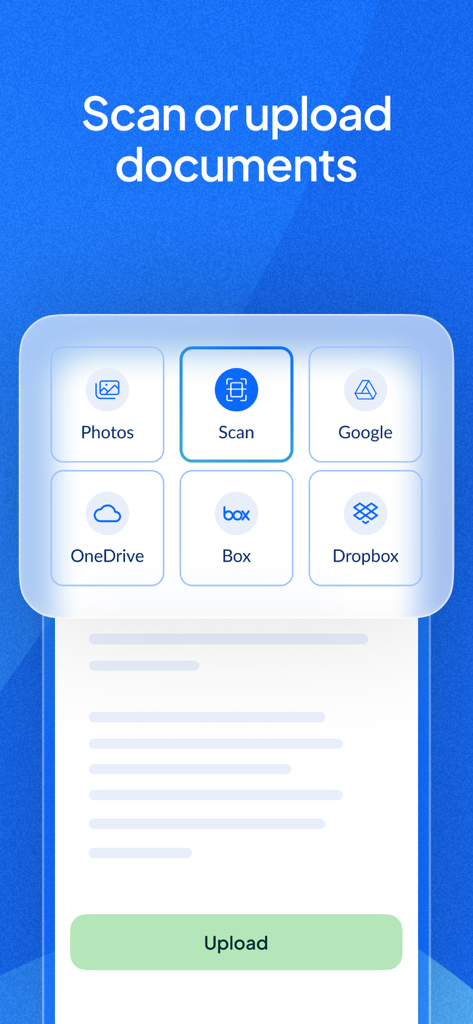
Sign.Plus 앱 인터페이스에 클라우드 스토리지 및 모바일 스캔에서 문서 업로드 옵션 표시
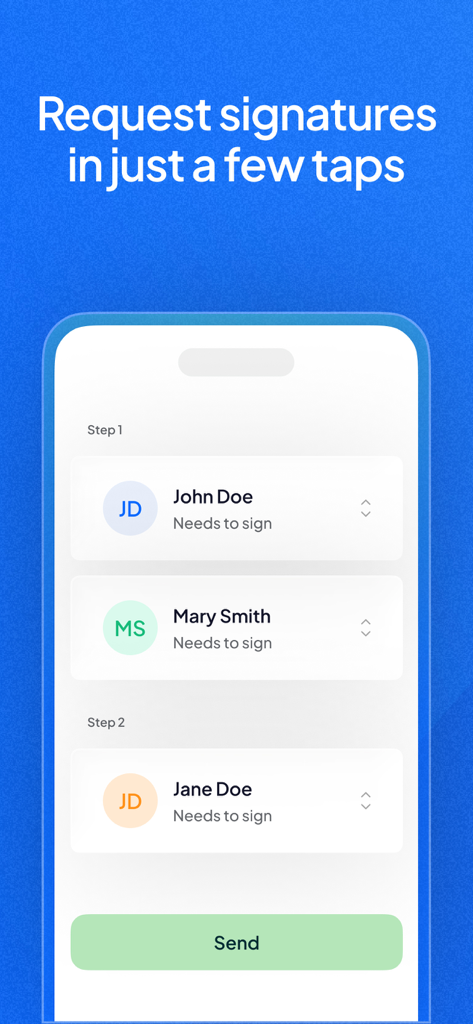
Sign.Plus 앱 인터페이스 화면으로 모바일 장치에서 여러 수신자에게 서명 요청 프로세스 표시
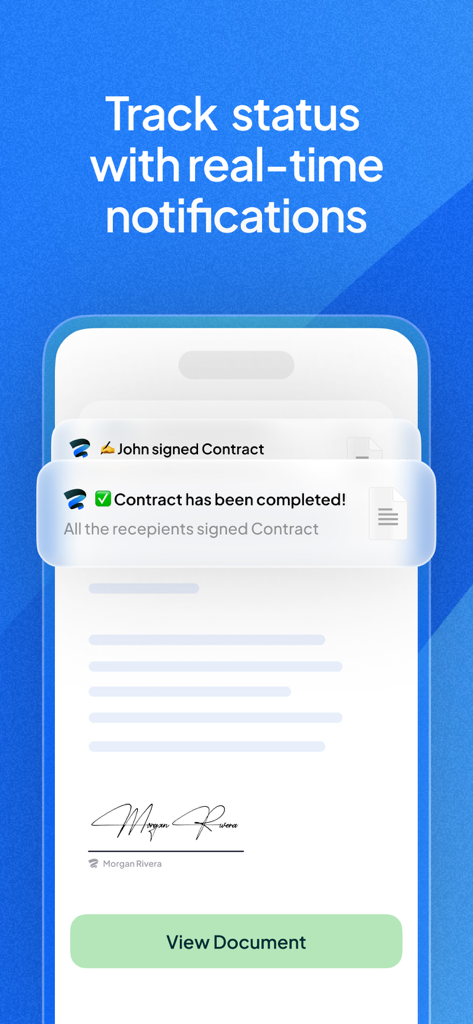
완료된 문서 서명 및 계약 상태 추적에 대한 실시간 알림을 보여주는 모바일 앱 화면
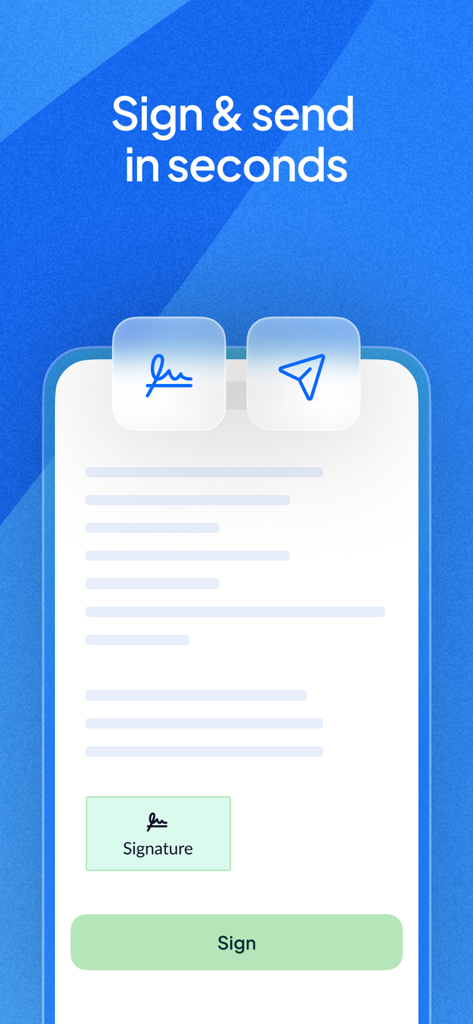
서명하고 보낼 준비가 된 문서가 있는 Sign.Plus 앱 인터페이스를 보여주는 모바일 화면
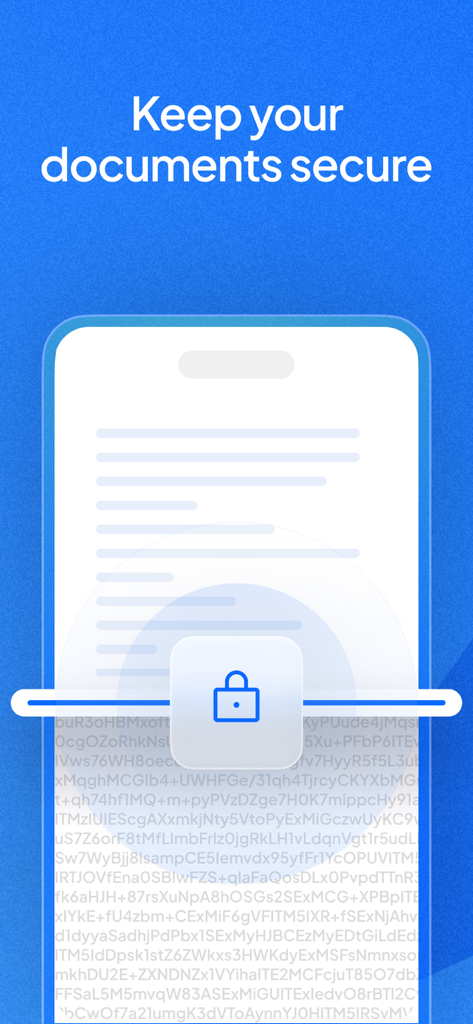
데이터 암호화를 나타내는 자물쇠 아이콘으로 모바일 장치에서 보안되는 문서의 일러스트레이션
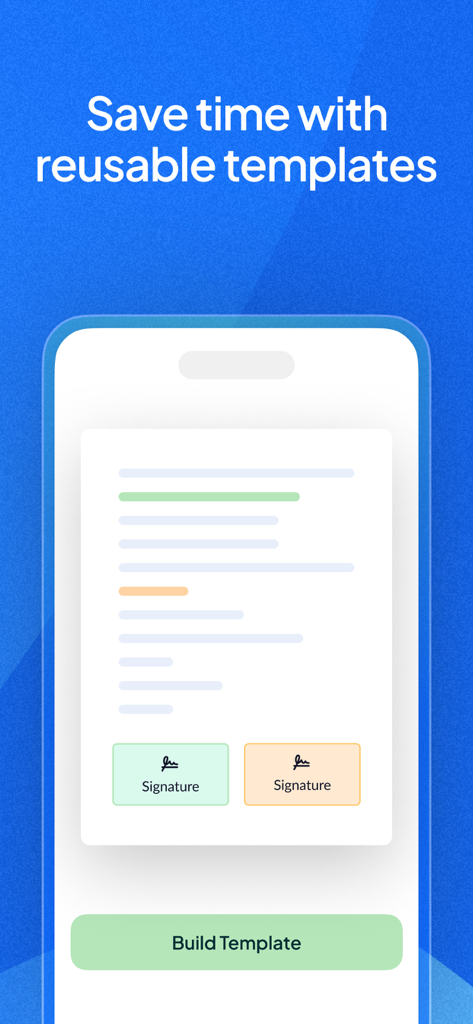
재사용 가능한 서명 필드가 있는 문서 템플릿을 보여주는 Sign.Plus 앱의 모바일 인터페이스
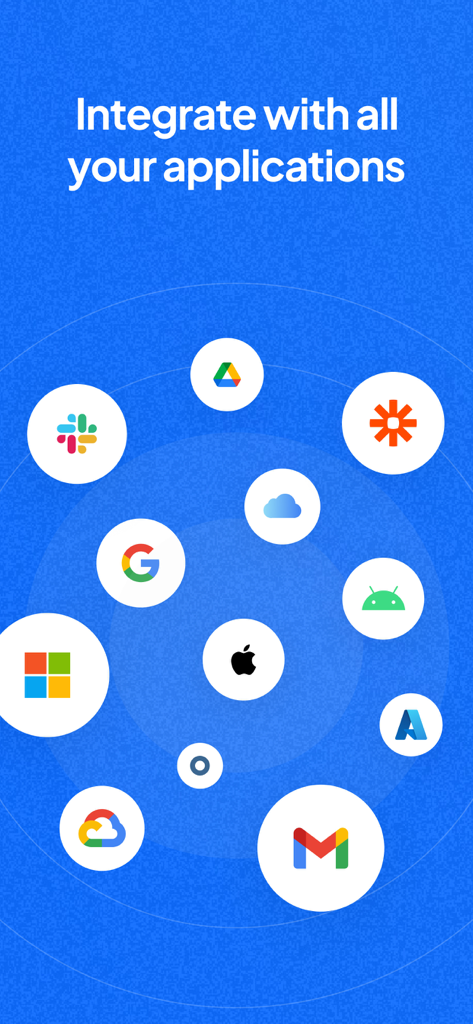
Google Drive Slack 및 Microsoft 플랫폼과의 Sign Plus 앱 통합
설명
Sign.Plus is a legally-binding electronic signature solution to sign documents on iPhone and iPad devices and send documents for signature. It’s secure, reliable, cross-platform, and super easy to use.
Using this free eSignature app, you can fill and sign PDF documents, Word documents, and other types of supported documents. You can also utilize the paper scanning feature to convert your paper documents to digital documents and sign them electronically.
√ Sign.Plus recognized as the best e-Signature solution to fill and sign documents!
◆ Fill and sign documents: Sign.Plus allows you to create an electronic signature to e-sign documents wherever you are and whenever you want. You can draw a signature, type your signature or use your initials.
◆ Send documents for signature: Other than the option to fill and sign documents yourself, you can also send documents for signature. You can send a request for signature even if the signees do not have a Sign.Plus account. You can add various fields to the documents, including signature, initials, date, text, and checkbox.
◆ Tamper-proof audit trails: For every document that goes into the process of signing electronically, there are real-time logs to keep track of any activity that has occurred with information such as name, IP address, email address, device, and much more. The audit trails are non-editable and each document action is thoroughly tracked and time-stamped, serving as legal proof of receipt, review, and signature.
◆ Legally-binding electronic signature: Sign.Plus complies with electronic signature regulations such as ESIGN, eIDAS, and ZertES to ensure it delivers the same legal standing as pen-and-paper signatures.
► Extensive security measurements and compliance offerings
◆ Data encryption: We encrypt all documents at rest using 256-bit Advanced Encryption Standard (AES), with each user’s unique encryption key. Furthermore, to protect data in transit between our apps (currently mobile, API, web) and our servers, we use TLS 1.2+ encryption.
◆ Various compliance offerings: We are committed to certifying ourselves and our e-signing platform for all relevant certifications and compliances, including SOC 2, HIPAA, ISO 27001, GDPR, CCPA, and more.
► Looking for an easy way to e-sign PDF documents? We’ve got you covered
If you are looking for a secure document signing app to fill and sign PDF documents, we are here to help. This free eSignature app offers the easiest online signature experience ever, unlike other form filling and e-sign applications.
You can sign PDF docs, contracts, leases, NDAs, agreements, and pretty much every type of legal document without having to go through a complicated process.
Download Sign.Plus for free on your iOS device, scan/import the document you wish to sign/be signed electronically and, depending on the nature of the document, e-sign it yourself or send it for signature.
Sign.Plus features and advantages:
• Legally-binding electronic signature solution
• Advanced yet easy-to-use document signing platform
• Fill and sign PDF documents
• Send documents for signature
• Create an electronic signature (Type, draw, or use initials)
• Extensive regulatory compliance offerings, including SOC 2, HIPAA, ISO 27001, GDPR, CCPA, and more
• Scan documents with your mobile camera (automatic document detection, magnifier, border cropping, perspective correctness)
• Data encryption
• Tamper-proof audit trails
• Save documents as draft
• Get real-time notifications
• Multiple date formats
• Free e signature app to sign documents on iPhone and iPad
* Sign.Plus is HIPAA compliant, provided the user has advanced security controls activated and enters into a business associate agreement (BAA) with Sign.Plus. Advanced security controls are available on the Enterprise plan tier.
Any further questions or requests? Do not hesitate to reach us on our website, app, or by email at support@sign.plus. Our customer support team will be pleased to help you!
이 페이지는 앱이나 개발자의 공식 페이지가 아니며, 정보 제공 및 논평을 목적으로 작성된 독립 편집 간행물입니다. 명시적으로 달리 언급되지 않는 한, 해당 앱이나 개발자는 MWM, Apple, Google Play, 앱 퍼블리셔 또는 앱 개발자와 제휴, 보증, 후원, 승인 또는 공식적으로 연결되어 있지 않으며, 이 페이지의 어떤 내용도 해당 앱이 MWM의 서비스를 사용하여 개발되었음을 의미하지 않습니다. 모든 상표, 로고, 스크린샷 및 기타 콘텐츠는 해당 소유자의 자산입니다.