Signature Maker & Esign Now
다운로드: App Store

이 페이지는 앱이나 개발자의 공식 페이지가 아니며, 정보 제공 및 논평을 목적으로 작성된 독립 편집 간행물입니다. 명시적으로 달리 언급되지 않는 한, 해당 앱이나 개발자는 MWM, Apple, Google Play, 앱 퍼블리셔 또는 앱 개발자와 제휴, 보증, 후원, 승인 또는 공식적으로 연결되어 있지 않으며, 이 페이지의 어떤 내용도 해당 앱이 MWM의 서비스를 사용하여 개발되었음을 의미하지 않습니다. 모든 상표, 로고, 스크린샷 및 기타 콘텐츠는 해당 소유자의 자산입니다.
로고: Signature Maker & Esign Now
다운로드: App Store

Signature Maker & Esign Now

법적 효력이 있는 전자 서명으로 몇 초 만에 거래를 완료하세요. 프린터, 스캐너 없이 모바일 기기에서 바로 안전하고 전문적인 계약을 관리하세요.

주요 수치

다운로드

614K+

사용자 평점

4.7/5

총 평가 수

14K+

개발사

Loyal Foundry, Inc.

카테고리

Productivity

지원 언어

1

최신 버전

12.1.3

크기

192.1 MB

출시일

2018년 2월 1일
기능

어디서든 더 빠르게 거래를 완료하세요

서류 작업의 번거로움을 없애고 기록적인 시간 안에 계약서에 서명받는 Signature Maker를 사용하는 600,000명 이상의 전문가와 함께하세요.

즉석 모바일 서명

몇 초 만에 문서를 업로드, 서명, 전송하세요. 디지털 워크플로우에 프린터, 스캐너 또는 사무실이 필요하지 않습니다.

법적 효력 및 보안

모든 서명은 완전한 감사 추적과 은행 수준의 암호화로 뒷받침되어 비즈니스 계약을 안전하게 보호합니다.

다음 스크린샷과 설명은 앱의 공식 스토어 목록에서 직접 가져온 것이며 앱 개발자의 자산입니다.

앱 스토어

스크린샷
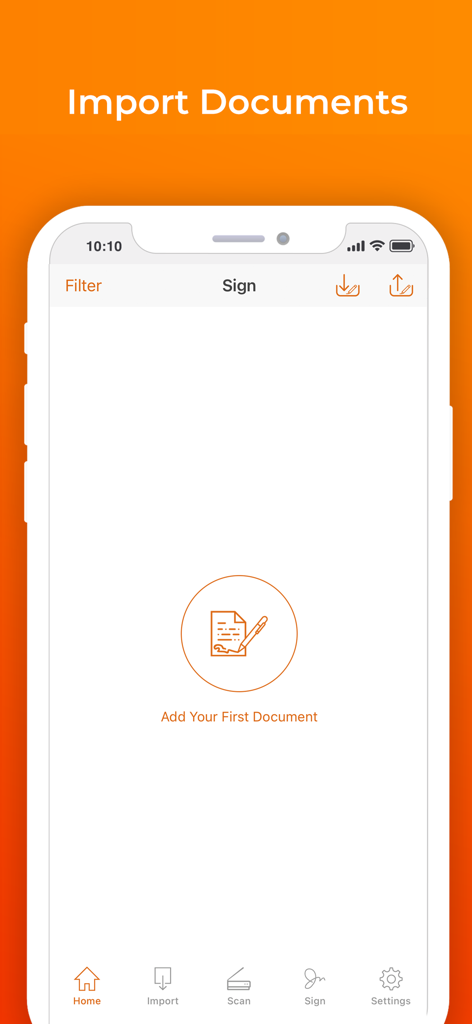
Signature Maker & Esign Now - 문서 가져오기 옵션을 보여주는 Signature Maker 앱의 모바일 화면
문서 가져오기 옵션을 보여주는 Signature Maker 앱의 모바일 화면

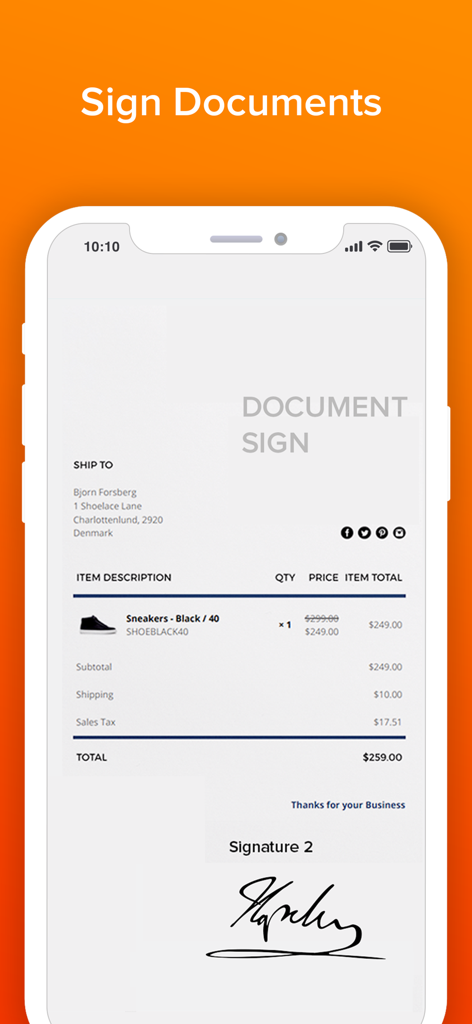
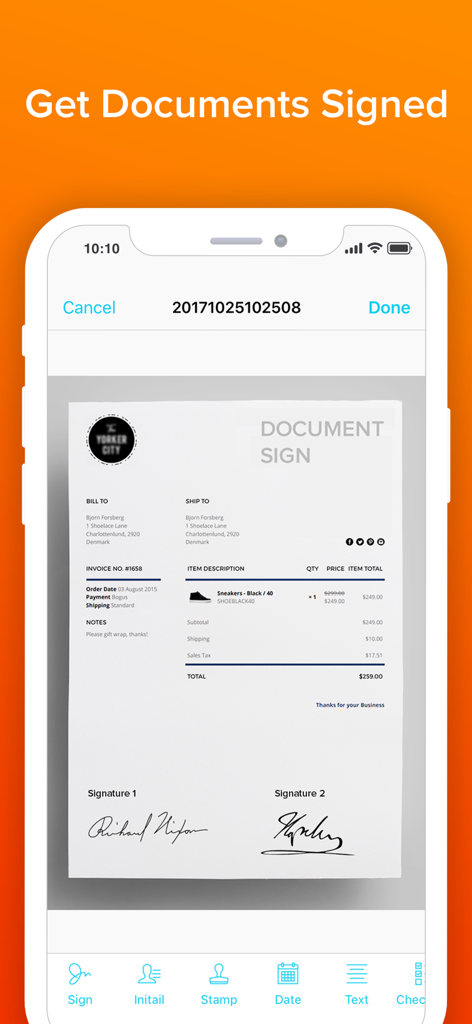
Signature Maker & Esign Now - Signature Maker 앱에서 비즈니스 문서에 디지털 서명이 표시된 스마트폰 화면.
Signature Maker 앱에서 비즈니스 문서에 디지털 서명이 표시된 스마트폰 화면.

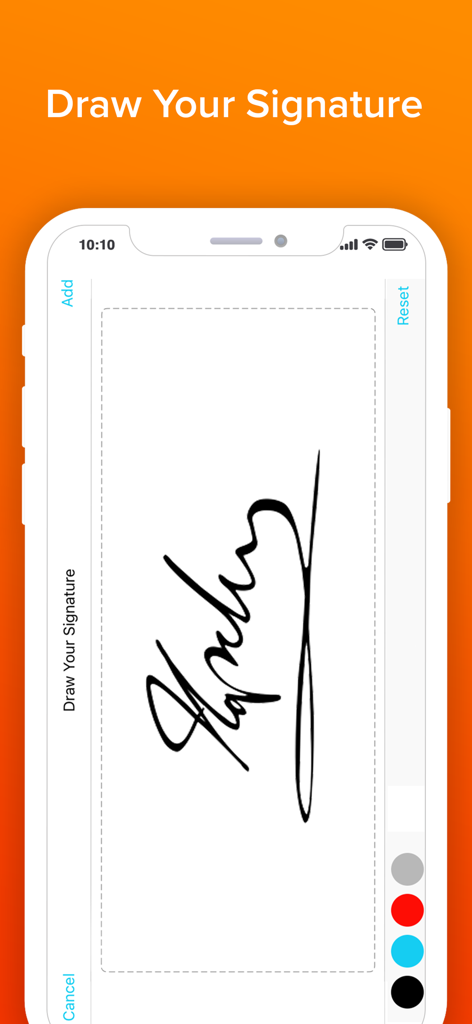
Signature Maker & Esign Now - 색상 옵션이 있는 서명 그리기 화면을 보여주는 Signature Maker 앱의 인터페이스.
색상 옵션이 있는 서명 그리기 화면을 보여주는 Signature Maker 앱의 인터페이스.

Signature Maker & Esign Now - 하단에 다양한 서명 도구가 있는 서명된 디지털 문서를 보여주는 모바일 화면
하단에 다양한 서명 도구가 있는 서명된 디지털 문서를 보여주는 모바일 화면

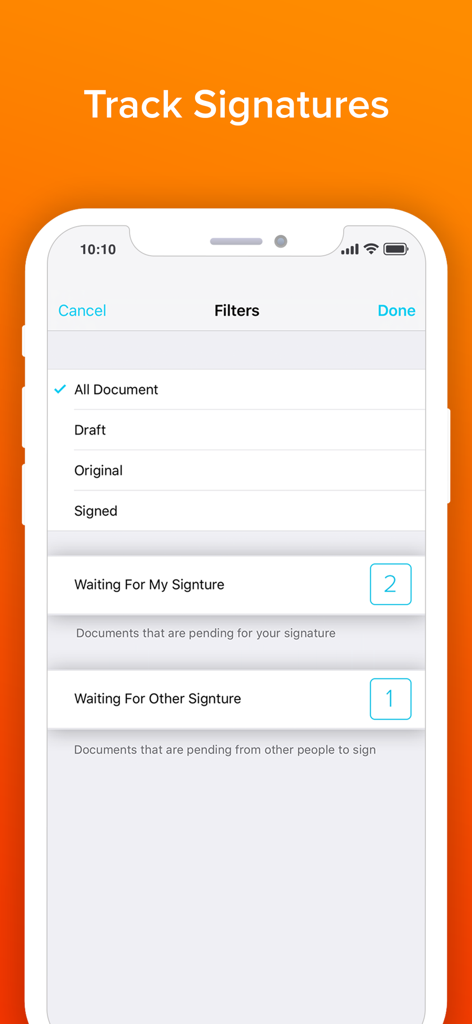
Signature Maker & Esign Now - 문서 서명 상태를 추적하고 필터링하는 모바일 앱 인터페이스

문서 서명 상태를 추적하고 필터링하는 모바일 앱 인터페이스

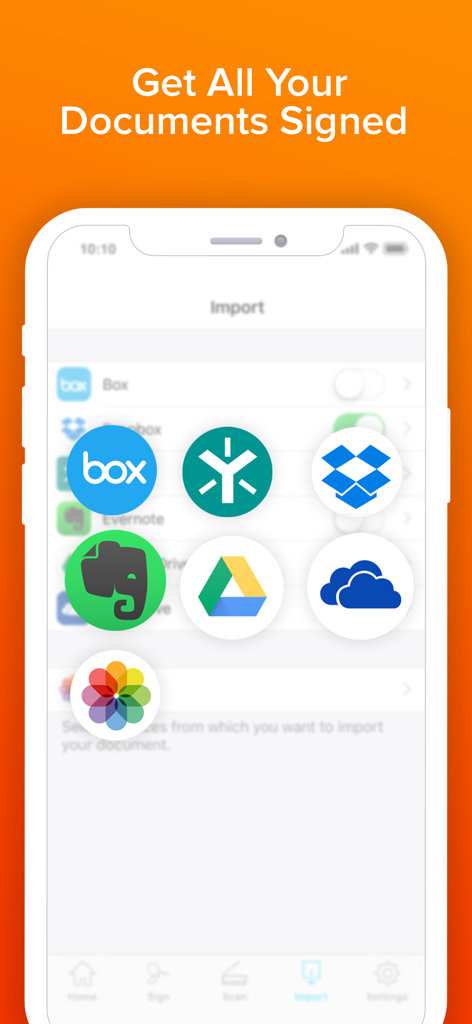
Signature Maker & Esign Now - Dropbox 및 Google Drive와 같은 클라우드 저장 서비스에서 문서를 가져오기 위한 Signature Maker 앱 인터페이스

Dropbox 및 Google Drive와 같은 클라우드 저장 서비스에서 문서를 가져오기 위한 Signature Maker 앱 인터페이스

설명

Send and sign documents from anywhere, on any device. SIGN FOR FREE Signing is free. Simply upload the document, select yourself as the signer, and create your own signature. MANAGE AGREEMENTS Check the signing status, and remind parties to sign and void agreements—all from your mobile device. Stay on top of your workflows from anywhere. MULTIPLE SIGNERS Tag your document for signature from a select number of fields by simply dragging and dropping the tags. With our updated sending experience, preparing a document for signature just got easier. REAL-TIME UPDATES Receive real-time push notifications when a document has been signed. Stay in the loop even when not in the office. LEGALLY BINDING See why hundreds of millions of users trust this app to collect signatures on agreements. With a complete audit trail, you can see who signed when and where. Documents are encrypted, which means it’s safer and more secure than paper. Download the app and make your life business life easier, today! Get your first 3 days free! Subscription Plan Information: • Payment is charged to your iTunes account at confirmation of purchase. • Subscription automatically renews unless auto-renew is turned off at least 24 hours before the end of the current period. You can turn off the auto-renew subscription from your device settings. • Account will be charged for renewal within 24 hours prior to the end of the current period. • Subscriptions may be managed by the user and auto-renewal may be turned off by going to the user's Account Settings after purchase. • Any unused portion of a free trial period, if offered, will be forfeited when the user purchases a subscription Privacy Policy and Terms of Use: https://www.loyal.app/privacy-policy To manage your subscription or turn off auto-renewal on your iPhone: 1. Go to AppStore 2. Tap on your Apple ID at the top right of the screen. You may need to sign in. 3. Tap on Subscriptions 4. Tap the subscription you want to manage 5. Use the options to manage your subscription

Download

다운로드: App Store

이 페이지는 앱이나 개발자의 공식 페이지가 아니며, 정보 제공 및 논평을 목적으로 작성된 독립 편집 간행물입니다. 명시적으로 달리 언급되지 않는 한, 해당 앱이나 개발자는 MWM, Apple, Google Play, 앱 퍼블리셔 또는 앱 개발자와 제휴, 보증, 후원, 승인 또는 공식적으로 연결되어 있지 않으며, 이 페이지의 어떤 내용도 해당 앱이 MWM의 서비스를 사용하여 개발되었음을 의미하지 않습니다. 모든 상표, 로고, 스크린샷 및 기타 콘텐츠는 해당 소유자의 자산입니다.