Signature Maker & PDF Signer

Signature Maker & PDF Signer

다운로드: App Store
로고: Signature Maker & PDF Signer

서명 생성기 및 PDF 서명: 포켓 속 전문가용 문서 처리

프린터를 사용하지 않고 즉시 계약서에 서명하세요. 사용자 지정 서명을 만들고, PDF에 주석을 달고, 개인 정보 보호 우선 모바일 솔루션으로 워크플로우를 보호하세요.

다운로드: App Store

개발사

Constantin Ginga

카테고리

Business

다운로드

0

사용자 평점

1.0/5

총 평가 수

0

지원 언어

1

전문적인 서명, 간편하게

이 인터페이스를 사용하는 0 명의 사용자.

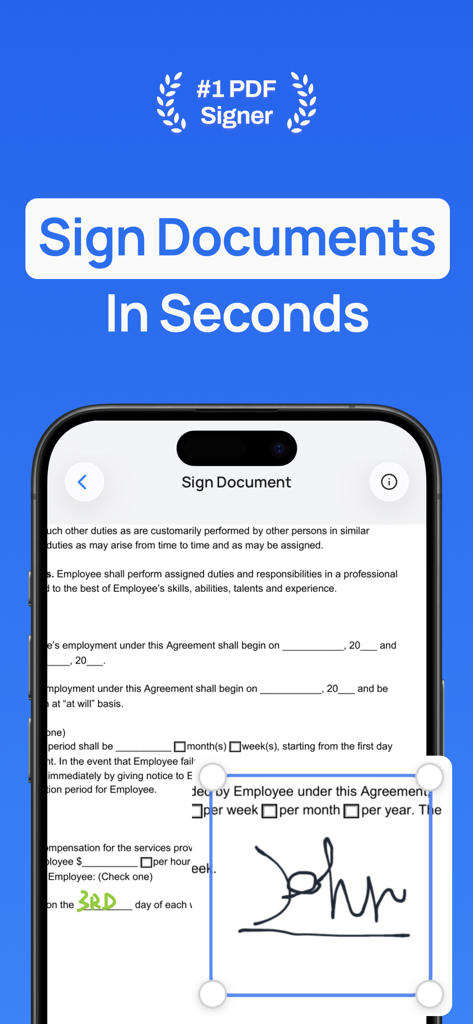
서명 생성기 및 PDF 서명기 앱을 사용하여 디지털 서명으로 문서에 서명하는 중인 iPhone 화면.
서명 생성기 및 PDF 서명기 앱을 사용하여 디지털 서명으로 문서에 서명하는 중인 iPhone 화면.

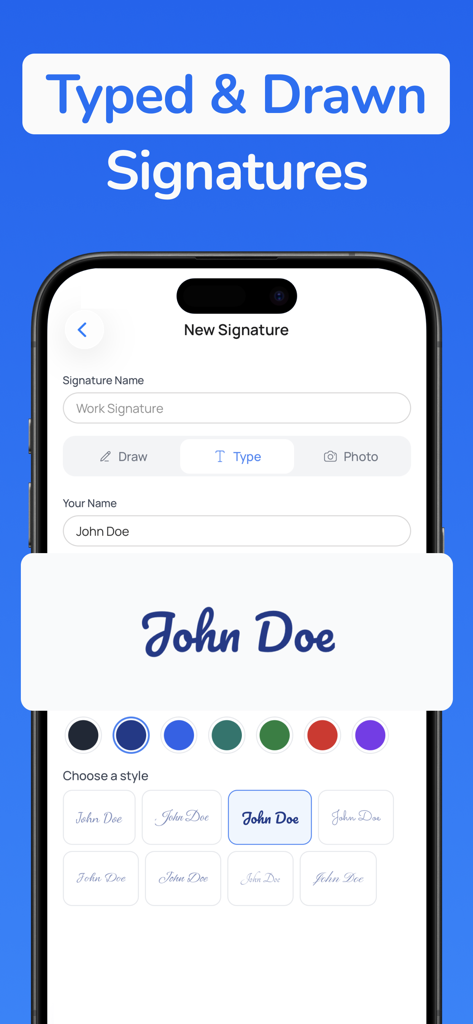
타이핑된 디지털 서명을 만들기 위한 다양한 필기체 글꼴 스타일과 색상 옵션을 보여주는 모바일 앱 인터페이스
타이핑된 디지털 서명을 만들기 위한 다양한 필기체 글꼴 스타일과 색상 옵션을 보여주는 모바일 앱 인터페이스

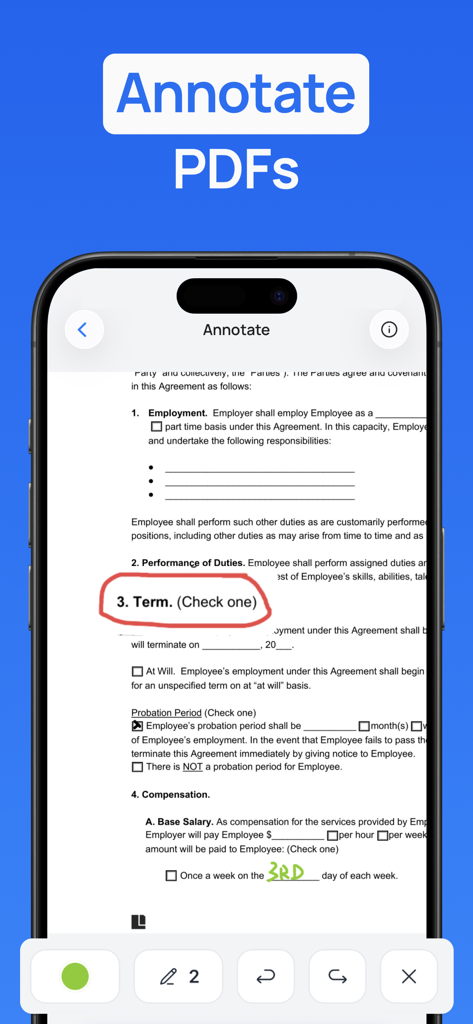
전문 계약서에 그리기 도구와 손글씨 메모로 PDF 문서에 주석을 다는 모바일 앱 인터페이스.
전문 계약서에 그리기 도구와 손글씨 메모로 PDF 문서에 주석을 다는 모바일 앱 인터페이스.

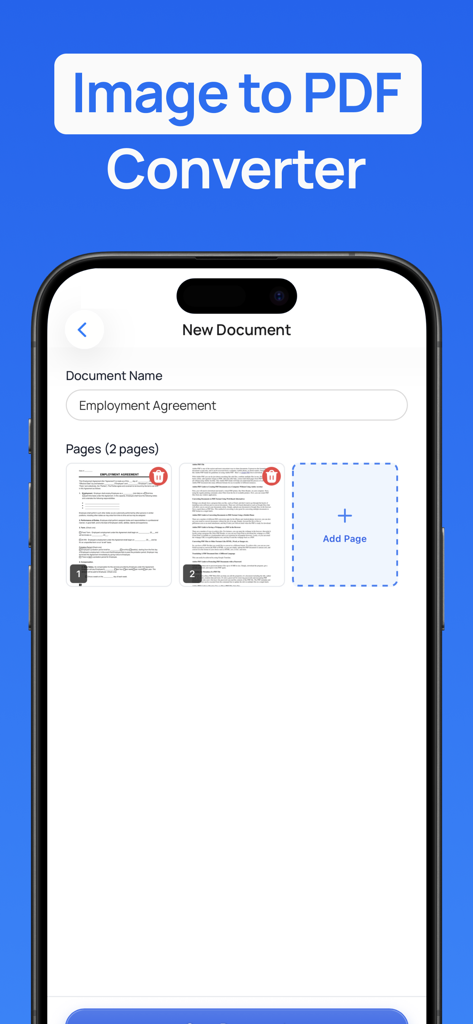
서명 생성기 앱에서 고용 계약서 문서의 이미지 PDF 변환 기능을 보여주는 스마트폰 화면
서명 생성기 앱에서 고용 계약서 문서의 이미지 PDF 변환 기능을 보여주는 스마트폰 화면

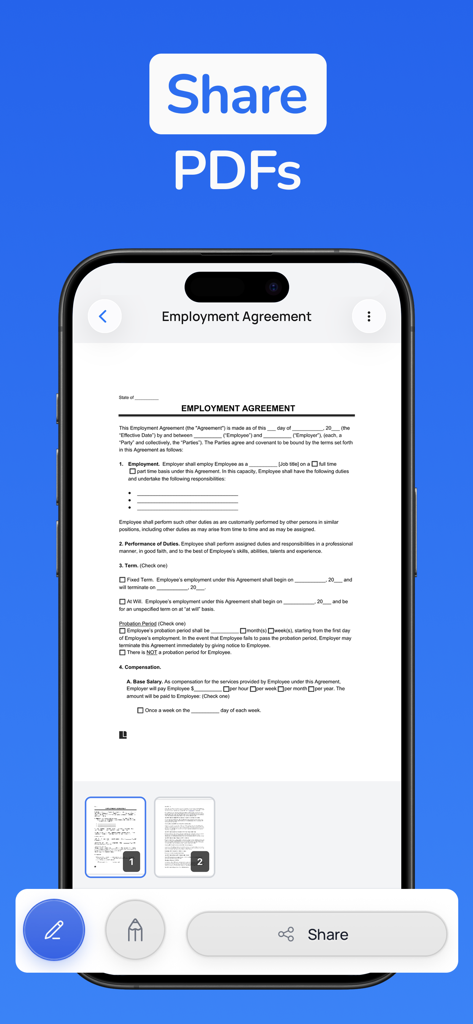
서명 생성기 앱 내에서 고용 계약서 문서를 보여주는 iPhone 화면과 공유 버튼이 강조 표시됨.
서명 생성기 앱 내에서 고용 계약서 문서를 보여주는 iPhone 화면과 공유 버튼이 강조 표시됨.

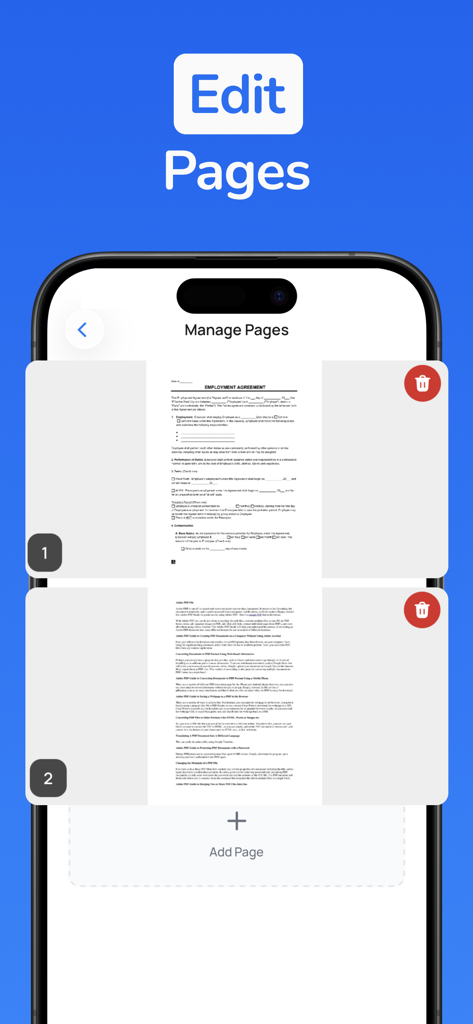
페이지 추가 또는 삭제 옵션이 있는 PDF 페이지 관리 기능을 보여주는 모바일 앱 화면
페이지 추가 또는 삭제 옵션이 있는 PDF 페이지 관리 기능을 보여주는 모바일 앱 화면

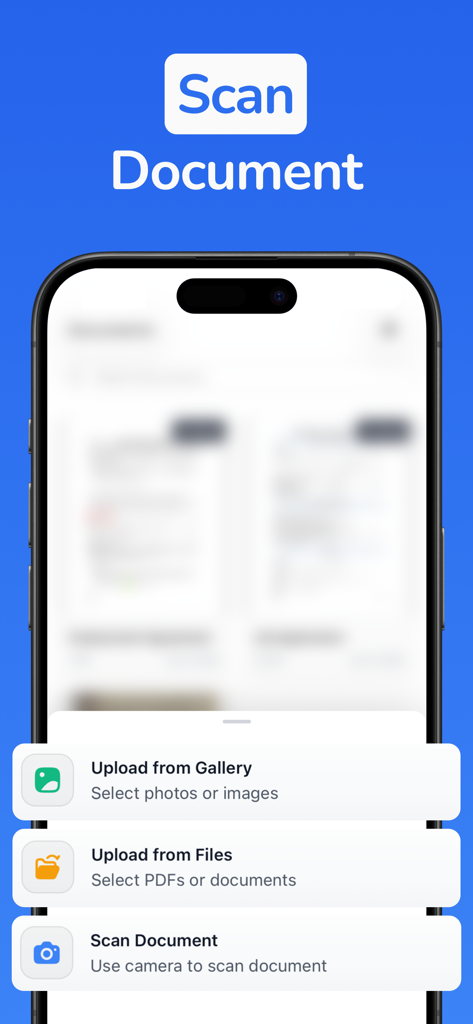
카메라를 사용하여 파일 업로드 또는 문서 스캔 옵션을 보여주는 서명 생성기 앱 화면

카메라를 사용하여 파일 업로드 또는 문서 스캔 옵션을 보여주는 서명 생성기 앱 화면

어디서든 워크플로우를 마스터하세요

이 앱을 돋보이게 하는 도구, 0 명의 사용자가 선택.

✍️

즉석 디지털 서명

프린터 없이 계약을 진행할 수 있도록 몇 초 안에 전문적이고 깔끔한 서명을 만드세요.

📑

이동 중 PDF 편집

긴급 파일이 받은 편지함에 도착할 때마다 iPhone에서 바로 계약서에 마크업, 하이라이트, 주석을 달 수 있습니다.

🛡️

안전한 오프라인 처리

민감한 법률 문서 및 서명이 클라우드가 아닌 기기에 안전하게 보관된다는 사실에 안심하세요.

앱 소개

에 대해 알아야 할 모든 것 Signature Maker & PDF Signer.

설명

Unlock professional signatures and instant PDF signing with Signature Maker & PDF Signer. Documents need signatures, contracts require approvals, and PDFs demand annotations, but most people still struggle with printing, scanning, or juggling multiple apps. Signature Maker helps you create professional signatures and sign documents instantly, so you can handle paperwork with a tap. Whether you're signing contracts, approving forms, or annotating PDFs, professional document handling is now as easy as a signature. What you can do with Signature Maker: - Create Signatures Instantly: Draw, type, or upload your signature with a clean, intuitive interface. Create multiple signatures for different purposes—personal, professional, or initials. - Sign PDFs Anywhere: Import any PDF and sign it instantly. Add your signature exactly where you need it with precise placement and sizing. - Annotate Documents: Mark up PDFs with text, highlights, and notes. Add comments, make edits, and collaborate on documents without leaving the app. - Share & Export: Generate polished, signed PDFs ready to send. Export to email, messaging, cloud storage, or any app you use. - Manage Signatures: Save unlimited signatures and switch between them instantly. Every signature looks professional and authentic. - Professional Results: Every signed document is crisp, clear, and ready for business. No pixelated signatures or awkward placements. - Sign on the Go: Handle urgent documents anywhere. No printer, scanner, or computer needed—your phone becomes your document center. - Privacy First: Your signatures and documents stay on your device. No cloud uploads required, complete control over your sensitive files. Why people love it: - Freelancers sign contracts on-site, right when clients are ready to commit. - Remote workers approve documents instantly without printing or scanning. - Students sign forms and submit assignments with professional signatures. - Business professionals handle paperwork anywhere, keeping deals moving. Every signature is a chance to move faster. A few taps create professional documents that people trust. Whether you're signing a contract, approving a form, or annotating a proposal, Signature Maker gives you instant professionalism. Download Signature Maker & PDF Signer today and turn paperwork into progress. Signature Maker Premium: Unlock unlimited signatures, unlimited signed documents, PDF annotations, and full export capabilities to handle documents without limits. All prices below are in USD and may vary by region. Pricing and offers are subject to change. - Premium Weekly: $0.99 for the first week (introductory offer), then $4.99/week, auto-renews weekly. Cancel anytime. - Premium Yearly: $24.99/year, auto-renews annually. Cancel anytime. Free users get limited signatures and signed documents. Upgrade to Premium for unlimited access to all features. Terms of Use: https://signaturemaker.constantout.com/terms Privacy Policy: https://signaturemaker.constantout.com/privacy

최신 버전

1.0

크기

64.9 MB

출시일

2026년 2월 5일

프린터를 버리고 서명을 시작하세요.

계약 및 승인을 초 단위로 처리하는 수천 명의 현대 전문가와 함께하세요. 안전하고 개인적이며 전문적인 문서 처리가 탭 한 번으로 가능합니다.

다운로드: App Store

App information, icons, screenshots, and descriptions displayed on this page are sourced from the Apple App Store and are the property of their respective developers. Download estimates and rankings are based on MWM's proprietary models and may not reflect actual figures. This page is provided for informational and analytical purposes only.

Believe this page infringes your intellectual property? File a dispute