Sketch 3D
Sketch 3D
다운로드: App Store

이 페이지는 앱이나 개발자의 공식 페이지가 아니며, 정보 제공 및 논평을 목적으로 작성된 독립 편집 간행물입니다. 명시적으로 달리 언급되지 않는 한, 해당 앱이나 개발자는 MWM, Apple, Google Play, 앱 퍼블리셔 또는 앱 개발자와 제휴, 보증, 후원, 승인 또는 공식적으로 연결되어 있지 않으며, 이 페이지의 어떤 내용도 해당 앱이 MWM의 서비스를 사용하여 개발되었음을 의미하지 않습니다. 모든 상표, 로고, 스크린샷 및 기타 콘텐츠는 해당 소유자의 자산입니다.

로고: Sketch 3D
다운로드: App Store

Sketch 3D

메이커와 디지털 아티스트를 위한 최고의 모바일 워크스테이션입니다. 직관적인 멀티 터치 제스처로 복잡한 모델을 조각하고, 골격 구조로 애니메이션을 만들고, 3D 프린팅을 위한 프로급 STL 파일을 내보내세요. 이 모든 것이 iPad나 iPhone에서 가능합니다.

주요 수치

다운로드

533K+

사용자 평점

3.2/5

총 평가 수

1K+

개발사

Victor Ng

카테고리

Graphics & Design

지원 언어

4

최신 버전

1.54

크기

187.6 MB

출시일

2015년 8월 22일
기능

손바닥 안의 전문가용 3D 디자인

모바일 스케치와 전문 제작 사이의 간극을 좁히세요. Sketch 3D는 차세대 크리에이터를 위해 특별히 설계된 데스크톱급 모델링, 애니메이션 및 얼굴 캡처 도구를 iPhone과 iPad에서 제공합니다.

터치 중심의 정밀 모델링

복잡한 키보드 단축키는 잊으세요. 직관적인 멀티 터치 제스처를 사용하여 돌출(extrude), 베벨(bevel), 루프 컷(loop cut)을 수행하세요. 서브디비전 서피스(subdivision surfaces)나 쿼드 페이스(quad-face) 편집과 같은 전문 기하학 도구를 이제 스와이프 한 번으로 간단하게 사용할 수 있습니다.

3D 프린팅에 최적화

디지털 컨셉을 단 몇 분 만에 물리적 현실로 옮기세요. 고품질 STL 및 OBJ 파일을 3D 프린터로 직접 내보낼 수 있어 메이커, 엔지니어, DIY 취미가들에게 완벽한 동반자가 됩니다.

다음 스크린샷과 설명은 앱의 공식 스토어 목록에서 직접 가져온 것이며 앱 개발자의 자산입니다.

앱 스토어

스크린샷
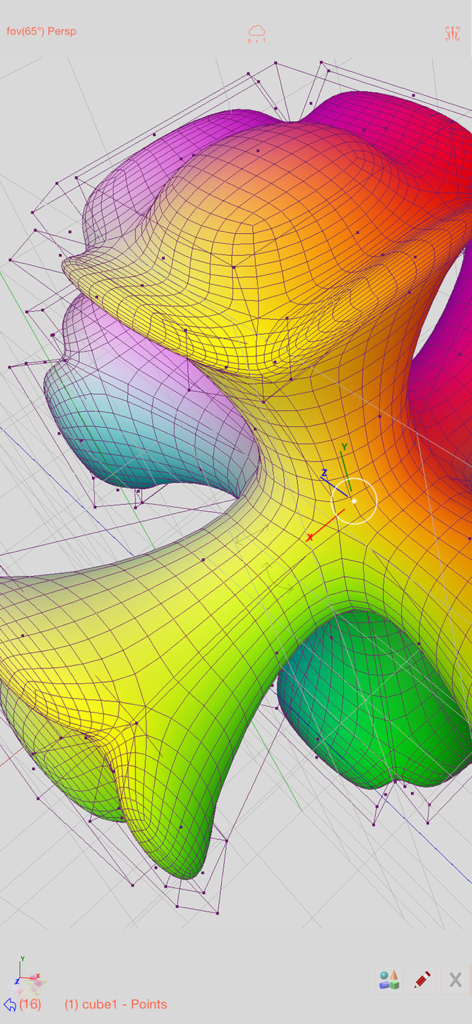
Sketch 3D - Sketch 3D 앱에서 와이어프레임과 정점으로 편집 중인 다채로운 유기적 3D 메시 모델
Sketch 3D 앱에서 와이어프레임과 정점으로 편집 중인 다채로운 유기적 3D 메시 모델

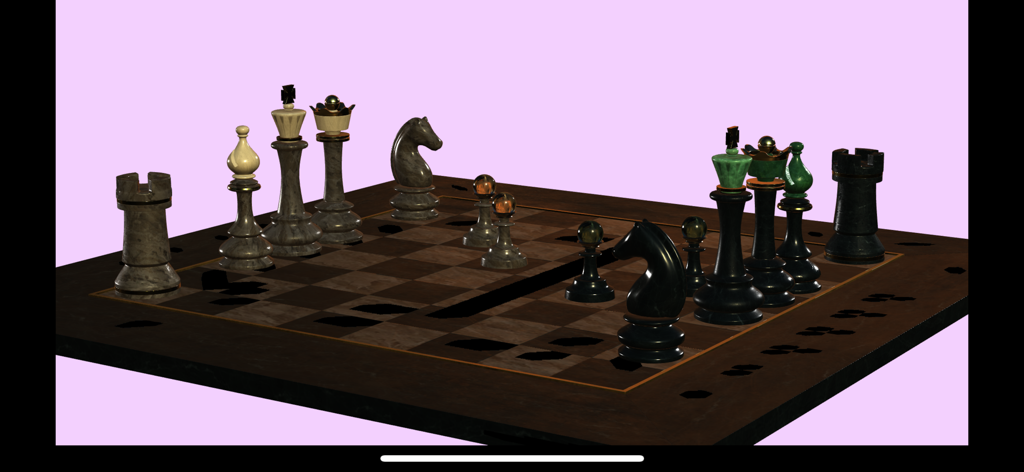
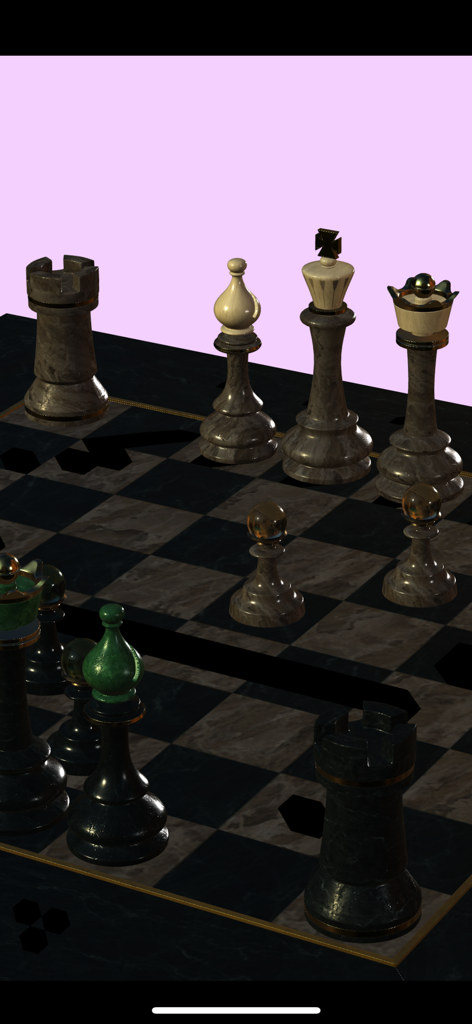
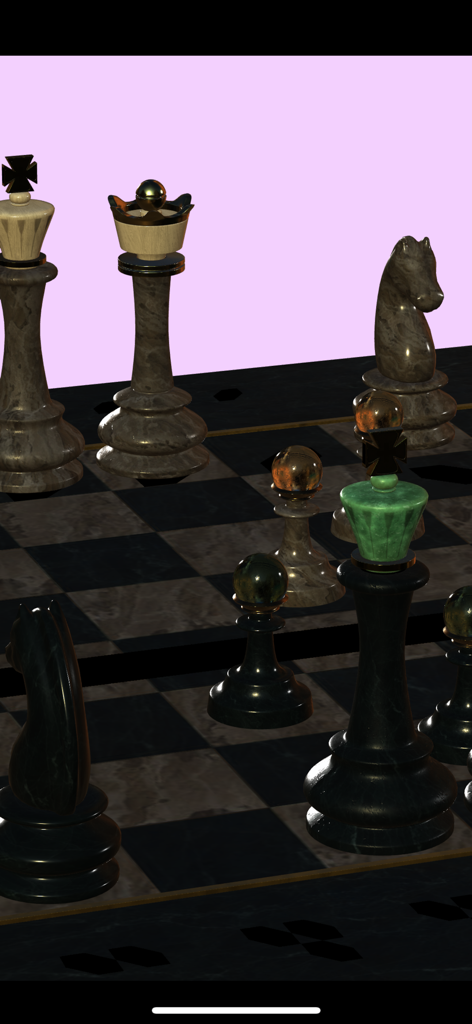
Sketch 3D - Sketch 3D에서 렌더링된 대리석 질감의 3D 체스 세트

Sketch 3D에서 렌더링된 대리석 질감의 3D 체스 세트

Sketch 3D - Sketch 3D 앱에서 렌더링된 사실적인 3D 체스 세트

Sketch 3D 앱에서 렌더링된 사실적인 3D 체스 세트
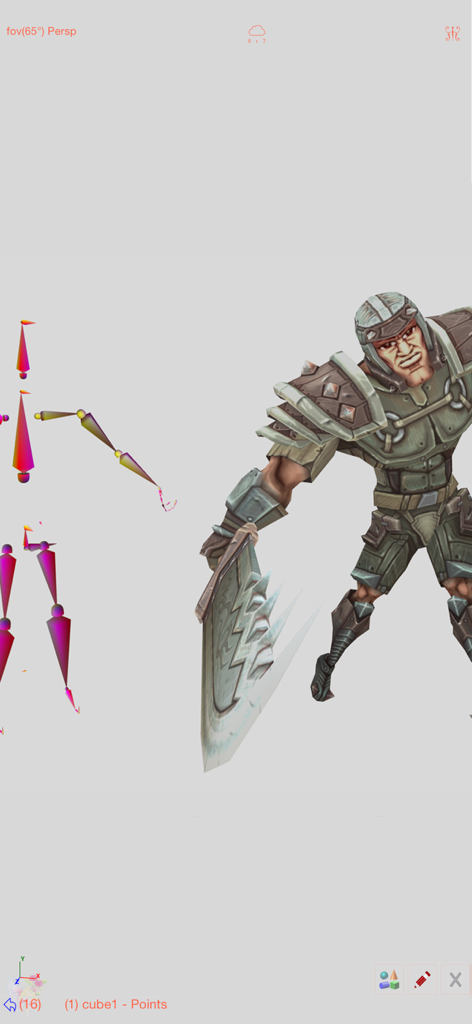
Sketch 3D - 애니메이션을 위한 골격 리깅 구조가 보이는 3D 전사 캐릭터

애니메이션을 위한 골격 리깅 구조가 보이는 3D 전사 캐릭터

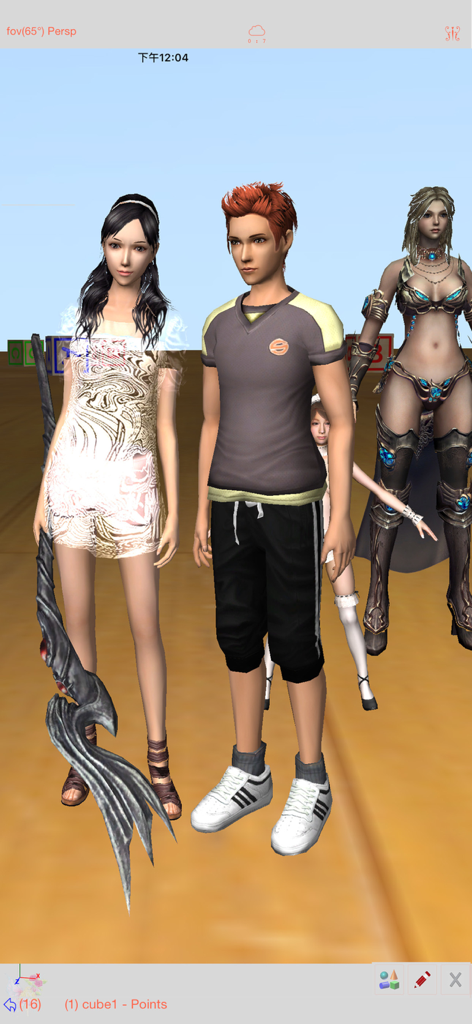
Sketch 3D - Sketch 3D 앱 인터페이스 내에 표시된 여러 개의 상세한 3D 캐릭터 모델
Sketch 3D 앱 인터페이스 내에 표시된 여러 개의 상세한 3D 캐릭터 모델

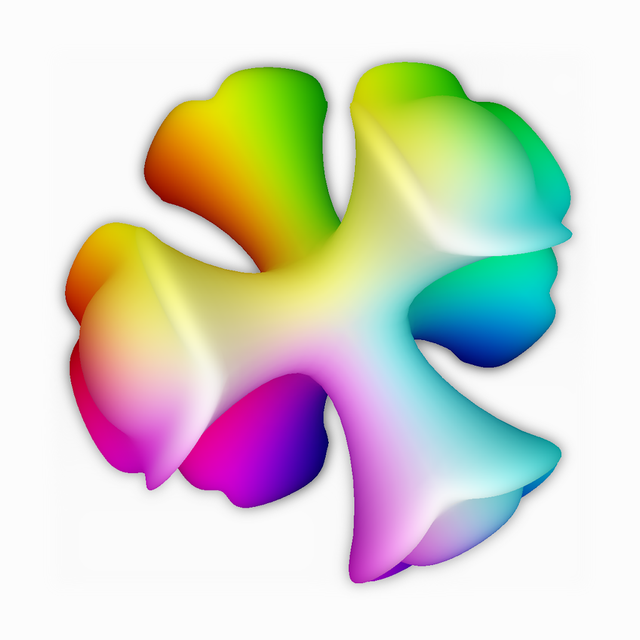
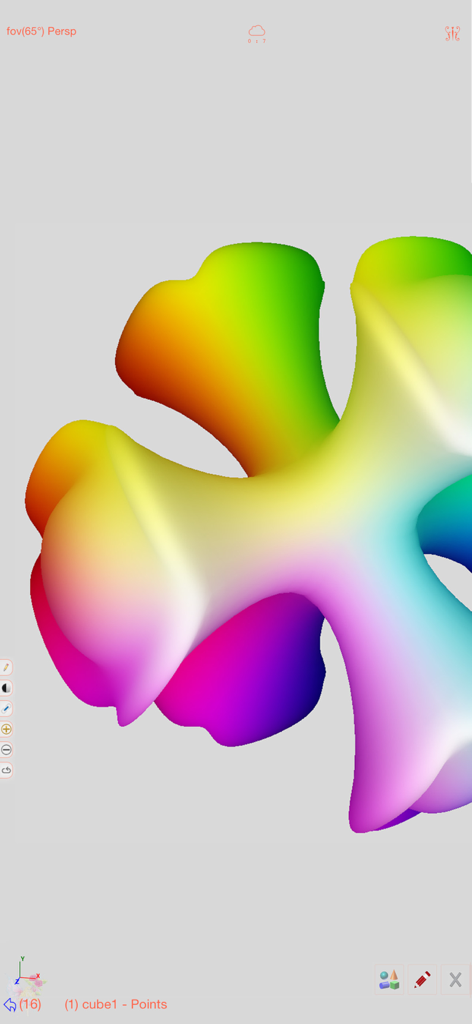
Sketch 3D - Sketch 3D 모바일 편집 인터페이스에서 선명한 무지개색 정점 컬러 그라데이션이 적용된 매끄러운 3D 형상
Sketch 3D 모바일 편집 인터페이스에서 선명한 무지개색 정점 컬러 그라데이션이 적용된 매끄러운 3D 형상

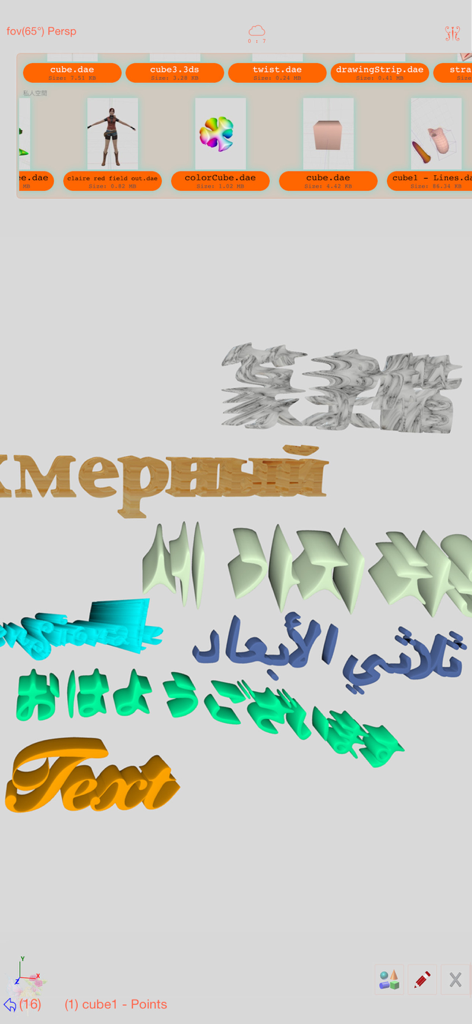
Sketch 3D - 파일 선택 메뉴와 함께 여러 언어로 3D 텍스트 생성을 보여주는 Sketch 3D 앱 인터페이스
파일 선택 메뉴와 함께 여러 언어로 3D 텍스트 생성을 보여주는 Sketch 3D 앱 인터페이스

Sketch 3D - Sketch 3D에서 제작된 대리석 질감의 사실적인 3D 체스 세트 렌더링

Sketch 3D에서 제작된 대리석 질감의 사실적인 3D 체스 세트 렌더링

설명

Sketch 3D is a tool for designing 3D models from your fingertips. You could download models from others, and could also share your great designs with other users by saving models in Public space. New Feature: Integrated MaterialX library into the app.   Mesh object can be applied with materialx documents. When Saving and Loading with material, the document relative path is stored as a diffuse map entry, similar to the way of handling movie textures. Other features like material adjustment and graph editing are not supported yet. User could download free material documents from public websites and import those zip files with this app, using ShareTo or AirDrop. Feature: Use True Depth Camera to capture face model. Feature: Support using video as model texture. You could use video clips from Photo Album, or from Internet URL (YouTube URL not supported), and then apply it onto a model as texture map. Feature: Capture movie from the 3D scene. Note! If your device could not capture movie, then, could try out a smaller output resolution (by tapping the control pane). However, arbitrary output size may stop capturing prematurely. Feature: Design 3D model animation with skeleton structure. You could design a skeleton structure by placing bones in hierarchical relation. Attach model to the skeleton, and then moving the bones to define different poses. Each pose represented as a keyframe in the timeline view. And animation sequence is produced by playing interpolation between the keyframes. Features: - Import 3D content directly from browser or email, either in .zip, .rar, .7z. - Support formats: Collada DAE, OBJ, 3DS, STL(for 3D printing), and others. - Import/export to iCloud drive, via iTune File Sharing, or to Public area via Apple CloudKit Service. - Supports AirDrop. - Support Quad faces. - Smooth surfaces using Subdivision. - Mirroring editing. - 2-fingers vertex movement, 3 or 4-fingers planar shape creation. - Versatile multi-touches drag-through-space gestures to support editing and changing viewing angle at the same time. - Flexible face strip drawing. - Stitching boundary faces. Stitch triangle soap into connected faces. Stitch over edge or vertex to form a larger face. - Stitching Triangles to Quads. - Loop Cut faces. - Bevel edges. - Extrude faces or edges. - Revolve (Spin). - Vertex Smoothing. - Vertex Slide along edges. - Crease Editing after mesh subdivision. - Split mesh from, or Join mesh to the editing one. - Support hierarchical mesh node structure. - Direct vertex color editing when texture map is not used. - Edit texture map UV coordinates, include atlas generation. - 3D Text generation. - Scene interaction with your created shape. - Design Animation with skeleton structure. - Capture movie from the 3D scene. - Support using video as model texture map.

Download

다운로드: App Store

이 페이지는 앱이나 개발자의 공식 페이지가 아니며, 정보 제공 및 논평을 목적으로 작성된 독립 편집 간행물입니다. 명시적으로 달리 언급되지 않는 한, 해당 앱이나 개발자는 MWM, Apple, Google Play, 앱 퍼블리셔 또는 앱 개발자와 제휴, 보증, 후원, 승인 또는 공식적으로 연결되어 있지 않으며, 이 페이지의 어떤 내용도 해당 앱이 MWM의 서비스를 사용하여 개발되었음을 의미하지 않습니다. 모든 상표, 로고, 스크린샷 및 기타 콘텐츠는 해당 소유자의 자산입니다.