SlideScan - Slide Scanner App
다운로드: App Store

이 페이지는 앱이나 개발자의 공식 페이지가 아니며, 정보 제공 및 논평을 목적으로 작성된 독립 편집 간행물입니다. 명시적으로 달리 언급되지 않는 한, 해당 앱이나 개발자는 MWM, Apple, Google Play, 앱 퍼블리셔 또는 앱 개발자와 제휴, 보증, 후원, 승인 또는 공식적으로 연결되어 있지 않으며, 이 페이지의 어떤 내용도 해당 앱이 MWM의 서비스를 사용하여 개발되었음을 의미하지 않습니다. 모든 상표, 로고, 스크린샷 및 기타 콘텐츠는 해당 소유자의 자산입니다.


로고: SlideScan - Slide Scanner App
다운로드: App Store

SlideScan - Slide Scanner App

가족 기록 보관가들이 집에서 오래된 슬라이드를 디지털화하는 가장 스마트한 방법입니다. AI 기반 기술로 소중한 순간을 즉시 스캔, 향상, 보존하여 다음 세대와 공유할 수 있습니다.

주요 수치

다운로드

1M+

사용자 평점

4.6/5

총 평가 수

12K+

개발사

Photomyne LTD

카테고리

Photo & Video

지원 언어

16

최신 버전

3.17

크기

116.5 MB

출시일

2019년 11월 21일
기능

가족의 역사를 디지털 시대로 가져오세요

오래된 상자를 먼지떨이로 털어내고 그 안에 숨겨진 추억을 재발견하세요. SlideScan을 사용하면 값비싼 장비나 소중한 원본을 우편으로 보낼 위험 없이 유산을 쉽게 보존할 수 있습니다.

AI 기반 즉석 스캔

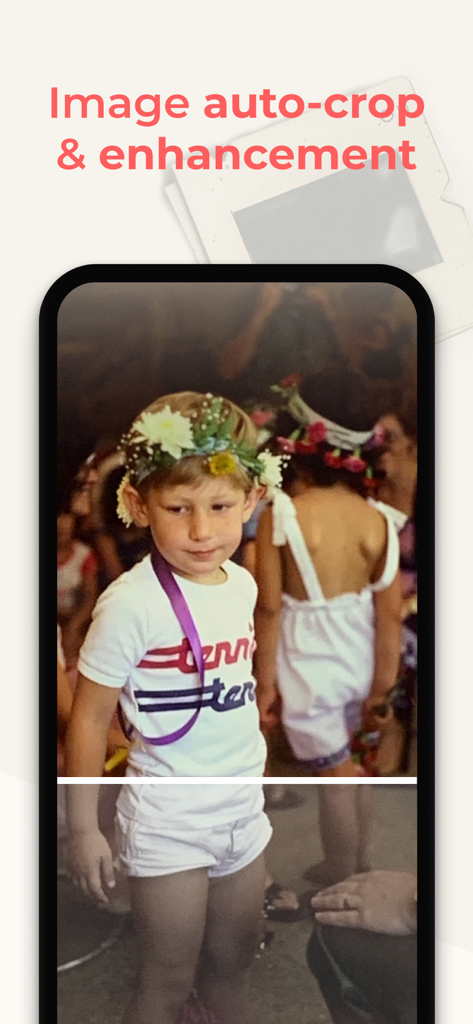
오래된 슬라이드가 즉시 되살아나는 것을 지켜보세요. 스마트 알고리즘이 모든 이미지를 자동으로 자르고 회전하고 향상시켜 전문적인 품질의 디지털 마감을 제공합니다.

추억을 집에서 안전하게 보관하세요

원본 슬라이드를 스캔 서비스로 보내는 스트레스를 피하세요. iPhone을 사용하여 편안하고 안전한 거실에서 전체 컬렉션을 스캔하세요.

다음 스크린샷과 설명은 앱의 공식 스토어 목록에서 직접 가져온 것이며 앱 개발자의 자산입니다.

앱 스토어

스크린샷
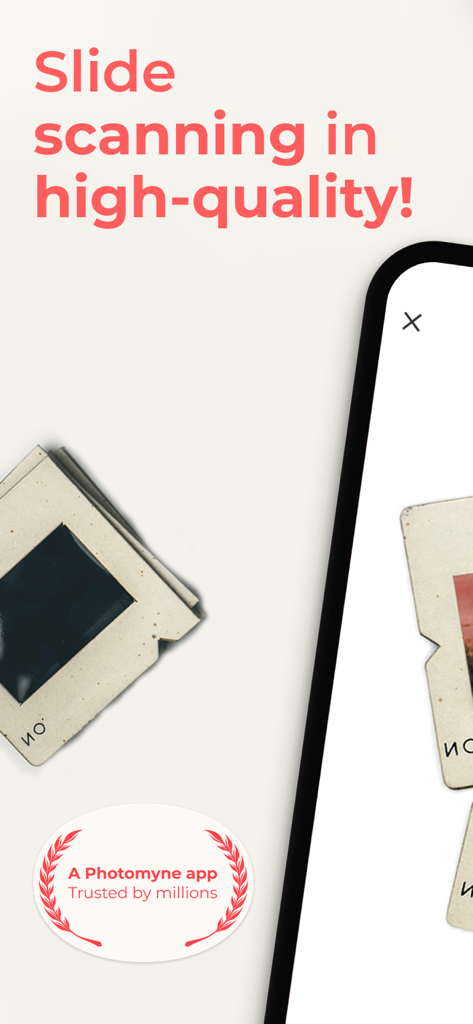
SlideScan - Slide Scanner App - Photomyne의 SlideScan 앱으로 고품질 슬라이드 스캔

Photomyne의 SlideScan 앱으로 고품질 슬라이드 스캔

SlideScan - Slide Scanner App - SlideScan 앱을 사용하여 빈티지 가족 슬라이드의 디지털 버전을 스캔한 iPhone 화면.
SlideScan 앱을 사용하여 빈티지 가족 슬라이드의 디지털 버전을 스캔한 iPhone 화면.

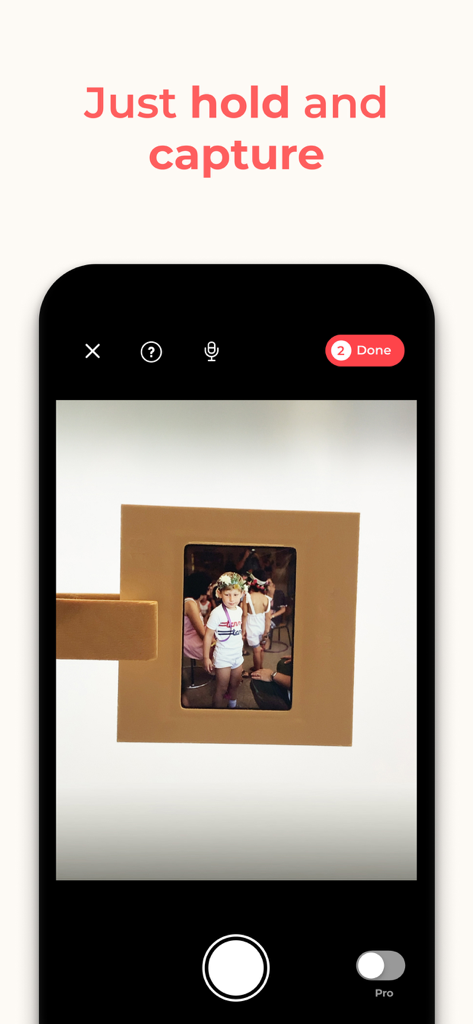
SlideScan - Slide Scanner App - 디지털화를 위해 물리적인 사진 슬라이드를 캡처하는 SlideScan 앱을 보여주는 스마트폰 화면
디지털화를 위해 물리적인 사진 슬라이드를 캡처하는 SlideScan 앱을 보여주는 스마트폰 화면

SlideScan - Slide Scanner App - SlideScan 앱에서 자동으로 자르고 향상되고 있는 꽃 왕관을 쓴 소년의 빈티지 사진.
SlideScan 앱에서 자동으로 자르고 향상되고 있는 꽃 왕관을 쓴 소년의 빈티지 사진.

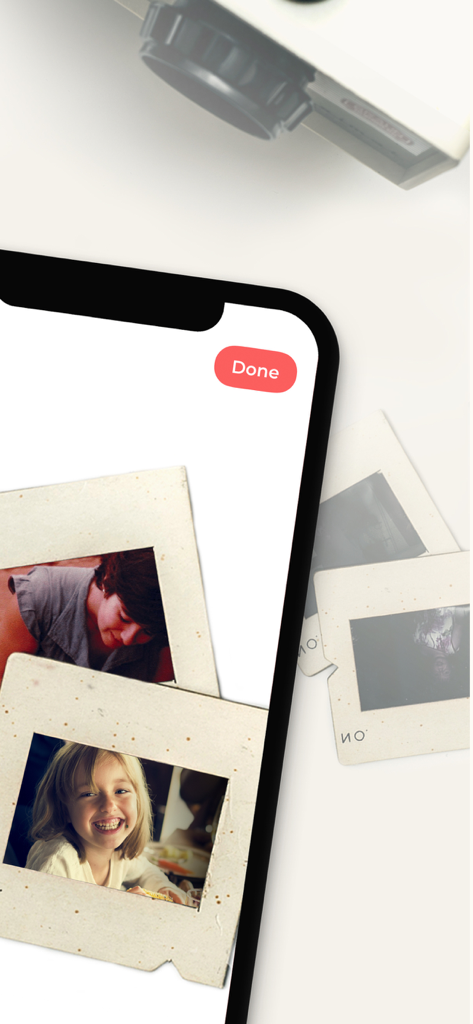
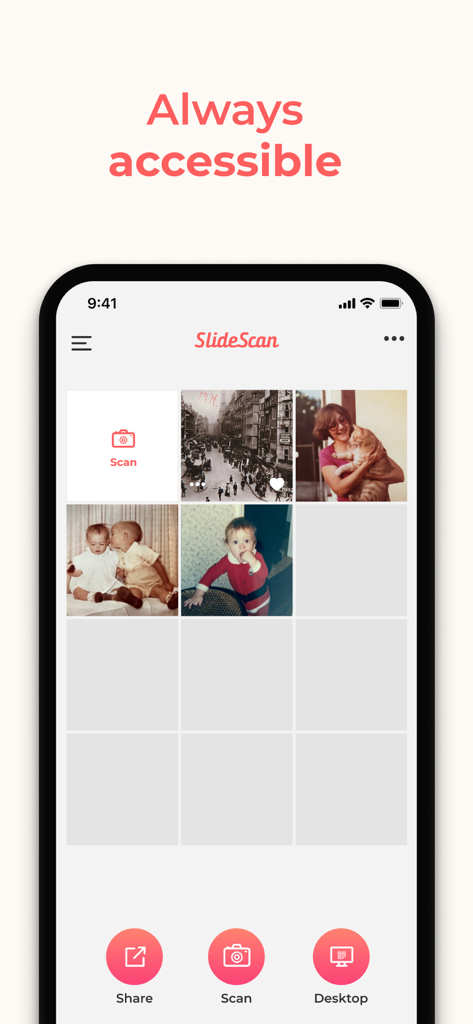
SlideScan - Slide Scanner App - SlideScan 앱 인터페이스가 디지털화된 빈티지 가족 사진 갤러리를 보여줍니다.

SlideScan 앱 인터페이스가 디지털화된 빈티지 가족 사진 갤러리를 보여줍니다.

설명

Brought to you by the developer who built the smartest photo scanner app, Photomyne is proud to now also offer an AI-powered photo slide scanning app that will blow you away. See how those hidden memories in slides are instantly revealed and scanned. IT’S AUTOMATIC - JUST ADD SLIDES: 1. Open a backlight source on your computer (or use the link provided in the app) 2. Hold the slide in front of the light 3. Long-press the capture button or simply say “Go” (if voice control is enabled) 4. See slides magically scanned and images revealed The app’s smart algorithm will automatically crop, rotate, enhance, and save the slide as a digital photo in the app. OPTIONAL IN-APP UPGRADE: The first few photos are free. For unlimited use, consider purchasing an optional paid plan (in-app purchase). Here are the premium features you get with a paid plan: * Unlimited scanning * Unlimited photo saving and sharing * Photo backup and access on other devices and online. The app offers an optional paid plan via monthly/yearly auto-renewing subscriptions**, as well as a One-Time plan which is paid for by a single upfront payment (valid for 2 years). These offer unlimited access to the premium mentioned above. **Payment will be charged to your App Store account at confirmation of purchase. Your subscription will automatically renew itself unless auto-renewal is turned off at least 24 hours before the end of the current period. Your account will be charged for renewal within 24 hours prior to the end of the current period. You can manage your subscriptions and turn off auto-renewal by going to your Account Settings in the App Store. If offered, if you choose to use our free trial, any unused portion of the free trial period will be forfeited when you purchase a subscription to that publication, where applicable. Got any questions? We’d love to connect: support@photomyne.com Privacy Policy: https://photomyne.com/privacy-policy Terms of Use: https://photomyne.com/terms-of-use

Download

다운로드: App Store

이 페이지는 앱이나 개발자의 공식 페이지가 아니며, 정보 제공 및 논평을 목적으로 작성된 독립 편집 간행물입니다. 명시적으로 달리 언급되지 않는 한, 해당 앱이나 개발자는 MWM, Apple, Google Play, 앱 퍼블리셔 또는 앱 개발자와 제휴, 보증, 후원, 승인 또는 공식적으로 연결되어 있지 않으며, 이 페이지의 어떤 내용도 해당 앱이 MWM의 서비스를 사용하여 개발되었음을 의미하지 않습니다. 모든 상표, 로고, 스크린샷 및 기타 콘텐츠는 해당 소유자의 자산입니다.