Smart printer, Scanner, iPrint

Smart printer, Scanner, iPrint

다운로드: App Store
로고: Smart printer, Scanner, iPrint

Smart printer, Scanner, iPrint: 즉시 스캔 및 인쇄를 위한 올인원 모바일 오피스

iPhone 또는 iPad를 강력한 워크스테이션으로 전환하세요. 번거로운 하드웨어 없이 몇 초 만에 문서를 스캔하고, 파일을 PDF로 변환하고, 무선으로 인쇄하세요.

개발사

Faisal Mehmood

카테고리

Productivity

다운로드

14K+

사용자 평점

3.4/5

총 평가 수

0

지원 언어

20

시각화된 당신의 오피스

이 인터페이스를 사용하는 14K+ 명의 사용자.

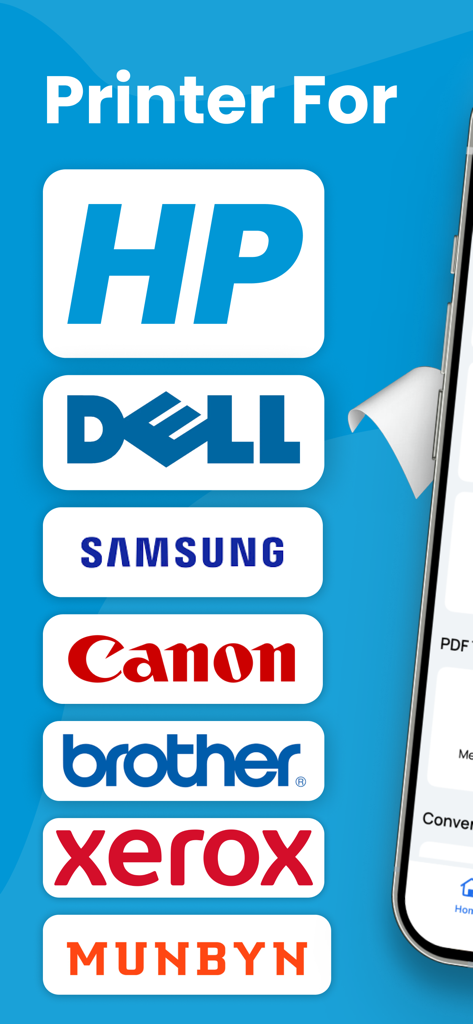
HP, Dell, Samsung, Canon을 포함한 호환 프린터 브랜드 목록

HP, Dell, Samsung, Canon을 포함한 호환 프린터 브랜드 목록

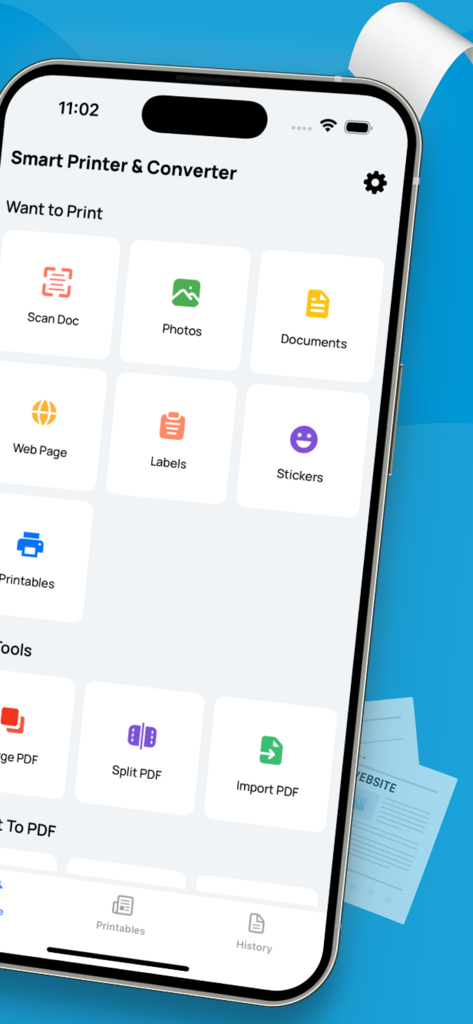
문서 스캔 및 PDF 관리와 같은 기능을 표시하는 iPhone의 Smart Printer 및 Scanner 앱 인터페이스

문서 스캔 및 PDF 관리와 같은 기능을 표시하는 iPhone의 Smart Printer 및 Scanner 앱 인터페이스

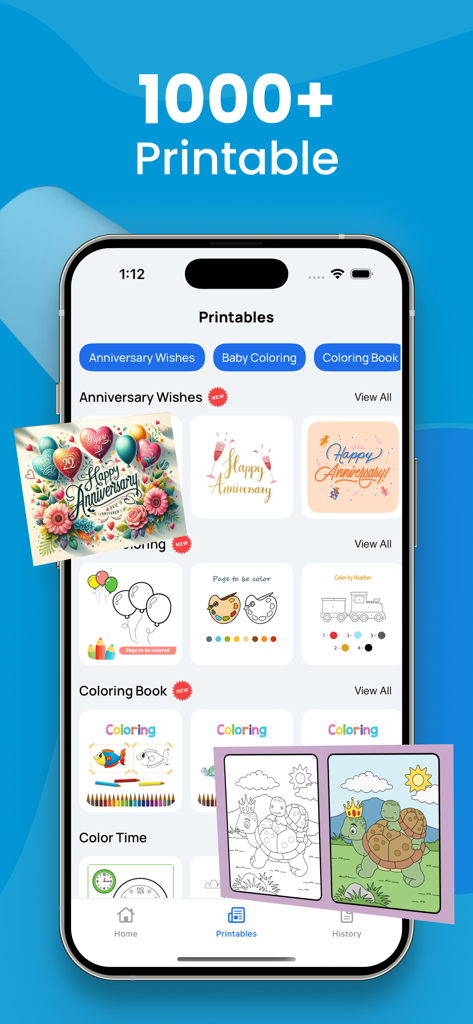
Smart printer 앱의 기념일 카드 및 색칠 공부 책을 포함한 1000개 이상의 인쇄 가능한 템플릿을 보여주는 인터페이스

Smart printer 앱의 기념일 카드 및 색칠 공부 책을 포함한 1000개 이상의 인쇄 가능한 템플릿을 보여주는 인터페이스

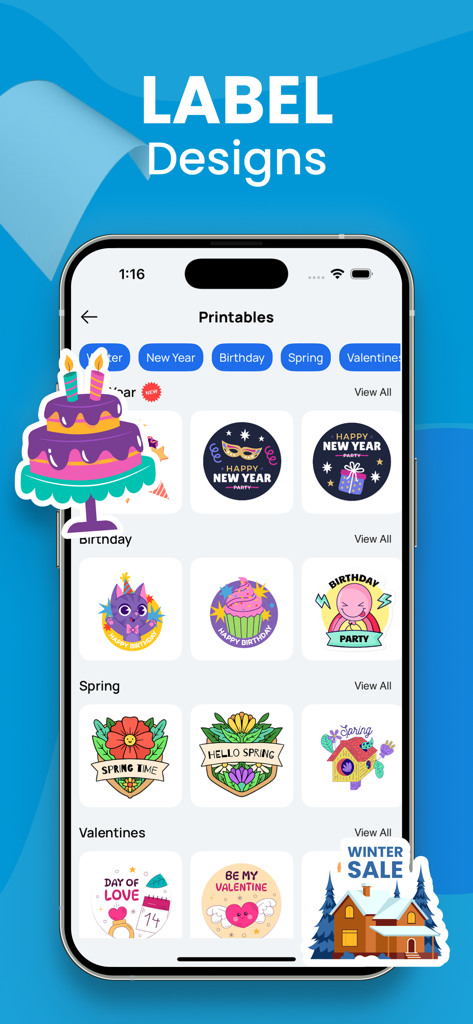
Smart Printer 앱에서 휴일, 생일, 시즌별 다양한 인쇄 가능한 라벨 디자인을 보여주는 iPhone 화면

Smart Printer 앱에서 휴일, 생일, 시즌별 다양한 인쇄 가능한 라벨 디자인을 보여주는 iPhone 화면

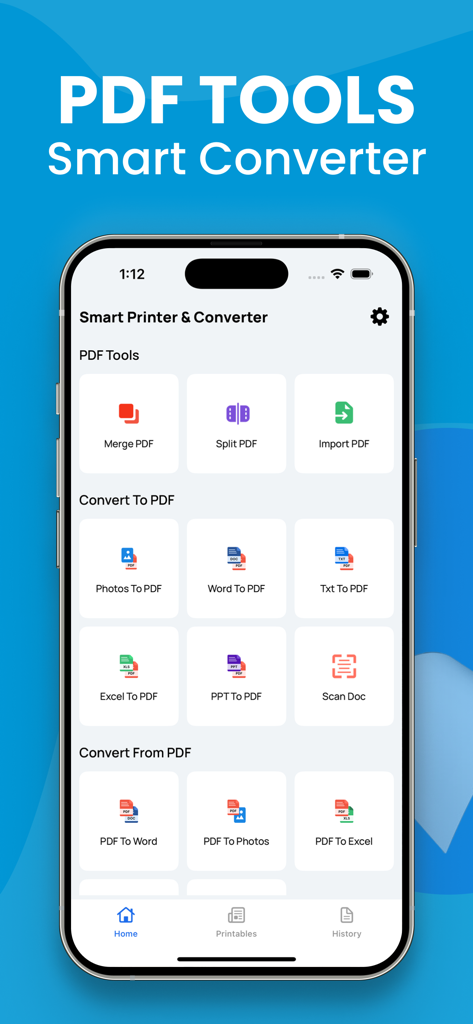
Word를 PDF로, 문서 스캔 기능을 포함한 PDF 변환 도구를 보여주는 모바일 앱 인터페이스

Word를 PDF로, 문서 스캔 기능을 포함한 PDF 변환 도구를 보여주는 모바일 앱 인터페이스

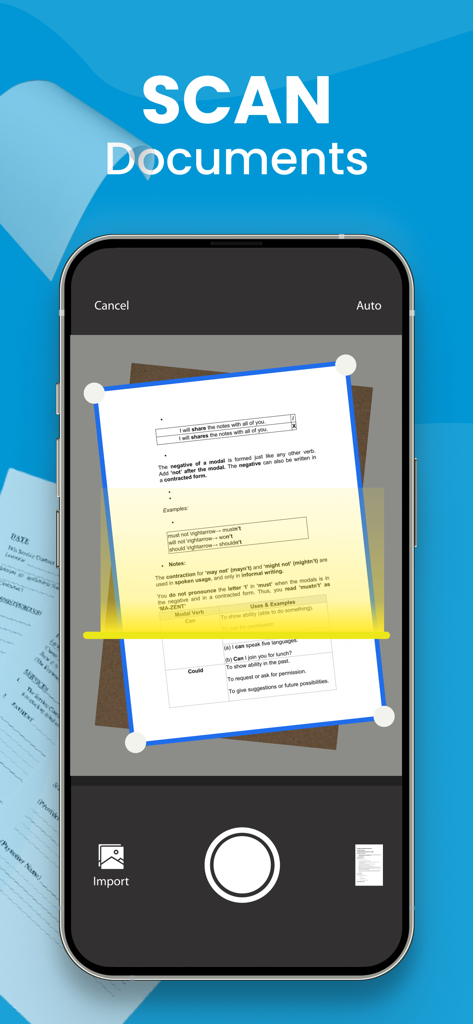
카메라를 사용하여 종이 문서를 스캔하는 모바일 앱을 보여주는 iPhone 화면

카메라를 사용하여 종이 문서를 스캔하는 모바일 앱을 보여주는 iPhone 화면

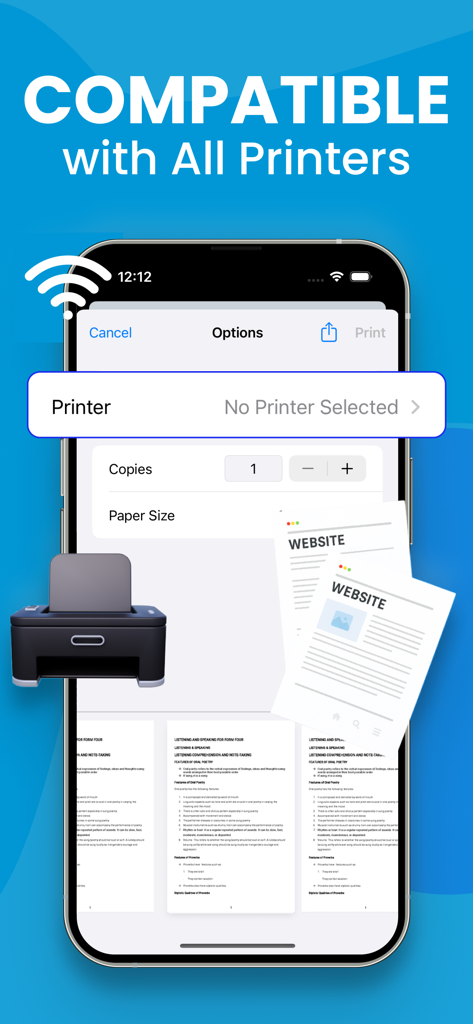
Smart Printer 앱에서 무선 인쇄 호환성을 보여주는 iPhone 화면

Smart Printer 앱에서 무선 인쇄 호환성을 보여주는 iPhone 화면

완벽한 문서 제어

이 앱을 돋보이게 하는 도구, 14K+ 명의 사용자가 선택.

📄

전문가 수준의 모바일 스캔

카메라로 계약서, 신분증, 영수증을 빠르게 디지털화하세요. 몇 초 만에 서명하거나 공유할 준비가 된 깔끔하고 전문적인 스캔본을 얻으세요.

🔄

범용 PDF 변환기

Word, Excel 또는 사진을 세련된 PDF로 변환하세요. 문서를 정리하고 클라이언트 및 동료에게 완벽하게 맞춰진 형식으로 유지하세요.

🖨️

원탭 무선 인쇄

배송 라벨, 보고서 또는 티켓을 iPhone에서 직접 인쇄하세요. 드라이버나 케이블 없이 모든 프린터와 원활하게 연결됩니다.

앱 소개

에 대해 알아야 할 모든 것 Smart printer, Scanner, iPrint.

설명

A PDF printer is a virtual printer that allows you to create a PDF file from any document that you can print. Instead of sending the document to a physical printer, you can use the PDF printer to create a PDF file that you can save on your computer or share with others. To use a PDF printer, you will need a PDF printer driver installed on your computer. Some popular PDF printer drivers include Adobe Acrobat, Bullzip PDF Printer, and CutePDF Writer. Here are the general steps to print a document to a PDF using a PDF printer: Open the document you want to convert to PDF in the application it was created in (e.g., Microsoft Word, Excel, etc.). Click the "File" menu and select "Print" or use the keyboard shortcut Ctrl+P (on Windows) or Command+P (on Mac). In the "Print" dialog box, select the PDF printer from the list of available printers. Click the "Print" button to create the PDF file. Depending on the PDF printer driver you are using, you may have additional options for customizing the PDF file, such as setting the page size, adding passwords, and adding watermarks. Consult the documentation for your PDF printer driver for more information. Note: Payment will be charged to your iTunes account at confirmation of purchase. Your subscription will automatically renew unless auto-renew is turned off at least 24-hours before the end of the current subscription period. Your account will be charged for renewal within 24-hours prior to the end of the current subscription period. Automatic renewals will cost the same price you were originally charged for the subscription. You can manage your subscriptions and turn off auto-renewal by going to your Account Settings on the App Store after purchase. Read our terms of service and Privacy Policy for more information. Privacy Policy: https://sites.google.com/view/smartaiapps/privacy-policy Terms and Conditions: https://sites.google.com/view/smartaiapps/terms-conditions

최신 버전

3.2

크기

6.9 MB

출시일

2023년 1월 2일

iPhone을 고성능 오피스로 바꾸세요

이동 중에 문서를 스캔, 서명, 인쇄하는 14,000명 이상의 전문가와 함께하세요. 지금 바로 원활한 모바일 워크플로우를 시작하세요.

다운로드: App Store

App information, icons, screenshots, and descriptions displayed on this page are sourced from the Apple App Store and are the property of their respective developers. Download estimates and rankings are based on MWM's proprietary models and may not reflect actual figures. This page is provided for informational and analytical purposes only.

Believe this page infringes your intellectual property? File a dispute