Smoovie Stop Motion

Smoovie Stop Motion

다운로드: App Store
로고: Smoovie Stop Motion

스무비 스톱모션: 차세대 스토리텔러에게 힘을 실어주다

교실과 창의적인 가정을 위해 제작된 직관적인 iPad 애니메이션 도구. 그린 스크린, 즉시 재생 및 바로 사용 가능한 교사 자료를 사용하여 모든 주제를 매력적인 수업으로 전환하세요.

개발사

Open Planet Software Limited

카테고리

Photo & Video

다운로드

75K+

사용자 평점

3.8/5

총 평가 수

100

지원 언어

1

실제 창작

이 인터페이스를 사용하는 75K+ 명의 사용자.

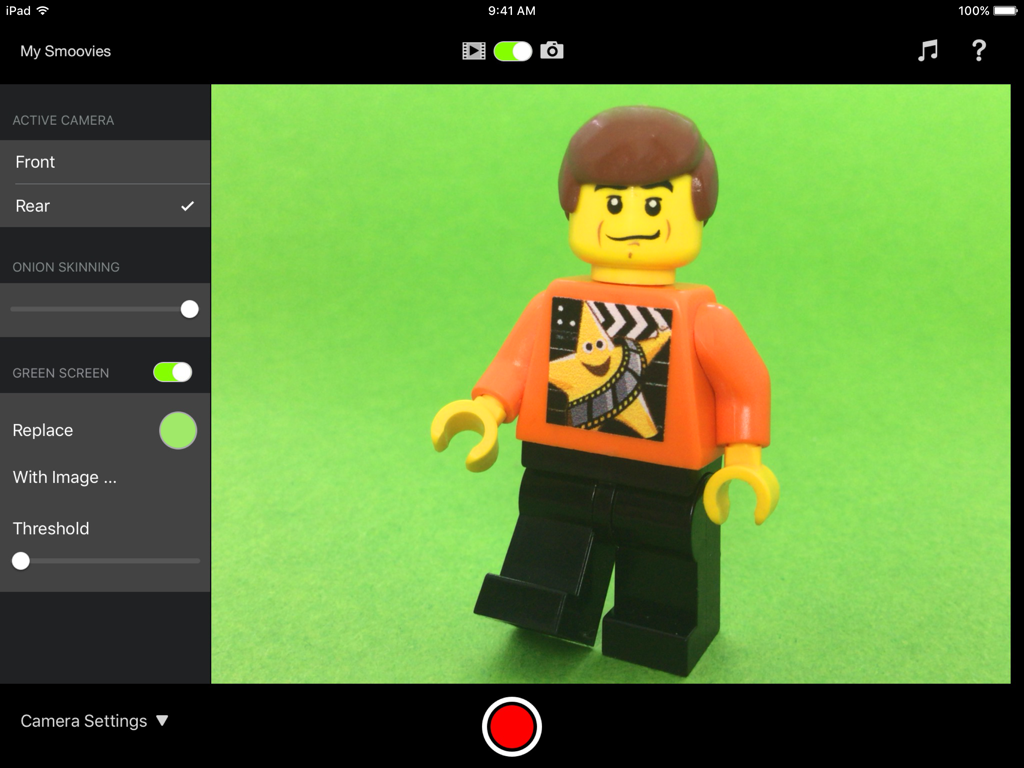
iPad의 스무비 스톱모션 앱 인터페이스로, 레고 미니피겨가 있는 그린 스크린 및 양파 스키닝 설정 표시
iPad의 스무비 스톱모션 앱 인터페이스로, 레고 미니피겨가 있는 그린 스크린 및 양파 스키닝 설정 표시

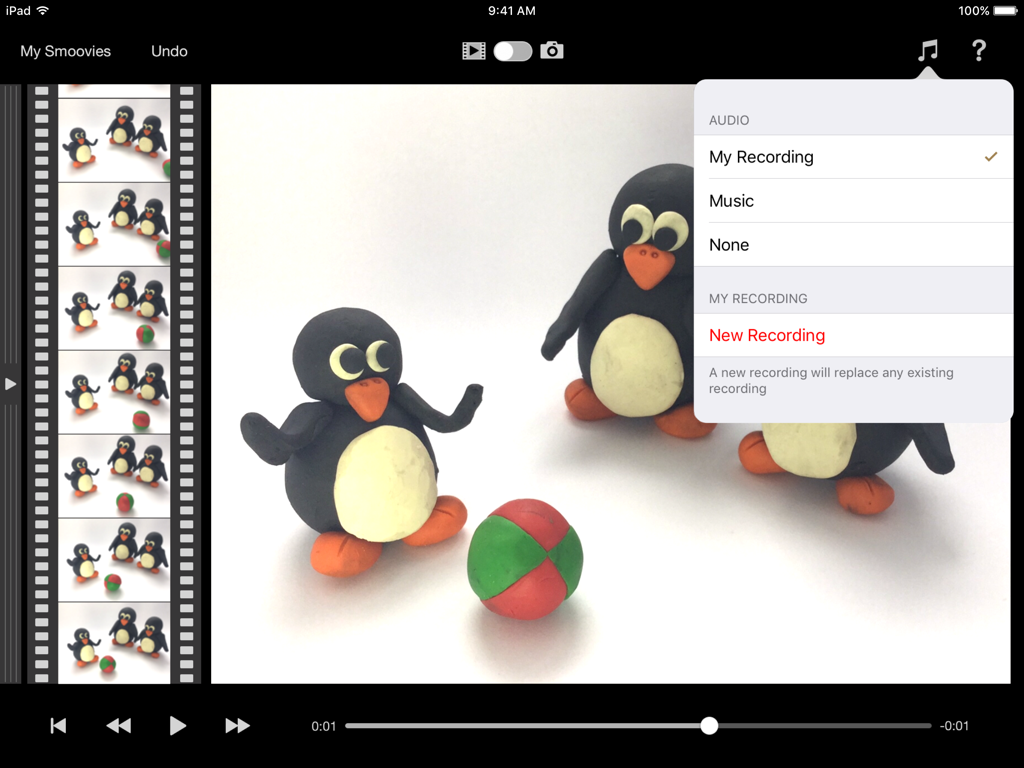
점토 펭귄과 오디오 녹음 옵션을 보여주는 스무비 스톱모션 앱 인터페이스
점토 펭귄과 오디오 녹음 옵션을 보여주는 스무비 스톱모션 앱 인터페이스

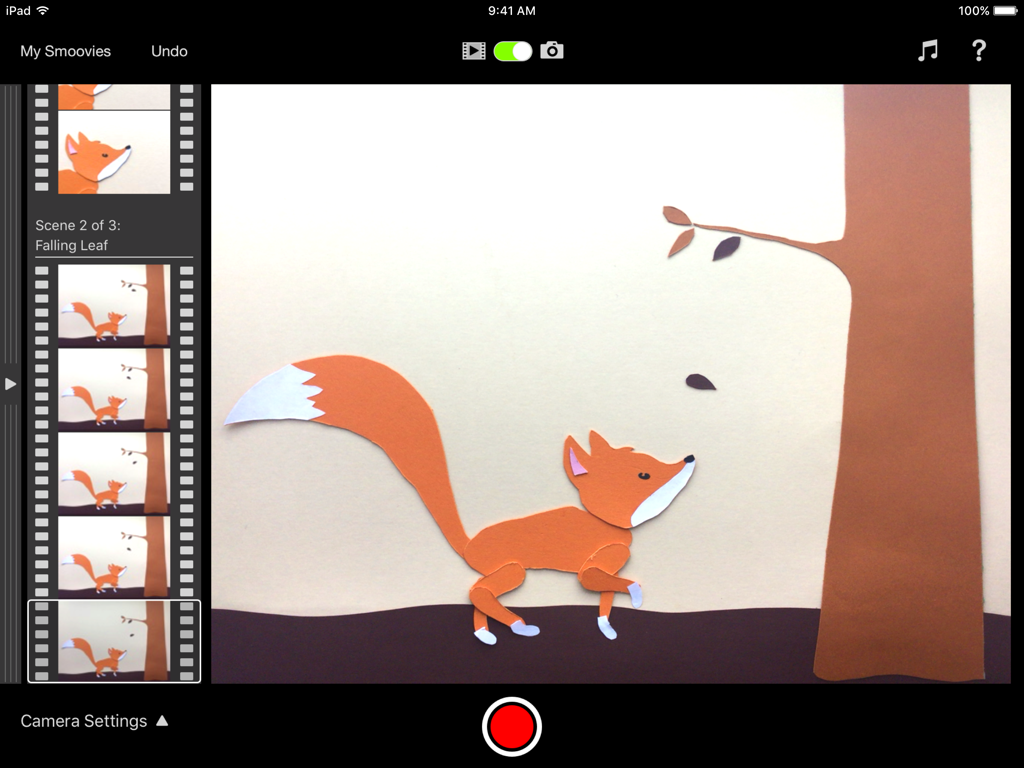
종이 조각 여우 애니메이션 장면을 보여주는 iPad의 스무비 스톱모션 앱 인터페이스
종이 조각 여우 애니메이션 장면을 보여주는 iPad의 스무비 스톱모션 앱 인터페이스

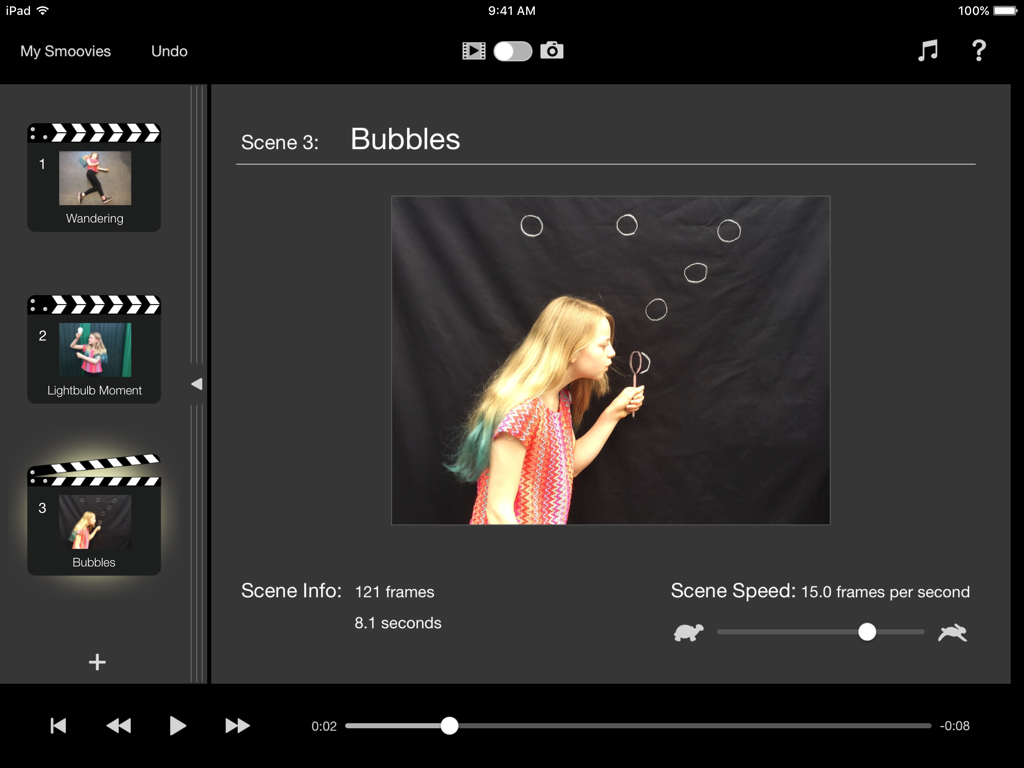
iPad의 스무비 스톱모션 앱 인터페이스로, 장면 편집 및 재생 설정 표시
iPad의 스무비 스톱모션 앱 인터페이스로, 장면 편집 및 재생 설정 표시

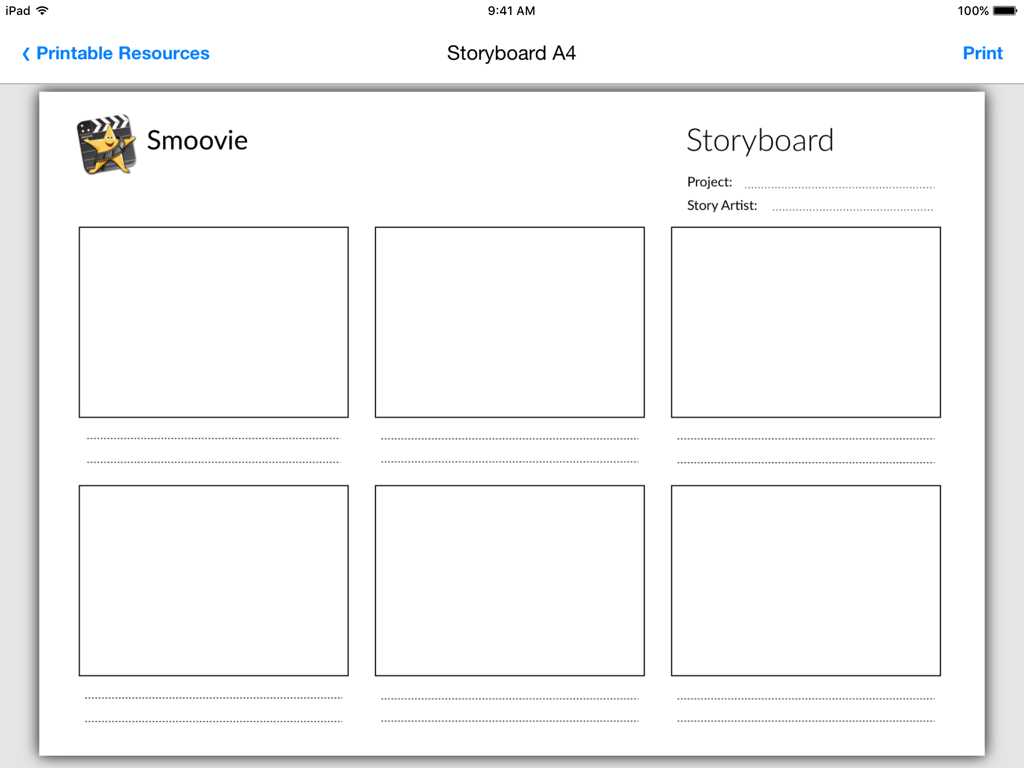
스톱모션 애니메이션 프로젝트 계획을 위한 스무비 앱 내 인쇄 가능한 스토리보드 템플릿

스톱모션 애니메이션 프로젝트 계획을 위한 스무비 앱 내 인쇄 가능한 스토리보드 템플릿

차세대 스토리텔러에게 힘을 실어주다

이 앱을 돋보이게 하는 도구, 75K+ 명의 사용자가 선택.

🍎

교실 준비 자료

모든 커리큘럼에 원활하게 통합되는 다운로드 가능한 수업 계획, 스토리보드 및 STEAM 연계 가이드로 준비 시간을 절약하세요.

🎬

어린 애니메이터를 위한 프로 도구

어린이를 위해 특별히 설계된 간단하고 직관적인 인터페이스로 그린 스크린 및 양파 스키닝과 같은 할리우드 기술을 마스터하세요.

즉시 재생 및 렌더링 없음

즉각적인 결과로 학생 참여를 높입니다. 느린 처리 시간을 기다릴 필요 없이 변경할 때마다 애니메이션을 즉시 시청하세요.

앱 소개

에 대해 알아야 할 모든 것 Smoovie Stop Motion.

설명

"Smoovie will help you to create a lesson that your children will remember, whatever your subject." * FIVE STARS * - Teacher Review, Educational App Store Smoovie is a stop motion animation app with a unique user interface based on scenes and frames, designed to make it easy for kids to tell stories in a fun way. Simple and intuitive to use, it has all the features that pupils need to be as creative as they like without having to struggle with over-complicated software. Green Screen lets them explore the furthest reaches of their imagination and, with audio recording, they can add their very own narration, giving their projects even deeper learning value. Pupils and teachers are our priority, and our in-app teacher resources give easy access to downloadable PDFs, example lesson plans and stop motion animation ideas … everything you need to get your class up and running! "We love the app here in school! One of the most engaging and enjoyable apps out there!" - Elementary school teacher, Ireland KEY FEATURES AND BENEFITS Instant Playback - No rendering means you can instantly play back your work each time you make a change to your project, without having to wait. Green Screen - Set your movie against any background of your choice. You can make your characters fly or walk on the moon. Wherever your imagination takes you! In-app Teacher Resources - Download and print right from inside the app. Storyboard, scene script, character profile, set design and props list templates. Example cross-curriculum lesson plans and stop motion animation techniques all ensure you have enough resources to get your pupils planning their projects and animating in no time. Onion Skinning - Possibly the most important feature of a stop motion animation app. It helps the animator to perfect the tiny adjustments required between frames and create the illusion of smooth motion in the finished movie. The live camera feed is made semi-transparent and superimposed onto the previous frame taken, so it's easy to see where to place your objects for the next shot. Record your own voiceover or import a soundtrack - Pupils can plan and record their own audio right into their project, or browse the iPad’s music library to choose the perfect soundtrack. Scenes - Arranging content into scenes is a fundamental part of the professional film-making process, and Smoovie is the only stop motion app that lets you do this. Each scene has an independently adjustable playback speed (from 1 to 30 frames per second) allowing you to vary the pace and mood of your animation. You can add new scenes, cut unwanted scenes, capture new action into existing scenes and drag scenes around to change the running order - all with full undo support so you're safe to experiment. Frames Filmstrip - With a quick swipe gesture you move from the scene list to the virtual filmstrip which contains all the individual frames of the project, arranged by scene. Another fundamental part of professional film-making is the ability to edit projects right down at individual frame level. Cut, copy and paste frames, drag frames from one scene to another and even copy frames from other Smoovie projects, all with full undo support. Create, copy and paste from other apps - Open up a whole new world of creative possibilities for making content for your animations. Copy and paste content from the Photos app, create titles with Keynote or turn sketches from your favourite drawing app into cartoons. Extend the creativity - Smoovie makes it easy to export your animations to be used as content for other apps. You could write your own soundtrack in GarageBand or add some opening effects in iMovie. Share - Export your animations in HD to AirDrop, the Files and Photos apps or any other destination that accepts movie files. And if you've got Apple TV, you can display your masterpieces on television with AirPlay Mirroring.

최신 버전

22.1

크기

33.7 MB

출시일

2011년 10월 28일

평생 창의력을 발휘할 준비가 되셨나요?

화면 시간을 전문 애니메이션 스튜디오로 전환하는 수천 명의 교육자와 학부모와 함께하세요. 지금 스무비를 다운로드하고 사용하기 쉬운 도구와 미리 만들어진 수업 계획으로 스토리텔링을 시작하세요.

다운로드: App Store

App information, icons, screenshots, and descriptions displayed on this page are sourced from the Apple App Store and are the property of their respective developers. Download estimates and rankings are based on MWM's proprietary models and may not reflect actual figures. This page is provided for informational and analytical purposes only.

Believe this page infringes your intellectual property? File a dispute