Split Screen - Multitasking
다운로드: App Store

이 페이지는 앱이나 개발자의 공식 페이지가 아니며, 정보 제공 및 논평을 목적으로 작성된 독립 편집 간행물입니다. 명시적으로 달리 언급되지 않는 한, 해당 앱이나 개발자는 MWM, Apple, Google Play, 앱 퍼블리셔 또는 앱 개발자와 제휴, 보증, 후원, 승인 또는 공식적으로 연결되어 있지 않으며, 이 페이지의 어떤 내용도 해당 앱이 MWM의 서비스를 사용하여 개발되었음을 의미하지 않습니다. 모든 상표, 로고, 스크린샷 및 기타 콘텐츠는 해당 소유자의 자산입니다.

로고: Split Screen - Multitasking
다운로드: App Store

Split Screen - Multitasking

탭 전환은 이제 그만, 더 많은 작업을 시작하세요. iPhone의 분할 화면에서 스크롤하며 소셜 미디어를 보거나, 쇼핑하며 제품을 비교하세요.

주요 수치

다운로드

10K+

사용자 평점

4.2/5

총 평가 수

0

개발사

Supagarn Pattananuchart

카테고리

Utilities

지원 언어

1

최신 버전

1.8

크기

5.8 MB

출시일

2021년 4월 21일
기능

더 많이 하고, 덜 전환하세요

iOS의 제약을 벗어나세요. 듀얼 창 인터페이스를 통해 앱과 웹 탭을 동시에 관리할 수 있어 엔터테인먼트와 효율성 사이에서 선택할 필요가 없습니다.

함께 시청하고 탐색하세요

무언가를 검색하기 위해 재미를 멈출 필요 없이, 피드를 스크롤하거나 정보를 검색하면서 좋아하는 크리에이터의 콘텐츠를 스트리밍하세요.

비교 쇼핑의 달인이 되세요

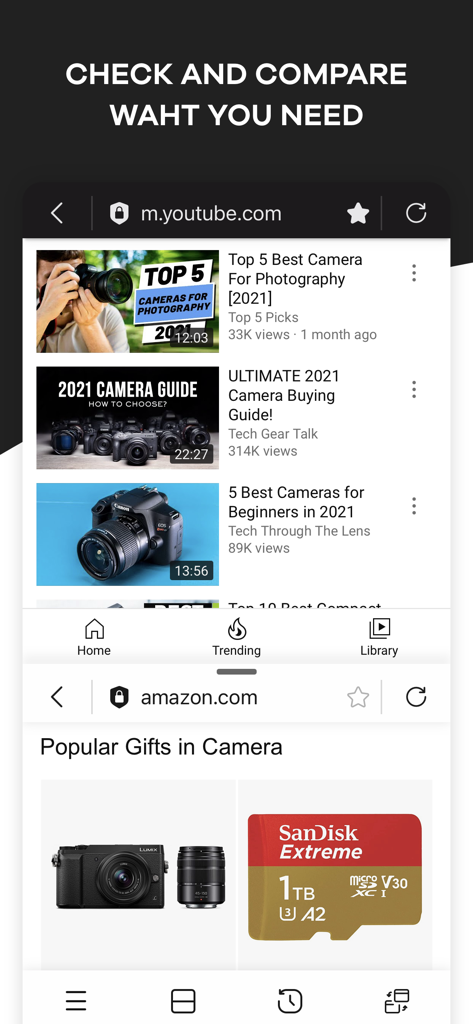
한 창에는 리뷰를, 다른 창에는 가격을 열어두세요. 탭을 계속 전환하지 않고도 더 현명하고 빠르게 구매하세요.

다음 스크린샷과 설명은 앱의 공식 스토어 목록에서 직접 가져온 것이며 앱 개발자의 자산입니다.

앱 스토어

스크린샷
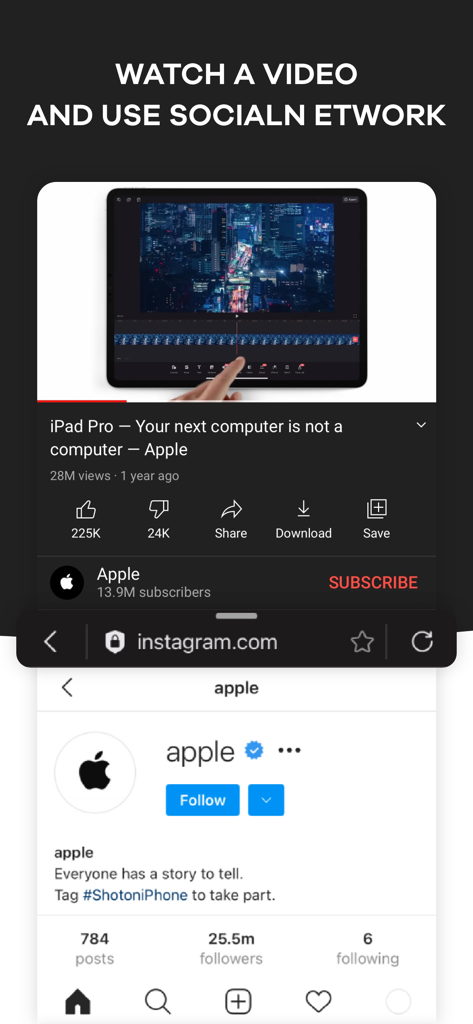
Split Screen - Multitasking - 분할 화면 인터페이스로 상단에는 YouTube 동영상, 하단에는 Instagram 프로필이 표시됩니다.
분할 화면 인터페이스로 상단에는 YouTube 동영상, 하단에는 Instagram 프로필이 표시됩니다.

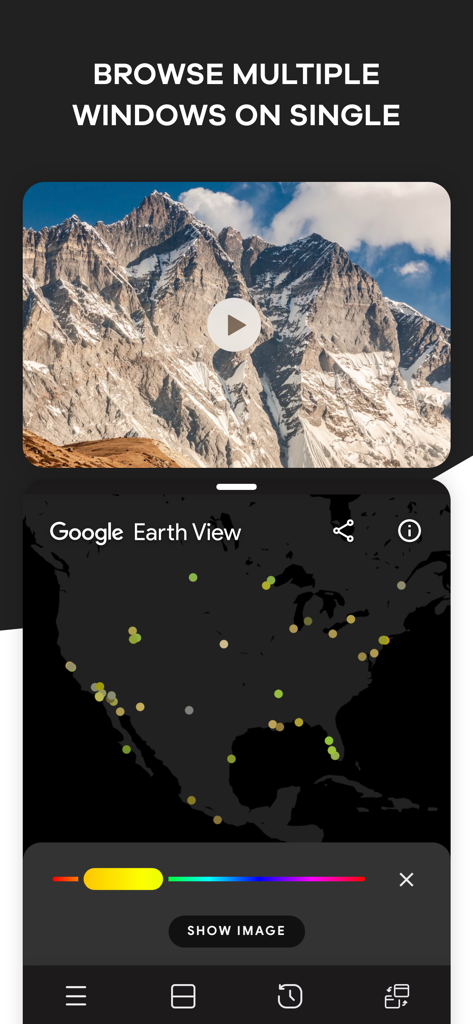
Split Screen - Multitasking - 분할 화면 멀티태스킹을 보여주는 iPhone 앱 인터페이스, 자연 동영상과 Google Earth 지도.
분할 화면 멀티태스킹을 보여주는 iPhone 앱 인터페이스, 자연 동영상과 Google Earth 지도.

Split Screen - Multitasking - 분할 화면에 상단에는 YouTube 동영상, 하단에는 비교 쇼핑을 위한 Amazon 제품이 표시되는 모바일 인터페이스.
분할 화면에 상단에는 YouTube 동영상, 하단에는 비교 쇼핑을 위한 Amazon 제품이 표시되는 모바일 인터페이스.

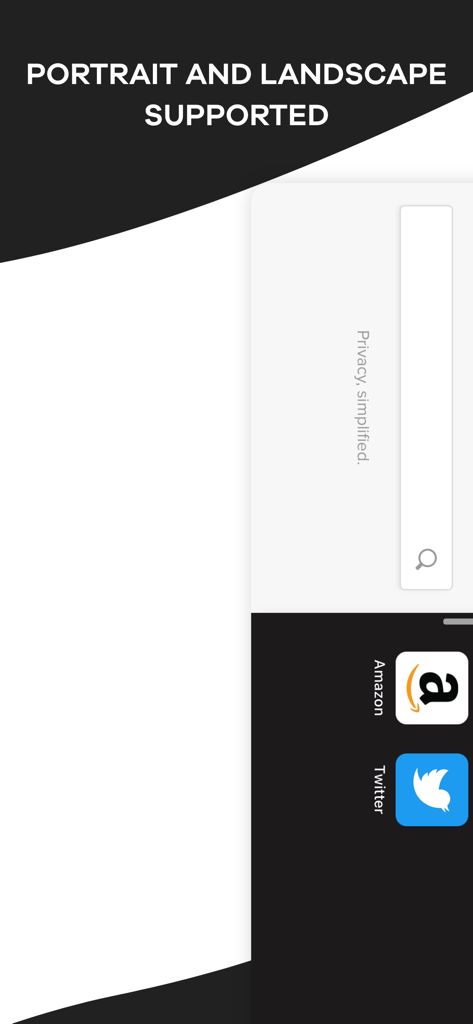
Split Screen - Multitasking - Amazon 및 Twitter 아이콘이 있는 세로 및 가로 모드 지원을 보여주는 분할 화면 멀티태스킹 앱 인터페이스.
Amazon 및 Twitter 아이콘이 있는 세로 및 가로 모드 지원을 보여주는 분할 화면 멀티태스킹 앱 인터페이스.

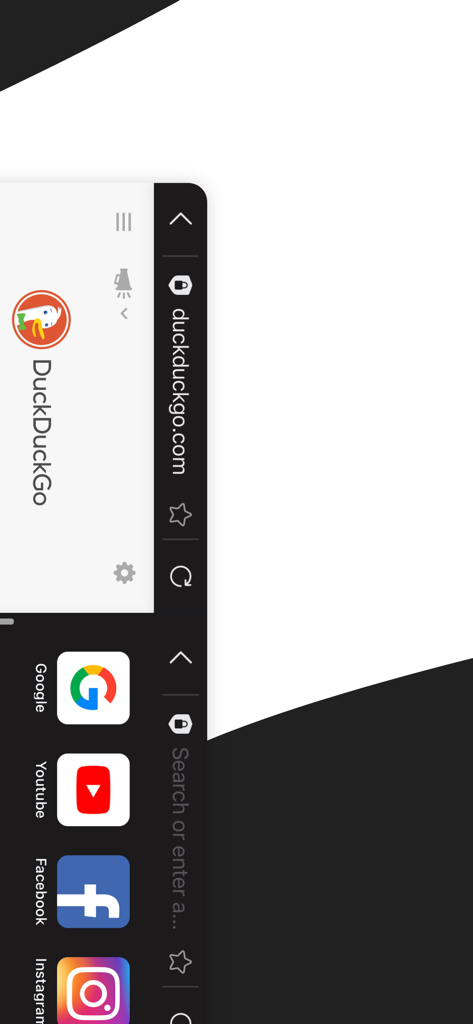
Split Screen - Multitasking - DuckDuckGo 검색과 소셜 미디어 바로가기가 있는 분할 화면을 보여주는 모바일 인터페이스.
DuckDuckGo 검색과 소셜 미디어 바로가기가 있는 분할 화면을 보여주는 모바일 인터페이스.

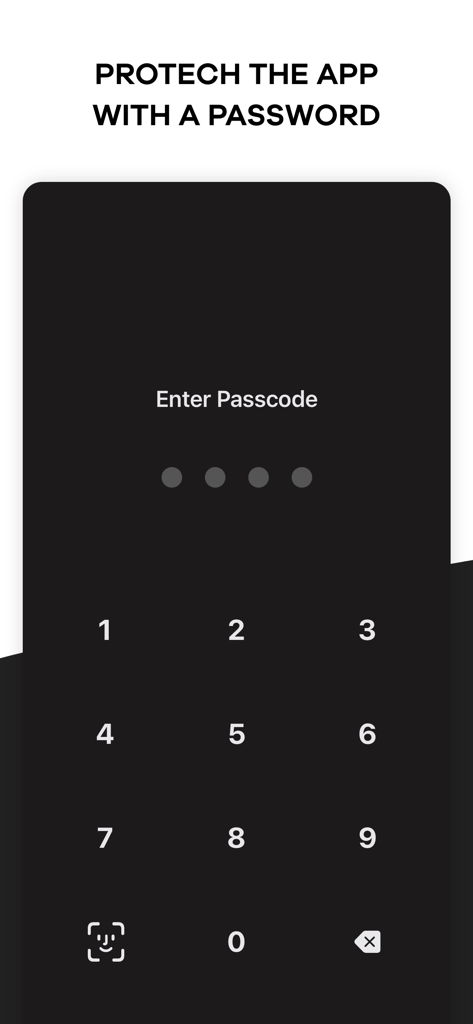
Split Screen - Multitasking - 개인 정보 보호를 위해 숫자 암호 입력 및 Face ID 아이콘을 보여주는 모바일 앱 화면.

개인 정보 보호를 위해 숫자 암호 입력 및 Face ID 아이콘을 보여주는 모바일 앱 화면.

설명

Browse your favorite social media platform and watch funny videos at the same time using Split Screen – Multitasking app. It happens many times that we want to scroll through media to watch shows or videos and, at the same time, open another platform like google to get a piece of information. But normally, our mobile device doesn’t allow multitasking. To solve the problem and make you happy, we have brought you a split-screen app that allows you to split your display so you can do two things simultaneously. Check your emails, make a shopping list, or write a post on Insta while googling the right information using this dual display app. Increase your productivity by pairing two tabs together and be smart. The key features of Split Screen – Multitasking app: • With this split screen multitasking view app, you can open a second screen to perform two things at the same time. • Using this splitscreen app, you can watch a movie or show and google related information to fully understand it. • While watching a product review for shopping, watch the video and browse the products simultaneously with this duet display pro or smart view app. • Our double screen app supports portrait and landscape modes for your convenience. • You can set a password to keep the dual-screen or split screen app protected from others. • Watch a movie and check social media accounts simultaneously with this multiscreen- split view. • Open the website you want from Safari. There are thousands of possibilities, and you can any two things using Split Screen – Multitasking app. If you are bored of checking emails, open youtube using this duet display app and listen to your favorite music and watch videos. Need to watch a show and a match at the same time? Use split-screen iPhone app, split it and watch. If you are looking for one of the best split-screen apps for smart tasks, this multi-screen app can be your best choice. This dividend app allows you to perform two important work simultaneously or let you work and have fun. With our screen-sharing smart view app, you don’t have to switch between tabs, you can simply split your iOS device’s screen and open them all. Multitasking is required a lot many times. When you are busy and have to check on two things simultaneously, what do you do? So far, you probably became annoyed or anxious. We have brought you the solution to your problem. You don’t have to have two devices anymore; only one device will let you multitask and enjoy! If you are searching for a smart view app for iPhone or split screen app to open multi-window to work effectively and peacefully, this multi screen app is here to help. We have brought you such a platform that will open a new window for you. We are making things work that you never thought would be possible. The easy, simple, and user-friendly interface of this dual app will enable you to watch and work without any disruption. You don’t have to close your social media account just to check your email or watch videos. Watch anything you like while scrolling through social media or a browser. Moreover, this split screen video app brings you everything at a lower cost. You can install the app from the iOS store for free and make in-app purchases. Take a yearly or monthly subscription and enjoy multitasking on one single display. Browse multiple windows on one display and get your work done efficiently. Watch funny videos, browse social media, check product reviews, compare them, check emails, and make a shopping list simultaneously using our multitasking split screen app. If you are searching for split-screen apps for work or enjoyment, this split screen multitasking app is going to give you all. Install Split Screen – Multitasking on your iOS device, divide the screen as per your need and get your work done easily. Terms of Use: https://supagarn-pa.com/Split-Screen/terms-of-use Privacy Policy: https://supagarn-pa.com/Split-Screen/privacy-policy

Download

다운로드: App Store

이 페이지는 앱이나 개발자의 공식 페이지가 아니며, 정보 제공 및 논평을 목적으로 작성된 독립 편집 간행물입니다. 명시적으로 달리 언급되지 않는 한, 해당 앱이나 개발자는 MWM, Apple, Google Play, 앱 퍼블리셔 또는 앱 개발자와 제휴, 보증, 후원, 승인 또는 공식적으로 연결되어 있지 않으며, 이 페이지의 어떤 내용도 해당 앱이 MWM의 서비스를 사용하여 개발되었음을 의미하지 않습니다. 모든 상표, 로고, 스크린샷 및 기타 콘텐츠는 해당 소유자의 자산입니다.








