Square Fit Photo: PicFitter
다운로드: App Store

이 페이지는 앱이나 개발자의 공식 페이지가 아니며, 정보 제공 및 논평을 목적으로 작성된 독립 편집 간행물입니다. 명시적으로 달리 언급되지 않는 한, 해당 앱이나 개발자는 MWM, Apple, Google Play, 앱 퍼블리셔 또는 앱 개발자와 제휴, 보증, 후원, 승인 또는 공식적으로 연결되어 있지 않으며, 이 페이지의 어떤 내용도 해당 앱이 MWM의 서비스를 사용하여 개발되었음을 의미하지 않습니다. 모든 상표, 로고, 스크린샷 및 기타 콘텐츠는 해당 소유자의 자산입니다.

로고: Square Fit Photo: PicFitter
다운로드: App Store

Square Fit Photo: PicFitter

소셜 미디어가 당신의 비전을 자르게 두지 마세요. 깔끔하고 전문적인 게시물로 어떤 사진이든 변환하세요. 감각적인 프레임과 쉬운 일괄 편집으로 당신의 피드를 완성하세요.

주요 수치

다운로드

1M+

사용자 평점

4.7/5

총 평가 수

20K+

개발사

Codepaint Inc.

카테고리

Photo & Video

지원 언어

2

최신 버전

5.2.31

크기

160.6 MB

출시일

2015년 4월 13일
기능

눈에 띄는 피드 디자인

고유한 예술적 스타일을 유지하고 구성을 한 픽셀도 놓치지 않으면서 사진과 동영상을 모든 플랫폼 요구사항에 맞춰 쉽게 조정하세요.

더 이상 자르지 마세요

사진의 모든 세부 사항을 보존하세요. 머리 위나 프레임 아래를 잃지 않고 가로 또는 세로 사진을 완벽한 1:1 또는 4:5 비율로 변환하세요.

미니멀한 감각

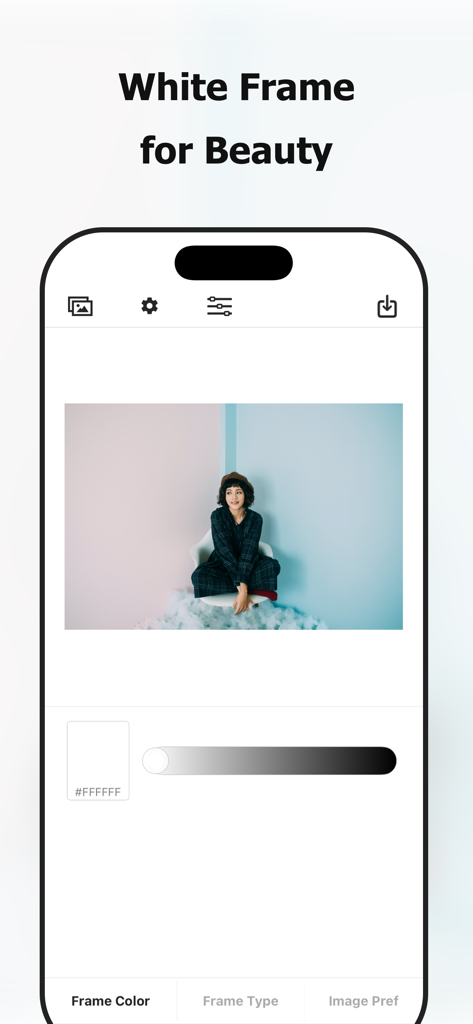
개인 스타일에 맞는 깔끔하고 편집적인 룩을 위해 전문적인 흰색 테두리, 사용자 정의 색상 테두리 또는 부드러운 흐림 효과 배경으로 시각적 브랜드를 향상시키세요.

다음 스크린샷과 설명은 앱의 공식 스토어 목록에서 직접 가져온 것이며 앱 개발자의 자산입니다.

앱 스토어

스크린샷
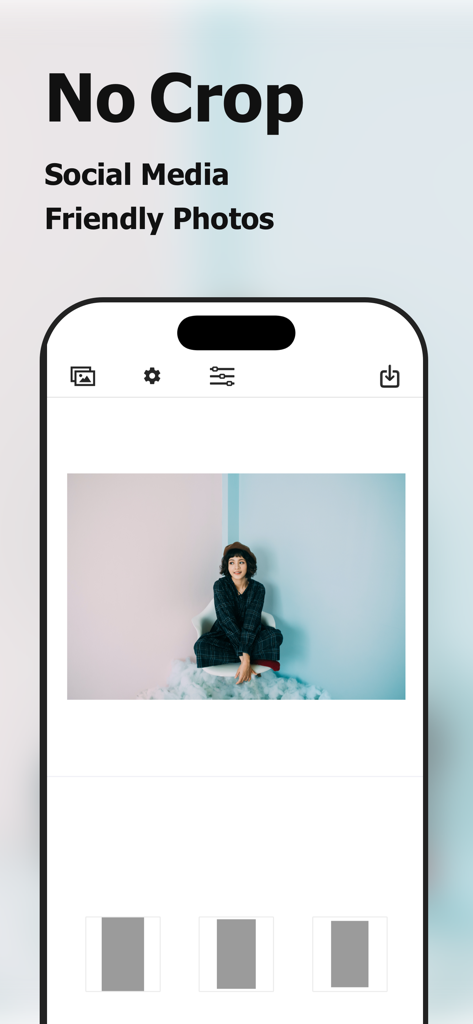
Square Fit Photo: PicFitter - 자르기 없이 소셜 미디어에 적합한 사진을 만드는 Square Fit Photo 앱 인터페이스
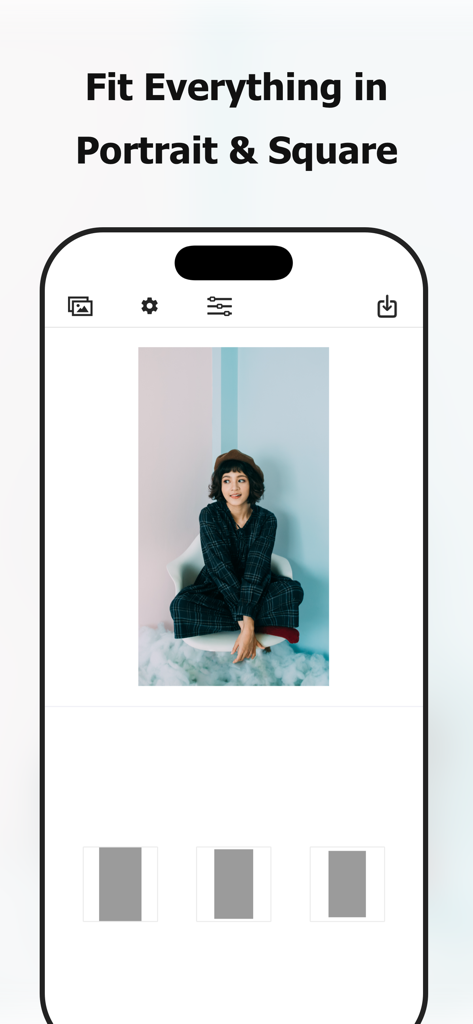
자르기 없이 소셜 미디어에 적합한 사진을 만드는 Square Fit Photo 앱 인터페이스

Square Fit Photo: PicFitter - 세로 사진을 정사각형 소셜 미디어 게시물에 맞게 형식화한 PicFitter 앱 스크린샷
세로 사진을 정사각형 소셜 미디어 게시물에 맞게 형식화한 PicFitter 앱 스크린샷

Square Fit Photo: PicFitter - 세로 사진으로 흰색 테두리 편집 기능을 보여주는 PicFitter 앱 모바일 인터페이스
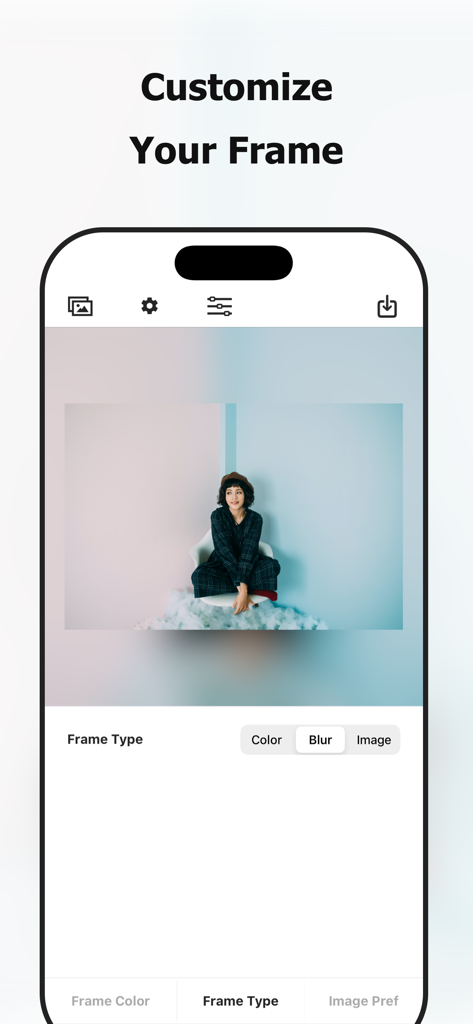
세로 사진으로 흰색 테두리 편집 기능을 보여주는 PicFitter 앱 모바일 인터페이스

Square Fit Photo: PicFitter - 흐림 효과로 사진 테두리를 사용자 정의하는 방법을 보여주는 PicFitter 앱 스크린샷
흐림 효과로 사진 테두리를 사용자 정의하는 방법을 보여주는 PicFitter 앱 스크린샷

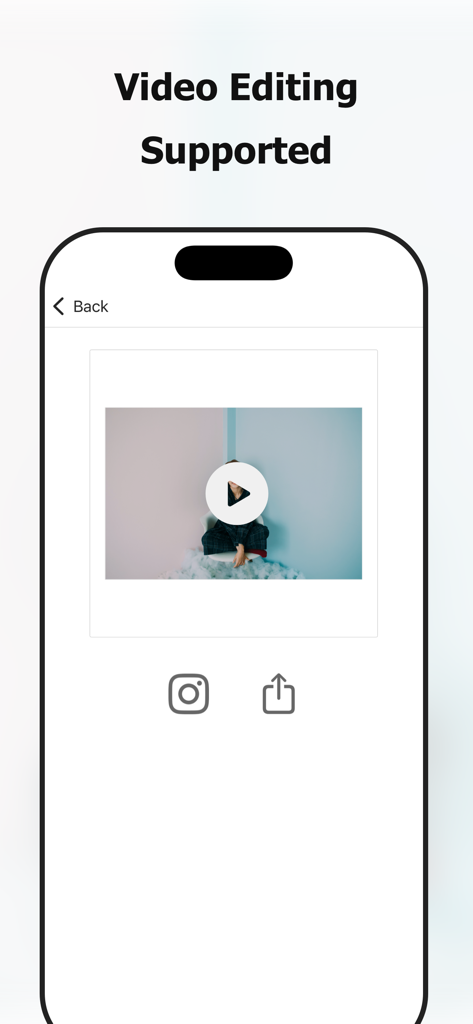
Square Fit Photo: PicFitter - 흰색 테두리로 정사각형 형식으로 편집 중인 동영상을 보여주는 PicFitter 앱 인터페이스

흰색 테두리로 정사각형 형식으로 편집 중인 동영상을 보여주는 PicFitter 앱 인터페이스

설명

PicFitter quickly converts rectangular photos into square (1:1) or portrait (4:5) canvases that look great for posting on social media such as Instagram. Select media, choose a layout, and share—editing takes seconds. [Who Will Love this Photo Editing App] - Looking for a photo editing app to edit pictures for posting on social media - Want the entire rectangular photo to appear - Want to create a white space that makes the photo look clean - Want to add a white frame - Want to change frame colors - Like simple, easy photo editor apps - Want to prepare photos and videos - Want to enhance their gallery with their own style - Want to quickly create professional-looking posts - Also want to convert videos to a square size [Photo Examples] - Horizontal photos - Vertical screenshots - Photo taken with DSLR camera - Fashion snap - Hairdressing model - Nail - Sports - Animal - Cooking - Scenery - Painting - Artwork - Digital works - Leaflet of events - Flyer of events - Film announcements - Magazine content - Manga works - Product introduction - Property introduction - Local government announcements - Submission of works by artists - Activity of idols - Daily life of a creator [Supported Edits] - Vertical portrait edit (4:5 ratio) - Square edit - White frame edit - Black frame edit, other color frame edit - Blurring of the frame *for image edit only [How to Use] Just 3 Steps! Easily edit photos perfect for social-media posts. - Select a video or an image from photo library (camera roll) - Choose your favorite layout - Save the edited image to photo library (camera roll), share on social media [Paid version] In our app, we offer a paid version with the following plans: - $2.99 / month - $17.99 / year - $49.99 / one-time purchase (lifetime) You can hide ads and perform batch processing on multiple images, making the app more comfortable to use than the free version. * The prices may vary by country, region and time of year. * Subscriptions renew automatically (cancel anytime in Settings) [Notes on paid version (subscription)] - If the automatic renewal is not canceled more than 24 hours before the end of the period, the contract period will be renewed automatically. - Automatic renewal will be charged from 24 hours before the end of the period until the end of the period. - You will be charged via your Apple ID account. - Cancellations for the current month (or year) are not accepted. - Cancellation cannot be performed by any method other than the following. [Confirmation and cancellation of paid version contract (subscription)] You can check and cancel the subscription from device's settings.app -> Apple ID -> Subscriptions -> PicFitter. * If automatic billing is not registered, Subscriptions menu is not displayed. [Notes on paid version (one-time purchase)] - You will be charged via your Apple ID account. - Cancellations are not accepted. [Terms of Use (EULA)] https://www.codepaint.app/terms/picfitter [Privacy Policy] https://www.codepaint.app/privacy-policy [Disclaimer & Trademarks] PicFitter is an independent tool and is not sponsored, endorsed, or affiliated with any company.

Download

다운로드: App Store

이 페이지는 앱이나 개발자의 공식 페이지가 아니며, 정보 제공 및 논평을 목적으로 작성된 독립 편집 간행물입니다. 명시적으로 달리 언급되지 않는 한, 해당 앱이나 개발자는 MWM, Apple, Google Play, 앱 퍼블리셔 또는 앱 개발자와 제휴, 보증, 후원, 승인 또는 공식적으로 연결되어 있지 않으며, 이 페이지의 어떤 내용도 해당 앱이 MWM의 서비스를 사용하여 개발되었음을 의미하지 않습니다. 모든 상표, 로고, 스크린샷 및 기타 콘텐츠는 해당 소유자의 자산입니다.








