Squeebles Spelling Connect
다운로드: App Store

이 페이지는 앱이나 개발자의 공식 페이지가 아니며, 정보 제공 및 논평을 목적으로 작성된 독립 편집 간행물입니다. 명시적으로 달리 언급되지 않는 한, 해당 앱이나 개발자는 MWM, Apple, Google Play, 앱 퍼블리셔 또는 앱 개발자와 제휴, 보증, 후원, 승인 또는 공식적으로 연결되어 있지 않으며, 이 페이지의 어떤 내용도 해당 앱이 MWM의 서비스를 사용하여 개발되었음을 의미하지 않습니다. 모든 상표, 로고, 스크린샷 및 기타 콘텐츠는 해당 소유자의 자산입니다.

로고: Squeebles Spelling Connect
다운로드: App Store

Squeebles Spelling Connect

철자 연습을 모험으로 바꾸세요. 8,500개 이상의 미리 녹음된 단어, 맞춤 목록, 35개의 Squeebles 수집 기능으로 아이들은 집, 교실 또는 이동 중에 학습하는 것을 즐길 것입니다.

주요 수치

다운로드

12K+

사용자 평점

4.2/5

총 평가 수

0

개발사

Ian Knapp

카테고리

Education

지원 언어

1

최신 버전

1.8.5

크기

171.0 MB

출시일

2024년 9월 20일
기능

Squeebles의 마법으로 모든 단어 마스터하기

철자 숙제를 흥미진진한 퀘스트로 바꾸세요. Squeebles 철자 연결은 검증된 학습 기술과 아이들의 참여를 유지하고 부모에게 정보를 제공하는 재미있는 보상을 결합합니다.

동기 부여 보상 시스템

아이들은 별, 파워업, 35개의 사랑스러운 Squeebles 캐릭터를 얻어 반복을 실제로 하고 싶어하는 보람 있는 게임으로 만듭니다.

총 학습 제어

맞춤 목록을 만들고 자신의 오디오를 녹음하여 학교 과제와 일치시켜 앱이 자녀의 특정 커리큘럼 및 억양에 맞는지 확인합니다.

다음 스크린샷과 설명은 앱의 공식 스토어 목록에서 직접 가져온 것이며 앱 개발자의 자산입니다.

앱 스토어

스크린샷
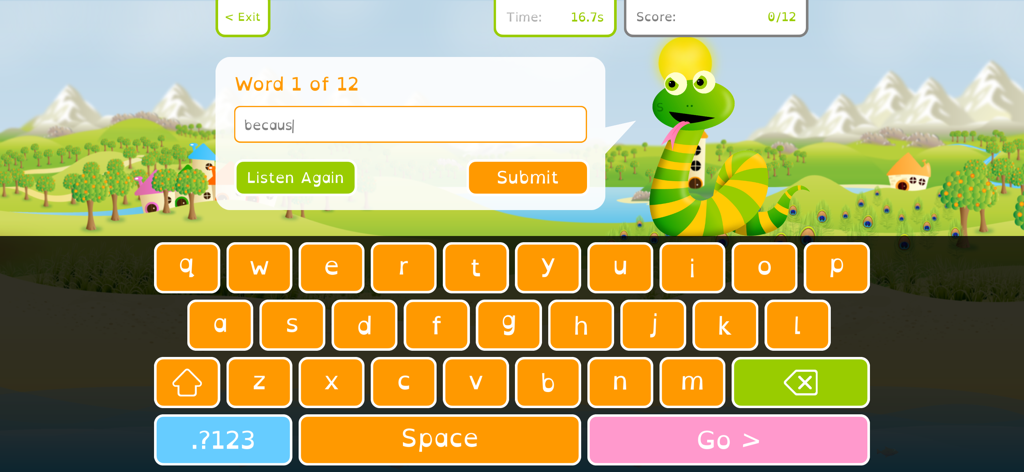
Squeebles Spelling Connect - 녹색 뱀 캐릭터와 다채로운 맞춤 키보드를 보여주는 Squeebles 철자 연결의 철자 테스트 인터페이스.
녹색 뱀 캐릭터와 다채로운 맞춤 키보드를 보여주는 Squeebles 철자 연결의 철자 테스트 인터페이스.

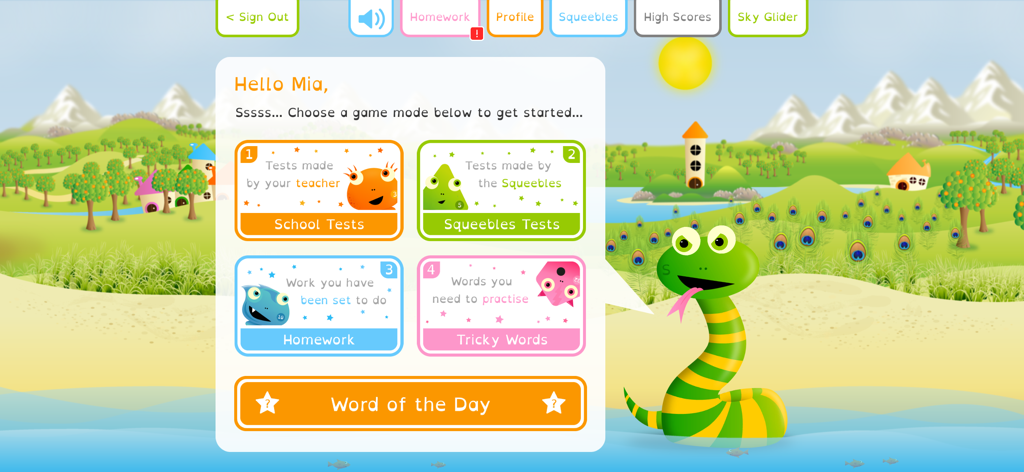
Squeebles Spelling Connect - 철자 게임 모드와 친근한 뱀 캐릭터를 보여주는 Squeebles 철자 연결 앱 대시보드.
철자 게임 모드와 친근한 뱀 캐릭터를 보여주는 Squeebles 철자 연결 앱 대시보드.

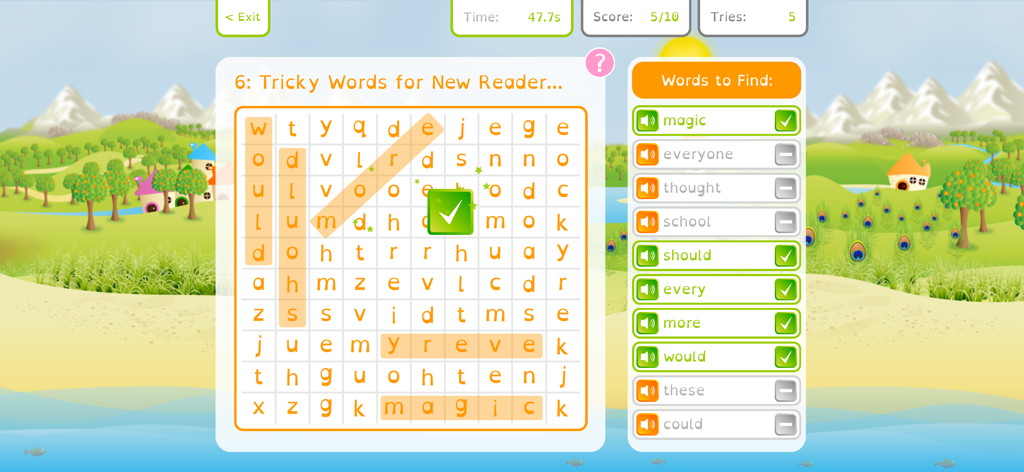
Squeebles Spelling Connect - Squeebles 철자 연결 앱에서 어려운 철자 단어가 포함된 단어 검색 퍼즐.
Squeebles 철자 연결 앱에서 어려운 철자 단어가 포함된 단어 검색 퍼즐.

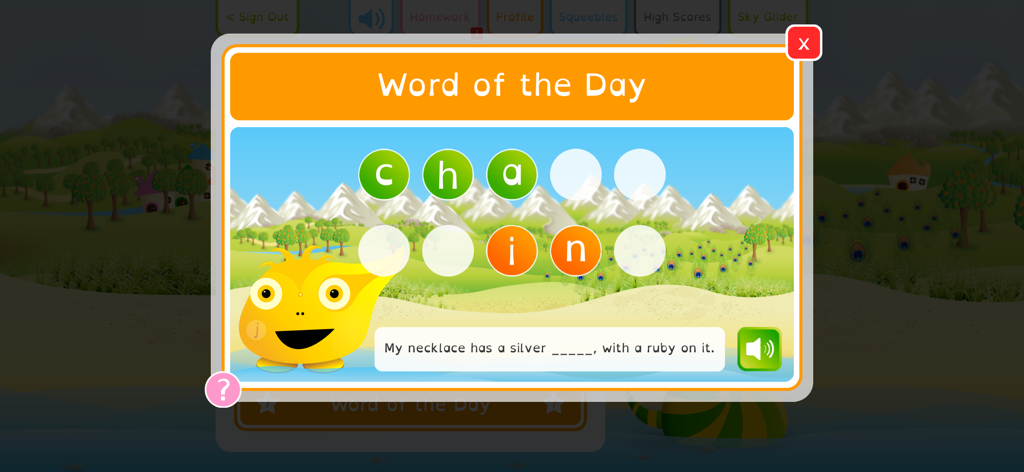
Squeebles Spelling Connect - Squeebles 철자 연결 앱에서 문장의 단어 사슬을 완성하는 어린이가 있는 오늘의 단어 철자 챌린지
Squeebles 철자 연결 앱에서 문장의 단어 사슬을 완성하는 어린이가 있는 오늘의 단어 철자 챌린지

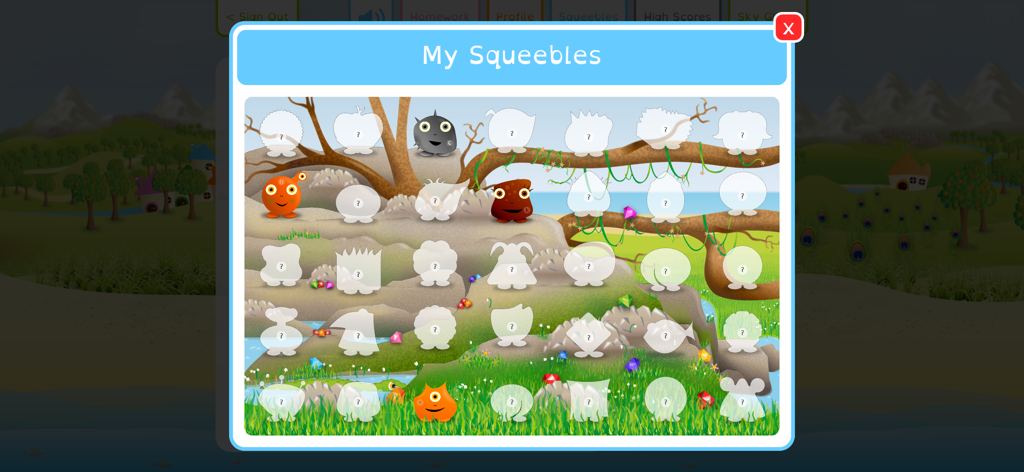
Squeebles Spelling Connect - 잠금 해제되었거나 잠긴 몬스터 캐릭터 컬렉션을 화려한 풍경 속에 보여주는 '내 Squeebles'라는 제목의 화면
잠금 해제되었거나 잠긴 몬스터 캐릭터 컬렉션을 화려한 풍경 속에 보여주는 '내 Squeebles'라는 제목의 화면

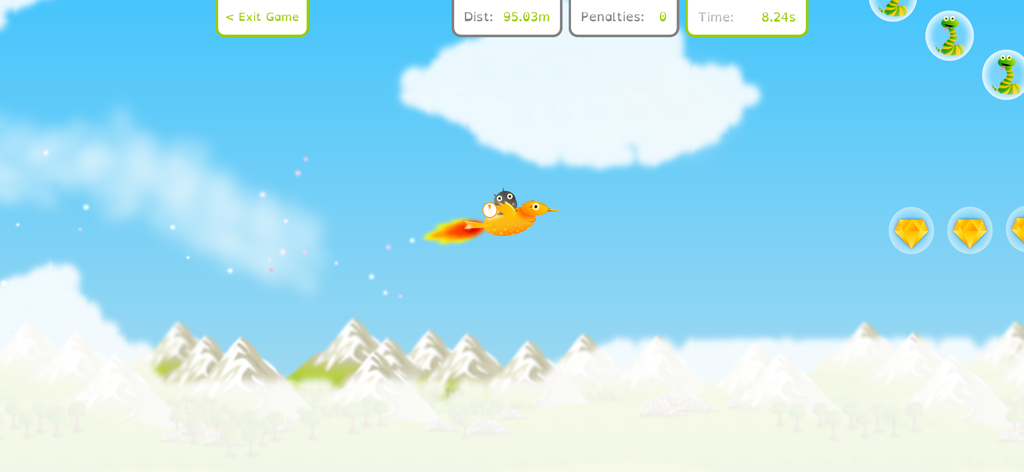
Squeebles Spelling Connect - 날아다니는 미니 게임에서 주황색 새를 타고 있는 Squeeble 캐릭터
날아다니는 미니 게임에서 주황색 새를 타고 있는 Squeeble 캐릭터

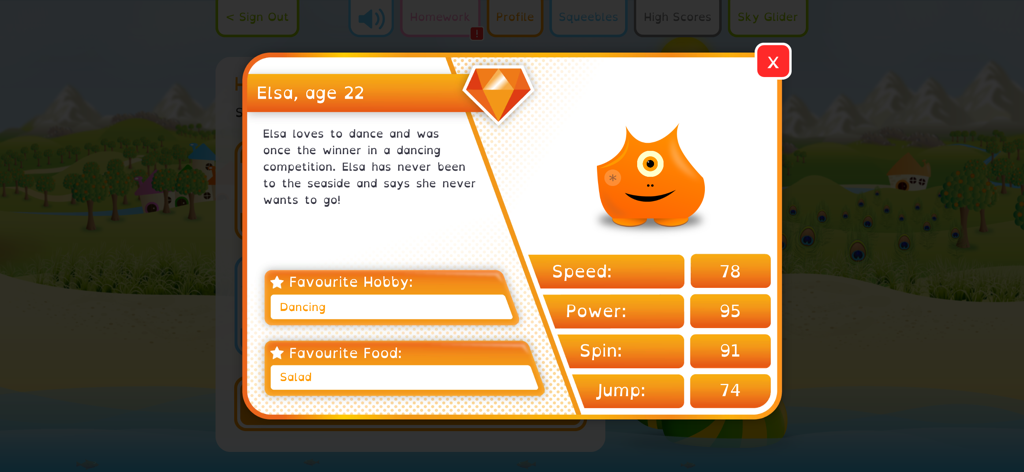
Squeebles Spelling Connect - Elsa the Squeeble의 캐릭터 프로필 카드, 그녀의 통계와 좋아하는 취미 표시
Elsa the Squeeble의 캐릭터 프로필 카드, 그녀의 통계와 좋아하는 취미 표시

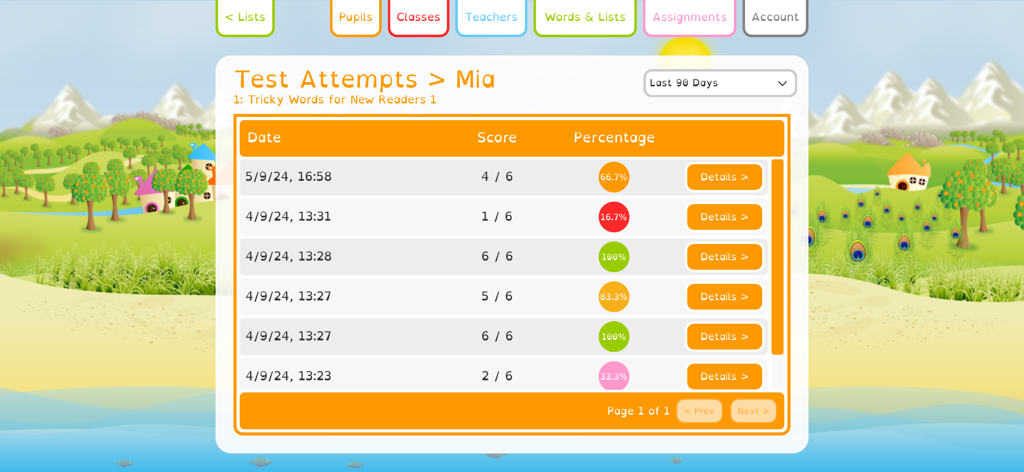
Squeebles Spelling Connect - Squeebles 철자 연결 앱에서 Mia라는 학생의 철자 시험 점수와 백분율을 보여주는 진행률 보고서 화면.
Squeebles 철자 연결 앱에서 Mia라는 학생의 철자 시험 점수와 백분율을 보여주는 진행률 보고서 화면.

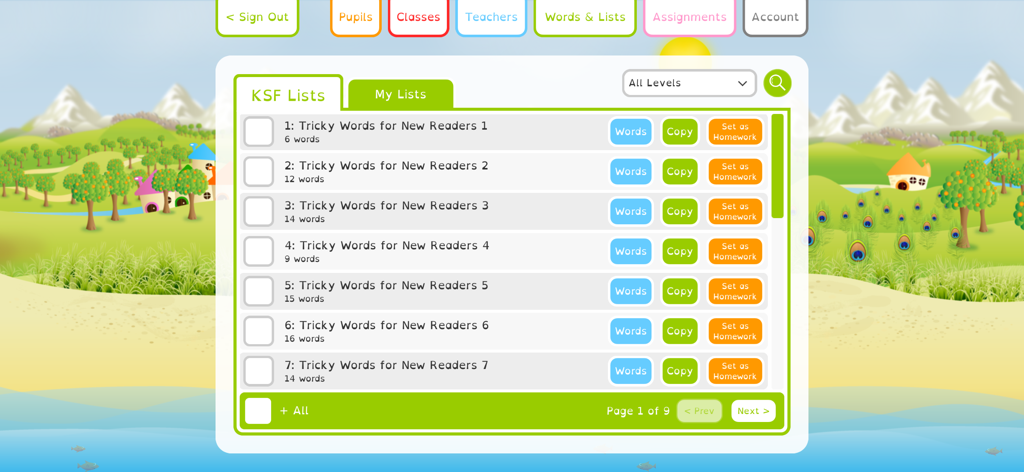
Squeebles Spelling Connect - 새로운 독자를 위한 철자 목록과 숙제 설정을 보여주는 대시보드를 보여주는 Squeebles 철자 연결 인터페이스.
새로운 독자를 위한 철자 목록과 숙제 설정을 보여주는 대시보드를 보여주는 Squeebles 철자 연결 인터페이스.

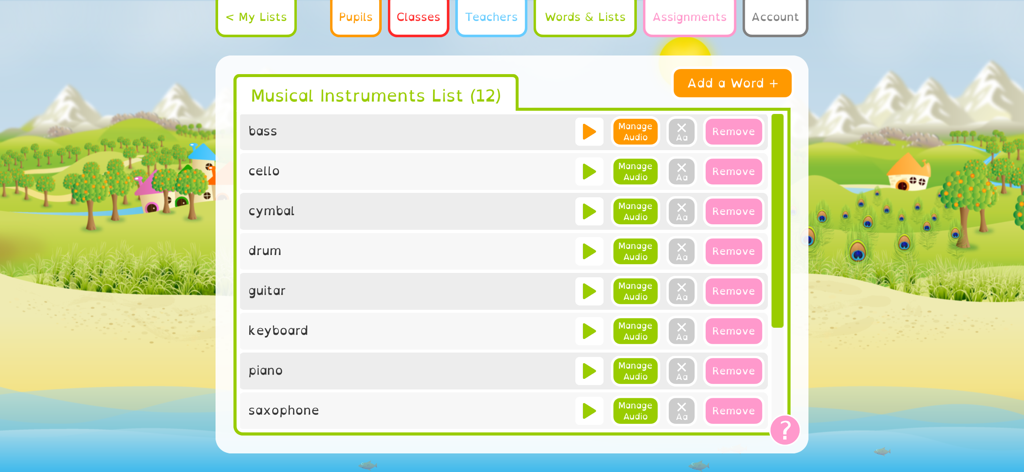
Squeebles Spelling Connect - 오디오 녹음 및 관리를 위한 옵션이 있는 음악 악기용 맞춤 철자 목록을 보여주는 Squeebles 철자 연결 인터페이스.

오디오 녹음 및 관리를 위한 옵션이 있는 음악 악기용 맞춤 철자 목록을 보여주는 Squeebles 철자 연결 인터페이스.

설명

Spelling made fun, on all your devices! Squeebles Spelling Connect is our latest (and best) spelling practice app, aimed at primary school age children. Based on the UK curriculum and featuring over 8500 pre-recorded words and over 160 age-relevant spelling lists, the app starts you off with all the content your children need to start practising their spelling. You also have the ability to add new words yourself, record your own audio for new and pre-existing words and create your own custom spelling lists for your children to attempt. The Squeebles Connect series of apps allow you and your children to log in on any device with a working internet connection, meaning all progress is saved to the cloud and can be accessed wherever you are, with your unique login. A valid subscription is required (purchased from within the app) for you to add child accounts, with options available for families, tutors and schools. Features: - over 8500 pre-recorded spelling words, already loaded into the app. - over 150 spelling lists, all based around the UK curriculum and created in conjunction with UK teachers. - keep your children motivated - by doing well in their spelling practice, children can collect 35 Squeebles characters, each with their own personality and character card. - the reward system also involves earning stars, power ups and turns on a fun mini game. Trade stars for new accessories to use within the game. - add your own words or phrases, create custom spelling lists and record your own audio for words if you want to. - set assignments / homework for your children, with pass marks and due dates, as well as full stats on each assignment and how each child has done when attempting it. - add, edit and manage child accounts via the app. - accessibility features include the use of the OpenDyslexic font throughout the app and the option to set coloured overlays for children who suffer with visual stress when reading. - "word of the day" feature adds another fun learning element to the app. - accented character support allows you to use the app to set spelling tests in multiple languages, or to use the app to practise learning other languages. - each child can have the app tailored to their learning preferences via multiple player-specific settings. - the "Tricky Words" feature stores the words each child misspells and asks those questions in one spelling test. - school accounts allow you to add and manage classes or groups, meaning you can set work for children in specific groups. - add other adults to your account, so multiple parents or teachers can log in and see children's progress. - full stats for each child, including which words they're struggling with, common misspellings they're making and overall trends in their work. - manage your subscription from within the app, including the ability to cancel your subscription at any time. - support for Apple keyboard. Please get in touch with any questions, suggestions or feedback you may have on this, or any of our other apps, by e-mailing info@keystagefun.co.uk Support: https://keystagefun.co.uk/connect/support/ Terms of use: https://keystagefun.co.uk/terms/ Privacy policy: https://keystagefun.co.uk/privacy/ Apple EULA: https://www.apple.com/legal/internet-services/itunes/dev/stdeula/ This is a subscription-based app, with various subscription bands for different types of account. At the end of the initial trial period, the cost of your selected subscription will be applied to your Apple App Store account. Subscriptions will automatically renew at the start of each subscription period, unless canceled at least 24 hours before the end of the current period. You can cancel at any time by logging in to your Apple App Store account settings or via the app itself. There is also a free demo mode, allowing you to try the app before you subscribe. For more information, see www.keystagefun.co.uk/terms

Download

다운로드: App Store

이 페이지는 앱이나 개발자의 공식 페이지가 아니며, 정보 제공 및 논평을 목적으로 작성된 독립 편집 간행물입니다. 명시적으로 달리 언급되지 않는 한, 해당 앱이나 개발자는 MWM, Apple, Google Play, 앱 퍼블리셔 또는 앱 개발자와 제휴, 보증, 후원, 승인 또는 공식적으로 연결되어 있지 않으며, 이 페이지의 어떤 내용도 해당 앱이 MWM의 서비스를 사용하여 개발되었음을 의미하지 않습니다. 모든 상표, 로고, 스크린샷 및 기타 콘텐츠는 해당 소유자의 자산입니다.