Starry sky Camera
Starry sky Camera
다운로드: App Store

이 페이지는 앱이나 개발자의 공식 페이지가 아니며, 정보 제공 및 논평을 목적으로 작성된 독립 편집 간행물입니다. 명시적으로 달리 언급되지 않는 한, 해당 앱이나 개발자는 MWM, Apple, Google Play, 앱 퍼블리셔 또는 앱 개발자와 제휴, 보증, 후원, 승인 또는 공식적으로 연결되어 있지 않으며, 이 페이지의 어떤 내용도 해당 앱이 MWM의 서비스를 사용하여 개발되었음을 의미하지 않습니다. 모든 상표, 로고, 스크린샷 및 기타 콘텐츠는 해당 소유자의 자산입니다.

로고: Starry sky Camera
다운로드: App Store

Starry sky Camera

고급 이미지 쌓기 및 전문가급 수동 제어로 iPhone의 잠재력을 최대한 발휘하세요. 4K 장노출과 은하수의 진정한 빛을 포착하고자 하는 인내심 있는 제작자를 위해 설계되었습니다.

주요 수치

다운로드

23K+

사용자 평점

2.3/5

총 평가 수

100

개발사

HIROFUMI MARUO

카테고리

Photo & Video

지원 언어

2

최신 버전

6.2

크기

23.5 MB

출시일

2014년 5월 22일
기능

전문적인 정밀도로 우주를 포착하세요

어두운 하늘을 위해 설계된 고급 쌓기 알고리즘과 전체 수동 제어로 iPhone을 강력한 천체 사진 도구로 바꾸세요.

지능형 별 쌓기

장노출에서 밝기와 선명도를 극대화하는 동시에 디지털 노이즈를 제거하기 위해 세 가지 특수 구성 모드 중에서 선택하세요.

전문가급 수동 제어

ISO, 셔터 속도, 수동 초점 및 켈빈 색 온도에 대한 세분화된 설정을 통해 센서를 완벽하게 제어하세요.

다음 스크린샷과 설명은 앱의 공식 스토어 목록에서 직접 가져온 것이며 앱 개발자의 자산입니다.

앱 스토어

스크린샷
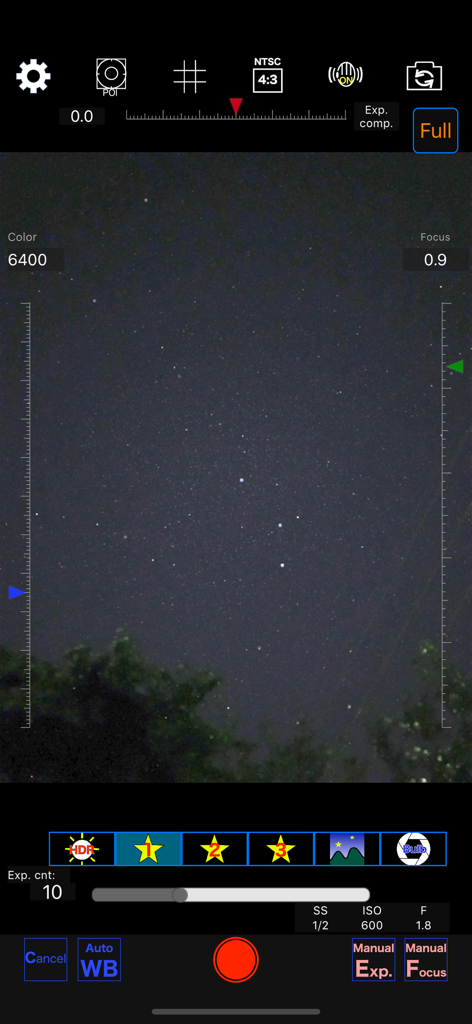
Starry sky Camera - Starry sky Camera 앱의 인터페이스로 야간 사진 촬영을 위한 수동 설정 표시
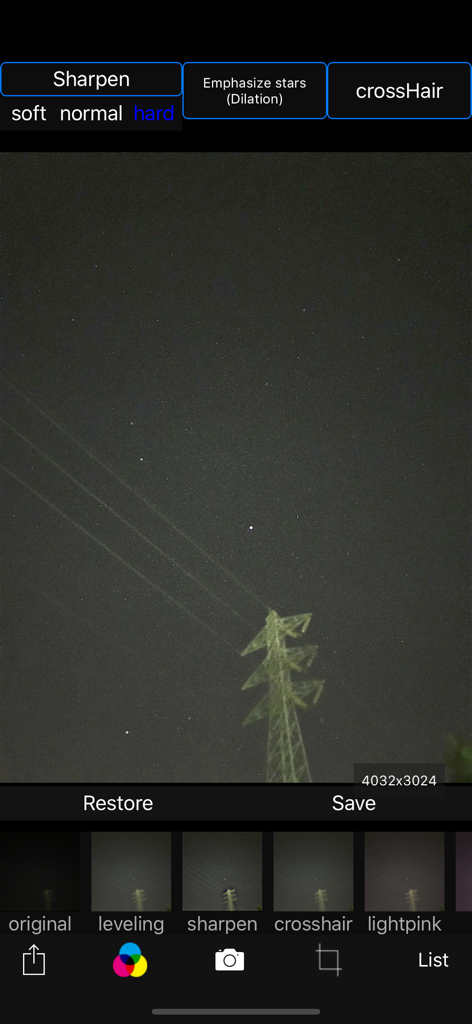
Starry sky Camera 앱의 인터페이스로 야간 사진 촬영을 위한 수동 설정 표시

Starry sky Camera - 별 샤프닝 필터로 야간 사진을 편집하기 위한 Starry sky Camera 앱 인터페이스
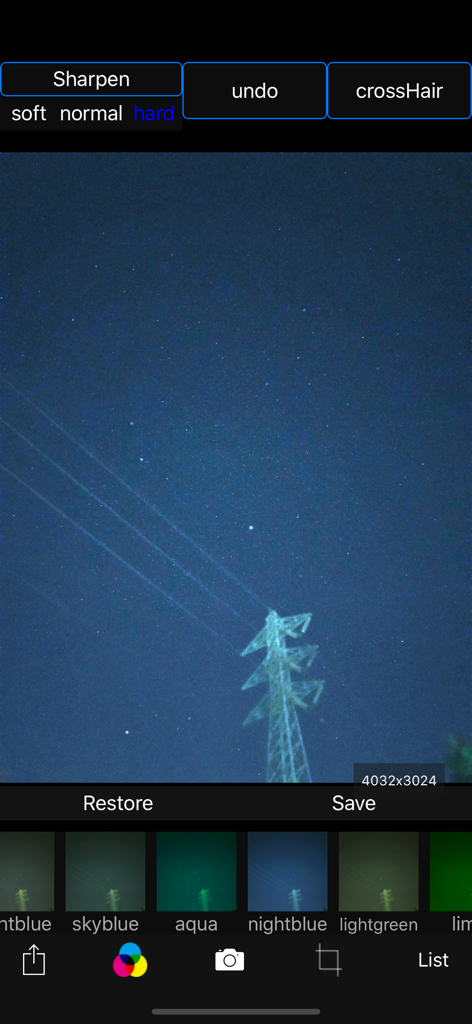
별 샤프닝 필터로 야간 사진을 편집하기 위한 Starry sky Camera 앱 인터페이스

Starry sky Camera - 다양한 색상 필터와 샤프닝 옵션으로 밤하늘 사진을 보여주는 Starry sky Camera 앱의 인터페이스
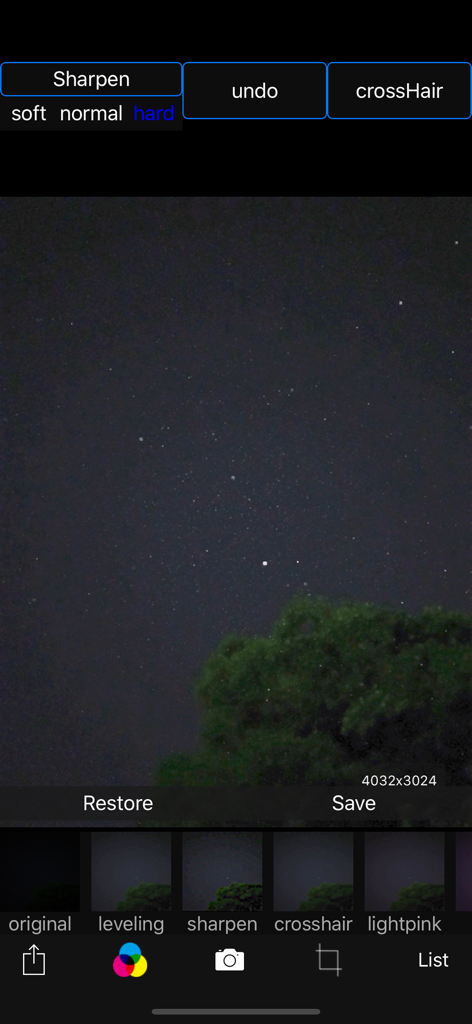
다양한 색상 필터와 샤프닝 옵션으로 밤하늘 사진을 보여주는 Starry sky Camera 앱의 인터페이스

Starry sky Camera - 밤하늘 사진과 필터 옵션이 있는 Starry sky Camera 앱의 편집 인터페이스
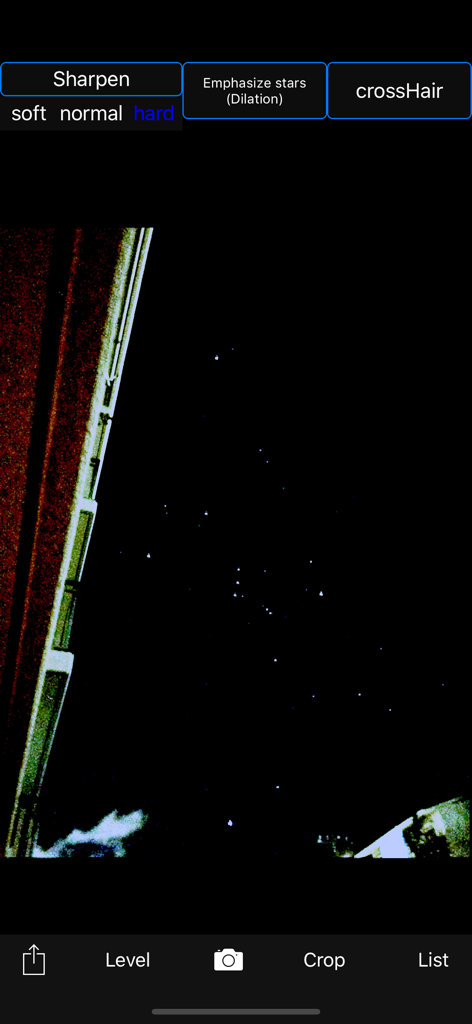
밤하늘 사진과 필터 옵션이 있는 Starry sky Camera 앱의 편집 인터페이스

Starry sky Camera - 별 샤프닝 도구로 밤하늘 사진을 편집하는 Starry sky Camera 앱
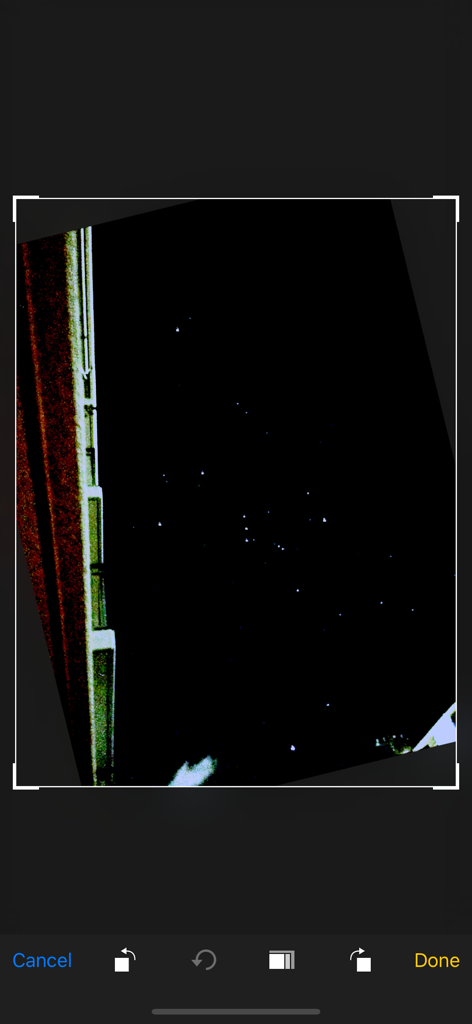
별 샤프닝 도구로 밤하늘 사진을 편집하는 Starry sky Camera 앱

Starry sky Camera - Starry sky Camera 앱 인터페이스 내에서 편집 중인 밤하늘 사진의 스크린샷
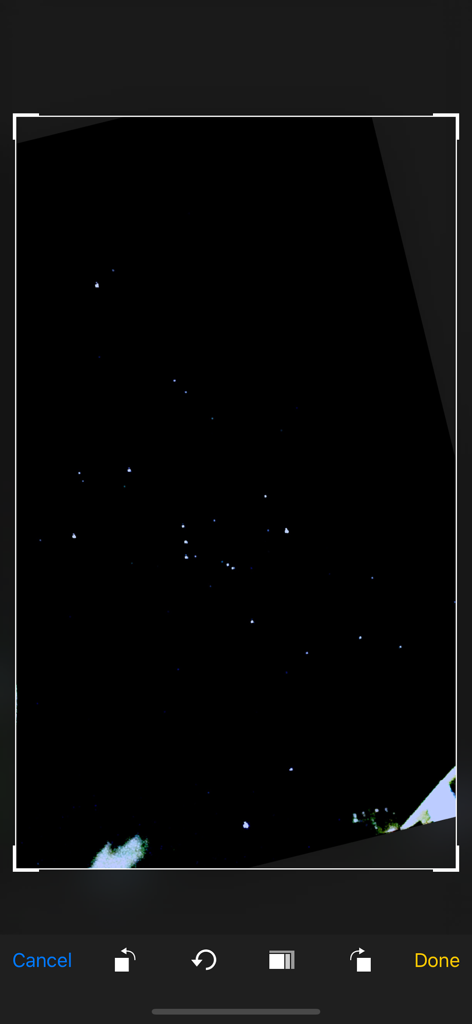
Starry sky Camera 앱 인터페이스 내에서 편집 중인 밤하늘 사진의 스크린샷

Starry sky Camera - 밤하늘 사진을 자르고 편집하는 것을 보여주는 모바일 앱 화면

밤하늘 사진을 자르고 편집하는 것을 보여주는 모바일 앱 화면

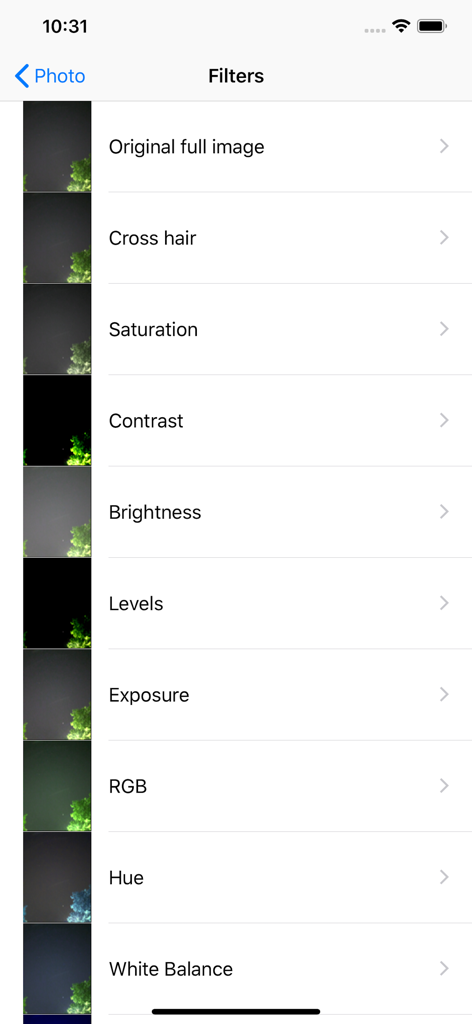
Starry sky Camera - 채도 대비 및 밝기와 같은 옵션을 보여주는 Starry sky Camera 앱의 사진 편집 필터 목록

채도 대비 및 밝기와 같은 옵션을 보여주는 Starry sky Camera 앱의 사진 편집 필터 목록

설명

This camera app is able to take pictures of a real starry sky. You can take stars of the first magnitude and stars of the second magnitude or less in good condition. You can also get the pictures processed through dozens or more kinds of image processing filter. To take pictures of the starry sky, you have only to (1)set your iPhone camera toward a starry sky on a tripod, (2)tap the star icon (star1, star2 or star3), (Star1 is recommended.) (3)release the shutter, and just wait a minute or so. For Star 1, select the brightest pixel for each pixel in the continuous shooting image to highlight the brightness of the stars in the dark night sky. Star 2 raises the tone of brightness according to the number of continuous shots and shoots brightly. Star 3 adds brightness to each pixel of the continuous shooting image and shoots very brightly. Even with the same number of exposures, the images are brightly combined in the low to high order of star 1, star 2, star 3. However, please note that the brightness of Star 3 tends to be saturated. If the picture you took is dark, try increasing the number of exposures or setting the exposure compensation to a positive value. On the other hand, if the picture you took is too bright, try reducing the number of exposures or setting the exposure compensation to negative. Also, if you set the number of exposures to 1, you can use it as a camera app similar to a normal camera app. The main features of this app are as follows. [Initial setting] (1) Camera position / library selection (setting screen) You can select the front camera and the rear camera. Also, if you select the library, you can import photos from the camera roll. (2) Selection of resolution You can select 4K (2K) and the highest resolution. (3) Shooting scene settings The following scenes (functions) can be set. Daytime (HDR), Starry sky 1 (comparative bright composition), Starry sky 2 (screen composition), Starry sky 3 (additional composition), Night view Valve (superimposed) (4) Color temperature setting When white balance is set to manual, 1000 K to 12000 K can be selected as the color temperature. If it is set to auto, the automatic setting value will be used. (5) Focus setting If the focus is set to manual, you can set the focus at any distance within the range of device performance. If set to auto, it will be the automatic setting value. (6) Exposure compensation settings It can be set within the range of device performance. (7) Camera shake correction function The camera shake correction function is useful for minute camera shake. Also, even if the star moves during shooting due to diurnal movement, the deviation is corrected and combined. (8) HDR (high dynamic range) function You can take multiple pictures with automatically changed exposure and combine them to take a picture with a pseudo-widened dynamic range. (9) Manual exposure setting function The shutter speed and ISO value can be manually set to any value within the range of device performance. [Camera function] Camera work is possible according to the contents set in the initial settings. You can also pinch in and out for digital zoom. The shutter also has a 2-second or 10-second timer to avoid camera shake when tapping. These can be selected by pressing and holding the shutter icon. [List display function] Photos taken with this app are stored in this app at the same time as they are stored in the camera roll, and can be displayed in a list with shooting date and time information on the list display screen. You can delete the tapped image by tapping Select, selecting the image, and tapping the trash can icon. [Image processing function] Tap the displayed image to display the filter list for image processing. There are about 70 types of filters such as brightness adjustment, contrast, blur, sharpening, sepia, monochrome, edge detection, sketch, etc.

Download

다운로드: App Store

이 페이지는 앱이나 개발자의 공식 페이지가 아니며, 정보 제공 및 논평을 목적으로 작성된 독립 편집 간행물입니다. 명시적으로 달리 언급되지 않는 한, 해당 앱이나 개발자는 MWM, Apple, Google Play, 앱 퍼블리셔 또는 앱 개발자와 제휴, 보증, 후원, 승인 또는 공식적으로 연결되어 있지 않으며, 이 페이지의 어떤 내용도 해당 앱이 MWM의 서비스를 사용하여 개발되었음을 의미하지 않습니다. 모든 상표, 로고, 스크린샷 및 기타 콘텐츠는 해당 소유자의 자산입니다.