Stop Motion Animation Maker
다운로드: App Store

이 페이지는 앱이나 개발자의 공식 페이지가 아니며, 정보 제공 및 논평을 목적으로 작성된 독립 편집 간행물입니다. 명시적으로 달리 언급되지 않는 한, 해당 앱이나 개발자는 MWM, Apple, Google Play, 앱 퍼블리셔 또는 앱 개발자와 제휴, 보증, 후원, 승인 또는 공식적으로 연결되어 있지 않으며, 이 페이지의 어떤 내용도 해당 앱이 MWM의 서비스를 사용하여 개발되었음을 의미하지 않습니다. 모든 상표, 로고, 스크린샷 및 기타 콘텐츠는 해당 소유자의 자산입니다.


로고: Stop Motion Animation Maker
다운로드: App Store

Stop Motion Animation Maker

어린이와 부모가 함께 카툰을 만드는 가장 쉬운 방법. 일상적인 장난감을 전문적인 애니메이션으로 바꾸고 자녀의 창의력을 세상과 공유하세요.

주요 수치

다운로드

32K+

사용자 평점

4.6/5

총 평가 수

300

개발사

VISPER ARTS OOO

카테고리

Photo & Video

지원 언어

43

최신 버전

5.4.2

크기

100.8 MB

출시일

2022년 4월 15일
기능

장난감을 영화 걸작으로 바꾸세요

어린이와 부모가 함께 고품질 스톱모션 카툰 및 타임랩스 비디오를 만드는 가장 쉬운 방법으로, 활동적인 놀이 시간을 전문적인 결과로 바꿔줍니다.

고스트 프레임 정렬

반투명 오버레이가 이전 샷을 보여주어 매번 부드럽고 전문적으로 보이는 움직임을 위해 완벽하게 물체를 배치할 수 있도록 도와줍니다.

레고 및 DIY 공예용 제작

'브릭필름' 및 클레이메이션을 위한 최고의 도구입니다. 그림이든 블록이든 물리적인 놀이를 디지털 스토리텔링으로 바꿔줍니다.

다음 스크린샷과 설명은 앱의 공식 스토어 목록에서 직접 가져온 것이며 앱 개발자의 자산입니다.

앱 스토어

스크린샷
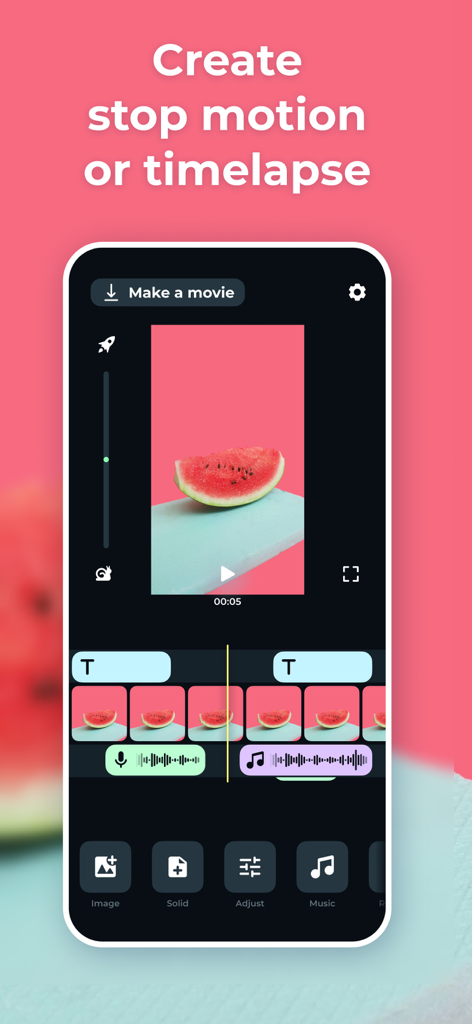
Stop Motion Animation Maker - 애니메이션 제작을 위한 비디오 타임라인과 편집 도구가 있는 스톱모션 애니메이션 메이커 앱 인터페이스
애니메이션 제작을 위한 비디오 타임라인과 편집 도구가 있는 스톱모션 애니메이션 메이커 앱 인터페이스

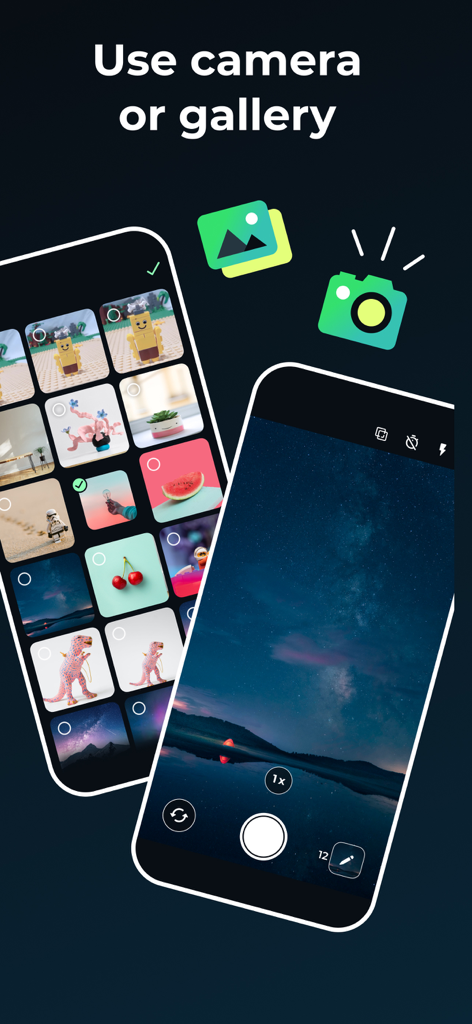
Stop Motion Animation Maker - 스톱모션 애니메이션을 만들기 위해 카메라 또는 사진 갤러리 사용 옵션을 보여주는 인터페이스
스톱모션 애니메이션을 만들기 위해 카메라 또는 사진 갤러리 사용 옵션을 보여주는 인터페이스

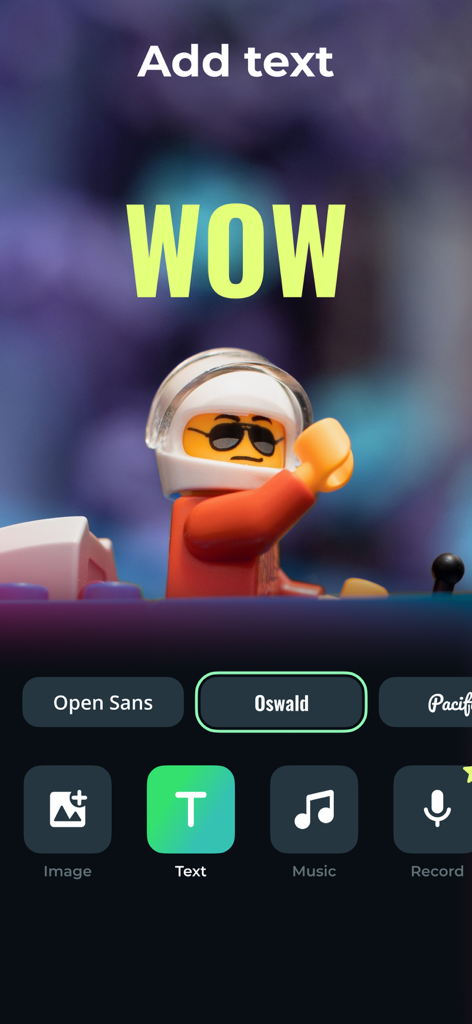
Stop Motion Animation Maker - 레고 스톱모션 비디오에 텍스트 오버레이를 추가하는 방법을 보여주는 모바일 앱 인터페이스
레고 스톱모션 비디오에 텍스트 오버레이를 추가하는 방법을 보여주는 모바일 앱 인터페이스

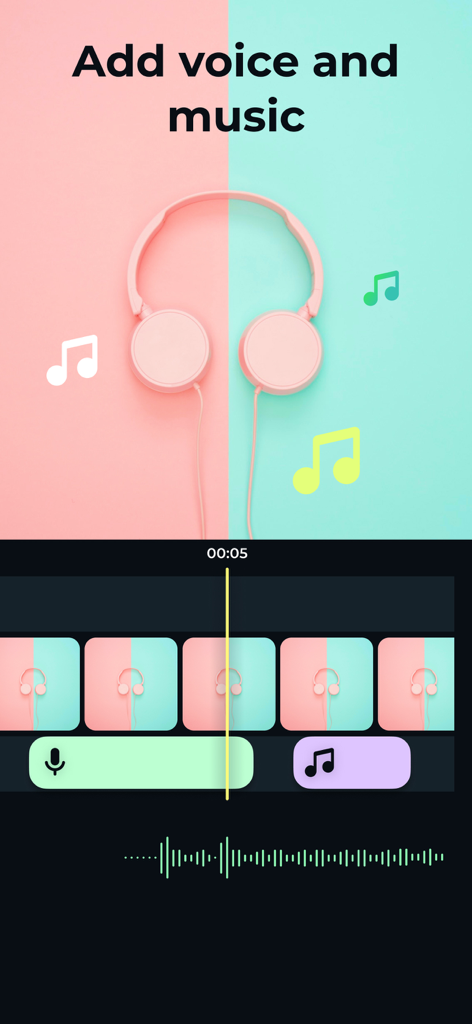
Stop Motion Animation Maker - 애니메이션 프레임에 음성 설명과 배경 음악을 추가하는 도구를 보여주는 스톱모션 앱 인터페이스
애니메이션 프레임에 음성 설명과 배경 음악을 추가하는 도구를 보여주는 스톱모션 앱 인터페이스

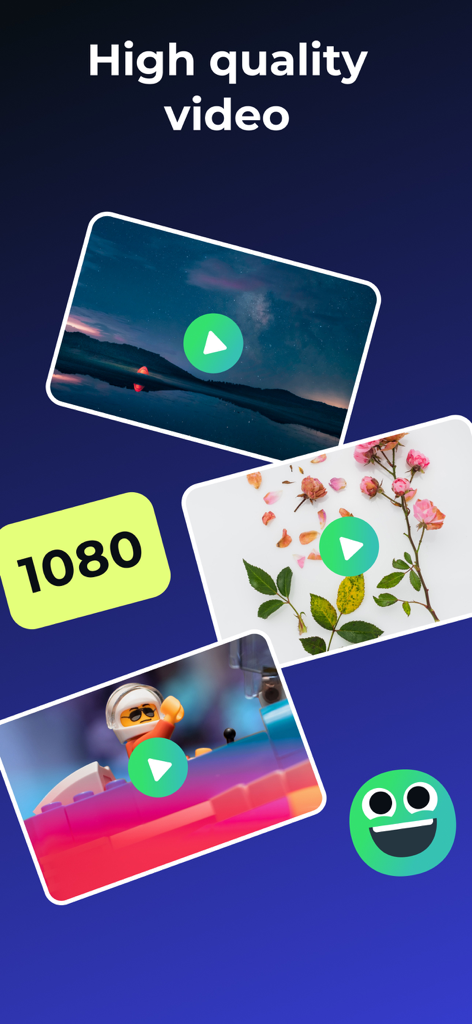
Stop Motion Animation Maker - 스톱모션 애니메이션 및 레고 영화를 위한 고품질 1080p 비디오 내보내기 옵션
스톱모션 애니메이션 및 레고 영화를 위한 고품질 1080p 비디오 내보내기 옵션

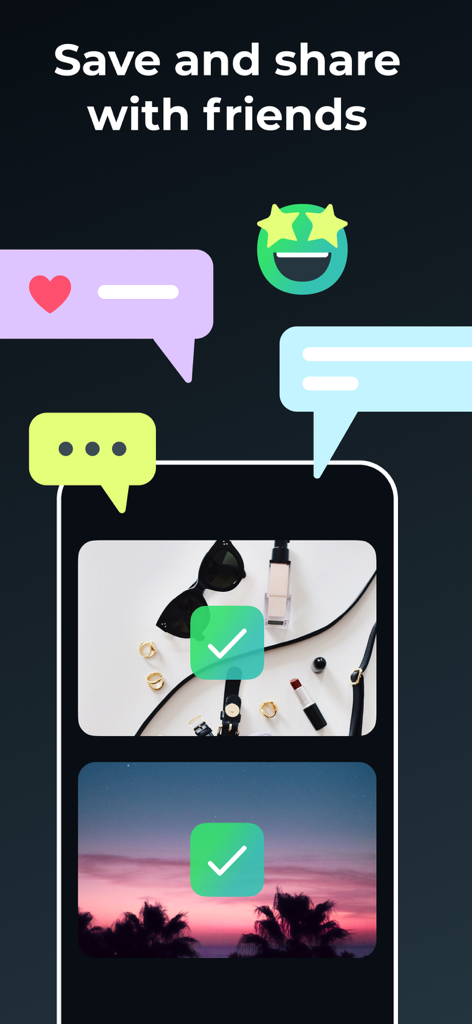
Stop Motion Animation Maker - 친구와 비디오를 저장하고 공유하는 옵션을 보여주는 스톱모션 애니메이션 메이커 앱 인터페이스

친구와 비디오를 저장하고 공유하는 옵션을 보여주는 스톱모션 애니메이션 메이커 앱 인터페이스

설명

The app creates a series of photographs that can be combined into a video and get finished cartoon, animation, or time-lapse at the output. With the Stop Motion app, You can easily create your cartoon or stop-motion animation just like the pros do! Easy shooting and editing even for beginner animators. Creating cartoons Take photos of your plasticine, Lego, drawings, and create your cartoons. Time-lapse photography can be done with anything: Lego, plasticine crafts, drawings, sketches, objects etc. The application provides a special mode of translucent overlay on the current frame in the camera: you can align objects and determine exactly how to position objects to get the right movement in the frame. We tried to make intuitive navigation in the app so even 5-years old child could create his cartoon. Stop motion videos Easily turn your photos into amazing videos. Use a photo gallery or take photos frame by frame to create movement. Then simply select the photos you want to include in your animation, set the speed, and create your video! You can save the finished video to your smartphone or share it on social networks directly from the Stop Motion app. The main functionality of the application: - frame-by-frame photo shooting with further combining the captured photos into a video; - horizontal and vertical screen orientation; - image zoom and transparency setting of the previous frame; - choice of vocalization during the scheme: manual or auto - viewing the footage; - the ability to set the frame rate; - stream export to video format; The app is ideal for creating cartoons and spending time together between parents and children, as well as creating interesting content on a personal blog! Time Lapse is a photography technique that allows you to accelerate a video and watch slowly changing events much faster. We offer subscription plans in the app that unlock premium functions of the app: - Payment will be charged to iTunes Account at confirmation of purchase - Subscription automatically renews unless auto-renew is turned off at least 24-hours before the end of the current period - Account will be charged for renewal within 24-hours prior to the end of the current period, and identify the cost of the renewal - Subscriptions may be managed by the user and auto-renewal may be turned off by going to the user's Account Settings after purchase - Any unused portion of a free trial period, if offered, will be forfeited when the user purchases a subscription to that publication, where applicable - Price can depend on location For more information please visit the link https://support.apple.com/HT202039 Privacy Policy: https://doc.whisperarts.com/policy/stopmotion/ios/ Terms of Use: https://doc.whisperarts.com/terms/stopmotion/ios/ Want to receive the latest news about the application? Subscribe to the newsgroup https://www.facebook.com/WhisperArts

Download

다운로드: App Store

이 페이지는 앱이나 개발자의 공식 페이지가 아니며, 정보 제공 및 논평을 목적으로 작성된 독립 편집 간행물입니다. 명시적으로 달리 언급되지 않는 한, 해당 앱이나 개발자는 MWM, Apple, Google Play, 앱 퍼블리셔 또는 앱 개발자와 제휴, 보증, 후원, 승인 또는 공식적으로 연결되어 있지 않으며, 이 페이지의 어떤 내용도 해당 앱이 MWM의 서비스를 사용하여 개발되었음을 의미하지 않습니다. 모든 상표, 로고, 스크린샷 및 기타 콘텐츠는 해당 소유자의 자산입니다.








