Sync2 Outlook Google & iCloud

Sync2 Outlook Google & iCloud


다운로드: App Store
로고: Sync2 Outlook Google & iCloud

Sync2 Outlook Google & iCloud: 데이터 전문가를 위한 연결 다리

Outlook, Google, iCloud를 원활하게 동기화하여 모든 기기에서 일정, 연락처 및 작업을 최신 상태로 유지하세요. 마침내 iPhone 또는 iPad에서 Exchange 공용 폴더 및 비즈니스 데이터에 노력 없이 직접 액세스하세요.

다운로드: App Store

개발사

Alittera Ltd inc.

카테고리

Productivity

다운로드

128K+

사용자 평점

4.0/5

총 평가 수

200

지원 언어

3

효율성에 집중

이 인터페이스를 사용하는 128K+ 명의 사용자.

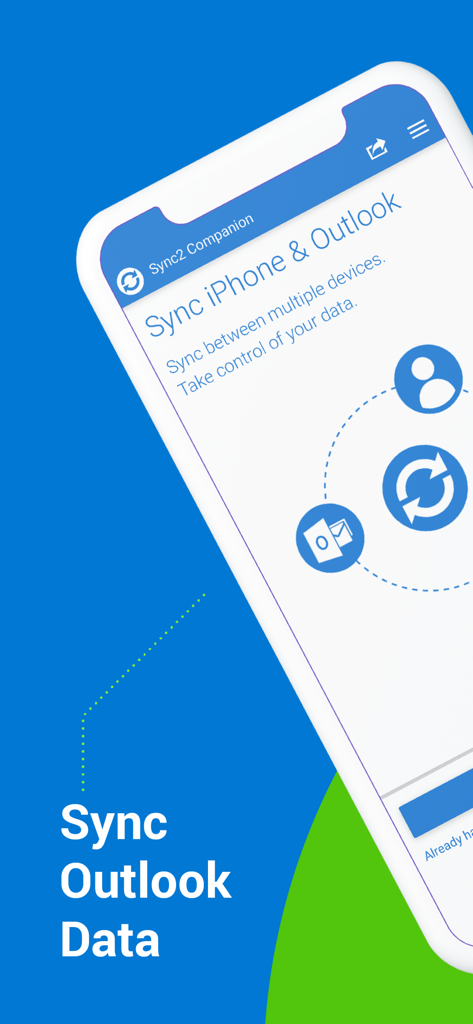
Sync2 컴패니언 앱 인터페이스가 iPhone 및 Outlook 데이터 동기화 옵션을 보여줍니다.

Sync2 컴패니언 앱 인터페이스가 iPhone 및 Outlook 데이터 동기화 옵션을 보여줍니다.

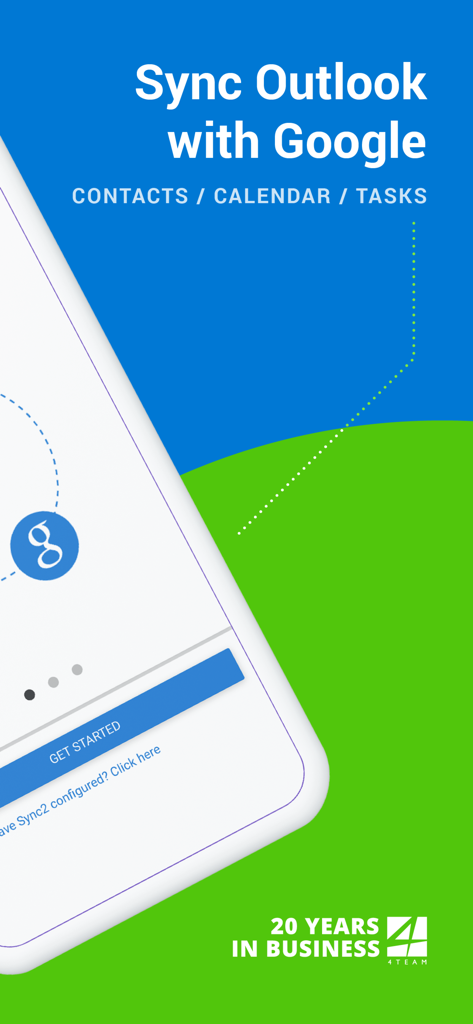
Sync2 앱 시작 화면이 Outlook과 Google의 연락처, 일정, 작업을 동기화하는 것을 보여줍니다.

Sync2 앱 시작 화면이 Outlook과 Google의 연락처, 일정, 작업을 동기화하는 것을 보여줍니다.

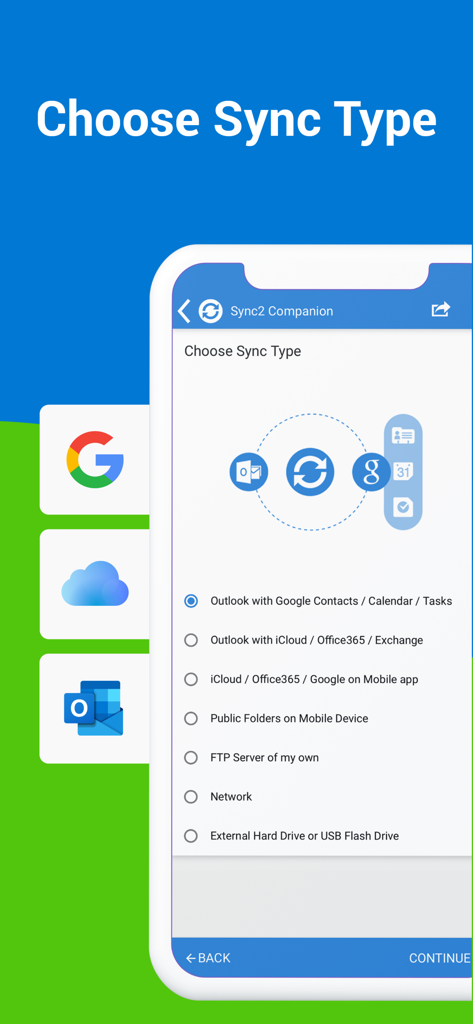
Outlook Google 및 iCloud 동기화를 위한 Sync2 앱의 동기화 유형 선택 화면

Outlook Google 및 iCloud 동기화를 위한 Sync2 앱의 동기화 유형 선택 화면

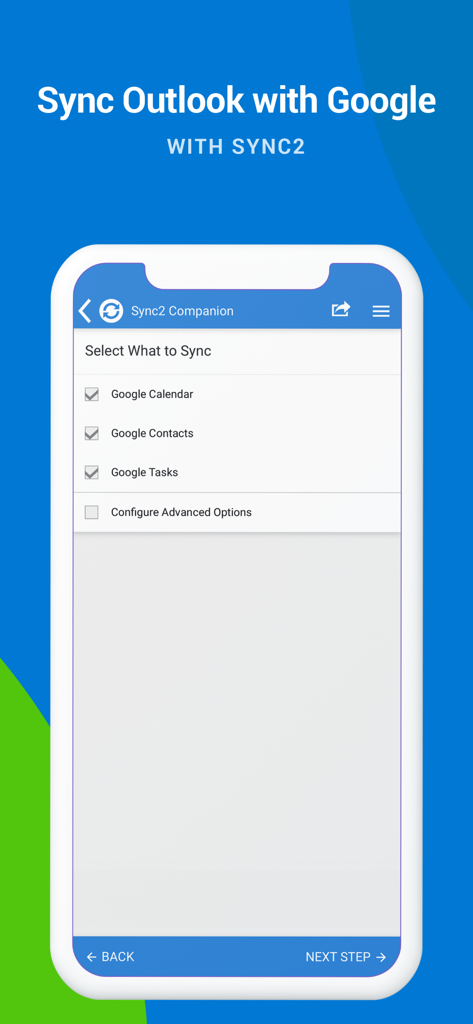
Sync2 앱 화면이 Outlook 동기화를 위한 Google 일정, 연락처 및 작업 체크박스를 보여줍니다.

Sync2 앱 화면이 Outlook 동기화를 위한 Google 일정, 연락처 및 작업 체크박스를 보여줍니다.

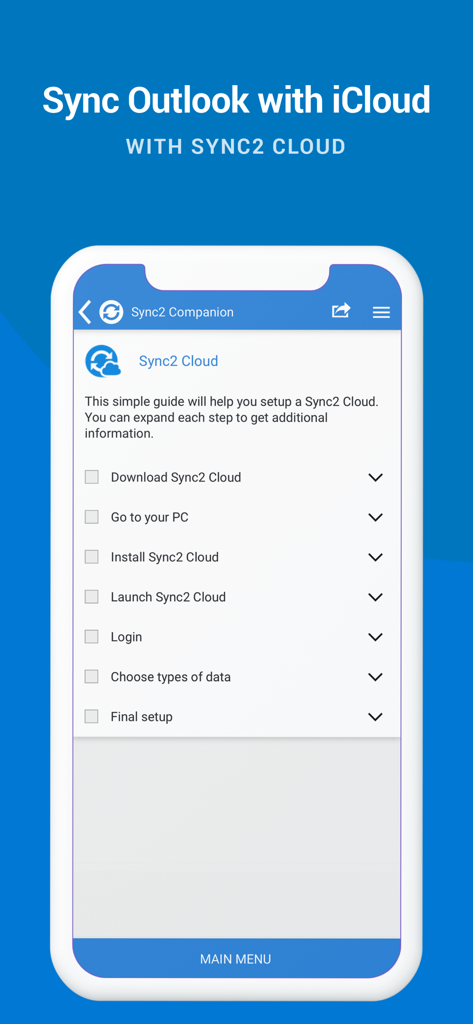
Sync2 Cloud를 사용하여 Outlook 및 iCloud 동기화를 설정하는 체크리스트를 표시하는 스마트폰 화면.

Sync2 Cloud를 사용하여 Outlook 및 iCloud 동기화를 설정하는 체크리스트를 표시하는 스마트폰 화면.

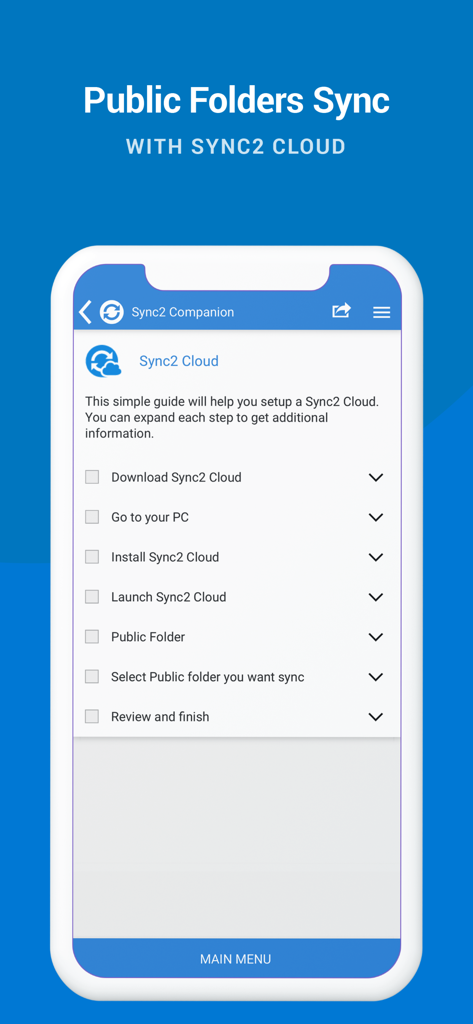
Sync2 Cloud와의 Outlook 공용 폴더 동기화를 위한 설정 가이드

Sync2 Cloud와의 Outlook 공용 폴더 동기화를 위한 설정 가이드

모든 플랫폼에서 통합된 생산성

이 앱을 돋보이게 하는 도구, 128K+ 명의 사용자가 선택.

📂

기본 공용 폴더 액세스

iPhone 또는 iPad에서 공유 Exchange 일정 및 연락처를 직접 보고, 가장 일반적인 기업 모바일 동기화 격차를 해결하세요.

🔄

원활한 생태계 통합

작업용 Outlook, 개인 Google 계정 및 Apple 기기를 양방향 데이터 흐름으로 동기화된 허브 하나로 통합하세요.

설정 후 잊어버리는 자동화

수동 개입 없이 항상 최신 상태인 일정을 보장하는 즉각적인 백그라운드 업데이트 및 자동 백업을 즐기세요.

앱 소개

에 대해 알아야 할 모든 것 Sync2 Outlook Google & iCloud.

설명

This is a Complimentary Companion that helps you set up synchronization for Outlook with iCloud, Google, Office 365, Exchange and iPhone/iPad sync with iCloud and other cloud services. With Sync2 you will be able to synchronize your iPhone/iPad with Microsoft Outlook using your Google Account. PLEASE NOTE: THE SOFTWARE DOES NOT SUPPORT MICROSOFT OUTLOOK FOR MAC. Public Folder Sync to smartphones Public Folders sync solution. Microsoft Exchange Public Folders are not displayed natively on smartphones. Choose sync type “Public Folders on Mobile Device" and you will be guided to set up Sync2 Cloud. The new Sync2 Cloud helps to sync Public Folders. Sync & Share Public Folders on multiple platforms or smartphones (iPhone, iPad). Sync any type of Public folders (calendars, contacts, tasks, emails, notes). Sync Microsoft Outlook with your iPhone/iPad using Google account. Use Sync2 to set up synchronization of your Google account and Microsoft Outlook. Set up the Google account on your iPhone or iPad and have your data synchronized both ways. Set up the Sync2 PC application for Microsoft Outlook with Sync2 Companion in a few simple steps. Go through all the necessary settings to set up Sync2 on your PC. Get familiar with Sync2 functionality easily and without any trouble. About the Sync2 desktop app: The PC Microsoft Outlook synchronization software keeps your Emails, Calendar, Contacts and Tasks in sync between your Outlook, Google, iPhone, iPad and any other smartphone, tablet or PC. You can schedule automatic Outlook synchronization, perform manual sync on demand, or use an instant sync feature for changes made in Outlook to be moved immediately. Sync2 is the right tool for you if you are looking for a way to: - Sync Outlook with your iPhone or iPad using your Google account; - Sync your Outlook Contacts, Calendars and/or Tasks using one-way or two-way synchronization; - Easily sync your Outlook data, such as emails, calendars, contacts, tasks, notes, Outlook journals, between multiple PCs without the Microsoft Exchange server; - Synchronize specific Outlook folders with different workgroups. Main Sync2 features: - Sync Outlook with iPhone or iPad using a Google account. - Sync Outlook Calendar with Google Calendars. - Sync Microsoft Outlook between PC‘s without a server. - Instant synchronization of changes made in Microsoft Outlook. - Synchronize Microsoft Outlook Contacts with Google Contacts. - Sync Outlook Tasks with Google Tasks Lists. - Back up Contacts and Calendar folders automatically before each synchronization. - Synchronize data even when Microsoft Outlook is closed. - Manual or scheduled synchronization. - Sync Exchange folders.

최신 버전

2.2

크기

3.2 MB

출시일

2016년 7월 18일

Outlook 워크플로를 iPhone 및 iPad로 가져오세요

Sync2를 신뢰하여 일정, 연락처 및 공용 폴더를 모든 기기에서 완벽하게 동기화하는 128,000명 이상의 전문가와 함께하세요.

다운로드: App Store

App information, icons, screenshots, and descriptions displayed on this page are sourced from the Apple App Store and are the property of their respective developers. Download estimates and rankings are based on MWM's proprietary models and may not reflect actual figures. This page is provided for informational and analytical purposes only.

Believe this page infringes your intellectual property? File a dispute