SyncGene Sync Contact Calendar

SyncGene Sync Contact Calendar


다운로드: App Store
로고: SyncGene Sync Contact Calendar

SyncGene: 모든 플랫폼에서 연락처, 캘린더, 작업을 원활하게 동기화

iCloud, Google, Outlook 간의 간극을 메우세요. 바쁜 전문가를 위해 맞춤 제작된 엔터프라이즈급 백그라운드 동기화로 업무와 개인 생활을 자동으로 통합하세요.

다운로드: App Store

개발사

Cira Apps Limited

카테고리

Productivity

다운로드

9K+

사용자 평점

1.9/5

총 평가 수

0

지원 언어

3

움직이는 효율성

이 인터페이스를 사용하는 9K+ 명의 사용자.

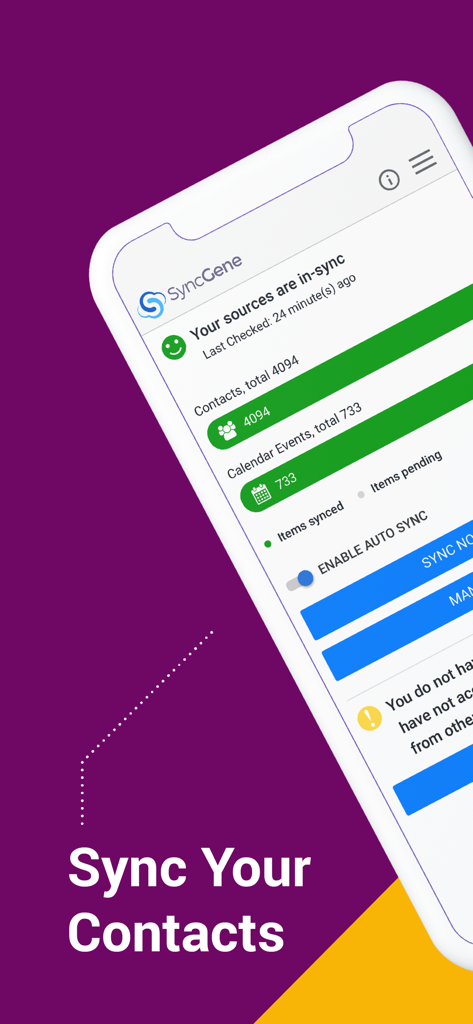
동기화된 연락처 및 캘린더 이벤트를 표시하는 SyncGene 앱 대시보드.

동기화된 연락처 및 캘린더 이벤트를 표시하는 SyncGene 앱 대시보드.

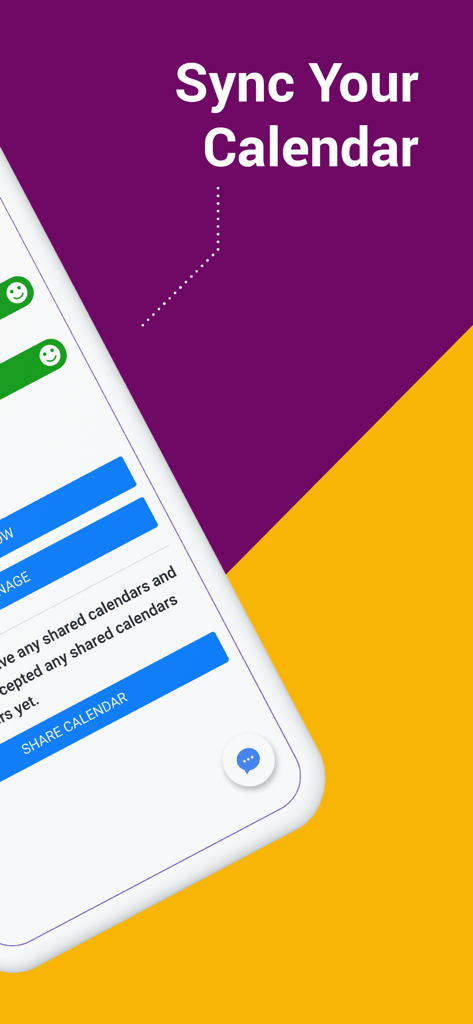
SyncGene 앱의 캘린더 동기화 화면

SyncGene 앱의 캘린더 동기화 화면

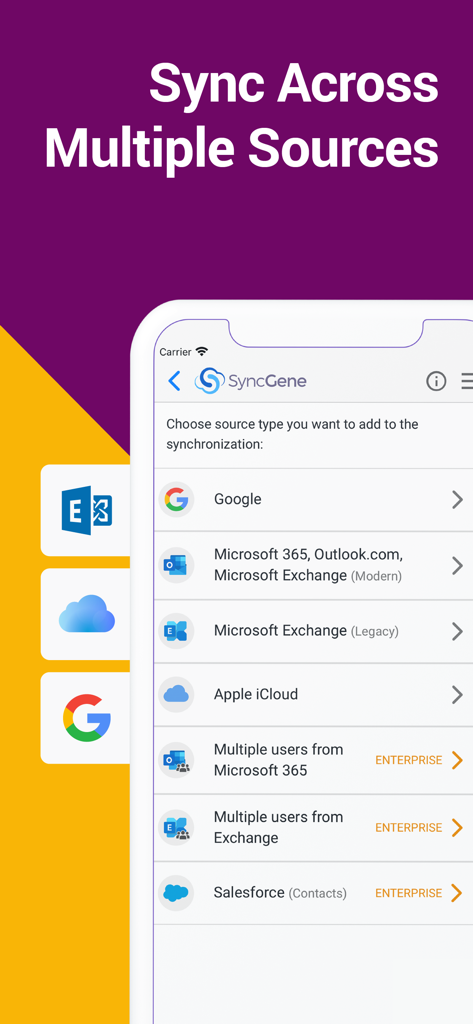
Google, Microsoft 365, iCloud, Salesforce 계정을 동기화하는 옵션을 보여주는 SyncGene 앱 화면.

Google, Microsoft 365, iCloud, Salesforce 계정을 동기화하는 옵션을 보여주는 SyncGene 앱 화면.

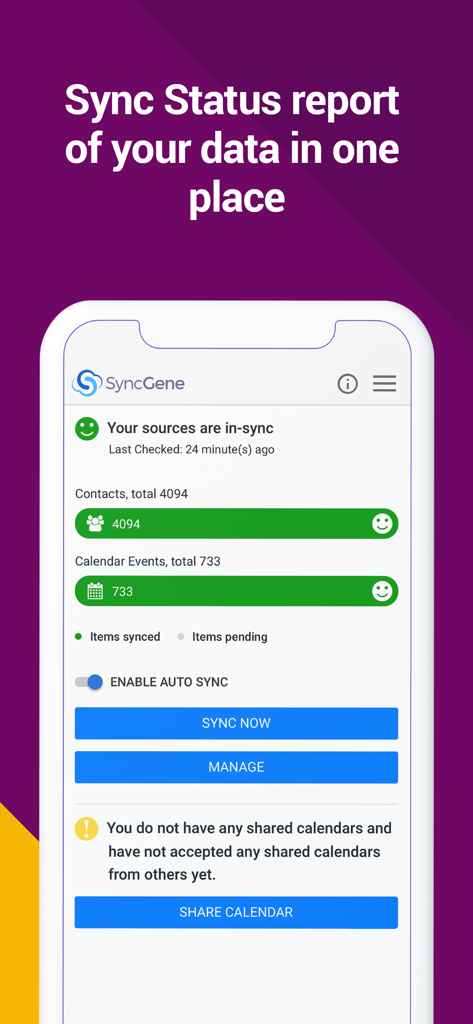
연락처 및 캘린더 데이터 동기화 상태를 보여주는 SyncGene 대시보드

연락처 및 캘린더 데이터 동기화 상태를 보여주는 SyncGene 대시보드

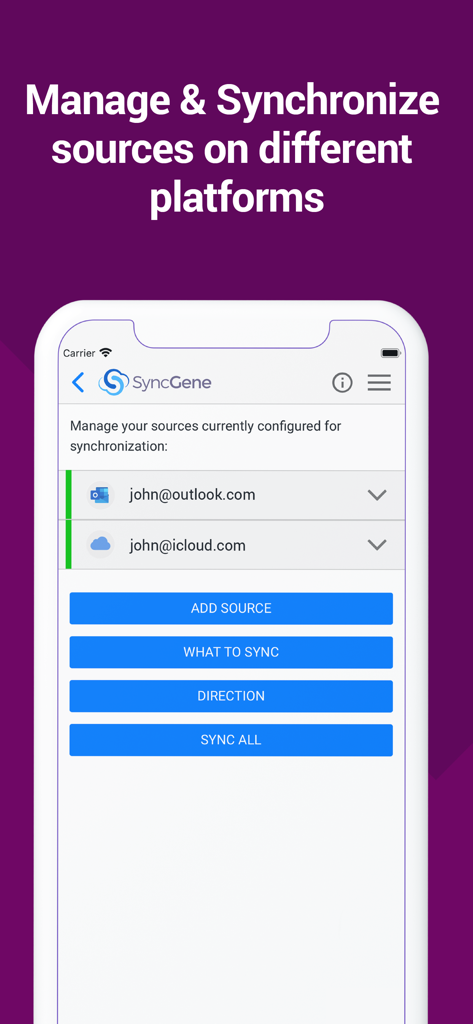
동기화를 위해 구성된 Outlook 및 iCloud 계정을 보여주는 SyncGene 모바일 앱 인터페이스.

동기화를 위해 구성된 Outlook 및 iCloud 계정을 보여주는 SyncGene 모바일 앱 인터페이스.

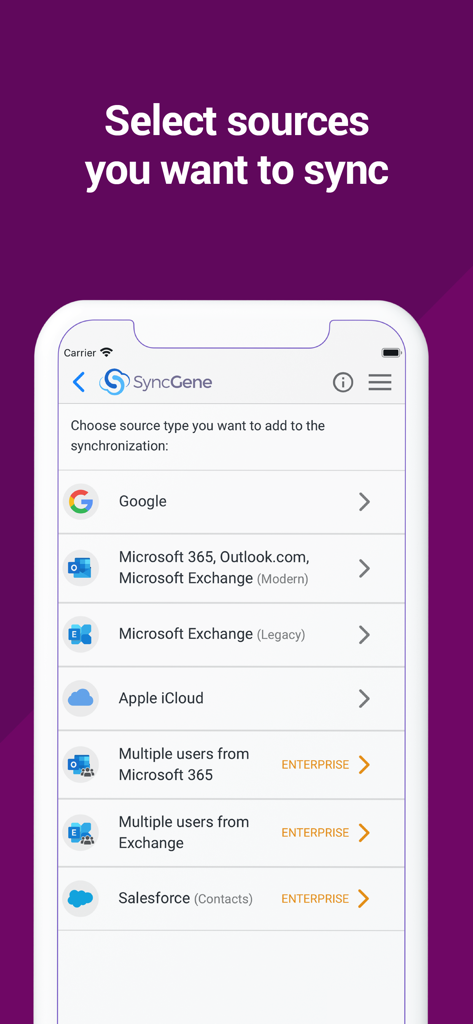
Google, Microsoft Outlook, Apple iCloud를 동기화하는 옵션을 보여주는 SyncGene 앱 화면

Google, Microsoft Outlook, Apple iCloud를 동기화하는 옵션을 보여주는 SyncGene 앱 화면

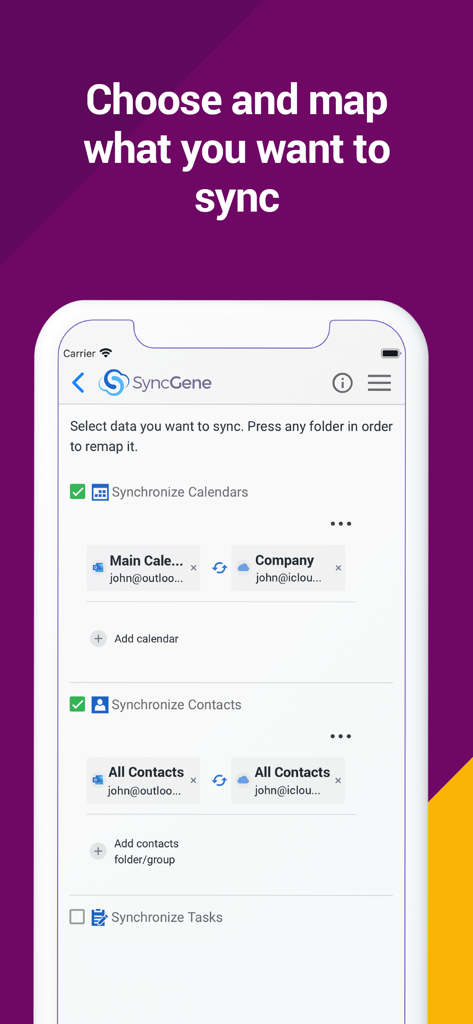
Outlook과 iCloud 간의 캘린더 및 연락처 동기화를 선택하고 매핑하는 옵션을 보여주는 SyncGene 모바일 앱 인터페이스

Outlook과 iCloud 간의 캘린더 및 연락처 동기화를 선택하고 매핑하는 옵션을 보여주는 SyncGene 모바일 앱 인터페이스

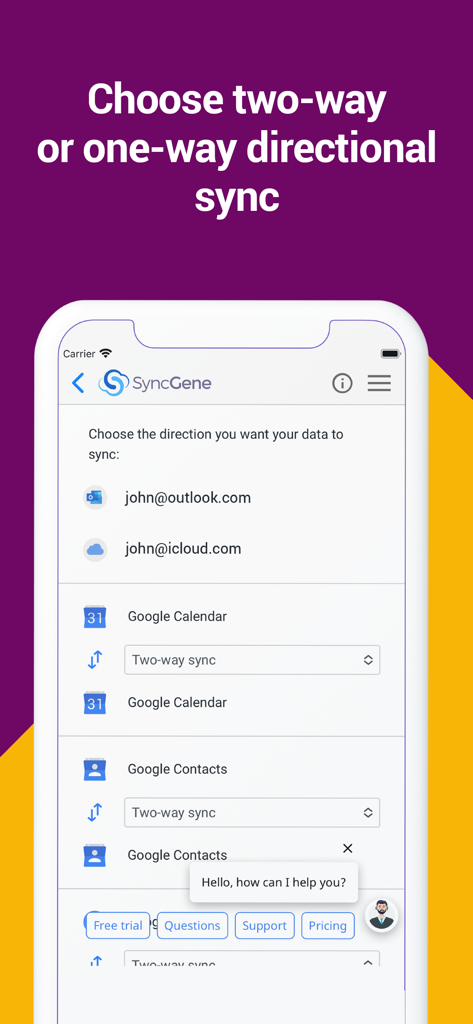
Google 캘린더 및 연락처에 대한 방향성 동기화 설정을 보여주는 SyncGene 모바일 앱 인터페이스

Google 캘린더 및 연락처에 대한 방향성 동기화 설정을 보여주는 SyncGene 모바일 앱 인터페이스

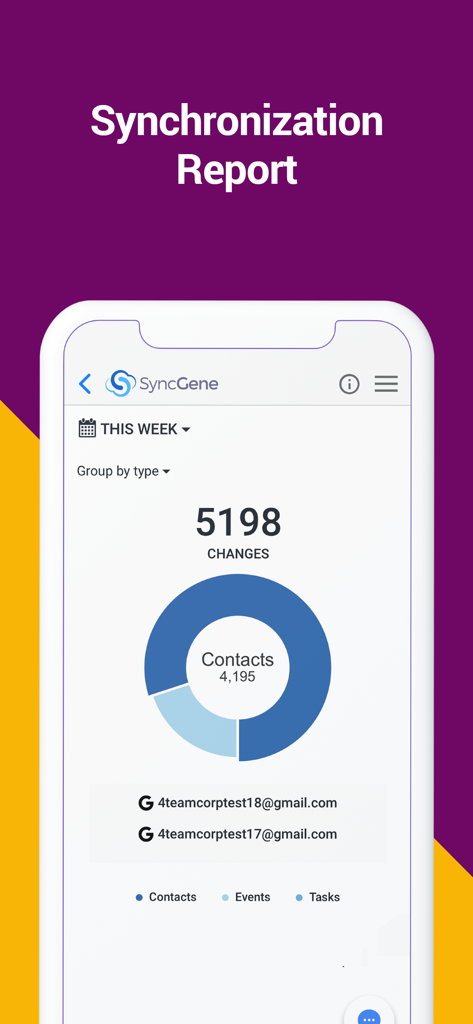
연락처 이벤트 및 작업 변경 사항을 보여주는 SyncGene 앱 동기화 보고서 대시보드

연락처 이벤트 및 작업 변경 사항을 보여주는 SyncGene 앱 동기화 보고서 대시보드

디지털 워크플로를 마스터하세요

이 앱을 돋보이게 하는 도구, 9K+ 명의 사용자가 선택.

🔄

설정 후 잊어도 되는 자동화

iPhone에서 연락처를 업데이트하면 Outlook에서 즉시 확인할 수 있습니다. 저희 백그라운드 동기화는 당신이 아무것도 하지 않아도 디지털 세계가 항상 반영되도록 보장합니다.

🌉

모든 생태계 연결

'생태계 유목민'을 위한 최고의 솔루션. Google 캘린더, iCloud 연락처, Microsoft Exchange를 하나의 통합된 보기로 원활하게 연결하세요.

🛠️

세분화된 매핑 제어

데이터에 대한 완전한 권한을 유지하세요. 단방향 또는 양방향 동기화 방향을 사용자 정의하고 폴더 매핑을 사용하여 업무 및 개인 항목을 완벽하게 정리하세요.

앱 소개

에 대해 알아야 할 모든 것 SyncGene Sync Contact Calendar.

설명

Free Cloud synchronization service to sync your Calendar, Contacts and Tasks with another iPhone, iPad, Mac, iCloud account, as well as Google and Microsoft devices and services. Sync Contacts, Calendar Events, and Tasks between your iPhone/iPad via iCloud with Google Gmail, Outlook 365, Outlook.com, Hotmail and Exchange. With SyncGene you can sync iCloud Calendar and Contacts with Google Calendar and Gmail Contacts. You can sync Calendar and Contacts using SyncGene app or online. Main features of SyncGene sync service: SYNC CONTACTS, CALENDAR, AND TASKS Sync Contacts, Calendar Events, and Tasks automatically across multiple devices, email accounts, Web Apps, and services. No more manual exporting, importing, double-entry, and data duplication. SYNC MULTIPLE SOURCES One tool to sync iCloud, Google Calendar, Gmail Contacts and Tasks, Outlook.com/Hotmail, Office 365 and Microsoft Exchange sources, and more coming soon. Any changes you make in your Contacts, Calendars and Tasks will appear on all your connected devices and services used. AUTO & CONSTANT SYNCHRONIZATION SyncGene stands out for its auto-sync, which is happening in the background. If you change anything in your data, SyncGene will automatically & constantly update all the sources and devices with the latest changes. MERGE PERSONAL INFORMATION. SAVE YOUR TIME One Calendar, one Address Book, and one To-do list for your hassle-free management. No more lost, duplicate or incomplete entries. MAPPING With SyncGene you can map folders and groups on the “What to sync” page. Use Folder Mapping to sync data between any chosen Folders or Groups. For example, you can sync your contacts from the “All People” group in Google Contacts with the “Contacts from Google” folder on Microsoft Exchange. SYNC DIRECTIONS You also can change sync direction - choose between one-way or two-way sync; & also free to busy sync; • You can change synchronization “Direction” when there are 2 sources configured. • To keep things simple, when adding 3rd and more sources it will inherit one-way/two-way settings from the first 2 sources automatically. • In case you have 3 or more sources and you still need to change sync directions' setup, please contact our support and they will help you. SyncGene PREMIUM Keep your digital life up to date across all devices and services. With SyncGene Premium you can: • Sync your data automatically • Sync an unlimited number of Contacts • Sync up to 5 different sources Compatible with: iPhone, iPad, Mac. Time saver: easy automation tool for busy people. SyncGene will sync your web apps, email accounts and devices automatically. No need to enter the same information on multiple devices or services. Synchronization is performed without you ever noticing, just set up SyncGene once and you can forget about it. Safe, secure and reliable: all your data is backed up to your Google Drive and can be easily restored. We never keep your synchronized information. SyncGene is hosted on Microsoft Azure – the most trusted cloud service. Every SyncGene service user has easy & fast access to our free 5 Star Live Chat and Email support. Terms of use - https://www.syncgene.com/terms-of-use

최신 버전

2.6

크기

3.2 MB

출시일

2016년 12월 21일

생산성을 자동 조종 모드로 설정할 준비가 되셨나요?

파편화된 캘린더와 연락처의 좌절감을 끝내세요. 수동 입력에 시간을 낭비하기엔 당신의 시간이 너무 소중하므로, 지금 바로 iCloud, Google, Office 365에서 자동 동기화를 시작하세요.

다운로드: App Store

App information, icons, screenshots, and descriptions displayed on this page are sourced from the Apple App Store and are the property of their respective developers. Download estimates and rankings are based on MWM's proprietary models and may not reflect actual figures. This page is provided for informational and analytical purposes only.

Believe this page infringes your intellectual property? File a dispute