
이 페이지는 앱이나 개발자의 공식 페이지가 아니며, 정보 제공 및 논평을 목적으로 작성된 독립 편집 간행물입니다. 명시적으로 달리 언급되지 않는 한, 해당 앱이나 개발자는 MWM, Apple, Google Play, 앱 퍼블리셔 또는 앱 개발자와 제휴, 보증, 후원, 승인 또는 공식적으로 연결되어 있지 않으며, 이 페이지의 어떤 내용도 해당 앱이 MWM의 서비스를 사용하여 개발되었음을 의미하지 않습니다. 모든 상표, 로고, 스크린샷 및 기타 콘텐츠는 해당 소유자의 자산입니다.


Table Notes Spreadsheet maker
모바일 데이터는 혼돈이 아니다. 이 앱은 당신에게 디지털 세계의 질서를 부여한다.
다운로드
1M+사용자 평점
총 평가 수
12.2K개발사
카테고리
Business지원 언어
30최신 버전
4.0.4크기
17.2 MB출시일
2021년 6월 3일유연하고 시각적인 모바일 데이터 관리를 위한 핵심 기능 평가
"Table Notes Spreadsheet maker" 앱 심층 분석
유연한 테이블 생성 및 데이터 정리
이 앱은 사용자가 다양한 구조화된 데이터를 표 형식으로 손쉽게 생성하고 정리할 수 있도록 지원합니다. 연락처 목록, 레시피, 일정, 시간표 등 여러 용도로 활용할 수 있습니다.
다양한 파일 형식으로 데이터 가져오기/내보내기
이 앱은 CSV 파일을 가져오고 CSV, PDF, XLSX 형식으로 데이터를 내보내는 기능을 제공하여 사용자가 데이터를 다른 애플리케이션과 쉽게 공유하거나 백업할 수 있도록 합니다.
포괄적인 시각적 사용자 정의
이 도구는 셀의 텍스트 및 배경 색상 변경, 텍스트 크기 및 위치 조정, 셀 크기 조절, 이미지 삽입과 같은 광범위한 시각적 사용자 정의 옵션을 제공하여 사용자가 데이터를 시각적으로 매력적이고 이해하기 쉽게 만들 수 있습니다.
손쉬운 구조화 및 확장성
사용자는 항목 이름을 설정하고, 열 너비를 조정하며, 행과 열을 무제한으로 추가하여 표의 구조를 자유롭게 정의하고 확장할 수 있습니다.
클라우드 동기화를 통한 다중 장치 접근성
iCloud Drive 통합을 통해 사용자는 여러 기기에서 공통 데이터에 접근하고 동기화할 수 있어, 장소에 구애받지 않고 작업을 이어갈 수 있습니다.
간단한 셀 계산 기능
이 도구는 사용자가 셀 내에서 덧셈, 뺄셈, 곱셈, 나눗셈과 같은 기본적인 사칙연산을 수행할 수 있도록 하여 간단한 데이터 분석 및 관리를 지원합니다.
자주 묻는 질문
에 대해 알아야 할 모든 것 Table Notes Spreadsheet maker
What is Table Notes Spreadsheet maker?
Table Notes Spreadsheet maker is a memo application that organizes information in a table format. Users can save names, phone numbers, addresses, and recipes within its structured rows and columns.
Can I use Table Notes Spreadsheet maker to create schedules?
Yes, Table Notes Spreadsheet maker allows users to create schedules, recipes, tables, timetables, and shifts. It serves as a versatile tool for organizing various types of tabular data.
How do I customize item names and column widths in Table Notes?
Users customize item names and column widths in Table Notes Spreadsheet maker by tapping an item. This action displays a settings screen where direct adjustments can be made.
Does Table Notes Spreadsheet maker support cell customization?
Yes, Table Notes Spreadsheet maker supports cell customization. Users can set distinct text and background colors for individual cells within their tables.
Can I adjust text size and position in Table Notes cells?
Yes, Table Notes Spreadsheet maker allows users to adjust text size to any dimension. Text position within cells can also be changed to left, center, or right alignment.
Is it possible to insert images into cells in Table Notes?
Yes, Table Notes Spreadsheet maker allows users to insert images directly into cells. This feature enhances visual data representation within the tables.
How do I change the size of cells in Table Notes?
Users can adjust cell size in Table Notes Spreadsheet maker. Both the height and width of individual cells can be modified to suit content display requirements.
Does Table Notes Spreadsheet maker limit the number of rows or columns?
No, Table Notes Spreadsheet maker does not limit the number of rows or columns. Users can add an unlimited quantity of both rows and columns to their tables.
Can Table Notes Spreadsheet maker perform calculations?
Yes, Table Notes Spreadsheet maker performs simple arithmetic calculations within cells. It supports four operations (+, -, *, /) and displays the results directly.
Can Table Notes Spreadsheet maker import CSV files?
Yes, Table Notes Spreadsheet maker imports CSV files. It can receive and display CSV data shared from other applications, facilitating data integration.
How do I export data from Table Notes as a CSV file?
Table Notes Spreadsheet maker outputs data in CSV format. However, cell formatting like text color and background color is not included in the CSV export.
Can I export my Table Notes data as a PDF?
Yes, Table Notes Spreadsheet maker outputs data in PDF format. This allows users to print or share their tables easily with others.
Does Table Notes Spreadsheet maker support XLSX export?
Yes, Table Notes Spreadsheet maker supports XLSX output. When exporting files that contain images, display variations may occur in the XLSX format.
Does Table Notes Spreadsheet maker support iCloud Drive synchronization?
Yes, Table Notes Spreadsheet maker supports iCloud Drive. Using iCloud Drive enables common data access and synchronization across multiple devices.
Does Table Notes Spreadsheet maker have a recovery option for deleted files?
Yes, Table Notes Spreadsheet maker includes a Trash Box feature. This allows users to recover accidentally deleted files, providing data security.
다음 스크린샷과 설명은 앱의 공식 스토어 목록에서 직접 가져온 것이며 앱 개발자의 자산입니다.
앱 스토어
스크린샷
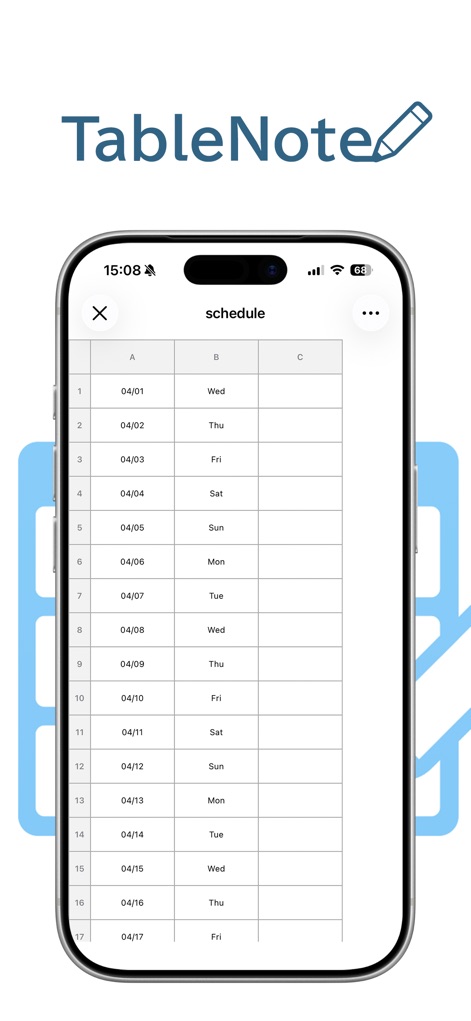
이 앱은 표 형식으로 데이터를 효율적으로 정리할 수 있으며, 사용자는 간단하게 개인 및 업무 일정을 생성하고 관리할 수 있습니다.
유연한 데이터 정리
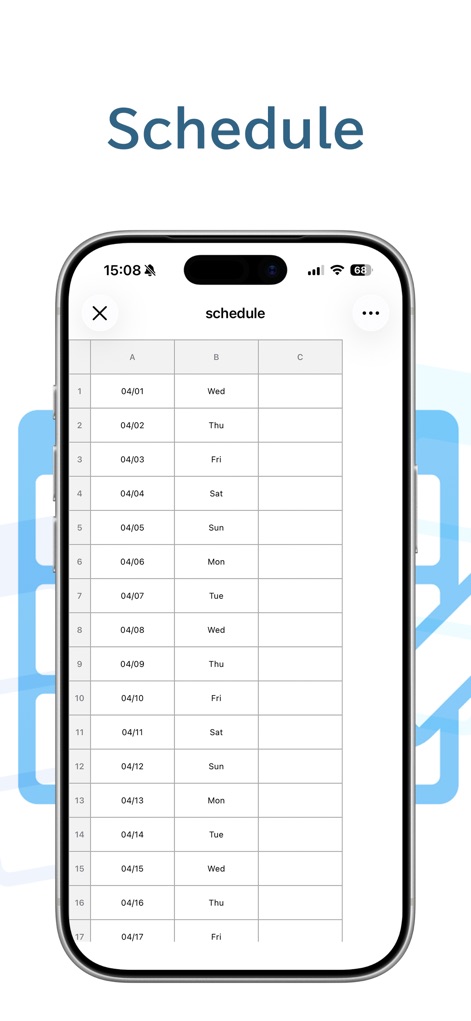
이 스크린샷은 사용자가 일별 일정을 쉽게 구성할 수 있는 모습을 보여주며, 데이터를 명확하게 보여주는 사용자 정의 가능한 열 레이아웃을 제공합니다.
일정 관리의 시작
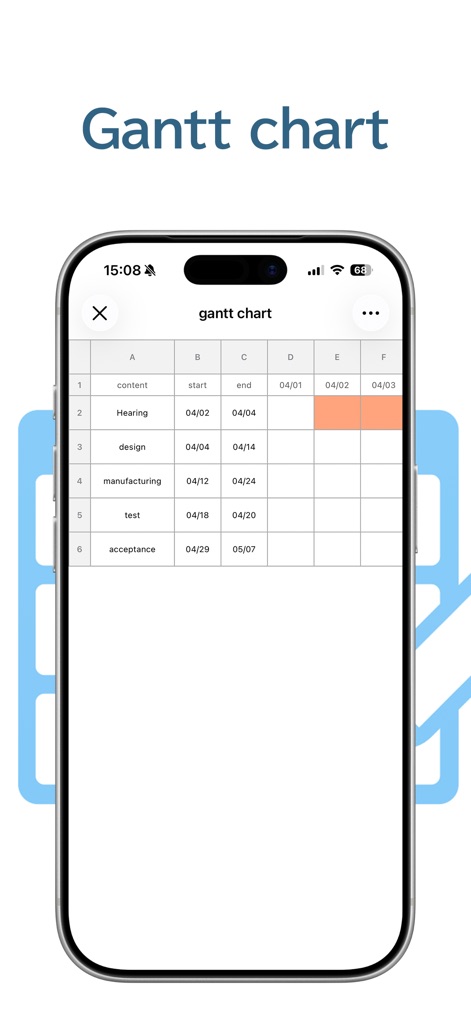
이 도구는 간트 차트 형식으로 프로젝트의 진행 상황을 시각적으로 나타내며, 셀 배경색을 활용하여 각 작업의 기간을 명확하게 표시합니다.
프로젝트 시각화 도구
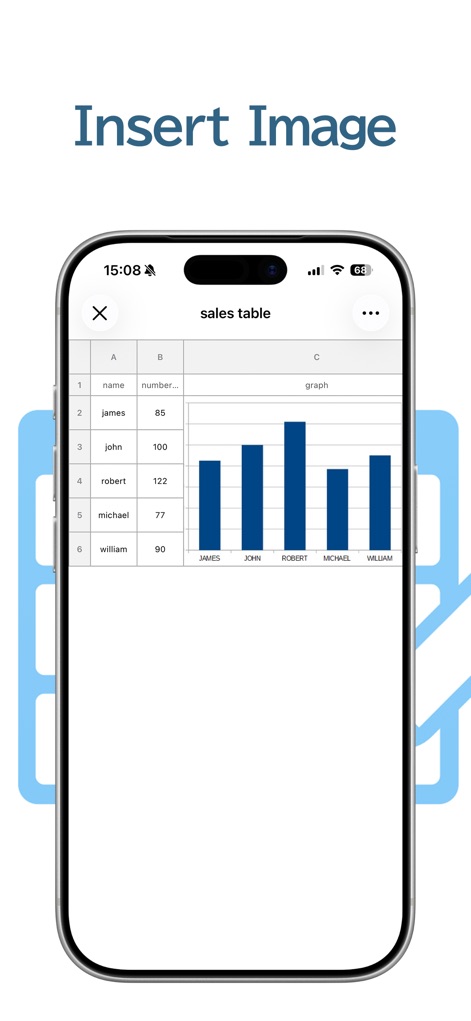
이 앱은 셀 내에 이미지를 삽입할 수 있도록 지원하여, 사용자는 데이터와 함께 그래프를 통합된 테이블에서 손쉽게 시각화할 수 있습니다.
시각적 데이터 통합
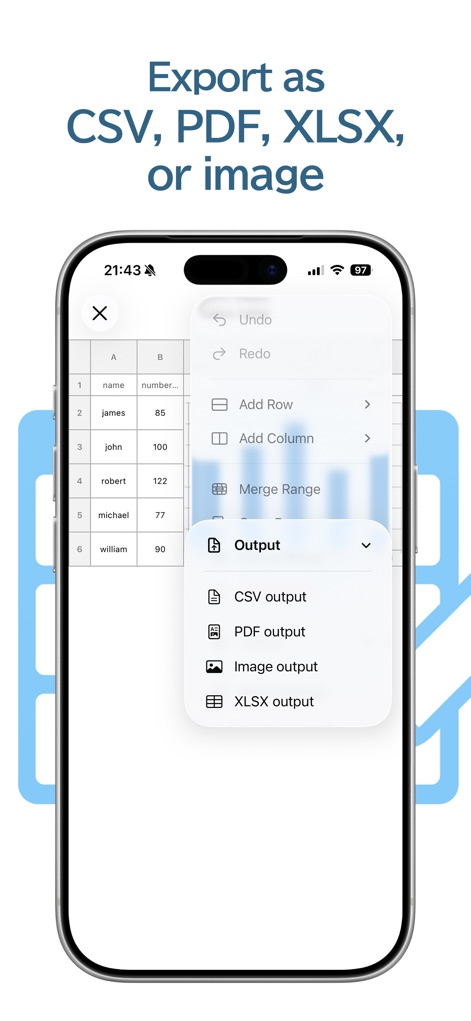
이 도구는 CSV, PDF, XLSX 등 다양한 형식으로 데이터를 내보낼 수 있는 기능을 제공하며, 사용자는 직관적인 출력 메뉴를 통해 필요한 파일을 손쉽게 생성할 수 있습니다.
유연한 데이터 내보내기
설명
Download
비슷한 앱
유사한 기능과 사용자 경험을 가진 앱

Planit - To-Do List & Calendar
BeomJoon Kim

Smile Todo - Time Management
EMMO Corp.

That Shopping List
Markus Liebschner

Lists To do
Thomas Tsopanakis

To Do List Widget
TAPUNIVERSE LLC

Daily Planner & Task Manager
Konstantin Bolgar

DailyTodo - To-Do List & Tasks
SEOLHEE LEE

Minimal Tabbed ToDo List
App Palette LLC

Do! - Simple To Do List
SIMPLERION Co., Ltd
이 페이지는 앱이나 개발자의 공식 페이지가 아니며, 정보 제공 및 논평을 목적으로 작성된 독립 편집 간행물입니다. 명시적으로 달리 언급되지 않는 한, 해당 앱이나 개발자는 MWM, Apple, Google Play, 앱 퍼블리셔 또는 앱 개발자와 제휴, 보증, 후원, 승인 또는 공식적으로 연결되어 있지 않으며, 이 페이지의 어떤 내용도 해당 앱이 MWM의 서비스를 사용하여 개발되었음을 의미하지 않습니다. 모든 상표, 로고, 스크린샷 및 기타 콘텐츠는 해당 소유자의 자산입니다.