The Video Compressor : Zippy
다운로드: App Store

이 페이지는 앱이나 개발자의 공식 페이지가 아니며, 정보 제공 및 논평을 목적으로 작성된 독립 편집 간행물입니다. 명시적으로 달리 언급되지 않는 한, 해당 앱이나 개발자는 MWM, Apple, Google Play, 앱 퍼블리셔 또는 앱 개발자와 제휴, 보증, 후원, 승인 또는 공식적으로 연결되어 있지 않으며, 이 페이지의 어떤 내용도 해당 앱이 MWM의 서비스를 사용하여 개발되었음을 의미하지 않습니다. 모든 상표, 로고, 스크린샷 및 기타 콘텐츠는 해당 소유자의 자산입니다.


로고: The Video Compressor : Zippy
다운로드: App Store

The Video Compressor : Zippy

'저장 공간 부족' 알림은 이제 그만. 스마트 AI를 사용하여 4K 동영상을 몇 초 만에 압축하고, iPhone 공간을 확보하고, 워터마크 없이 어디에나 공유하세요.

주요 수치

다운로드

10K+

사용자 평점

4.6/5

총 평가 수

1K+

개발사

RaySaar Technologies FZE LLC

카테고리

Utilities

지원 언어

5

최신 버전

1.27

크기

113.1 MB

출시일

2024년 4월 14일
기능

iPhone 저장 공간 즉시 확보

Zippy는 고급 AI를 기반으로 대용량 4K 동영상을 공유 가능한 파일로 압축하면서도 좋아하는 선명한 품질을 그대로 유지합니다.

AI 기반 품질

파일 크기를 크게 줄이면서도 선명하고 전문적인 영상을 유지하세요. 픽셀화 없이, 놀라운 결과만 얻으세요.

워터마크 제로, 스트레스 제로

성가신 워터마크 없이 TikTok 및 Instagram용 고품질 동영상을 내보내고 몇 초 만에 기가바이트의 공간을 절약하세요.

다음 스크린샷과 설명은 앱의 공식 스토어 목록에서 직접 가져온 것이며 앱 개발자의 자산입니다.

앱 스토어

스크린샷
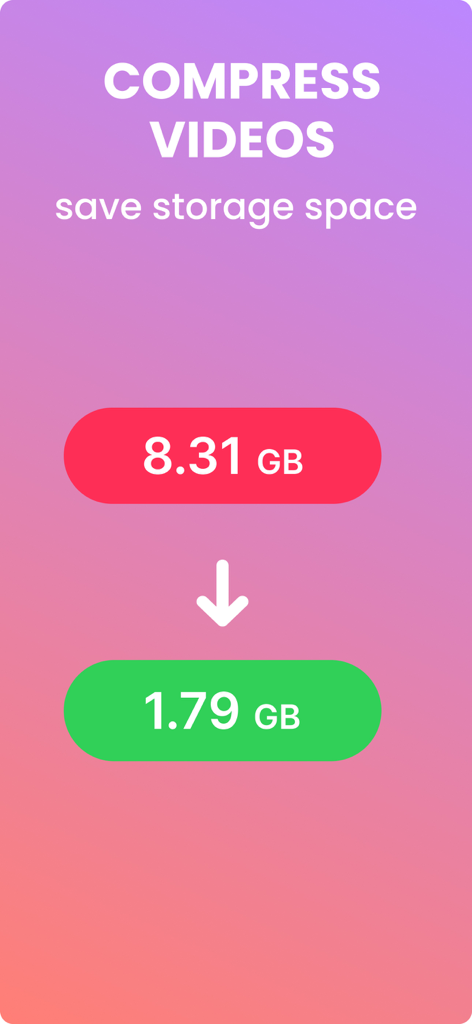
The Video Compressor : Zippy - 동영상 크기가 8.31GB에서 1.79GB로 줄어들어 저장 공간을 절약하는 것을 시각적으로 보여주는 데모
동영상 크기가 8.31GB에서 1.79GB로 줄어들어 저장 공간을 절약하는 것을 시각적으로 보여주는 데모

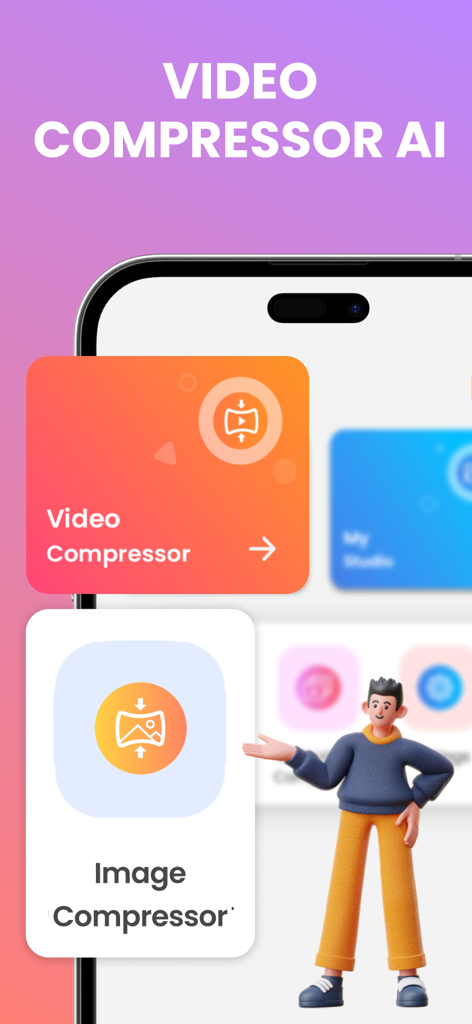
The Video Compressor : Zippy - AI 동영상 및 이미지 압축기 옵션을 보여주는 Zippy 모바일 앱 화면
AI 동영상 및 이미지 압축기 옵션을 보여주는 Zippy 모바일 앱 화면

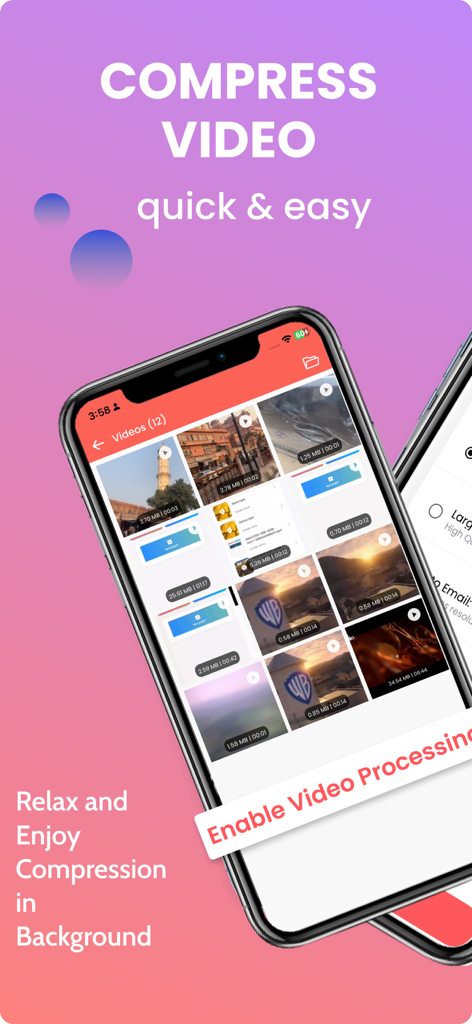
The Video Compressor : Zippy - iPhone에서 동영상 선택 라이브러리와 백그라운드 압축 기능을 보여주는 Zippy 앱 인터페이스
iPhone에서 동영상 선택 라이브러리와 백그라운드 압축 기능을 보여주는 Zippy 앱 인터페이스

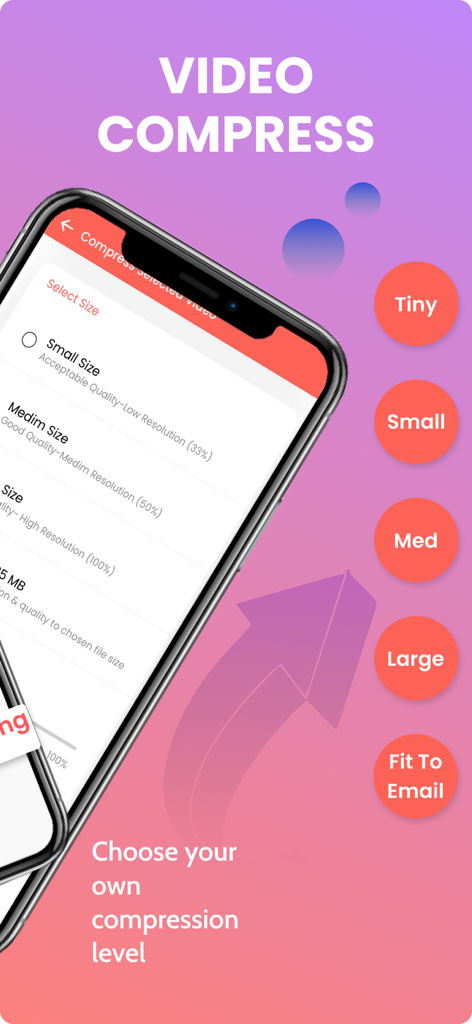
The Video Compressor : Zippy - Tiny Small Medium Large 및 Fit to Email을 포함한 동영상 압축 크기 옵션을 보여주는 Zippy의 모바일 앱 인터페이스
Tiny Small Medium Large 및 Fit to Email을 포함한 동영상 압축 크기 옵션을 보여주는 Zippy의 모바일 앱 인터페이스

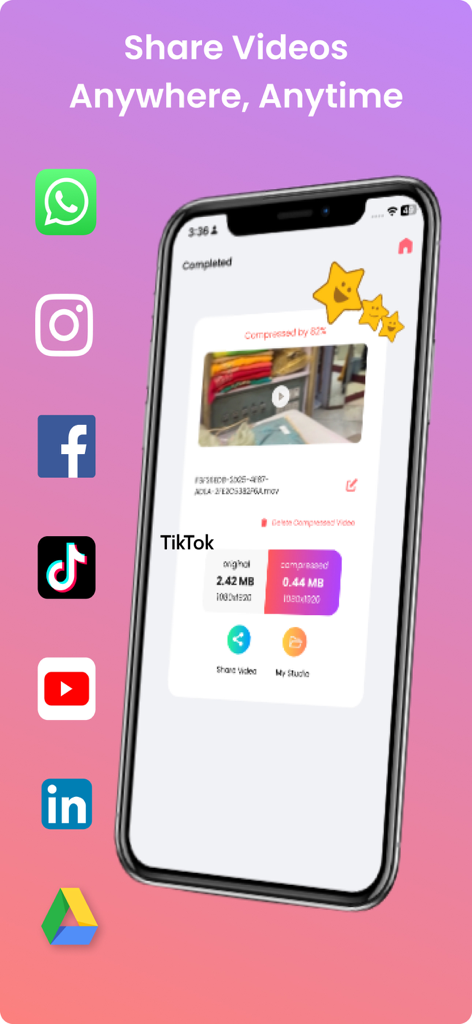
The Video Compressor : Zippy - TikTok 및 Instagram과 같은 소셜 미디어 플랫폼에서 공유할 준비가 된 압축 동영상을 보여주는 Zippy 앱 인터페이스

TikTok 및 Instagram과 같은 소셜 미디어 플랫폼에서 공유할 준비가 된 압축 동영상을 보여주는 Zippy 앱 인터페이스

설명

Compress Video Files with AI – Save Space Fast Need to compress videos on your iPhone? Use this smart Video Compressor app to reduce file size without losing quality. Powered by Video Compressor AI, it helps you save storage, upload faster, and share easily. Video Compress options: small, medium, large, or custom Compress video in background mode Compare original and compressed file size Share videos with no watermark Free and easy-to-use compress video tool Try our Video Compressor AI now – perfect for anyone who wants to compress videos quickly and effectively! SUBSCRIPTION INFO: Video Compressor File Resizer offers two auto-renewing subscription options Monthly and Yearly which can be avail to remove ads, no limit on video size for compression, and gives more compression options such as Fit to Email and Custom Resolution. •Your payment will be charged to your iTunes Account as soon as you confirm your purchase. •You can manage your subscriptions and turn off auto-renewal from your Account Settings after the purchase. •Your subscription will renew automatically, unless you turn off auto-renew at least 24 hours before the end of the current period. •The cost of renewal will be charged to your account in the 24 hours prior to the end of the current period. •When canceling a subscription, your subscription will stay active until the end of the period. Auto-renewal will be disabled, but the current subscription will not be refunded. •Any unused portion of a free trial period, if offered, will be forfeited when purchasing a subscription. Terms of Use: https://www.raysaar.com/terms-of-use/ Privacy Policy: https://www.raysaar.com/privacy-policy/

Download

다운로드: App Store

이 페이지는 앱이나 개발자의 공식 페이지가 아니며, 정보 제공 및 논평을 목적으로 작성된 독립 편집 간행물입니다. 명시적으로 달리 언급되지 않는 한, 해당 앱이나 개발자는 MWM, Apple, Google Play, 앱 퍼블리셔 또는 앱 개발자와 제휴, 보증, 후원, 승인 또는 공식적으로 연결되어 있지 않으며, 이 페이지의 어떤 내용도 해당 앱이 MWM의 서비스를 사용하여 개발되었음을 의미하지 않습니다. 모든 상표, 로고, 스크린샷 및 기타 콘텐츠는 해당 소유자의 자산입니다.








