Travel Route Journey Video Map
다운로드: App Store

이 페이지는 앱이나 개발자의 공식 페이지가 아니며, 정보 제공 및 논평을 목적으로 작성된 독립 편집 간행물입니다. 명시적으로 달리 언급되지 않는 한, 해당 앱이나 개발자는 MWM, Apple, Google Play, 앱 퍼블리셔 또는 앱 개발자와 제휴, 보증, 후원, 승인 또는 공식적으로 연결되어 있지 않으며, 이 페이지의 어떤 내용도 해당 앱이 MWM의 서비스를 사용하여 개발되었음을 의미하지 않습니다. 모든 상표, 로고, 스크린샷 및 기타 콘텐츠는 해당 소유자의 자산입니다.


로고: Travel Route Journey Video Map
다운로드: App Store

Travel Route Journey Video Map

여행 경로를 인스타그램 및 틱톡을 위한 멋진 지도 애니메이션으로 변환하세요. 주말 로드 트립부터 글로벌 투어까지, 모든 경로를 몇 초 안에 공유할 가치가 있는 이야기로 바꾸세요.

주요 수치

다운로드

600

사용자 평점

1.0/5

총 평가 수

0

개발사

Onevly

카테고리

Photo & Video

지원 언어

13

최신 버전

2.0.0

크기

17.9 MB

출시일

2025년 6월 26일
기능

여행을 바이럴 스토리로 만드세요

전문적인 수준의 지도 애니메이션을 만들고, 멋진 디테일로 여정을 보여주세요. 편집 기술은 전혀 필요하지 않습니다.

나만의 시그니처 이동 수단 선택

빈티지 자동차부터 세련된 비행기까지, 여러분의 독특한 여행 스타일과 이동 수단을 나타내는 완벽한 3D 모델을 선택하세요.

모든 이정표 지도화

로드 트립이나 국제선 항공편의 전체 규모를 담기 위해 일정에 여러 경유지를 쉽게 추가하세요.

다음 스크린샷과 설명은 앱의 공식 스토어 목록에서 직접 가져온 것이며 앱 개발자의 자산입니다.

앱 스토어

스크린샷
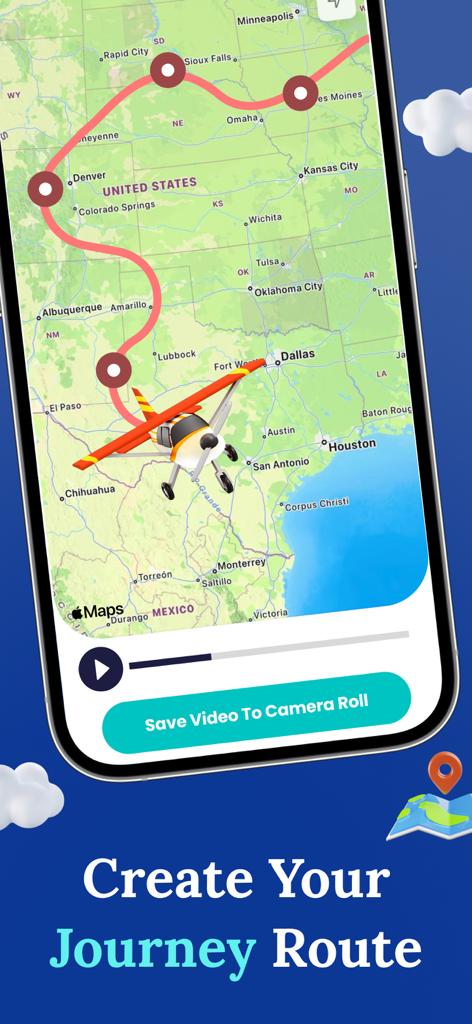
Travel Route Journey Video Map - 미국 지도 전역의 애니메이션 여행 경로를 보여주는 모바일 앱 인터페이스, 장난감 비행기 아이콘 포함.
미국 지도 전역의 애니메이션 여행 경로를 보여주는 모바일 앱 인터페이스, 장난감 비행기 아이콘 포함.

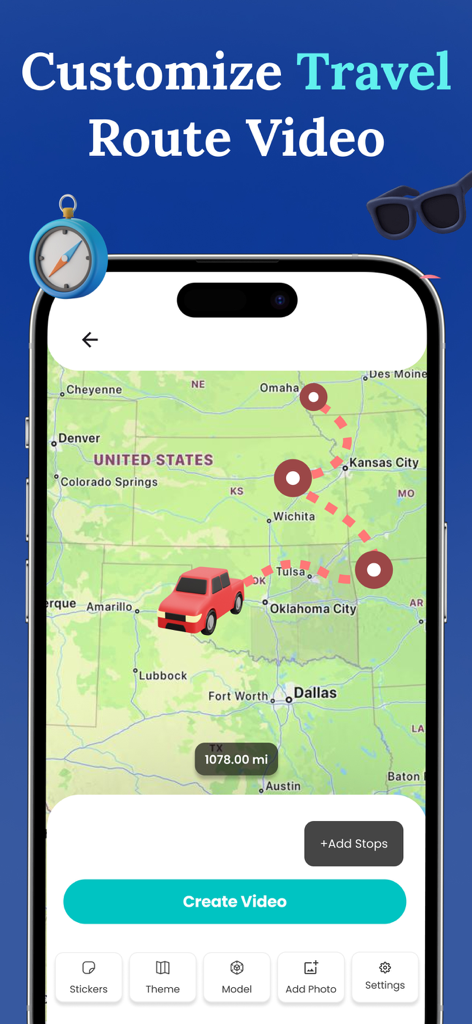
Travel Route Journey Video Map - 빨간색 트럭과 점선 여정선이 있는 미국 지도에서 사용자 지정 가능한 여행 경로를 보여주는 모바일 앱 인터페이스.
빨간색 트럭과 점선 여정선이 있는 미국 지도에서 사용자 지정 가능한 여행 경로를 보여주는 모바일 앱 인터페이스.

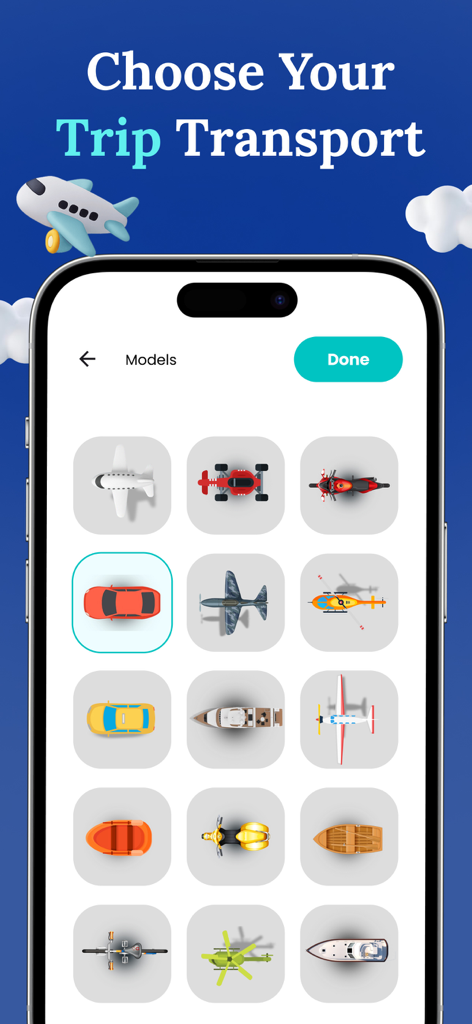
Travel Route Journey Video Map - 여행 경로 애니메이션 비디오를 위한 비행기, 자동차, 보트와 같은 교통 아이콘 선택을 보여주는 모바일 화면.
여행 경로 애니메이션 비디오를 위한 비행기, 자동차, 보트와 같은 교통 아이콘 선택을 보여주는 모바일 화면.

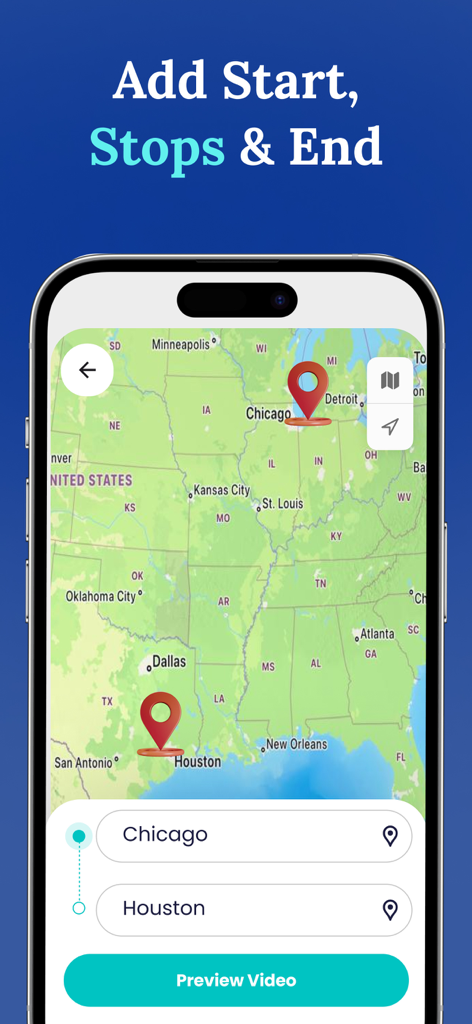
Travel Route Journey Video Map - 시카고에서 휴스턴까지의 지도에서 핀과 목적지 입력 필드가 있는 여행 경로를 보여주는 모바일 앱 인터페이스.
시카고에서 휴스턴까지의 지도에서 핀과 목적지 입력 필드가 있는 여행 경로를 보여주는 모바일 앱 인터페이스.

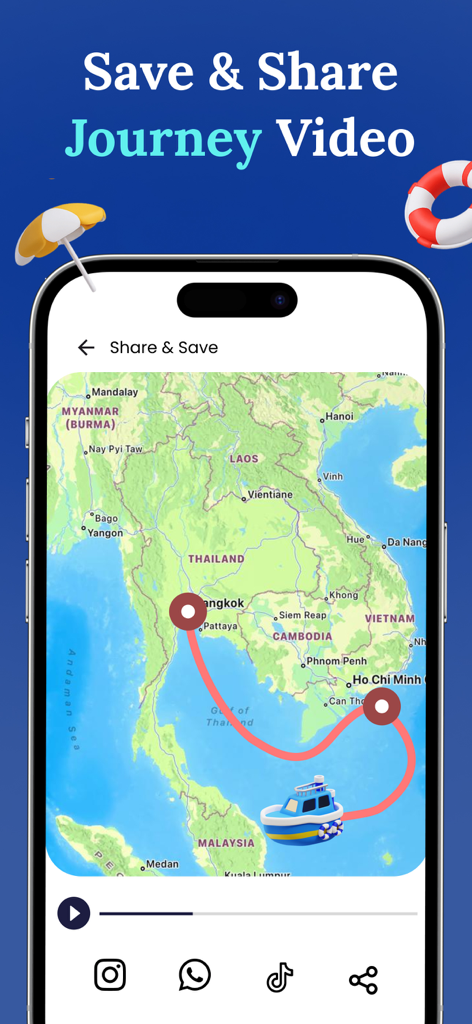
Travel Route Journey Video Map - 동남아시아의 경로를 따라 보트 여행을 보여주는 애니메이션 여행 지도, 소셜 미디어 공유 아이콘 포함

동남아시아의 경로를 따라 보트 여행을 보여주는 애니메이션 여행 지도, 소셜 미디어 공유 아이콘 포함

설명

Create your travel route video using travel route animator app. Turn routes in to stories with travel route map video maker. Travel route animator helps you create stunning travel route and maps videos. Make travel memory of your journey through my travel route animator app. Experience creating travel route map video with any of your start and destination points. Travel animator provides the ultimate customizations for creating the best travel route animation videos. Want to share your travel route video with world? Get the travel animator app to quickly create the route animation videos. Travel route animator helps you bring your journeys to life by transforming your travel routes in to map animation videos. Make journeys more memorable and interesting with Travel map animator. Experince the travel route app and start animating the adventures. Journey map animation provides you the best features to create the perfect journey route map video. How to use? 1. Get the Travel route animator app 2. Select the start point and end point destination 3. You can add multiple stops 4. Choose the model 5. Export, save and share the travel route animator video Show your journey to the world, get the travel animator app to instantly create the travel route map videos. Preserve your journeys as shareable video clips and turn all your journey routes in to animations. From weekend road trip to the world trips, bring your paths to life and share them on social media among friends. Key features - Quickly create the perfect travel route animation - Collection of models, stikcers and maps to choose from - Helps creating smooth and appealing travel map videos - Show distance travelled along with animation - Adjust video duration and resolution video - Select desired model size and route lines - Add your own photos to make it appealing - Save , share and reacces your travel route videos Additional purchase is required to access the premium features Premium Features Include: - Unlimited travel route video creations - Ads free experience Travel Route Journey Video Map app offers the following auto-renewing - weekly subscription with 3 days free trail at $2.99 USD - Monthly subscription at $5.99 USD For users outside the U.S subscription costs may vary based on your country and will be converted to your local currency. When you confirm your purchase, payment will be charged to your iTunes account. Your subscription will renew automatically each week unless you turn off auto-renewal at least 24 hours before the current subscription period ends. To manage or cancel your subscription, visit your device’s iTunes Account Settings after purchase. Renewal charges are applied within 24 hours before the subscription expires, and you’ll see the renewal cost at that time. Privacy Policy: https://www.onevly.com/ios/privacypolicy.html Terms of Use: https://www.onevly.com/ios/termsofuse.html

Download

다운로드: App Store

이 페이지는 앱이나 개발자의 공식 페이지가 아니며, 정보 제공 및 논평을 목적으로 작성된 독립 편집 간행물입니다. 명시적으로 달리 언급되지 않는 한, 해당 앱이나 개발자는 MWM, Apple, Google Play, 앱 퍼블리셔 또는 앱 개발자와 제휴, 보증, 후원, 승인 또는 공식적으로 연결되어 있지 않으며, 이 페이지의 어떤 내용도 해당 앱이 MWM의 서비스를 사용하여 개발되었음을 의미하지 않습니다. 모든 상표, 로고, 스크린샷 및 기타 콘텐츠는 해당 소유자의 자산입니다.








