TurboCollage - Collage Creator
다운로드: App Store

이 페이지는 앱이나 개발자의 공식 페이지가 아니며, 정보 제공 및 논평을 목적으로 작성된 독립 편집 간행물입니다. 명시적으로 달리 언급되지 않는 한, 해당 앱이나 개발자는 MWM, Apple, Google Play, 앱 퍼블리셔 또는 앱 개발자와 제휴, 보증, 후원, 승인 또는 공식적으로 연결되어 있지 않으며, 이 페이지의 어떤 내용도 해당 앱이 MWM의 서비스를 사용하여 개발되었음을 의미하지 않습니다. 모든 상표, 로고, 스크린샷 및 기타 콘텐츠는 해당 소유자의 자산입니다.


로고: TurboCollage - Collage Creator
다운로드: App Store

TurboCollage - Collage Creator

사진 더미, 그리드, 모자이크를 전문적으로 디자인하는 직관적인 방법. 좋아하는 사진을 아름다운 이야기로 손쉽게 변환하고 사랑하는 사람들과 공유하세요.

주요 수치

다운로드

173K+

사용자 평점

4.6/5

총 평가 수

1K+

개발사

Gaurav Agarwal

카테고리

Photo & Video

지원 언어

1

최신 버전

2.3.1

크기

12.6 MB

출시일

2011년 11월 29일
기능

모든 추억을 걸작으로 만드세요

디지털 스크랩북부터 전문 그리드까지 TurboCollage는 삶의 가장 소중한 순간을 큐레이션, 사용자 정의 및 공유하는 데 도움이 되는 직관적인 도구를 제공합니다.

6가지 전문 스타일

사진 더미, 모자이크 또는 중앙 프레임 중에서 선택하여 사진에 향수를 불러일으키는 수제 느낌 또는 깔끔하고 현대적인 모습을 연출하세요.

완벽한 창의적 제어

무제한 사진을 추가하고 모든 세부 사항을 미세 조정하세요. 개별 이미지를 패닝, 확대/축소 및 회전하여 모든 얼굴과 미소가 완벽하게 배치되도록 하세요.

다음 스크린샷과 설명은 앱의 공식 스토어 목록에서 직접 가져온 것이며 앱 개발자의 자산입니다.

앱 스토어

스크린샷
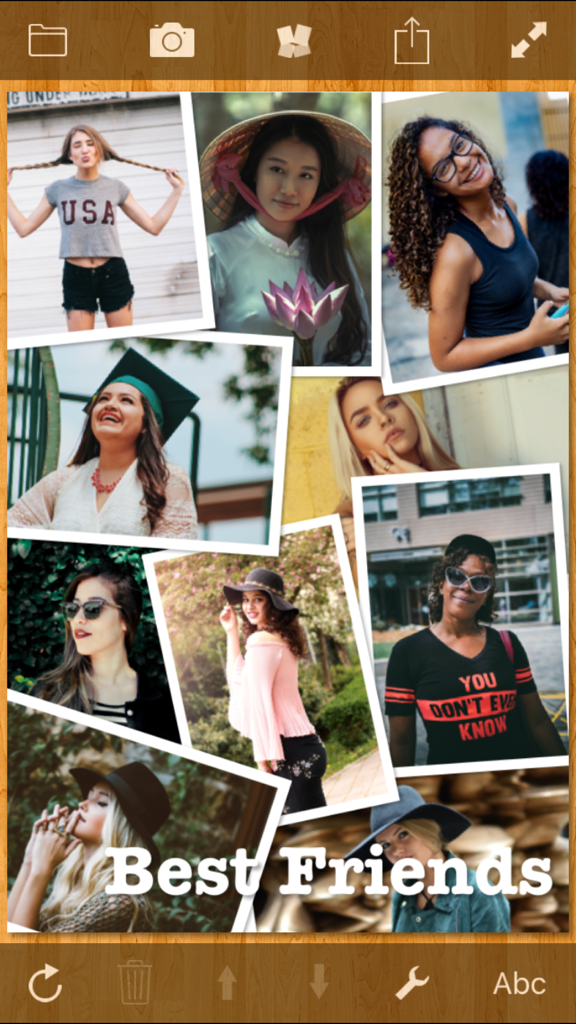
TurboCollage - Collage Creator - 나무 배경에 Best Friends라는 텍스트가 있는 여러 여성의 사진 더미 사진 콜라주
나무 배경에 Best Friends라는 텍스트가 있는 여러 여성의 사진 더미 사진 콜라주

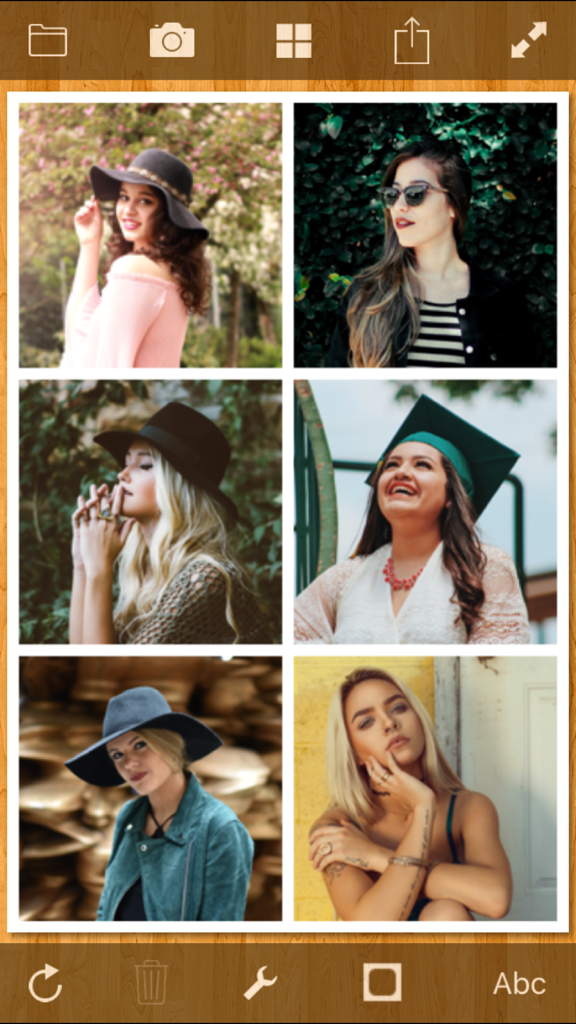
TurboCollage - Collage Creator - TurboCollage 앱 인터페이스에서 편집 중인 여성들의 6개 사진 그리드 콜라주

TurboCollage 앱 인터페이스에서 편집 중인 여성들의 6개 사진 그리드 콜라주

TurboCollage - Collage Creator - Best Friends 텍스트 오버레이가 있는 친구들의 육각형 사진 콜라주
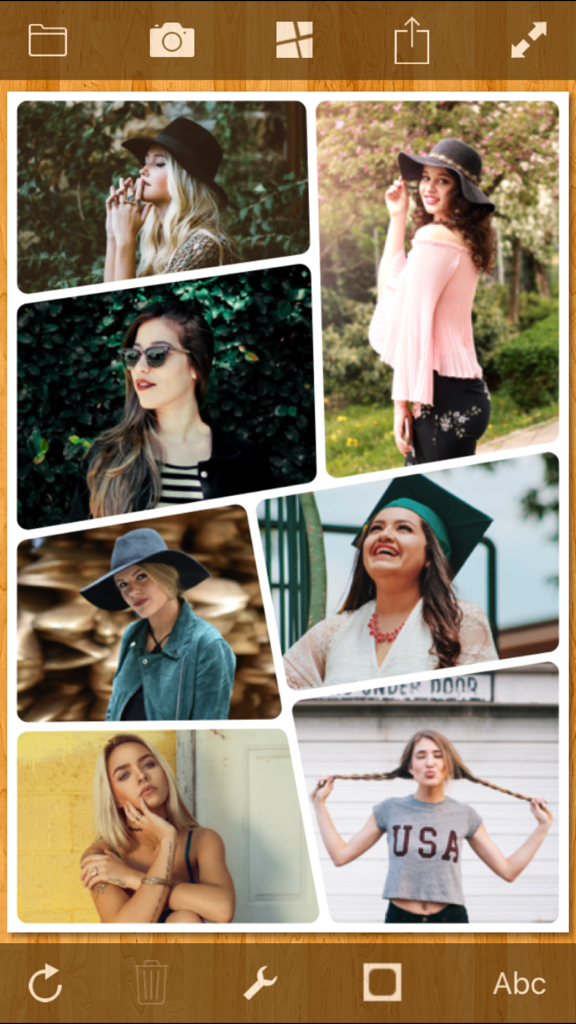
Best Friends 텍스트 오버레이가 있는 친구들의 육각형 사진 콜라주

TurboCollage - Collage Creator - 여성들의 6개 사진이 있는 스타일리시한 사진 콜라주를 표시하는 모바일 앱 인터페이스
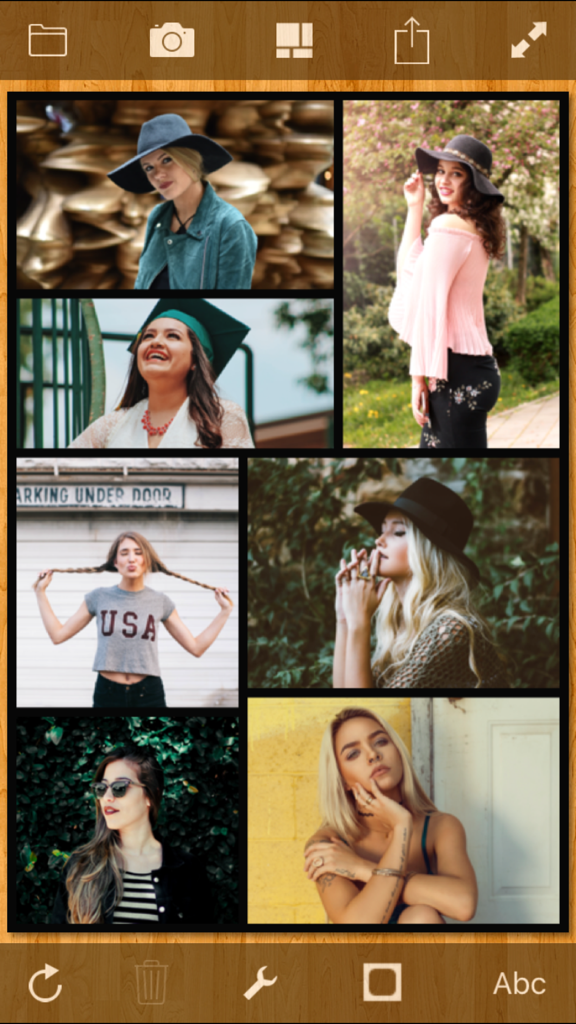
여성들의 6개 사진이 있는 스타일리시한 사진 콜라주를 표시하는 모바일 앱 인터페이스

TurboCollage - Collage Creator - 모자이크 그리드 레이아웃의 사진 콜라주를 보여주는 TurboCollage 앱 인터페이스

모자이크 그리드 레이아웃의 사진 콜라주를 보여주는 TurboCollage 앱 인터페이스

설명

Create stunning picture collages on your iPhone. Setup a collage with a prominent center picture, arrange pictures in a regular grid, or create a random picture pile. Tie fond memories together into gorgeous picture mosaics. With an intuitive interface, TurboCollage gives you complete control over your collage design. Simply start by adding a few pictures to your collage. Choose a collage style from six exciting variants. Select from a range of aspect ratios. Select Landscape or Portrait orientation. Exchange pictures by dragging one picture on another. Add text to your collage. Shuffle the collage to get another exciting layout. TurboCollage even lets you pan and zoom individual pictures within their frames so that they are positioned just as you wish. COLLAGE STYLES • Picture Pile • Picture Grid • Mosaic • Center Frame • Zig Mosaic • Photohive FEATURES • Add unlimited number of pictures to collage • Add text to collage • Drag a picture on another picture to exchange them • Shuffle collage to get a completely new layout • Pan and zoom pictures within their frames • Drag, scale, or rotate pile pictures • Change pile order to bring more prominent pictures on top • Create Landscape or Portrait collages • Customize text color, opacity, and alignment • Resize, rotate, or move text • Use Instant Camera or Postage Stamp border styles in Pile collage • Set rounded corners on pictures in Grid, Mosaic, Center Frame, Zig Mosaic, and Photohive collages • Upload collage directly to Facebook • Share collage on Twitter • Save collage design to edit later • Works in both Landscape and Portrait orientations FEEDBACK & SUGGESTIONS We love to hear from our users. You might have a suggestion for a feature or you might like to report an issue you faced. Please email us at apps@silkenmermaid.com

Download

다운로드: App Store

이 페이지는 앱이나 개발자의 공식 페이지가 아니며, 정보 제공 및 논평을 목적으로 작성된 독립 편집 간행물입니다. 명시적으로 달리 언급되지 않는 한, 해당 앱이나 개발자는 MWM, Apple, Google Play, 앱 퍼블리셔 또는 앱 개발자와 제휴, 보증, 후원, 승인 또는 공식적으로 연결되어 있지 않으며, 이 페이지의 어떤 내용도 해당 앱이 MWM의 서비스를 사용하여 개발되었음을 의미하지 않습니다. 모든 상표, 로고, 스크린샷 및 기타 콘텐츠는 해당 소유자의 자산입니다.








