이 페이지는 앱이나 개발자의 공식 페이지가 아니며, 정보 제공 및 논평을 목적으로 작성된 독립 편집 간행물입니다. 명시적으로 달리 언급되지 않는 한, 해당 앱이나 개발자는 MWM, Apple, Google Play, 앱 퍼블리셔 또는 앱 개발자와 제휴, 보증, 후원, 승인 또는 공식적으로 연결되어 있지 않으며, 이 페이지의 어떤 내용도 해당 앱이 MWM의 서비스를 사용하여 개발되었음을 의미하지 않습니다. 모든 상표, 로고, 스크린샷 및 기타 콘텐츠는 해당 소유자의 자산입니다.
Tutorials for Photoshop CC
시청은 그만, 실행은 지금부터. 800개 이상의 인터랙티브 튜토리얼로 포토샵과 일러스트레이터를 마스터하세요. 실제 연습을 통해 여러분의 창의적인 부업을 전문적인 직업으로 전환하도록 설계되었습니다.
주요 수치
다운로드
32K+
사용자 평점
4.7/5
총 평가 수
5K+
개발사
发展 李
카테고리
Education
지원 언어
7
최신 버전
10.0
크기
54.1 MB
출시일
2015년 10월 12일
기능
실습을 통해 창의적인 기술 마스터하기
시청은 그만, 창작은 지금부터. 이론이 아닌 실제 연습을 통해 포토샵과 일러스트레이터를 가르치는 814개 이상의 인터랙티브 튜토리얼을 경험하세요.
인터랙티브 제스처 훈련
인터페이스와 물리적으로 상호 작용하여 단축키와 도구를 마스터하세요. 드래그 앤 드롭과 같은 실제 제스처를 연습하여 어떤 비디오보다 빠르게 근육 기억을 구축하세요.
취업 준비 커리큘럼
보정, 3D, 애니메이션을 다루는 814개의 레슨으로 초보자부터 전문가까지 성장하세요. 할리우드 스타일 효과와 전문 광고를 만드는 데 필요한 고급 기술을 습득하세요.
다음 스크린샷과 설명은 앱의 공식 스토어 목록에서 직접 가져온 것이며 앱 개발자의 자산입니다.
앱 스토어
스크린샷
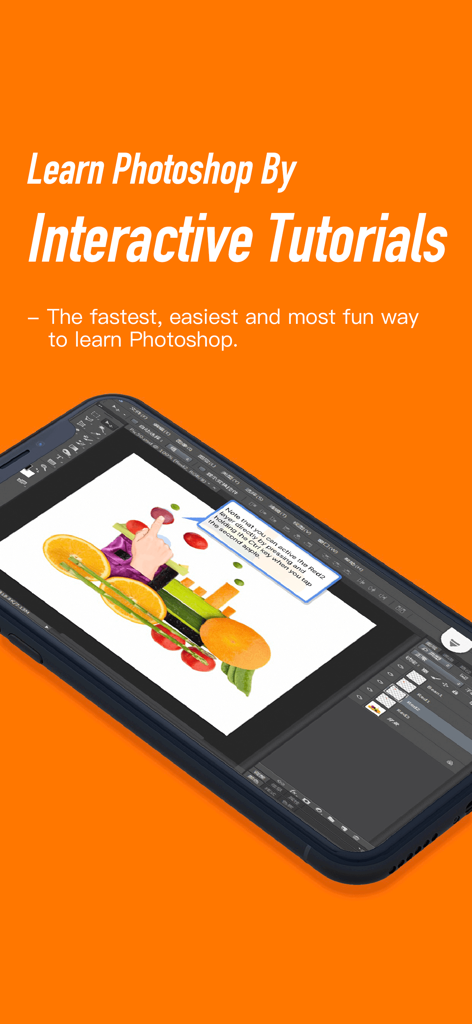
레이어 선택 지침이 있는 인터랙티브 포토샵 CC 튜토리얼을 보여주는 스마트폰 화면
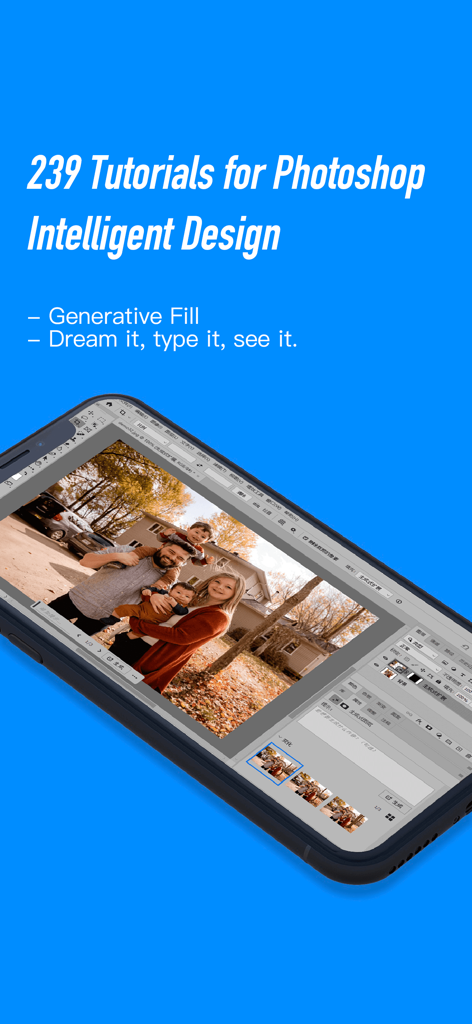
가족 사진에 생성 채우기 AI 기능을 위한 인터랙티브 포토샵 튜토리얼을 표시하는 스마트폰.
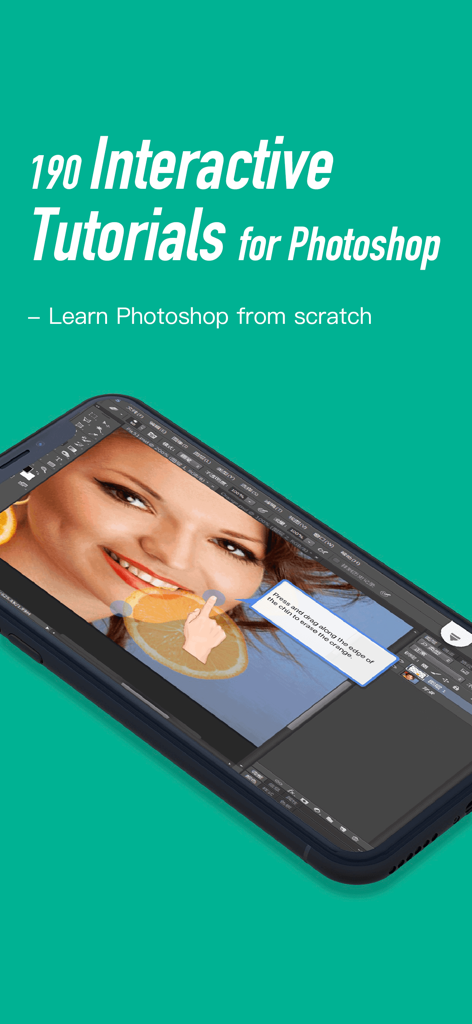
청록색 배경에서 사진 보정을 위한 인터랙티브 포토샵 튜토리얼 레슨을 보여주는 스마트폰
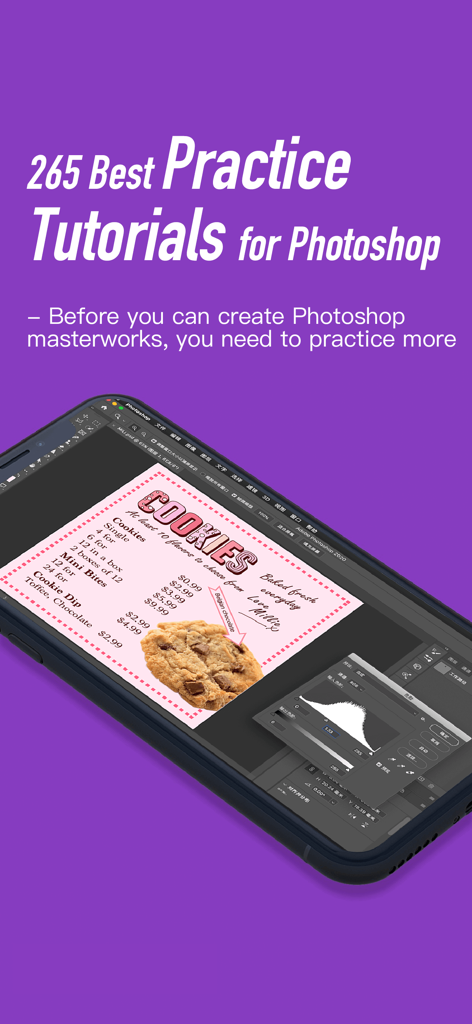
모바일 장치에서 쿠키 메뉴 디자인 레슨을 보여주는 인터랙티브 포토샵 튜토리얼 앱
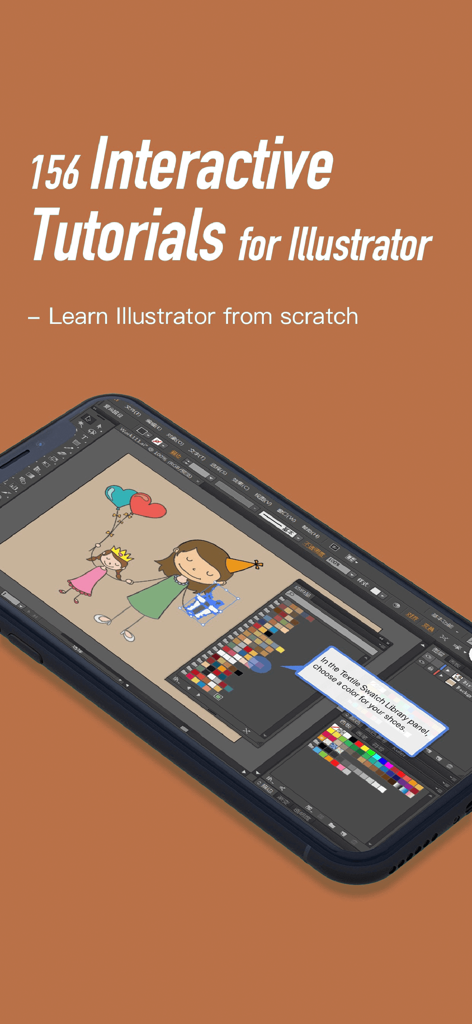
포토샵 CC 튜토리얼 앱의 인터랙티브 일러스트레이터 튜토리얼을 표시하는 스마트폰.
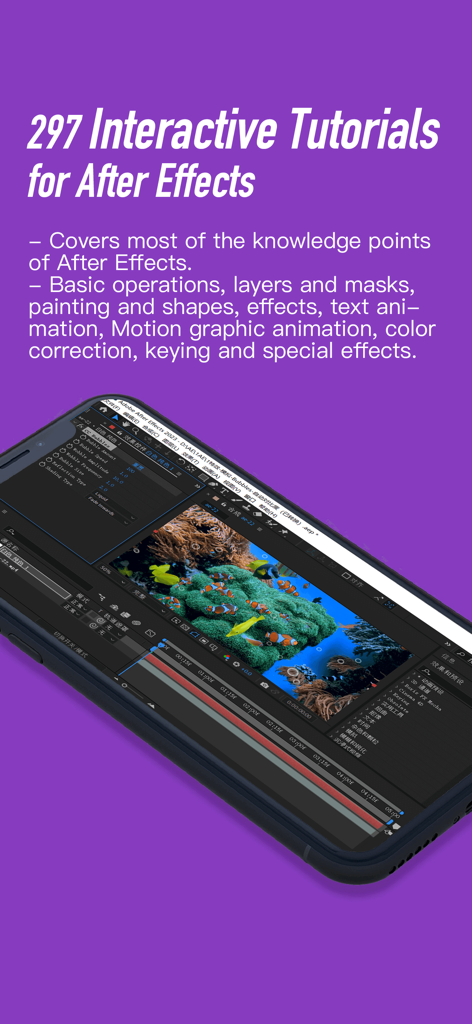
애프터 이펙트 인터랙티브 튜토리얼 및 모션 그래픽 편집 인터페이스를 표시하는 스마트폰 화면
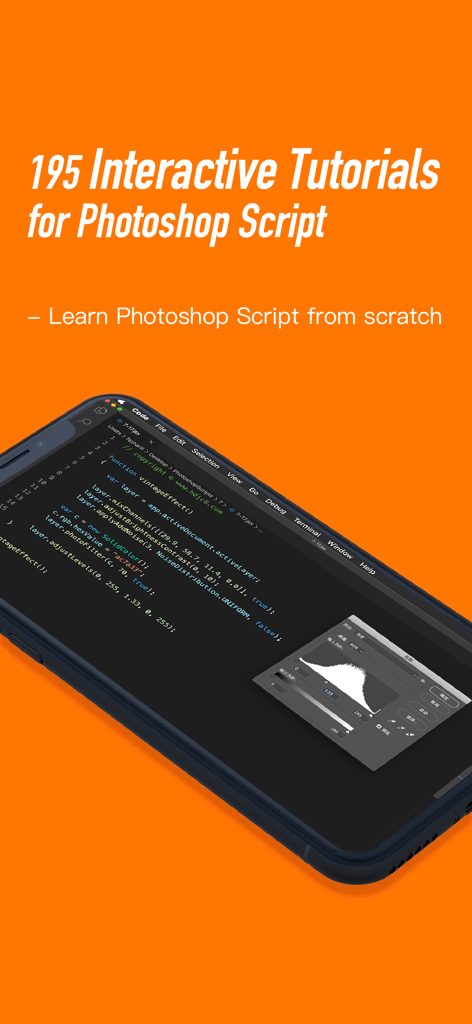
코드 예제가 포함된 스마트폰의 인터랙티브 포토샵 스크립트 튜토리얼을 특징으로 하는 모바일 앱 화면
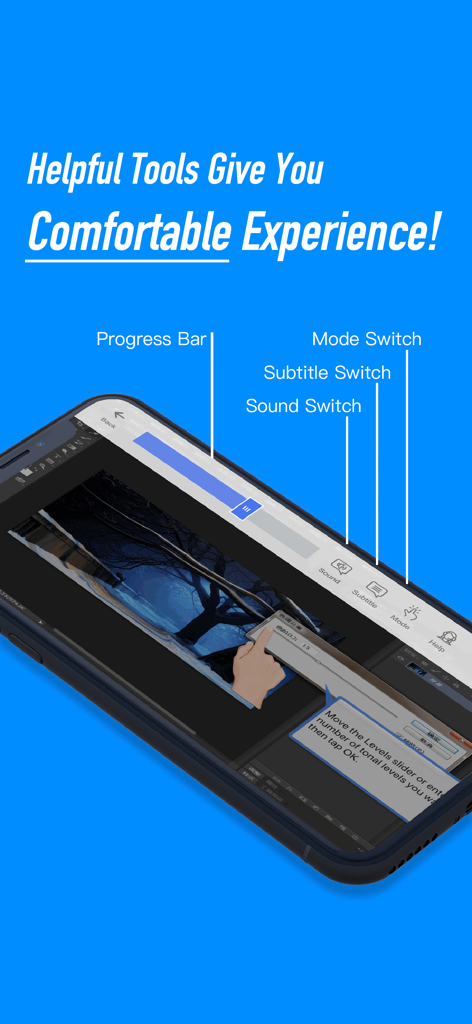
진행률 표시줄, 사운드 스위치, 모드 스위치를 포함한 인터랙티브 포토샵 CC 튜토리얼 도구를 보여주는 모바일 앱 인터페이스.
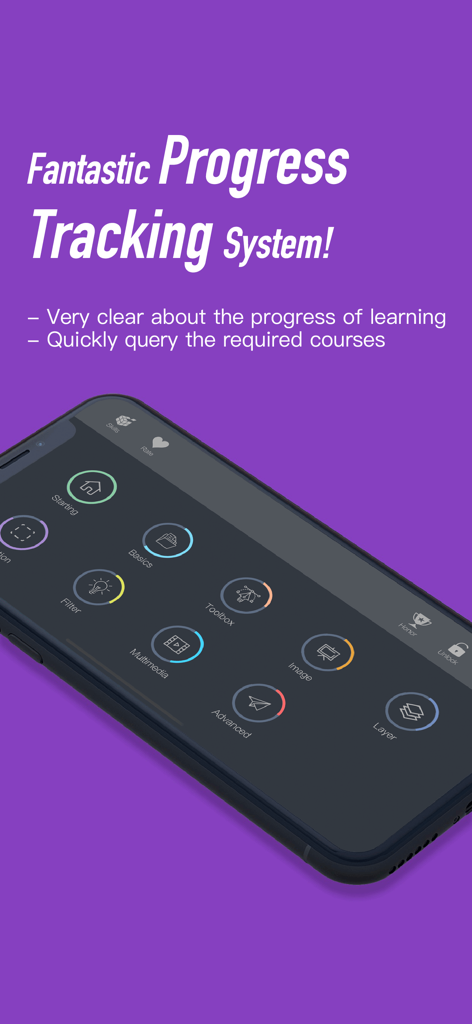
포토샵 CC 튜토리얼에서 학습 진행률을 추적하기 위한 인터랙티브 대시보드
설명
- Tap, double tap, long press, drag and drop, shortcuts, just like you are working on the real Photoshop and Illustrator!
- More effective and funny than watching the videos or reading the books!
- es! It’s not a bunch of theory, it's a complete interactive training package on the Photoshop and Illustrator, which take app to a whole new level!
WHAT IS INTERACTIVE TUTORIALS FOR PHOTOSHOP?
INTERACTIVE TUTORIALS FOR PHOTOSHOP brings you simple, funny, interactive learning app for photoshop and Illustrator. The app teaches you about each of the features of Photoshop CC and show you how to use them in detail. With candid, jargon-free advice and step-by-step guidance, you’ll get everything from the core aspects of working to advanced techniques for refined workflows and professional results. It's like having your own personal tutor teaching you the newest version of Photoshop. You'll learn how you can use photoshop to express yourself and fine tune your images quickly and directly! It’s the first and only app to bring the whole process together in such a clear, concise, and interactive way. There is no faster, more straight-to-the-point, or more fun way to learn Photoshop than with this app.
In addition to the interactive mode, app supports the inspector mode, it converts the app to be 10 hours video tutorials, a great added value!
WHAT IS IN INTERACTIVE TUTORIALS FOR PHOTOSHOP?
Topics include Tools, masks and layers, retouching, animation, 3D, video and much more. INTERACTIVE TUTORIALS FOR PHOTOSHOP includes 814 self-paced tutorials that allow you to progress at your own speed(tip:The first tutorial teaches you how to use the app):
~ Get familiar with the Photoshop environment — the desktop, menus, panels
~ Discover all the things you can do with the Brush, Pencil, and Pen tools and the Paths panel
~ Explore the use of channels, alpha channels, various types of masks, layer styles, and other essentials
~ Find out how to lighten, darken, soften, or sharpen your images, and heal damage
~ Learn how to get the right resolution, image mode, and file format, and set up color separations
~ Cool things to do with filters
~ Advice on correcting contrast, color, and clarity
~ Instructions for compositing images with layers and blending modes
~ Fixing the most common digital photo problems fast
~ Fixing red-eye, remove blemishes and wrinkles, remove objects from a photo
~ A whole chapter on how to color correct any photo without breaking a sweat
~ Create and manipulate 3D models using presets and custom options
~ Create eye-catching animations
~ The newest and coolest features of Photoshop CC
~ 165 interactive tutorials for Illustrator.
~ 195 interactive tutorials for Photoshop Script.
~ Plus, there are so many other things throughout the app that you’ll be bursting with new ideas! With a little experimentation, you can open up a whole new world of dazzling effects. Have fun discovering!
Who is INTERACTIVE TUTORIALS FOR PHOTOSHOP for?
Ever wonder how that movie poster was created, or how they created that cool magazine ad, or maybe even how to take a seemingly mundane photo and give it the Hollywood treatment? Or maybe you just want to know how to do some really awesome stuff in Photoshop. Well, then, this app is for you!
Whether you’re a designer, artist, or even a photographer, there’s something here for everyone.
[Products]
Interactive Tutorials for Photoshop
https://itunes.apple.com/us/app/id794405356
Interactive Tutorials for Photoshop CS5
https://itunes.apple.com/us/app/id987230167
Interactive Tutorials for Xcode and Swift
https://itunes.apple.com/us/app/id1066626409
Interactive Tutorials for iOS App Development
http://itunes.apple.com/us/app/id1225080698
Interactive Tutorials for Objective-C
https://itunes.apple.com/us/app/id841690379
[Help? Comments? Suggestions? Contact us]
Email:tapinfinity@gmail.com
이 페이지는 앱이나 개발자의 공식 페이지가 아니며, 정보 제공 및 논평을 목적으로 작성된 독립 편집 간행물입니다. 명시적으로 달리 언급되지 않는 한, 해당 앱이나 개발자는 MWM, Apple, Google Play, 앱 퍼블리셔 또는 앱 개발자와 제휴, 보증, 후원, 승인 또는 공식적으로 연결되어 있지 않으며, 이 페이지의 어떤 내용도 해당 앱이 MWM의 서비스를 사용하여 개발되었음을 의미하지 않습니다. 모든 상표, 로고, 스크린샷 및 기타 콘텐츠는 해당 소유자의 자산입니다.