TV Cast for Google Chromecast

TV Cast for Google Chromecast

다운로드: App Store
로고: TV Cast for Google Chromecast

TV Cast for Google Chromecast: 원활한 iPhone-TV 스트리밍

혼합 장치 홈을 위한 필수 브리지입니다. 고화질로 화면을 미러링하고, 카메라 롤에서 가족 사진을 공유하고, Google Drive에서 지연 없이 콘텐츠를 스트리밍하세요.

개발사

Soufiane Benabid

카테고리

Utilities

다운로드

46K+

사용자 평점

4.2/5

총 평가 수

1K+

지원 언어

1

내부 엿보기

이 인터페이스를 사용하는 46K+ 명의 사용자.

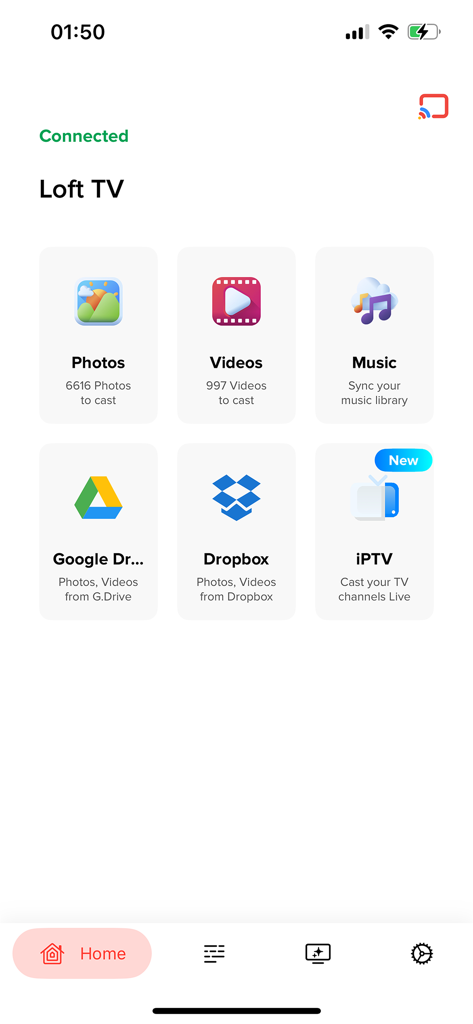
사진, 동영상 및 클라우드 스토리지용 미디어 캐스팅 옵션을 보여주는 TV Cast for Google Chromecast 앱의 메인 메뉴
사진, 동영상 및 클라우드 스토리지용 미디어 캐스팅 옵션을 보여주는 TV Cast for Google Chromecast 앱의 메인 메뉴

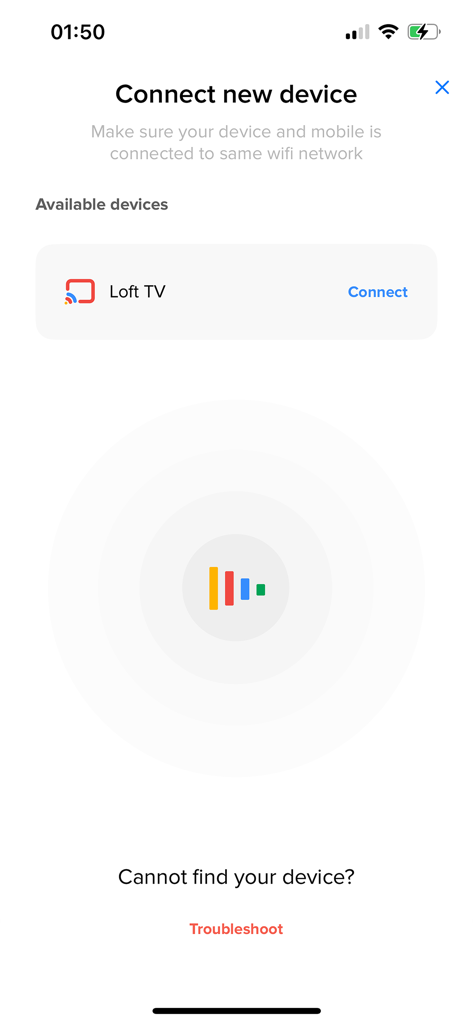
캐스팅을 위해 사용 가능한 Loft TV를 보여주는 새 장치 연결 화면
캐스팅을 위해 사용 가능한 Loft TV를 보여주는 새 장치 연결 화면

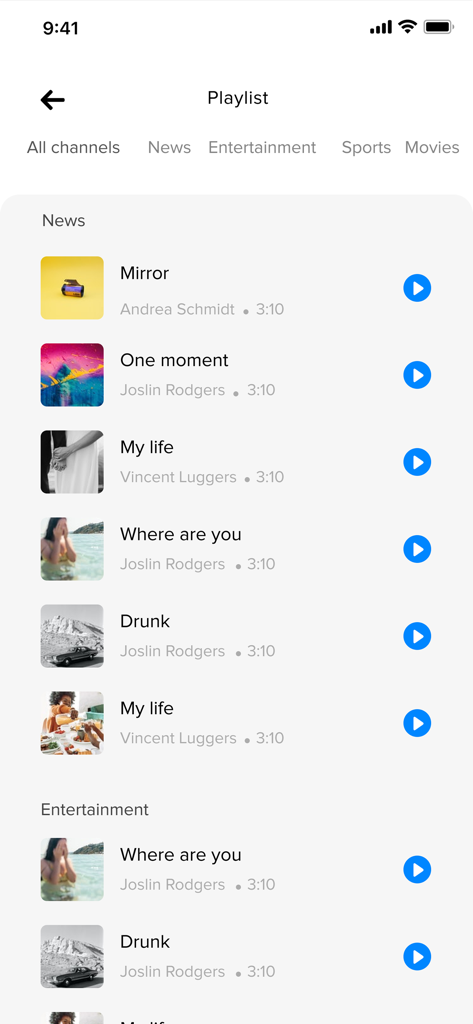
스트리밍 준비가 된 분류된 동영상 및 미디어 파일을 표시하는 TV Cast 앱 플레이리스트 화면
스트리밍 준비가 된 분류된 동영상 및 미디어 파일을 표시하는 TV Cast 앱 플레이리스트 화면

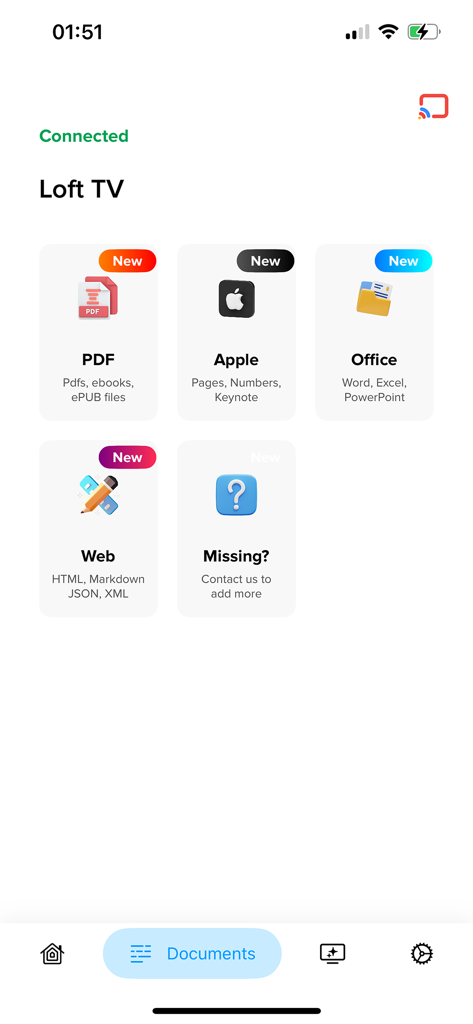
Google Chromecast TV로 PDF, Office 및 Apple 문서를 스트리밍하는 옵션을 보여주는 TV Cast 앱의 메뉴.
Google Chromecast TV로 PDF, Office 및 Apple 문서를 스트리밍하는 옵션을 보여주는 TV Cast 앱의 메뉴.

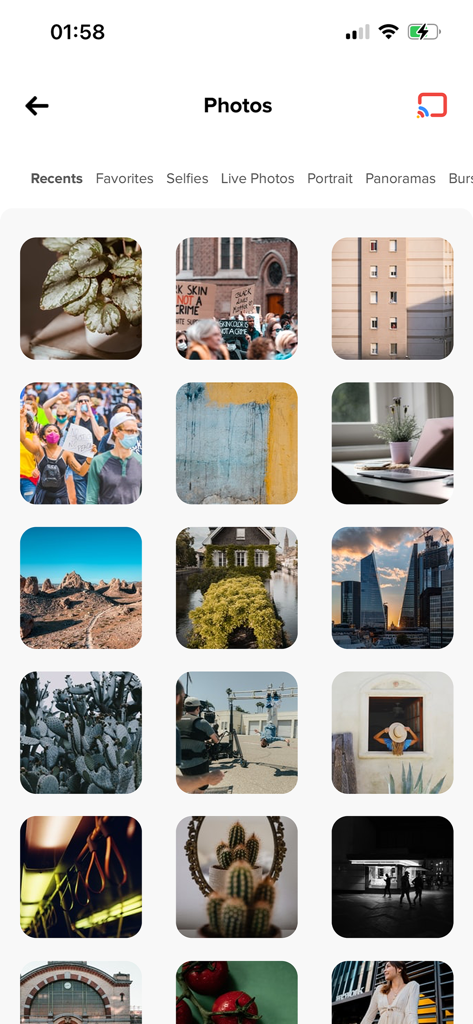
TV로 전송할 준비가 된 iPhone 사진 라이브러리를 보여주는 인터페이스
TV로 전송할 준비가 된 iPhone 사진 라이브러리를 보여주는 인터페이스

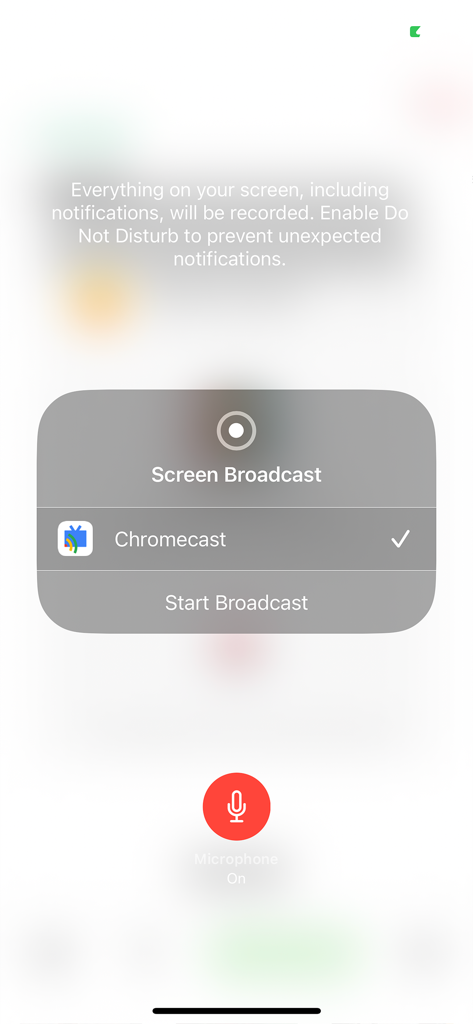
마이크가 켜진 상태에서 Chromecast가 선택된 iPhone 화면 브로드캐스트 인터페이스
마이크가 켜진 상태에서 Chromecast가 선택된 iPhone 화면 브로드캐스트 인터페이스

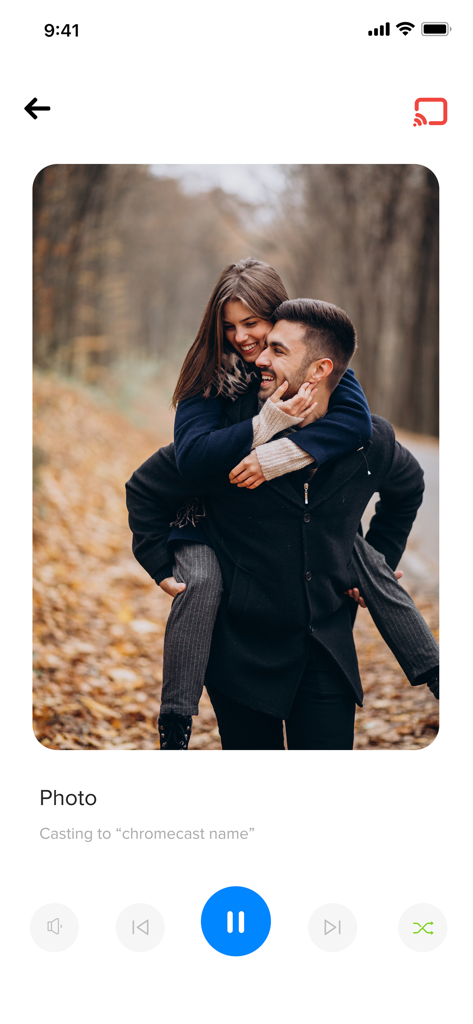
TV로 전송 중인 사진을 보여주는 TV Cast 앱 인터페이스
TV로 전송 중인 사진을 보여주는 TV Cast 앱 인터페이스

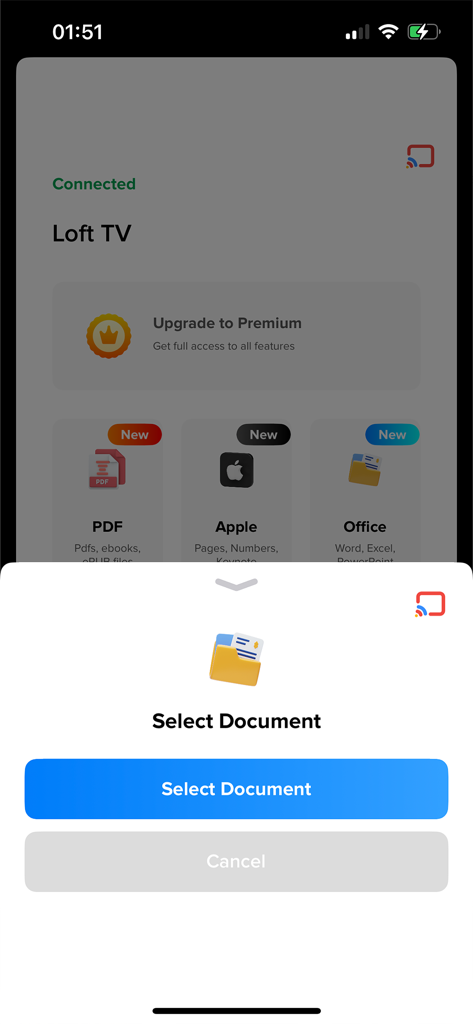
Google Chromecast TV로 PDF 및 Office 파일을 전송하기 위한 문서 선택 옵션을 보여주는 iPhone 화면.

Google Chromecast TV로 PDF 및 Office 파일을 전송하기 위한 문서 선택 옵션을 보여주는 iPhone 화면.

스마트 홈의 격차 해소

이 앱을 돋보이게 하는 도구, 46K+ 명의 사용자가 선택.

🚀

지연 없는 화면 미러링

TV를 두 번째 디스플레이로 바꿔주는 실시간 미러링을 경험하세요. 제로 스터터로 소셜 미디어 피드, 앱 또는 프레젠테이션을 공유하는 데 적합합니다.

📸

즉석 가족 사진 공유

작은 화면에 몰려들지 마세요. iPhone 카메라 롤 전체를 거실 TV로 전송하여 고품질 휴가 동영상과 추억을 모두와 공유하세요.

☁️

직접적인 클라우드 통합

iPhone의 로컬 저장 공간을 사용하지 않고 Google Drive 및 Dropbox에서 직접 전문 프레젠테이션이나 개인 아카이브를 스트리밍하세요.

앱 소개

에 대해 알아야 할 모든 것 TV Cast for Google Chromecast.

설명

TV cast enables you to stream local and online videos, photos and music from your iOS device directly to your Chromecast. Setup guide: Please make sure your phone and chromecast are connected to the same Wi-Fi network. Explore your chromecast full potential with Media cast. Features: • Auto search for available chromecast devices. • Complete screen mirroring to your chromecast device. • Auto detect and connect for smoother experience. • Google drive and dropbox support. • Add local video, local audio to Play Queue. • Microphone support for live broadcasting. • Casting with high definition and no lags. Disclaimer: TV for Chromecast app is not affiliate with Google LLC. All rights belong to their respective owner. Premium Subscription: Media cast includes an optional auto-renewable subscription to access current and future premium categories: Please note that pricing may vary depends on your region. • 4.99$ weekly auto-renewable subscription. • 9.99$ monthly auto-renewable subscription. • Check in app for exact pricing in your region • Payment will be charged to your iTunes account at confirmation of purchase and will automatically renew unless auto-renew is turned off at least 24 hours before the end of the current period. • Account will be charged for renewal within 24-hours prior to the end of the current period, and identify the cost of the renewal. • You can manage your subscription by going to your iTunes Account Settings, but refunds will not be given for any unused portion of the term. Terms of Service: https://benabid.me/terms Privacy: https://benabid.me/privacy If you have any queries you can always reach us at contact@benabid.me

최신 버전

15.1.3

크기

51.0 MB

출시일

2021년 1월 21일

오늘 좋아하는 순간을 전송하기 시작하세요

iOS와 Chromecast의 격차를 해소하는 수천 가족과 함께하세요. 탭 한 번으로 대형 화면에서 지연 없는 미러링과 고화질 공유를 즐기세요.

다운로드: App Store

App information, icons, screenshots, and descriptions displayed on this page are sourced from the Apple App Store and are the property of their respective developers. Download estimates and rankings are based on MWM's proprietary models and may not reflect actual figures. This page is provided for informational and analytical purposes only.

Believe this page infringes your intellectual property? File a dispute