이 페이지는 앱이나 개발자의 공식 페이지가 아니며, 정보 제공 및 논평을 목적으로 작성된 독립 편집 간행물입니다. 명시적으로 달리 언급되지 않는 한, 해당 앱이나 개발자는 MWM, Apple, Google Play, 앱 퍼블리셔 또는 앱 개발자와 제휴, 보증, 후원, 승인 또는 공식적으로 연결되어 있지 않으며, 이 페이지의 어떤 내용도 해당 앱이 MWM의 서비스를 사용하여 개발되었음을 의미하지 않습니다. 모든 상표, 로고, 스크린샷 및 기타 콘텐츠는 해당 소유자의 자산입니다.
TV Cast for Roku App
코드를 끊은 사용자들을 위한 최고의 솔루션입니다. 단 한 번의 탭으로 iPhone 또는 iPad에서 Roku 장치로 웹 비디오, 라이브 스포츠, 개인 사진을 손쉽게 전송하세요.
앱의 제한에서 벗어나세요. iPhone에서 모든 웹 비디오, 라이브 스포츠 또는 개인 미디어를 Roku TV로 직접 스트리밍하세요.
웹 비디오 스트리밍
온라인에서 찾을 수 있는 것은 무엇이든 TV에서 시청할 수 있습니다. 틈새 블로그부터 라이브 뉴스까지, 저희가 손쉽게 연결해 드립니다.
4K로 추억을 담으세요
카메라 롤 또는 iCloud에서 개인 사진과 비디오를 전송하여 큰 화면에서 가족과 순간을 공유하세요.
다음 스크린샷과 설명은 앱의 공식 스토어 목록에서 직접 가져온 것이며 앱 개발자의 자산입니다.
앱 스토어
스크린샷
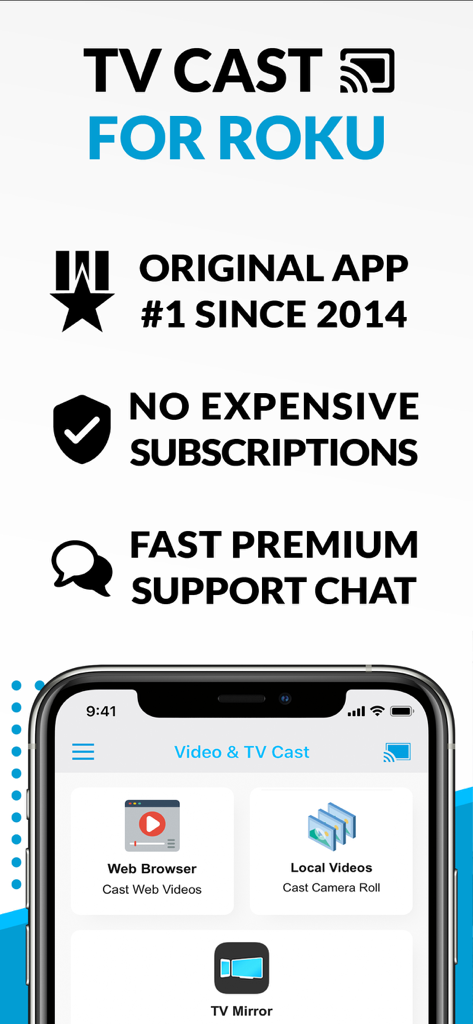
Roku 앱용 TV 캐스트가 웹 브라우저와 로컬 비디오 캐스팅 기능을 보여주는 인터페이스
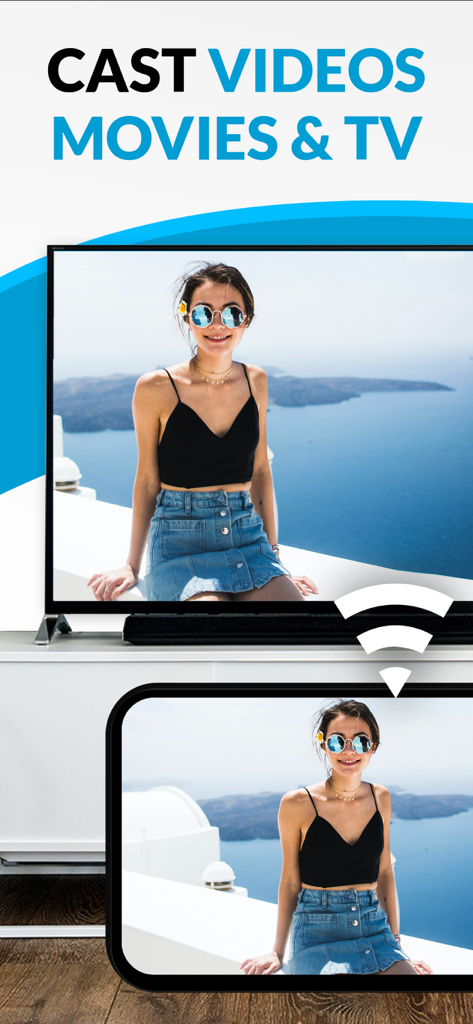
Roku 앱용 TV 캐스트가 휴대폰에서 TV로 비디오 스트리밍을 보여줌
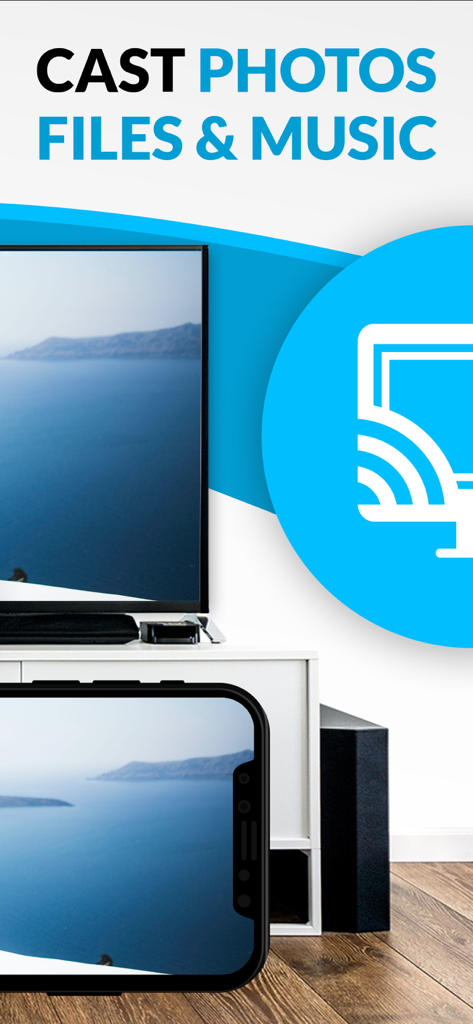
iPhone이 사진과 음악을 Roku TV 화면으로 전송하는 모습
설명
Watch any web video or camera-roll video on your Roku and enjoy the show on your big screen with the no#1 web video streamer.
With Video & TV Cast for Roku you can browse the web and stream any web video or online TV show on your Roku. Mp4, m3u8, hls livestreams, video over https and of course Full HD are supported.
Just open Video & TV Cast, navigate to a website and wait for the video link detection. The video link will appear below the browser. Tap it and the video will be sent to your big screen instantly! Streaming personal media from your device is also supported.
* SUPPORTED Roku Players: Roku TV, Roku Streaming Stick, Roku Express, Roku Premiere, Roku Ultra, Roku 2, Roku 3, Roku 4, Roku HD (2500), Roku LT (2400+2450) Player, Telstra TV, NOW TV Stick & Box. Please make sure that firmware 5.1 or later is installed.
* NOT SUPPORTED Roku Players: Roku classic models (N1000, N1050, N1100, N1101), Roku 2000, 2050, 2100, Sky Ticket (WOW TV).
* COMPATIBILITY: Please test your favorite videos with the free app edition before upgrading! Compatibility may depend on your Roku device and firmware.
* iTunes movies and DRM-protected videos like Amazon Prime, Netflix, Hulu, Vudu, DirecTV, Xfinity, HBO Now are not supported!
* The app streams only the video part of a website and not the whole website content (No screen or tab mirroring!).
* Sometimes it is necessary to play the video on your iPad or iPhone first before it gets discovered by the app for streaming.
* If a specific video does not cast, please check our FAQ. If that does not help, please give us a chance to help you by dropping a mail to info@video-tv-cast.com instead of leaving a negative comment on the App Store. We will try to add support for your video as soon as possible.
>>> UPGRADE FEATURES (available as in-app purchases)
* Premium Edition: Unlocks all of the features listed here. Also future features are included, so you do not have to pay for them when they are released in an updated app version.
* Remote Playbar: Use the Playbar for advanced video control while browsing, including video scrubbing, forward, rewind, play, pause, stop.
* Personal Media: Cast unlimited personal photos, videos and music directly from your device or from cloud services like iCloud and Dropbox.
* Ad-Blocker: Blocks ads & popups on most websites and removes the sponsoring ads from the app. You can update and enable/disable ad-blocking at any time in the settings.
* Bookmarks: Save unlimited website bookmarks. Synchronize and transfer them between different TV Cast apps and iOS devices by using backup and restore via iCloud.
* Desktop Mode: Change the browser user-agent and cloak your iPhone/iPad as a desktop PC to load the desktop website instead of the mobile website. Please note that this will NOT enable video casting on websites that serve Flash videos in desktop mode.
* Change Homepage: Set your personal homepage in the settings.
>>> USER FEEDBACKS
"You have saved my life - Honestly. I cannot thank you enough. This is probably the best app I have ever gotten. Purchased all of the addons immediately after I saw it worked. I hope you continue to develop, and I trust you see our emails :)"
AJ The Man, USA
>>> A MESSAGE FROM THE DEVELOPERS
We want to say thank you for all your great support and kindly invite you to honestly rate our app. This helps us to keep up our app development and support for you.
If you have any feedback, feature requests or other requests, please notify us at info@video-tv-cast.com.
Disclaimer: This app is not affiliated with Roku or one of its products or any other trademark mentioned here. ROKU, the ROKU Logo, ROKU READY, the ROKU READY Logo, "STOP DREAMING. START STREAMING.", "HAPPY STREAMING", "THERE'S A TON OF ENTERTAINMENT IN THIS LITTLE BOX.", "STREAMING STICK", and "NOW THIS IS TV" are trademarks and/or registered trademarks of Roku, Inc. in the United States and other countries.
이 페이지는 앱이나 개발자의 공식 페이지가 아니며, 정보 제공 및 논평을 목적으로 작성된 독립 편집 간행물입니다. 명시적으로 달리 언급되지 않는 한, 해당 앱이나 개발자는 MWM, Apple, Google Play, 앱 퍼블리셔 또는 앱 개발자와 제휴, 보증, 후원, 승인 또는 공식적으로 연결되어 있지 않으며, 이 페이지의 어떤 내용도 해당 앱이 MWM의 서비스를 사용하여 개발되었음을 의미하지 않습니다. 모든 상표, 로고, 스크린샷 및 기타 콘텐츠는 해당 소유자의 자산입니다.