TV Cast Pro for DLNA Smart TV
다운로드: App Store

이 페이지는 앱이나 개발자의 공식 페이지가 아니며, 정보 제공 및 논평을 목적으로 작성된 독립 편집 간행물입니다. 명시적으로 달리 언급되지 않는 한, 해당 앱이나 개발자는 MWM, Apple, Google Play, 앱 퍼블리셔 또는 앱 개발자와 제휴, 보증, 후원, 승인 또는 공식적으로 연결되어 있지 않으며, 이 페이지의 어떤 내용도 해당 앱이 MWM의 서비스를 사용하여 개발되었음을 의미하지 않습니다. 모든 상표, 로고, 스크린샷 및 기타 콘텐츠는 해당 소유자의 자산입니다.

로고: TV Cast Pro for DLNA Smart TV
다운로드: App Store

TV Cast Pro for DLNA Smart TV

웹 비디오, 라이브 TV, 카메라 롤 또는 클라우드의 개인 추억을 모든 스마트 TV, Xbox 또는 DLNA 플레이어로 매끄럽게 스트리밍하세요. 놀라운 Full HD 화질로 프리미엄 광고 없는 캐스팅을 경험해 보세요.

주요 수치

다운로드

141K+

사용자 평점

3.9/5

총 평가 수

1K+

개발사

Kraus und Karnath GbR 2Kit Consulting

카테고리

Photo & Video

지원 언어

1

최신 버전

3.6

크기

39.2 MB

출시일

2016년 6월 20일
기능

당신이 사랑하는 모든 것을 대화면으로

iPhone과 스마트 TV 사이의 간극을 메워보세요. 탭 한 번으로 웹 비디오, 개인 추억, 광고 없는 콘텐츠를 캐스트할 수 있습니다.

원활한 웹 비디오 캐스팅

모든 웹사이트의 영화, 라이브 스포츠, 전문 웹 쇼를 즉시 감지하여 DLNA 지원 TV나 Xbox로 직접 스트리밍합니다.

4K로 즐기는 추억

소중한 순간을 다시 느껴보세요. 카메라 롤, iCloud 또는 Dropbox의 사진과 비디오를 온 가족이 볼 수 있도록 무제한으로 캐스트하세요.

다음 스크린샷과 설명은 앱의 공식 스토어 목록에서 직접 가져온 것이며 앱 개발자의 자산입니다.

앱 스토어

스크린샷
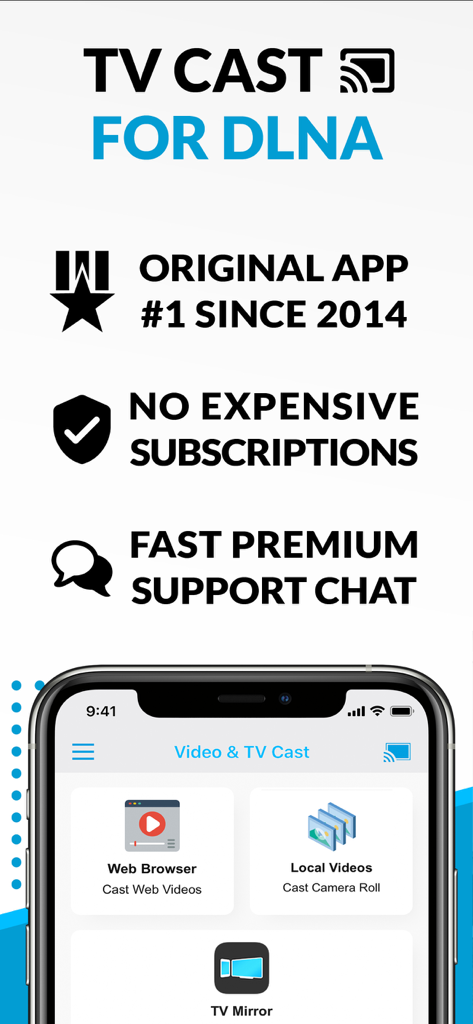
TV Cast Pro for DLNA Smart TV - 웹 브라우저 및 로컬 비디오 캐스팅 기능이 있는 DLNA용 TV Cast Pro가 표시된 iPhone 화면
웹 브라우저 및 로컬 비디오 캐스팅 기능이 있는 DLNA용 TV Cast Pro가 표시된 iPhone 화면

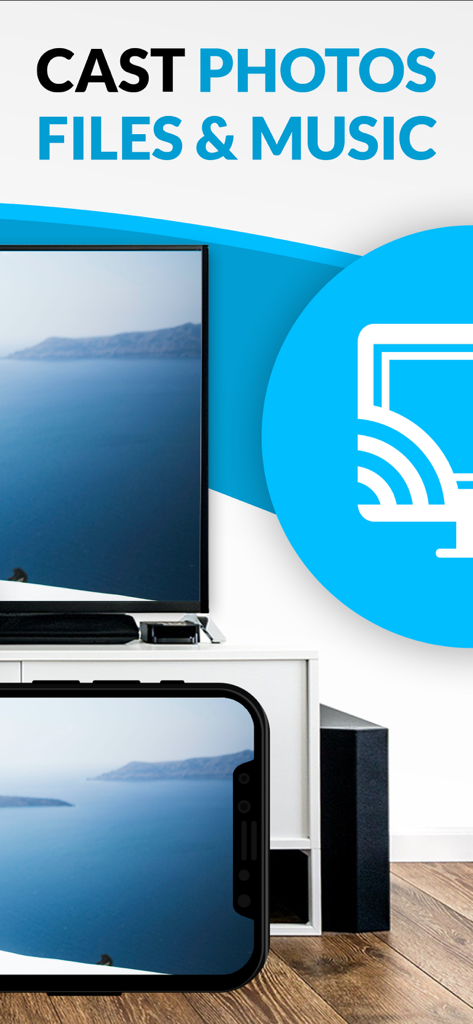
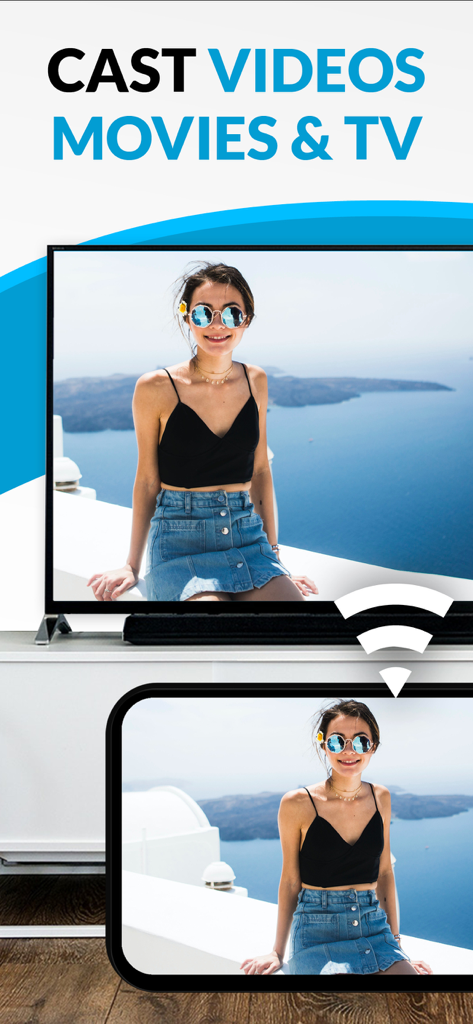
TV Cast Pro for DLNA Smart TV - 대형 스마트 TV에 개인 사진을 무선으로 캐스트하는 iPhone

대형 스마트 TV에 개인 사진을 무선으로 캐스트하는 iPhone

TV Cast Pro for DLNA Smart TV - iPhone에서 스마트 TV로 사진과 음악을 캐스트하는 방법을 보여주는 TV Cast Pro 앱

iPhone에서 스마트 TV로 사진과 음악을 캐스트하는 방법을 보여주는 TV Cast Pro 앱

설명

Watch webvideos, online movies, live tv streams and your personal photos, videos & music on your DLNA powered TV, video game console or blu-ray player. Enjoy the show on your big screen. Browse the web and stream your favorite webvideo or online TV show on a DLNA player like Hisense TV, Grundig TV, Samsung TV, LG TV, Sony TV, Philips TV, Toshiba TV, Panasonic TV, Xbox 360, Xbox One, EZCast, WD TV, Kodi (XBMC), SONOS and many other devices that use DLNA / UPnP / AllShare. Please try the free app version to check if your specific DLNA player is supported. Mp4, m3u8, hls live streaming, video over https and of course Full HD are supported. And there is no time limit at all! Just open Video & TV Cast, navigate to a website, wait for video link detection and send the video with a single tap to your DLNA player. The discovered link is shown below the browser. A tap on the link will start the show. * The app only works with a DLNA player that is capable of "media rendering". * Sony Bravia TVs: Please enable the renderer function of your TV to enable casting. See http://bit.ly/1VKM60A * iTunes movies, Flash video and DRM protected videos like Amazon Prime, Netflix, Hulu, Vudu, DirecTV, Xfinity, HBO now are not supported! * Please use the hardware remote of your DLNA player to forward, rewind and pause a running video. * The app streams only the video part of a website and not the whole website content (No screen or tab mirroring!). * Sometimes it is necessary to play the video on your iPad or iPhone first before it gets discovered by the app for streaming. It may also be neccessary to try it multiple times until it works on your specific DLNA player. * If a video does not cast, please check the FAQ on the app startpage. FAQ did not help? Please drop us a mail and give us the chance to help you before leaving a negative comment on the App Store. We will try to add support for that website as soon as possible. >>> PRO FEATURES * Personal Media: Cast unlimited personal photos, videos and music directly from your device or from cloud services like iCloud and Dropbox. * Ad-Blocker + No Sponsoring Ads: The Pro app version has no ads and the Ad-Blocker blocks ads & popups on most websites that you visit. You can enable/disable it at any time in the settings. * Bookmarks: Add and manage as many bookmarks as you want, either in the bookmarks menu or directly in the browser. * Desktop Mode: Change the browser user-agent and cloak your iPhone/iPad as a desktop PC to load the desktop website instead of a mobile website. Please note that this will NOT enable video casting on websites that serve Flash videos in desktop mode. * Change Homepage: After purchasing this you can set your personal homepage in the settings. >>> A MESSAGE FROM THE DEVELOPERS Please note that this app may not work with all DLNA devices out there. But we are working hard to improve this app with every update. Your feedback will drive our work ahead and you'll see improvements and new features in the next update. Please send your feedback to info@video-tv-cast.com Disclaimer: This app is not affiliated with the Digital Living Network Alliance or any other trademark mentioned here.

Download

다운로드: App Store

이 페이지는 앱이나 개발자의 공식 페이지가 아니며, 정보 제공 및 논평을 목적으로 작성된 독립 편집 간행물입니다. 명시적으로 달리 언급되지 않는 한, 해당 앱이나 개발자는 MWM, Apple, Google Play, 앱 퍼블리셔 또는 앱 개발자와 제휴, 보증, 후원, 승인 또는 공식적으로 연결되어 있지 않으며, 이 페이지의 어떤 내용도 해당 앱이 MWM의 서비스를 사용하여 개발되었음을 의미하지 않습니다. 모든 상표, 로고, 스크린샷 및 기타 콘텐츠는 해당 소유자의 자산입니다.