이 페이지는 앱이나 개발자의 공식 페이지가 아니며, 정보 제공 및 논평을 목적으로 작성된 독립 편집 간행물입니다. 명시적으로 달리 언급되지 않는 한, 해당 앱이나 개발자는 MWM, Apple, Google Play, 앱 퍼블리셔 또는 앱 개발자와 제휴, 보증, 후원, 승인 또는 공식적으로 연결되어 있지 않으며, 이 페이지의 어떤 내용도 해당 앱이 MWM의 서비스를 사용하여 개발되었음을 의미하지 않습니다. 모든 상표, 로고, 스크린샷 및 기타 콘텐츠는 해당 소유자의 자산입니다.
TV Remote Control - Smart TVs
잃어버린 리모컨과 방전된 배터리를 더 이상 찾지 마세요. iPhone을 Roku, Fire Stick 및 모든 주요 스마트 TV를 위한 완벽한 터치패드 탐색, 빠른 입력, 즉각적인 화면 미러링 기능을 갖춘 강력한 유니버설 컨트롤러로 바꾸세요.
주요 수치
다운로드
33K+
사용자 평점
4.4/5
총 평가 수
600
개발사
Ngoc Nguyen
카테고리
Utilities
지원 언어
1
최신 버전
1.6.7
크기
239.9 MB
출시일
2023년 6월 26일
기능
집안의 모든 화면을 위한 하나의 허브
잃어버린 리모컨과 방전된 배터리는 이제 그만. iPhone을 Roku, Samsung, LG, Fire Stick 등을 위한 강력한 유니버설 컨트롤러로 바꾸세요.
유니버설 스마트 컨트롤
Wi-Fi를 통해 Roku, Samsung, LG, Vizio를 포함한 모든 기기에 즉시 연결하세요. 더 이상 거실 테이블을 어지럽히지 마세요.
손쉬운 입력 및 탐색
답답한 화살표 키와 씨름하는 것은 이제 그만. 휴대폰의 키보드와 터치패드를 사용하여 몇 초 안에 영화와 쇼를 검색하세요.
다음 스크린샷과 설명은 앱의 공식 스토어 목록에서 직접 가져온 것이며 앱 개발자의 자산입니다.
앱 스토어
스크린샷
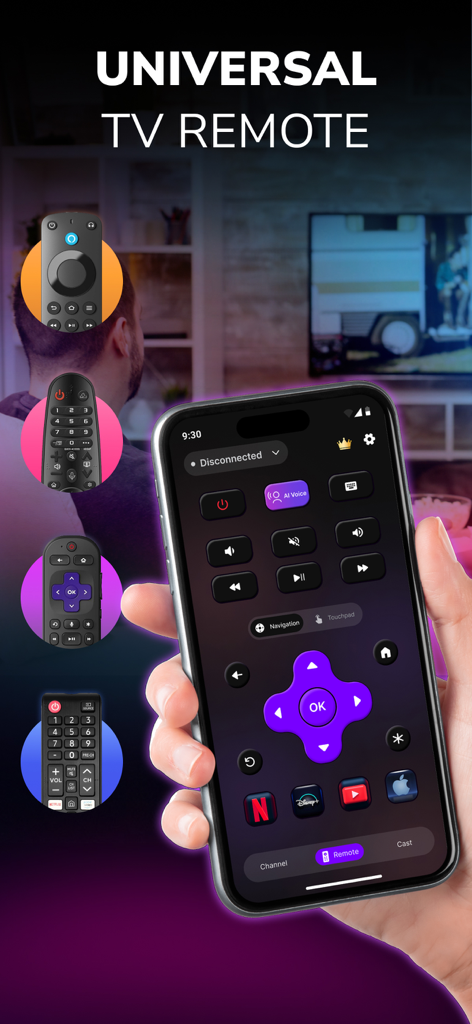
리모컨 앱 인터페이스와 탐색 및 스트리밍 버튼이 표시된 iPhone을 들고 있는 손
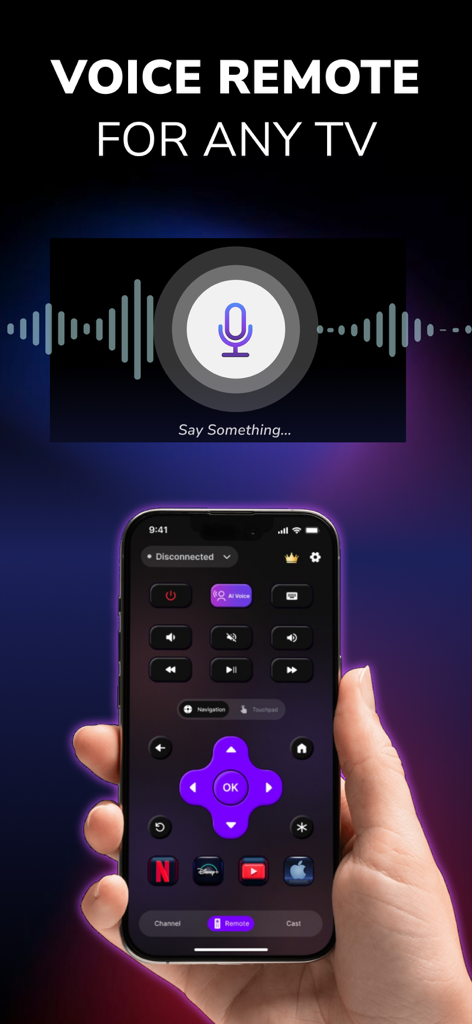
유니버설 TV 리모컨 앱의 음성 명령 인터페이스를 표시하는 iPhone
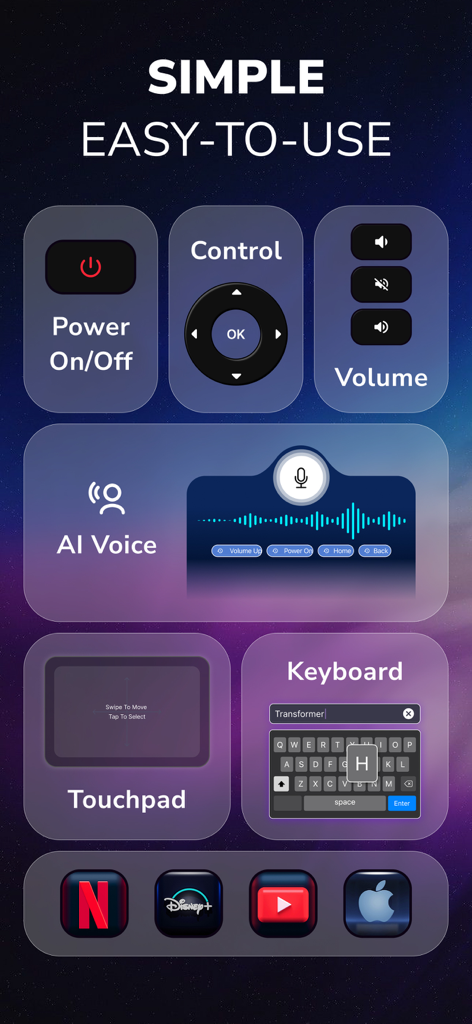
전원, 볼륨, AI 음성, 터치패드 및 키보드 기능을 보여주는 TV 리모컨 앱의 인터페이스
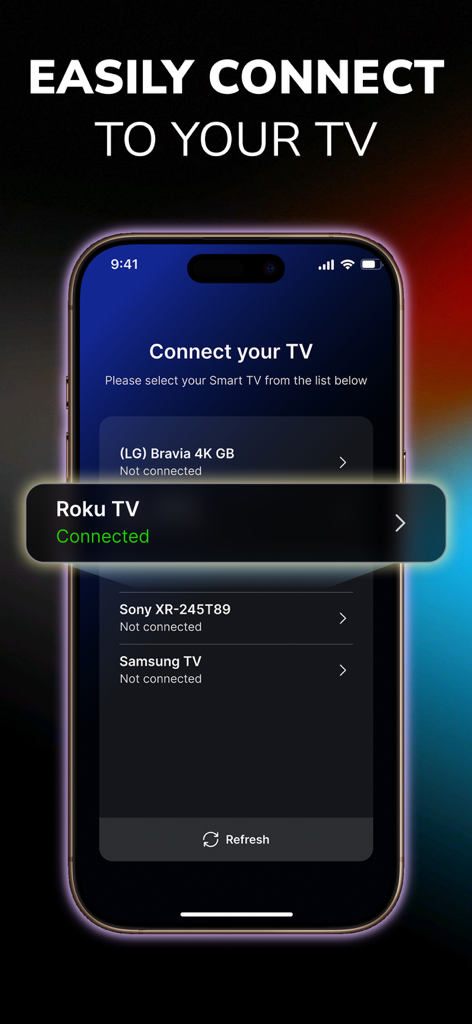
Roku TV에 성공적으로 연결되었음을 보여주는 TV 리모컨 앱의 인터페이스
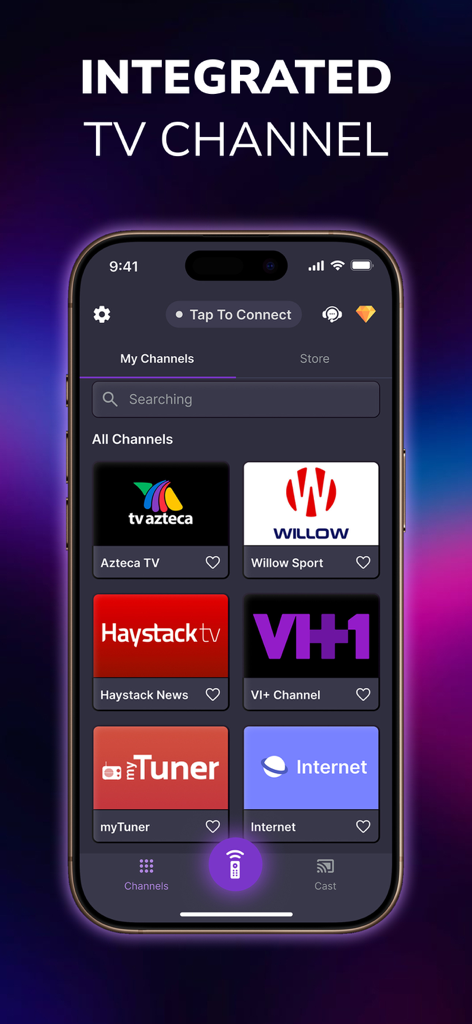
스마트폰 화면에 유니버설 리모컨 앱 내 통합 TV 채널 표시
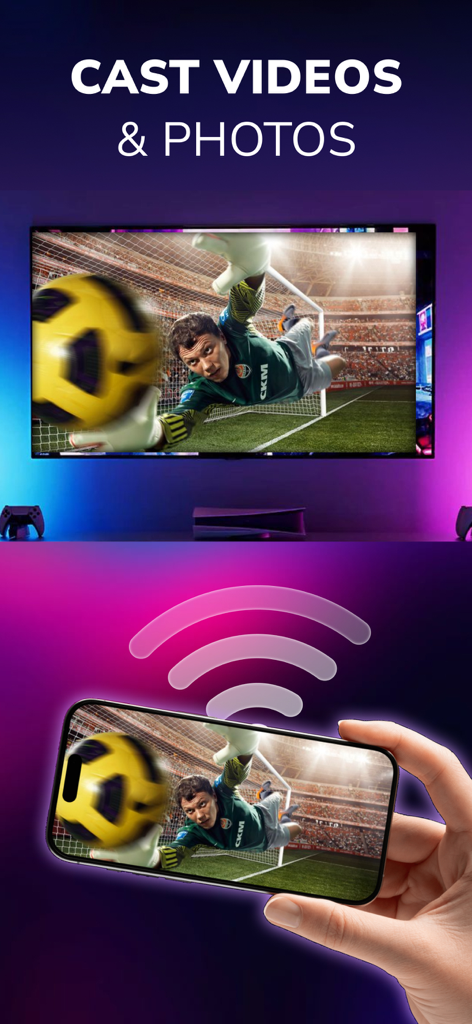
스마트폰이 대형 스마트 TV 화면으로 축구 동영상을 무선으로 캐스팅하는 모습
설명
All-in-One Universal TV Remote App for Roku, LG, TCL, Vizio, Fire Stick, Onn, Insignia & More
Are you tired of constantly searching for your TV remote? Frustrated with broken buttons or batteries that die when you need them most? It’s time to make your entertainment experience smoother, smarter, and wireless. Introducing TV Remote Control - Smart TV, the universal TV remote app built for convenience, compatibility, and complete control. Whether you own a Samsung TV, LG Smart TV, Vizio, TCL Roku TV, Philips, Insignia, Onn, or use streaming devices like Amazon Fire Stick or Roku Stick, this app is your go-to solution.
With powerful functionality like screen mirroring, media casting, voice control, and touchpad control, this app transforms your smartphone into a seamless remote control center. It works with most smart TVs, streaming sticks, and Wi-Fi-connected displays, giving you full command of your screen from your phone or tablet.
1) Universal Remote Control
Control multiple TVs and devices using just one app:
- Samsung Smart TVs
- LG Smart TVs
- TCL Roku TVs
- Vizio TVs
- Philips TVs
- Onn TVs
- Insignia Fire TVs
- Sony Bravia TVs
- Hisense Smart TVs
- Amazon Fire Stick / Fire TV
- Roku Stick & Roku Boxes
Other universal remote compatible TVs via Wi-Fi
2) TV Control Made Effortless
With your smartphone connected to the same Wi-Fi network as your smart TV, you can instantly:
- Power your TV on/off (supported models)
- Adjust the volume or mute
- Change channels instantly
- Navigate with arrow keys, OK, back, home, etc.
- Use a built-in touchpad for cursor-style navigation
3) Media Casting & Screen Mirroring
- Cast videos from your phone gallery or video apps
- Mirror your screen to display presentations, games, or social media
- Play IPTV or web-based video content
- Supported platforms include YouTube, Spotify, Netflix (via casting), local files, and more.
4) Voice Control
Our voice search feature supports natural speech input so you can search for shows, change channels, or browse content hands-free.
Examples: “Open Netflix”, “Search for comedy movies”, “Volume up”, ... etc
5) Favorite Channels & App Launching
Add shortcuts to your favorite apps and streaming services like: Disney+, Loo Loo Kids, Roku Channel, Netflix, Prime Video, HBO Max, YouTube, Spotify, ...
6) Touchpad Navigation
Use your phone screen as a virtual touchpad to navigate TV menus more naturally—especially useful for apps like YouTube or web browsers on smart TVs.
Easy Setup – No Pairing Hassles
1. Ensure your smart TV, Fire Stick, or Roku is connected to the same Wi-Fi network as your mobile device.
2. Open the app and allow it to scan for available devices.
3.Tap to connect. That’s it!
SUBSCRIPTION PRICING & TERMS
Users can subscribe for unlimited access to Premium features and without ads.
Payment will be charged to your iTunes Account at confirmation of purchase.
Subscriptions may be managed by the user and auto-renewal may be turned off by going to the user's Account Settings after purchase. For details please visit the link https://support.apple.com/HT202039
Subscription automatically renews unless auto-renew is turned off at least 24 hours before the end of the current period. Account will be charged for renewal within 24-hours prior to the end of the current period and determine the renewal cost.
When the current trial/subscription period expires, the user will be unsubscribed. The current active subscription period cannot be canceled. Once the subscription expires, the user will no longer be able to use the Interactive tab.
Any unused portion of a free trial period, if offered, will be forfeited when the user purchases a subscription to that publication, if any.
DISCLAIMER:
TV Remote Control - Smart TV is not affiliated with or endorsed by any relevant brands.
Privacy Policy: https://sites.google.com/view/privacypolicytvremotecontrol/
Terms of Use: https://sites.google.com/view/termofusetvremotecontrol/
이 페이지는 앱이나 개발자의 공식 페이지가 아니며, 정보 제공 및 논평을 목적으로 작성된 독립 편집 간행물입니다. 명시적으로 달리 언급되지 않는 한, 해당 앱이나 개발자는 MWM, Apple, Google Play, 앱 퍼블리셔 또는 앱 개발자와 제휴, 보증, 후원, 승인 또는 공식적으로 연결되어 있지 않으며, 이 페이지의 어떤 내용도 해당 앱이 MWM의 서비스를 사용하여 개발되었음을 의미하지 않습니다. 모든 상표, 로고, 스크린샷 및 기타 콘텐츠는 해당 소유자의 자산입니다.