Tweet Cleaning - Delete Tweets
다운로드: App Store

이 페이지는 앱이나 개발자의 공식 페이지가 아니며, 정보 제공 및 논평을 목적으로 작성된 독립 편집 간행물입니다. 명시적으로 달리 언급되지 않는 한, 해당 앱이나 개발자는 MWM, Apple, Google Play, 앱 퍼블리셔 또는 앱 개발자와 제휴, 보증, 후원, 승인 또는 공식적으로 연결되어 있지 않으며, 이 페이지의 어떤 내용도 해당 앱이 MWM의 서비스를 사용하여 개발되었음을 의미하지 않습니다. 모든 상표, 로고, 스크린샷 및 기타 콘텐츠는 해당 소유자의 자산입니다.


로고: Tweet Cleaning - Delete Tweets
다운로드: App Store

Tweet Cleaning - Delete Tweets

여러분의 경력과 개인 정보를 보호하세요. 정밀 필터를 사용하여 오래된 트윗, 답글, 좋아요를 손쉽게 대량 삭제하여 몇 초 만에 프로필에 새로운 시작을 선사하세요.

주요 수치

다운로드

176K+

사용자 평점

3.8/5

총 평가 수

2K+

개발사

Serkan Ozcan

카테고리

Social Networking

지원 언어

3

최신 버전

10.6

크기

19.3 MB

출시일

2014년 2월 4일
기능

직업적 평판 보호

과거를 지우고 미래의 직업 기회를 확보하도록 설계된 정밀 도구로 디지털 발자국을 완벽하게 제어하세요.

대량 디지털 정리

몇 초 만에 수년간의 트윗, 답글, 리트윗을 일괄 삭제하여 이미지를 보호하세요. HR 배경 조사를 통과하는 데 완벽합니다.

스마트 키워드 필터링

전체 기록을 삭제하지 않고 특정 키워드 및 날짜를 검색하여 민감한 주제 또는 오래된 의견을 타겟팅하고 제거하세요.

다음 스크린샷과 설명은 앱의 공식 스토어 목록에서 직접 가져온 것이며 앱 개발자의 자산입니다.

앱 스토어

스크린샷
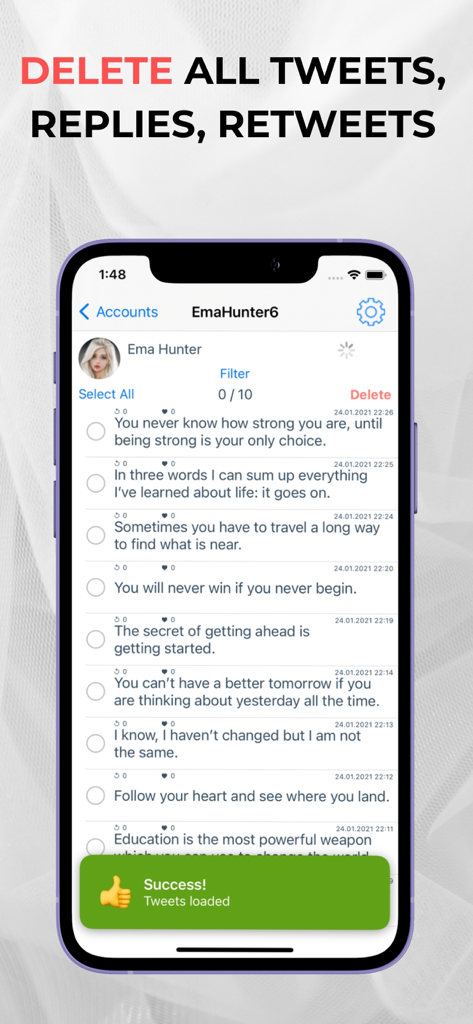
Tweet Cleaning - Delete Tweets - 로딩된 게시물에 대한 삭제 버튼과 성공 알림이 있는 트윗 목록을 보여주는 모바일 앱 인터페이스
로딩된 게시물에 대한 삭제 버튼과 성공 알림이 있는 트윗 목록을 보여주는 모바일 앱 인터페이스

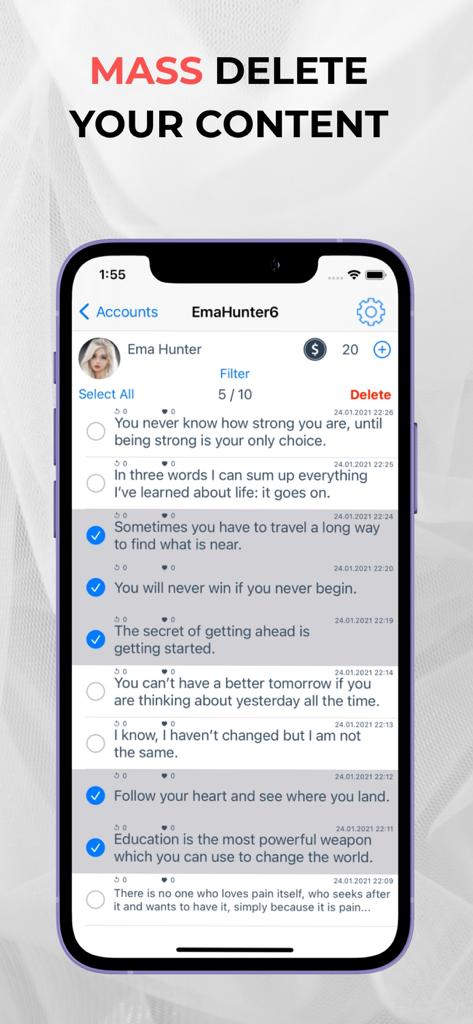
Tweet Cleaning - Delete Tweets - 대량 삭제를 위해 선택된 트윗 목록을 보여주는 모바일 앱 인터페이스
대량 삭제를 위해 선택된 트윗 목록을 보여주는 모바일 앱 인터페이스

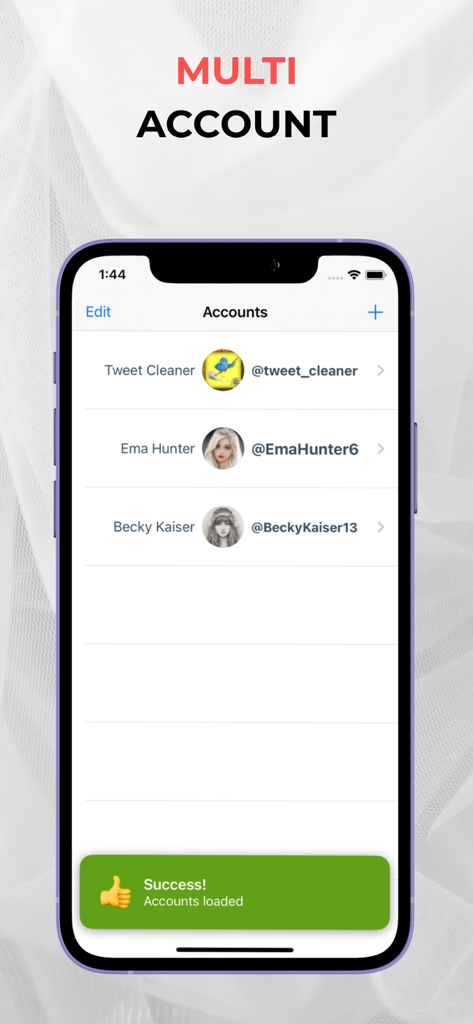
Tweet Cleaning - Delete Tweets - 트윗 정리 앱에서 관리되는 여러 트위터 계정을 보여주는 인터페이스

트윗 정리 앱에서 관리되는 여러 트위터 계정을 보여주는 인터페이스
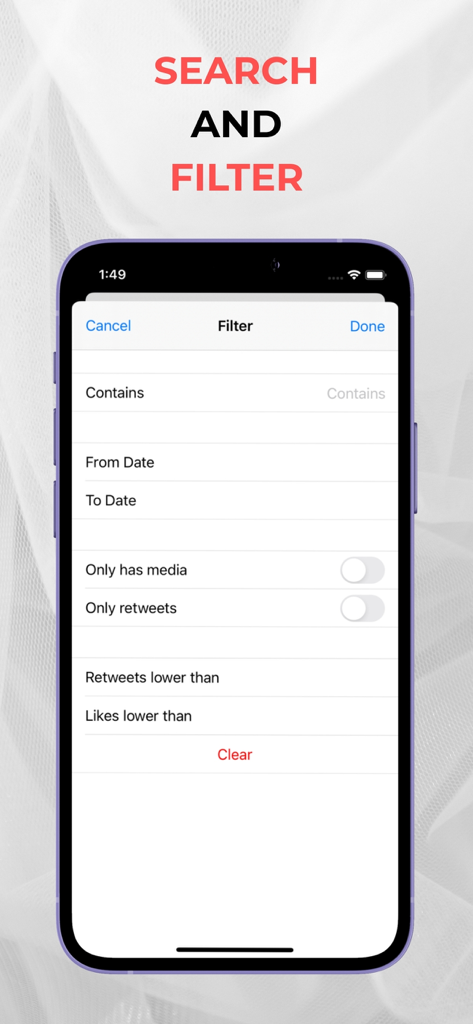
Tweet Cleaning - Delete Tweets - 키워드, 날짜 및 참여 수를 기준으로 트윗을 필터링하는 모바일 앱 화면
키워드, 날짜 및 참여 수를 기준으로 트윗을 필터링하는 모바일 앱 화면

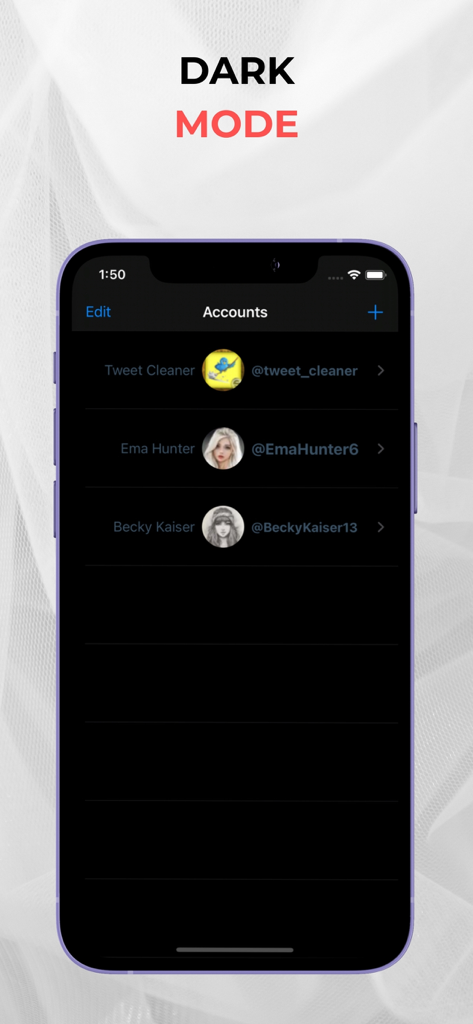
Tweet Cleaning - Delete Tweets - 트윗 정리 앱에서 다크 모드로 여러 계정을 보여주는 인터페이스

트윗 정리 앱에서 다크 모드로 여러 계정을 보여주는 인터페이스

설명

Tweet Cleaning offers the service to delete all your tweets, retweets, mentions, replies, and media with just one click! If you seek a fresh start on Twitter, you can effortlessly delete your tweets, retweets, and replies using Tweet Cleaning. You can easily delete your old tweets by date or by using keywords. Tweet Cleaning Features: • Delete All Tweets • Delete Tweets by Keyword • Delete Old Tweets • Delete Retweets • Delete Twitter Replies • Mass Delete Tweets Moreover, you can also sort your tweets by retweet count or Twitter likes count. This allows you to keep your most popular tweets while deleting the ones you wish to remove in bulk. As time passes, opinions change. In the open environment of Twitter, where ideas, claims, and discussions flourish, people often seek a way to delete tweets by date. Tweet Cleaning provides the solution! You can delete all your tweets, retweets, likes, replies, and media. This enables you to delete tweets older than a year and even remove tweets from Google search results. Many are unaware that Twitter allows users to delete their tweets. However, the challenge lies in filtering tweets by date and performing bulk operations. Deleting old tweets one by one on Twitter can be time-consuming. This is where Tweet Cleaning comes in. It saves you time and effort by offering the option to filter tweets by date and keyword. You no longer need to scroll through your timeline to find old tweets. Simply input the desired date or keyword, and Tweet Cleaning will display the relevant tweets. Tweet Cleaning is a Twitter management tool that facilitates bulk deletion of Twitter likes. With Tweet Cleaning, you can delete all your Twitter likes in seconds. If you prefer to selectively delete specific retweets rather than all of them, follow these steps: Log in to Tweet Cleaning. Tweet Cleaning will list all your retweets. To delete retweets from a particular Twitter account or user, input their handle or name in the grid power search. Tweet Cleaning will filter the retweets accordingly. The grid power search can also filter retweets by keywords, hashtags, or date. Select the retweets you wish to delete and click the red "Delete" icon at the top left to remove them.

Download

다운로드: App Store

이 페이지는 앱이나 개발자의 공식 페이지가 아니며, 정보 제공 및 논평을 목적으로 작성된 독립 편집 간행물입니다. 명시적으로 달리 언급되지 않는 한, 해당 앱이나 개발자는 MWM, Apple, Google Play, 앱 퍼블리셔 또는 앱 개발자와 제휴, 보증, 후원, 승인 또는 공식적으로 연결되어 있지 않으며, 이 페이지의 어떤 내용도 해당 앱이 MWM의 서비스를 사용하여 개발되었음을 의미하지 않습니다. 모든 상표, 로고, 스크린샷 및 기타 콘텐츠는 해당 소유자의 자산입니다.








