
이 페이지는 앱이나 개발자의 공식 페이지가 아니며, 정보 제공 및 논평을 목적으로 작성된 독립 편집 간행물입니다. 명시적으로 달리 언급되지 않는 한, 해당 앱이나 개발자는 MWM, Apple, Google Play, 앱 퍼블리셔 또는 앱 개발자와 제휴, 보증, 후원, 승인 또는 공식적으로 연결되어 있지 않으며, 이 페이지의 어떤 내용도 해당 앱이 MWM의 서비스를 사용하여 개발되었음을 의미하지 않습니다. 모든 상표, 로고, 스크린샷 및 기타 콘텐츠는 해당 소유자의 자산입니다.

UniRemote: Smart TV Control
잃어버린 리모컨을 찾는 것을 멈추고 휴대폰 키보드로 10배 더 빠르게 입력하세요. 직관적인 터치패드, 큰 버튼의 간편 모드, 원활한 미디어 캐스팅으로 집 안의 모든 TV를 제어하세요.
다운로드
589K+사용자 평점
총 평가 수
10K+개발사
카테고리
Utilities지원 언어
8최신 버전
1.5.5크기
254.8 MB출시일
2024년 8월 19일엔터테인먼트를 완벽하게 제어하세요
잃어버린 리모컨을 찾는 것을 멈추고 손에 든 iPhone으로 집 안의 모든 TV를 제어하세요.
스마트 키보드 및 터치패드
TV 화면에서 답답하게 하나씩 누르는 것을 멈추세요. iPhone 키보드를 사용하여 영화 제목을 입력하고 메뉴를 즉시 탐색하세요.
하나의 앱, 모든 TV
삼성, LG, 소니 또는 Roku 등 UniRemote는 Wi-Fi를 통해 자동으로 동기화되어 추가 하드웨어 없이 완벽하게 제어할 수 있습니다.
자주 묻는 질문
에 대해 알아야 할 모든 것 UniRemote: Smart TV Control
UniRemote: Smart TV Control이란 무엇인가요?
UniRemote: Smart TV Control은 휴대폰을 범용 TV 리모컨으로 바꿔주는 iPhone 애플리케이션입니다. 전통적인 리모컨 기능을 복제하여 채널, 볼륨 및 탐색을 제어할 수 있게 하여 TV 시청 경험을 개선합니다.
UniRemote는 어떻게 TV에 연결되나요?
UniRemote는 두 장치 모두 동일한 Wi-Fi 네트워크에 있을 때 iPhone을 TV에 연결합니다. IR(적외선) TV의 경우 스마트폰에 IR 기능이 내장되어 있어야 합니다.
UniRemote는 미디어 캐스팅을 지원하나요?
예, UniRemote: Smart TV Control은 미디어 캐스팅을 지원합니다. 사용자는 몇 번의 클릭만으로 애플리케이션을 통해 iPhone에서 TV로 사진과 비디오를 직접 전송할 수 있습니다.
UniRemote의 주요 제어 기능은 무엇인가요?
UniRemote는 채널, 볼륨 및 탐색 메뉴 조정을 포함한 포괄적인 제어 기능을 제공합니다. D-패드, 터치패드, 숫자패드 및 재생/일시 중지/중지 등 미디어 재생 제어를 지원하여 전통적인 TV 리모컨을 복제합니다.
UniRemote: Smart TV Control은 무료로 사용할 수 있나요?
아니요, UniRemote: Smart TV Control은 전체 기능에 액세스하려면 프리미엄 구독이 필요합니다. 구매 확인 시 iTunes 계정으로 요금이 청구됩니다.
UniRemote 프리미엄 구독은 어떻게 취소하나요?
UniRemote 프리미엄 구독 및 자동 갱신은 iTunes 계정 설정을 통해 관리합니다. 자동 갱신은 현재 구독 기간이 종료되기 최소 24시간 전에 해지해야 합니다.
UniRemote는 네트워크상의 TV를 자동으로 감지하나요?
예, UniRemote는 자동 설정을 제공합니다. 이 앱은 iPhone과 동일한 Wi-Fi 네트워크에 연결된 호환 TV를 자동으로 감지하여 신속하게 제어할 수 있습니다.
UniRemote: Smart TV Control은 단순화된 인터페이스를 제공하나요?
예, UniRemote는 "쉬운 모드"를 제공합니다. 이 기능을 통해 사용자는 리모컨 화면을 단순화하고 향상된 사용성을 위해 더 큰 크기의 탐색 및 볼륨 컨트롤을 제공할 수 있습니다.
UniRemote는 여러 TV 장치를 제어할 수 있나요?
예, UniRemote는 다중 장치 제어를 지원합니다. 사용자는 애플리케이션 내에서 여러 TV 장치에 쉽게 연결하고 전환할 수 있으며, 하나의 iPhone으로 다양한 TV를 관리할 수 있습니다.
UniRemote는 Samsung 또는 LG와 같은 주요 TV 브랜드의 공식 리모컨 앱인가요?
아니요, UniRemote·Universal TV Control은 Samsung, LG, Sony, Philips 또는 Panasonic과 같은 주요 TV 브랜드의 공식 애플리케이션이 아닙니다. 명시적으로 이들 또는 기타 회사와 제휴되지 않았습니다.
다음 스크린샷과 설명은 앱의 공식 스토어 목록에서 직접 가져온 것이며 앱 개발자의 자산입니다.
앱 스토어
스크린샷
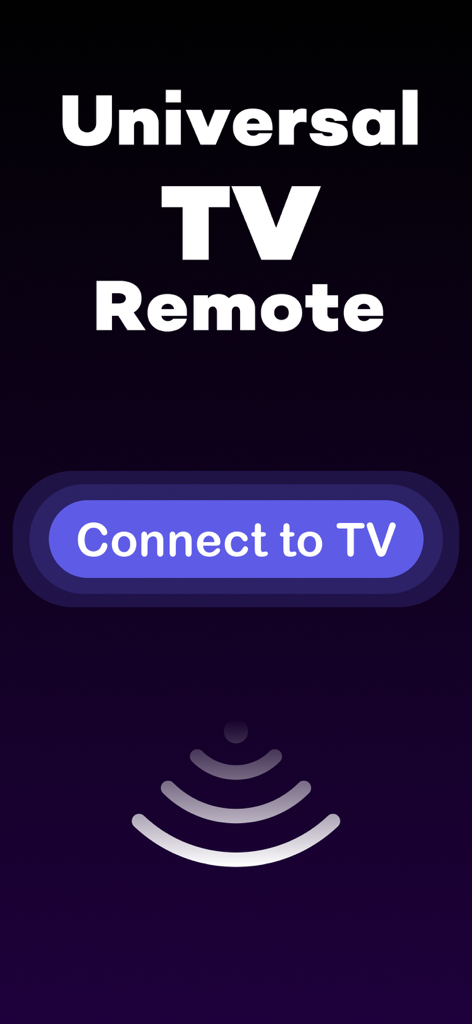
Connect to TV 버튼과 신호 아이콘이 있는 만능 TV 리모컨 앱 스플래시 화면
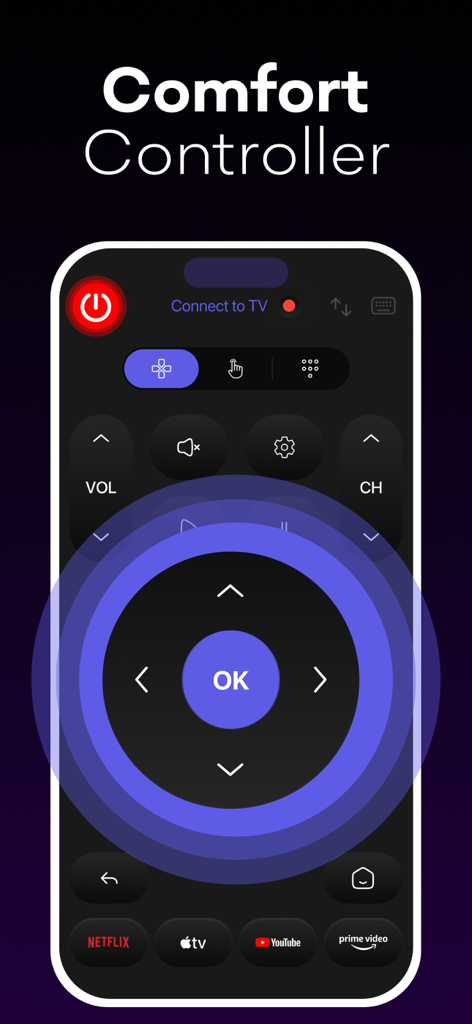
탐색 D-패드와 스트리밍 바로가기가 있는 스마트 TV 리모컨 앱 인터페이스
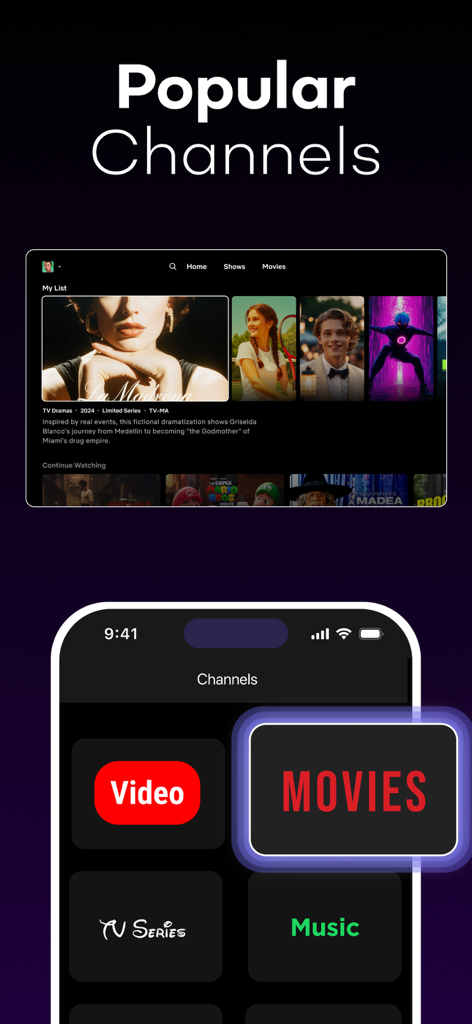
스마트 TV 인터페이스 옆에 영화, TV 시리즈, 음악에 대한 바로가기 버튼이 있는 UniRemote 앱을 표시하는 iPhone.
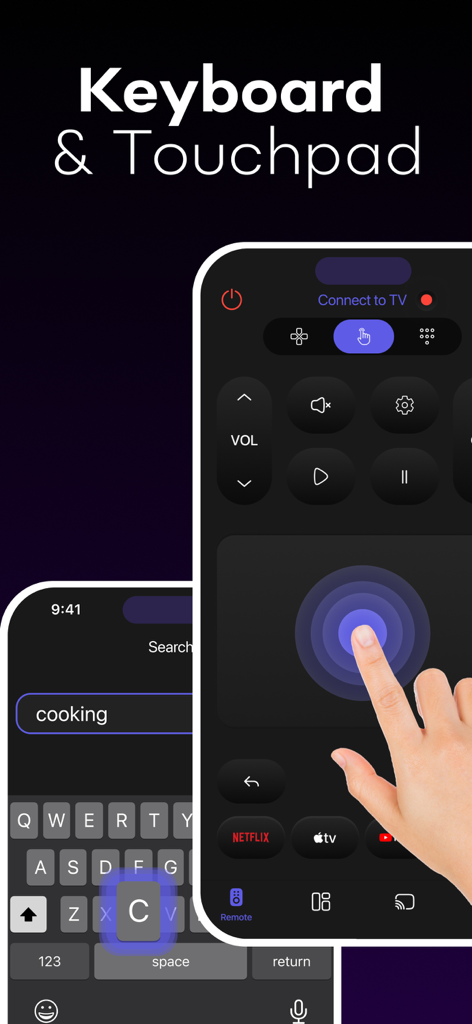
UniRemote 스마트 TV 제어 앱의 키보드 및 터치패드 기능을 보여주는 iPhone
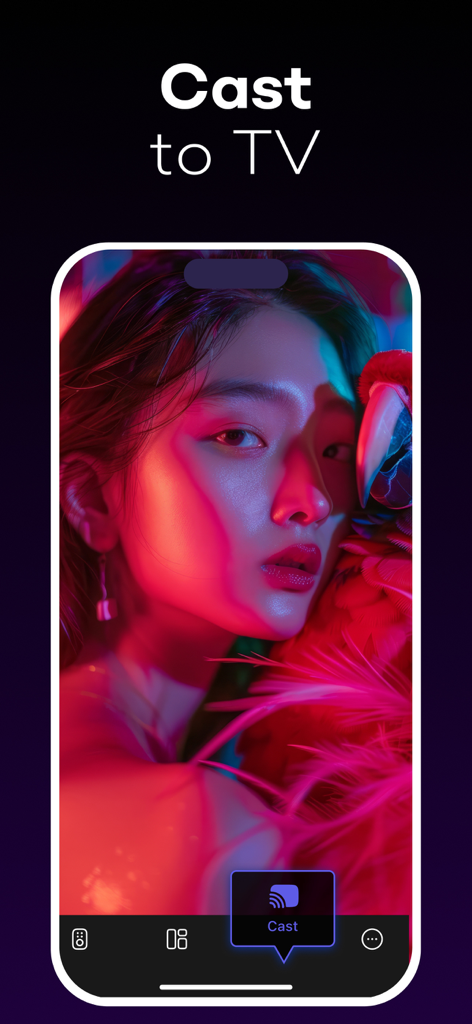
UniRemote 앱의 TV로 전송 기능('Cast to TV')을 표시하는 스마트폰 화면
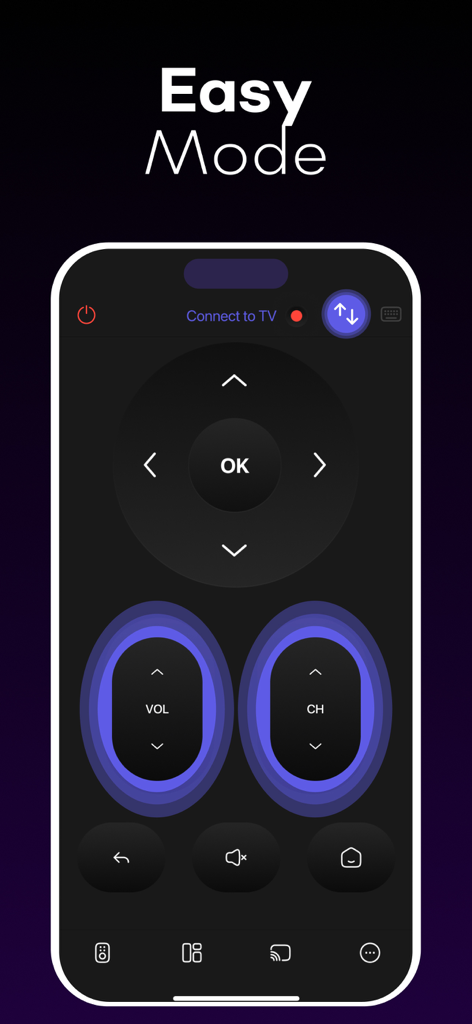
큰 버튼이 있는 간편 모드 인터페이스를 보여주는 UniRemote 스마트 TV 제어 앱
설명
Download
비슷한 앱
유사한 기능과 사용자 경험을 가진 앱

The Roku App (Official)
ROKU INC

TV Remote & Smart TV Control
To Ngoc Mai

Universal TV Remote Control .
Apps Venture Inc.

TV Remote, Universal Remote
Hangzhou Yingshitong Technology Co., Ltd.

TV Remote Control “Universo”
Nemo Apps LLC

TV Remote・Universal Control #1
Mihai Turlea

Remote Smart Tv Universal
clement gasner

Remote TV Control TCL Onn App
CEMAL CAGLAR KIRICI

TV Remote Control Universal AI
Anh Ngo
이 페이지는 앱이나 개발자의 공식 페이지가 아니며, 정보 제공 및 논평을 목적으로 작성된 독립 편집 간행물입니다. 명시적으로 달리 언급되지 않는 한, 해당 앱이나 개발자는 MWM, Apple, Google Play, 앱 퍼블리셔 또는 앱 개발자와 제휴, 보증, 후원, 승인 또는 공식적으로 연결되어 있지 않으며, 이 페이지의 어떤 내용도 해당 앱이 MWM의 서비스를 사용하여 개발되었음을 의미하지 않습니다. 모든 상표, 로고, 스크린샷 및 기타 콘텐츠는 해당 소유자의 자산입니다.