
이 페이지는 앱이나 개발자의 공식 페이지가 아니며, 정보 제공 및 논평을 목적으로 작성된 독립 편집 간행물입니다. 명시적으로 달리 언급되지 않는 한, 해당 앱이나 개발자는 MWM, Apple, Google Play, 앱 퍼블리셔 또는 앱 개발자와 제휴, 보증, 후원, 승인 또는 공식적으로 연결되어 있지 않으며, 이 페이지의 어떤 내용도 해당 앱이 MWM의 서비스를 사용하여 개발되었음을 의미하지 않습니다. 모든 상표, 로고, 스크린샷 및 기타 콘텐츠는 해당 소유자의 자산입니다.


Vector & SVG Maker - Assembly
몇 분 만에 멋진 로고, 아이콘, 일러스트레이션을 만들어 보세요. 모바일 기기에서 데스크탑급 벡터 도구의 성능을 활용하여 비전을 쉽게 구축, 편집 및 내보낼 수 있습니다.
다운로드
2M+사용자 평점
총 평가 수
12K+개발사
카테고리
Graphics & Design지원 언어
2최신 버전
2.4.7크기
154.2 MB출시일
2015년 10월 9일전문적인 벡터 디자인의 단순화
가파른 학습 곡선 없이 하이엔드 창작 도구를 사용해 보세요. 맞춤형 로고부터 복잡한 일러스트레이션까지, Assembly는 빠르고 직관적인 모바일 인터페이스에서 데스크탑의 성능을 제공합니다.
스마트 도형 구성
스케치북은 건너뛰세요. 1,000개 이상의 사전 설계된 도형을 결합하고 교차시켜 단 몇 초 만에 복잡하고 전문적인 그래픽을 만들 수 있습니다.
정밀 포인트 편집
업계 표준 베지어 곡선으로 모든 세부 사항을 마스터하세요. 전문가급 포인트 편집 기능을 통해 예술적 비전을 완벽하게 제어할 수 있습니다.
자주 묻는 질문
에 대해 알아야 할 모든 것 Vector & SVG Maker - Assembly
Assembly (Vector & SVG Maker)란 무엇인가요?
Assembly는 로고, 아이콘, 일러스트레이션을 만드는 혁신적인 벡터 디자인 도구입니다. 전문 데스크톱 소프트웨어에서 일반적으로 사용되는 강력하고 사용하기 쉬운 기능을 제공하여 효율적으로 고품질 작업을 수행할 수 있습니다.
Assembly로 SVG 파일을 만들고 편집할 수 있나요?
예, Assembly는 사용자가 SVG 파일을 만들고 편집할 수 있는 Vector & SVG Maker입니다. SVG/PNG/JPG 가져오기를 지원하며 SVG, PDF, PNG, JPG 형식으로 디자인을 내보낼 수 있습니다.
Assembly는 전문적인 벡터 디자인 도구를 제공하나요?
예, Assembly는 베지어 곡선을 사용한 점 편집, 도형 결합, 완전한 텍스트 엔진을 포함한 전문적인 품질의 벡터 디자인 도구를 제공합니다. 이러한 기능은 고급 그래픽 디자인 제품군에서 볼 수 있습니다.
Assembly Pro의 가격은 얼마인가요?
Assembly Pro는 주간 $2.99 USD, 월간 $4.99 USD, 연간 $29.99 USD입니다. 이 자동 갱신 구독 서비스는 전문 기능을 제공합니다. 가격은 변경될 수 있습니다.
Assembly Pro에는 무료 체험이 제공되나요?
예, Assembly Pro는 7일 무료 체험을 제공합니다. 이 기간이 지나면 구독이 자동으로 주간 플랜으로 갱신되며, 사용자는 언제든지 취소할 수 있습니다.
Assembly 앱은 어떤 파일 형식으로 내보낼 수 있나요?
Assembly 앱은 고해상도 JPG 및 PNG뿐만 아니라 최대 8192 x 8192의 SVG 및 PDF와 같은 벡터 형식으로 디자인을 내보냅니다. 또한 Assembly 프로젝트 파일도 출력합니다.
Assembly에 사용자 지정 글꼴을 가져올 수 있나요?
예, Assembly의 완전한 텍스트 엔진을 통해 사용자는 자신만의 사용자 지정 글꼴을 가져올 수 있습니다. 또한 다양한 디자인 요구에 맞는 25가지 다용도, 수제 선택 글꼴이 포함되어 있습니다.
Assembly는 기기 간에 프로젝트를 동기화하나요?
예, Assembly는 iCloud 동기화를 지원하여 여러 기기에서 프로젝트를 동기화할 수 있습니다. 이를 통해 사용자는 어디서든 디자인에 액세스하고 작업할 수 있습니다.
Assembly Pro 구독을 어떻게 취소하나요?
사용자는 구매 후 계정 설정에서 Assembly Pro 구독을 관리하고 자동 갱신을 해제할 수 있습니다. 자동 갱신은 현재 기간이 종료되기 최소 24시간 전에 취소해야 합니다.
Assembly 앱은 초보자에게 쉬운가요?
예, Assembly는 강력하면서도 직관적이도록 설계되어 모든 배경이나 기술 수준의 아티스트에게 전문적인 벡터 디자인을 쉽게 접근할 수 있도록 합니다. 간단한 인터페이스를 제공합니다.
다음 스크린샷과 설명은 앱의 공식 스토어 목록에서 직접 가져온 것이며 앱 개발자의 자산입니다.
앱 스토어
스크린샷
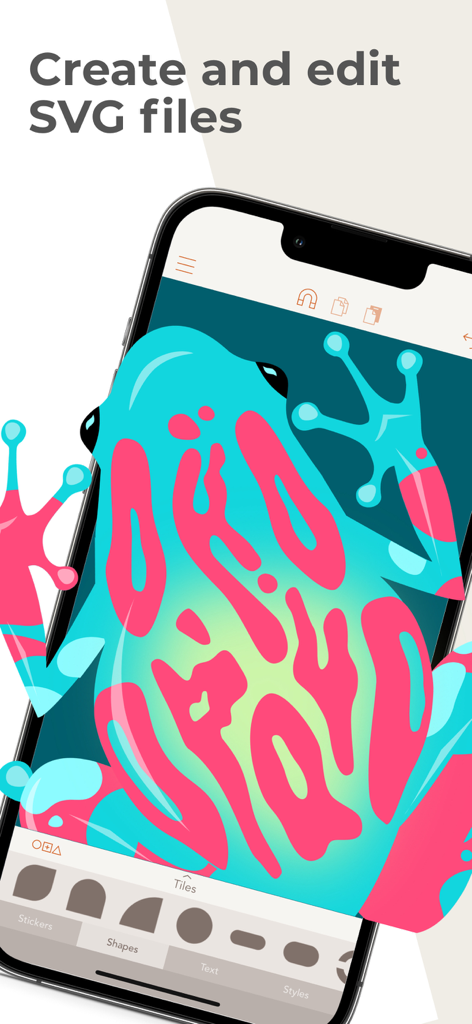
Assembly 앱에서 편집 중인 화려한 개구리 벡터 일러스트레이션
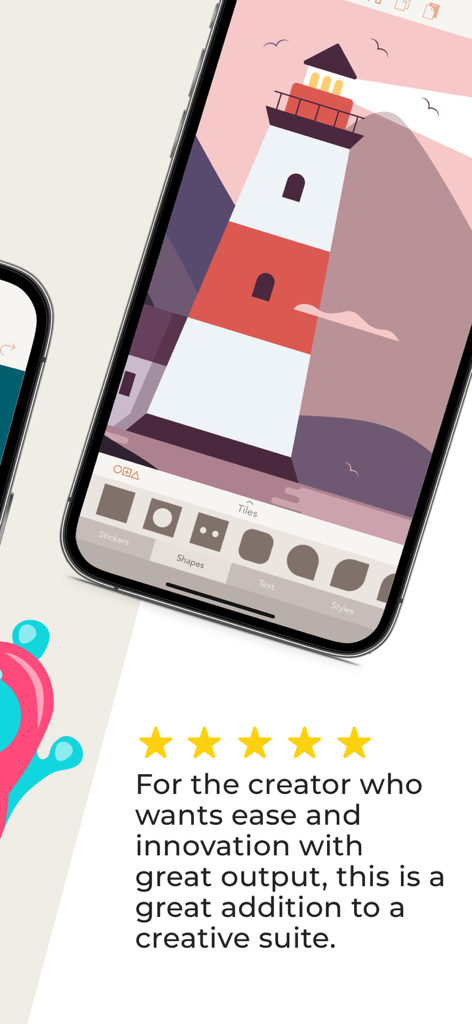
별 5개 리뷰와 함께 Assembly 벡터 디자인 앱에서 등대 일러스트레이션을 보여주는 iPhone 화면
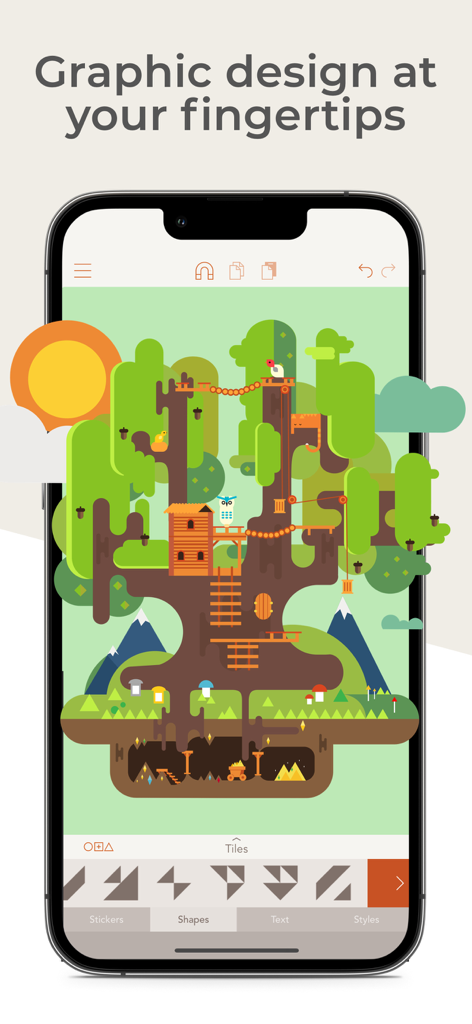
트리하우스의 상세한 벡터 일러스트레이션을 보여주는 Assembly 모바일 앱 인터페이스
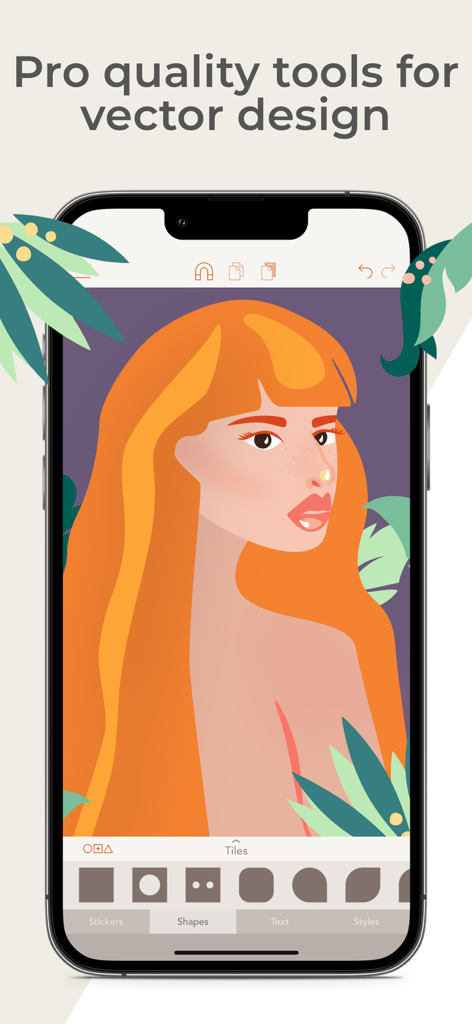
여성의 전문적인 일러스트레이션이 특징인 Assembly 벡터 디자인 앱의 모바일 인터페이스
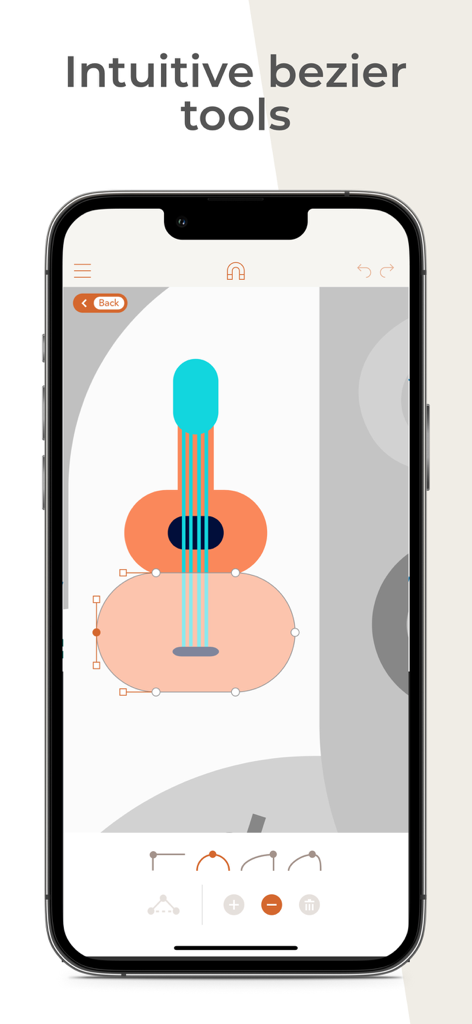
Assembly 앱에서 직관적인 베지어 곡선 도구를 사용하여 편집 중인 기타 벡터 일러스트레이션
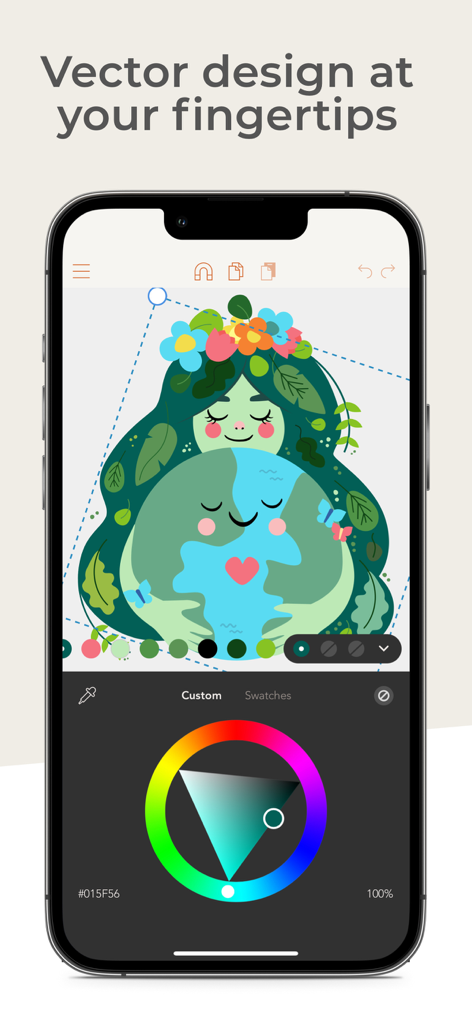
벡터 일러스트레이션과 색상 휠을 보여주는 Assembly 앱을 사용한 iPhone 그래픽 디자인
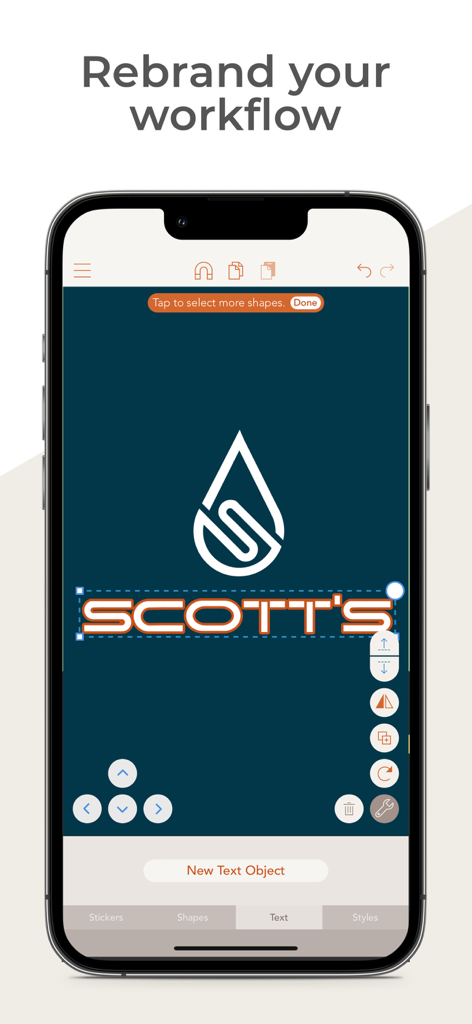
Scotts라는 브랜드의 물방울 아이콘과 텍스트 편집을 보여주는 벡터 로고 디자인용 모바일 앱 인터페이스
설명
Download
비슷한 앱
유사한 기능과 사용자 경험을 가진 앱

Affinity Designer 2 for iPad
Serif (Europe) Ltd.

Logoist 5
Synium Software GmbH

Adobe Illustrator: Graphic Art
Adobe Inc.

Infinite Zoom Art - Canvas Max
Appycron Interactive e.K.

Inkpad - Graphic Design
Envoza Ltd

Amadine: Vector Design and Art
Belight Software, ltd

Graphic for iPad
Picta, Inc

Vector Drawing & Logo Design
Jonathan OFarrow

iDesign
TouchAware Limited
이 페이지는 앱이나 개발자의 공식 페이지가 아니며, 정보 제공 및 논평을 목적으로 작성된 독립 편집 간행물입니다. 명시적으로 달리 언급되지 않는 한, 해당 앱이나 개발자는 MWM, Apple, Google Play, 앱 퍼블리셔 또는 앱 개발자와 제휴, 보증, 후원, 승인 또는 공식적으로 연결되어 있지 않으며, 이 페이지의 어떤 내용도 해당 앱이 MWM의 서비스를 사용하여 개발되었음을 의미하지 않습니다. 모든 상표, 로고, 스크린샷 및 기타 콘텐츠는 해당 소유자의 자산입니다.