VectorView - Art Organizer
다운로드: App Store

이 페이지는 앱이나 개발자의 공식 페이지가 아니며, 정보 제공 및 논평을 목적으로 작성된 독립 편집 간행물입니다. 명시적으로 달리 언급되지 않는 한, 해당 앱이나 개발자는 MWM, Apple, Google Play, 앱 퍼블리셔 또는 앱 개발자와 제휴, 보증, 후원, 승인 또는 공식적으로 연결되어 있지 않으며, 이 페이지의 어떤 내용도 해당 앱이 MWM의 서비스를 사용하여 개발되었음을 의미하지 않습니다. 모든 상표, 로고, 스크린샷 및 기타 콘텐츠는 해당 소유자의 자산입니다.


로고: VectorView - Art Organizer
다운로드: App Store

VectorView - Art Organizer

CorelDRAW와 Apple 기기 사이의 간극을 좁히세요. Windows PC 없이도 iPhone 또는 iPad에서 .cdr 파일을 즉시 열고, 내보내고, 관리할 수 있습니다.

주요 수치

다운로드

36K+

사용자 평점

1.0/5

총 평가 수

0

개발사

Abdusodiq Saidov

카테고리

Photo & Video

지원 언어

1

최신 버전

1.4

크기

65.2 MB

출시일

2016년 7월 1일
기능

어디서나 원활한 CorelDRAW 액세스

VectorView는 기존 CDR 파일과 모바일 워크플로우 사이의 간극을 메워주어 Windows PC 없이도 자유롭게 디자인을 보고 관리할 수 있게 해줍니다.

즉각적인 CDR 보기

AirDrop, 메일 또는 WhatsApp에서 직접 CorelDRAW 파일을 엽니다. iPhone 또는 iPad에서 고해상도 벡터를 즉시 검토하세요.

자산 내보내기 및 공유

디자인을 표준 형식으로 변환하여 사진 갤러리에 저장하거나 즐겨 사용하는 커뮤니케이션 앱을 통해 클라이언트와 공유하세요.

다음 스크린샷과 설명은 앱의 공식 스토어 목록에서 직접 가져온 것이며 앱 개발자의 자산입니다.

앱 스토어

스크린샷
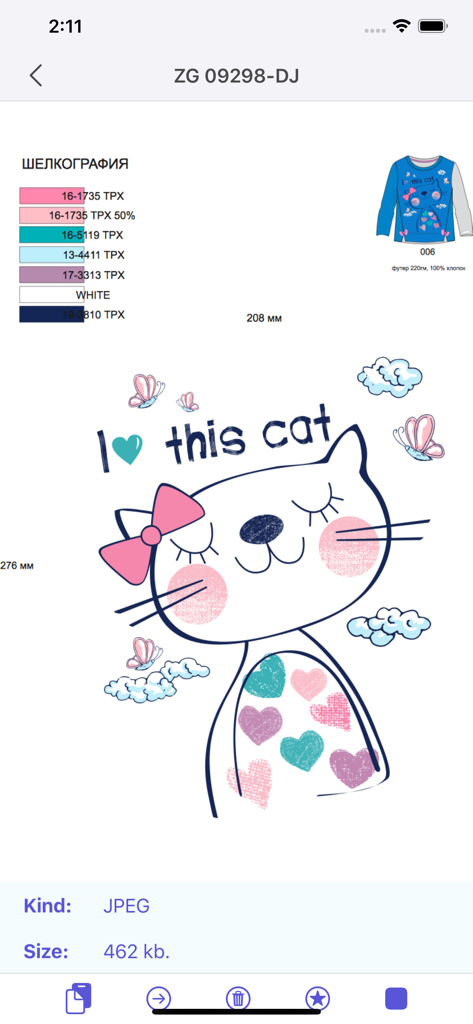
VectorView - Art Organizer - 고양이 일러스트 디자인과 파일 사양을 표시하는 VectorView 앱 인터페이스.
고양이 일러스트 디자인과 파일 사양을 표시하는 VectorView 앱 인터페이스.

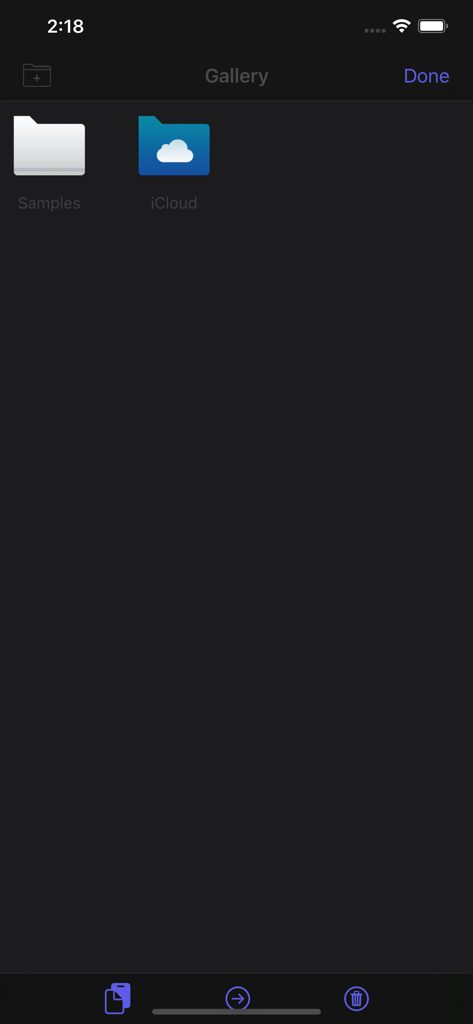
VectorView - Art Organizer - 파일 정리를 위한 샘플 및 iCloud 폴더를 보여주는 VectorView 갤러리 인터페이스
파일 정리를 위한 샘플 및 iCloud 폴더를 보여주는 VectorView 갤러리 인터페이스

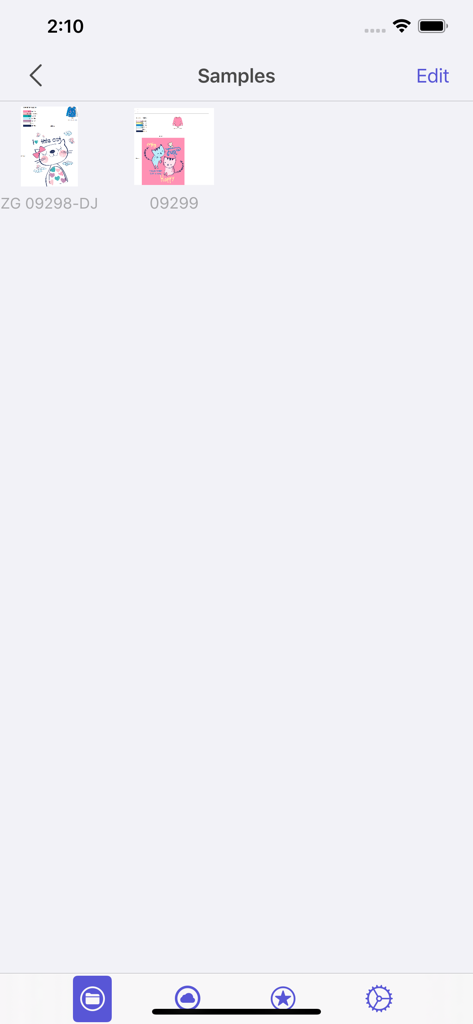
VectorView - Art Organizer - VectorView 앱 인터페이스의 CorelDRAW 파일 샘플 갤러리
VectorView 앱 인터페이스의 CorelDRAW 파일 샘플 갤러리

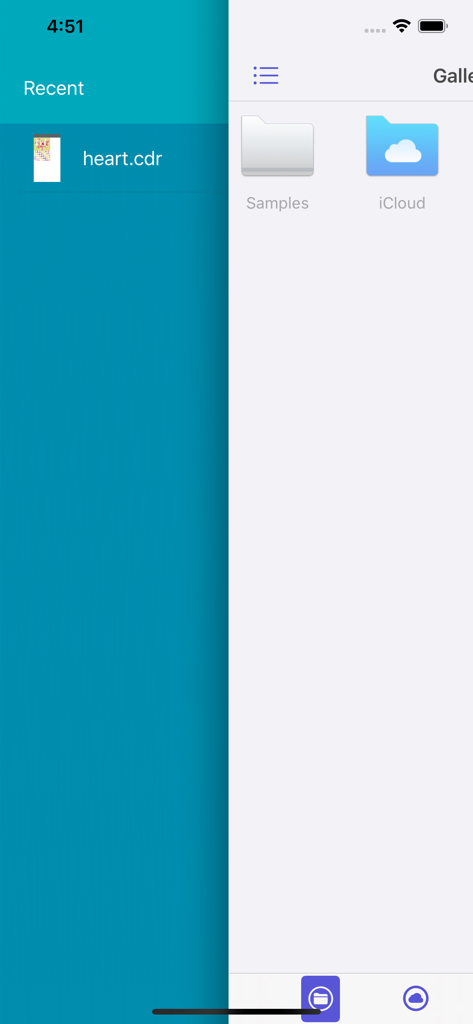
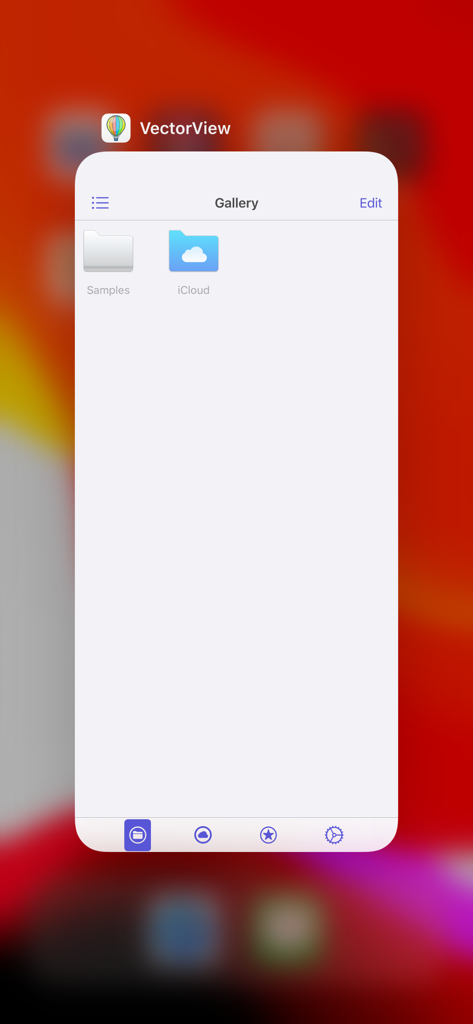
VectorView - Art Organizer - 최근 CDR 파일과 샘플 및 iCloud용 갤러리 폴더를 보여주는 VectorView 앱 인터페이스
최근 CDR 파일과 샘플 및 iCloud용 갤러리 폴더를 보여주는 VectorView 앱 인터페이스

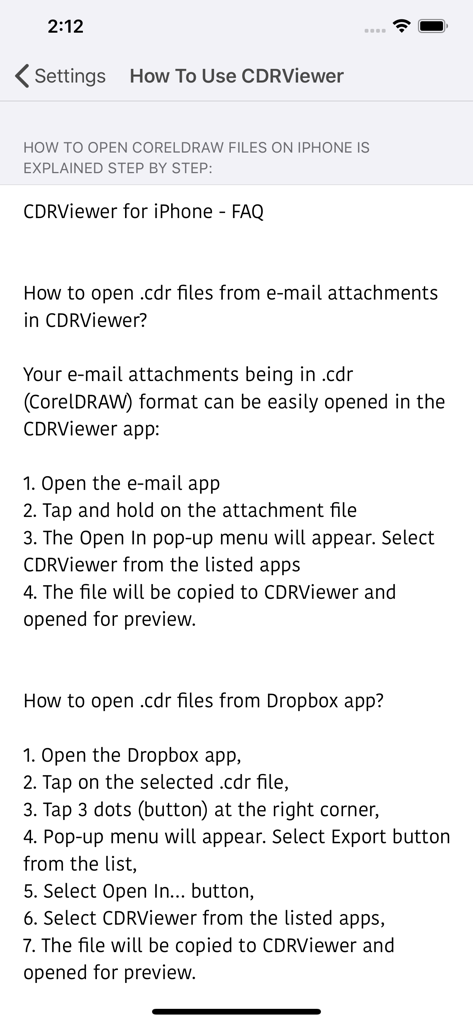
VectorView - Art Organizer - VectorView에서 이메일 및 Dropbox의 CorelDRAW 파일을 여는 방법에 대한 단계별 가이드
VectorView에서 이메일 및 Dropbox의 CorelDRAW 파일을 여는 방법에 대한 단계별 가이드

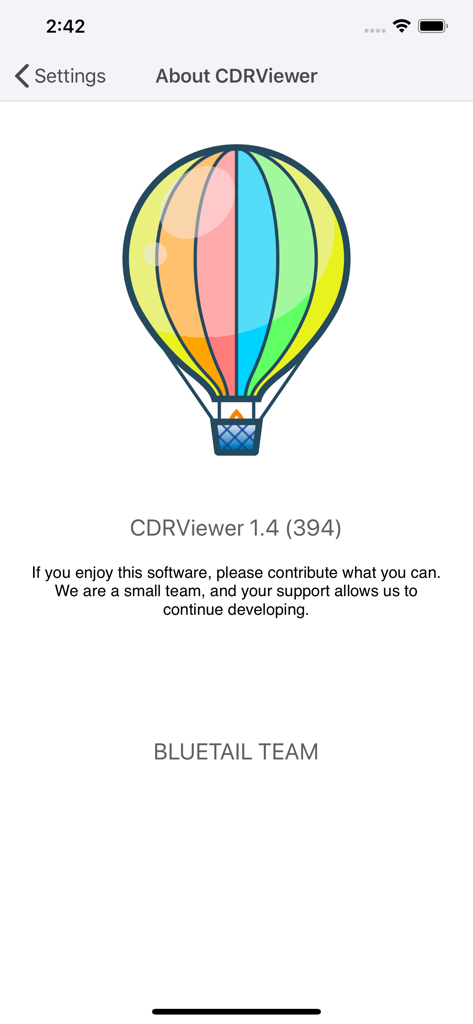
VectorView - Art Organizer - 화려한 열기구 로고와 버전 정보가 포함된 VectorView 앱의 정보 화면
화려한 열기구 로고와 버전 정보가 포함된 VectorView 앱의 정보 화면

VectorView - Art Organizer - CorelDRAW 파일 관리를 위한 샘플 및 iCloud 폴더를 보여주는 VectorView 앱 갤러리 화면
CorelDRAW 파일 관리를 위한 샘플 및 iCloud 폴더를 보여주는 VectorView 앱 갤러리 화면

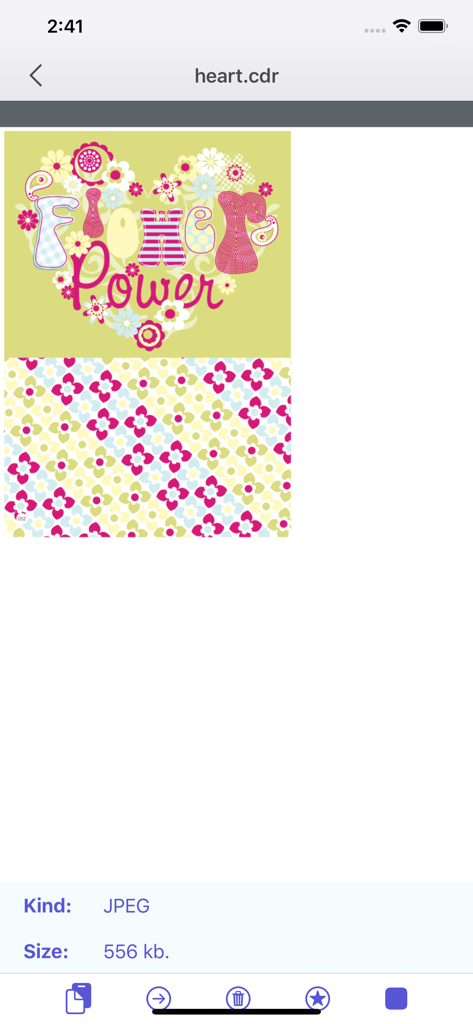
VectorView - Art Organizer - CorelDRAW 파일에서 열린 화려한 꽃 그래픽을 보여주는 VectorView 앱 인터페이스

CorelDRAW 파일에서 열린 화려한 꽃 그래픽을 보여주는 VectorView 앱 인터페이스

설명

VectorView allows you open and view CorelDRAW files on iPhone and iPad. Until now I couldn't open CorelDRAW files on my Mac and on iPhone. As every designer knows CorelDRAW is discontinued macOS version after version 11. Now We have developed a simple application that opens CorelDRAW files on macOS and on your iOS devices. Opening CorelDRAW format files on iOS is possible now. When you install VectorView on your iOS device, you will be able to open CDR files. To open cdr files, click Copy to VectorView from any app like Mail, WhatsApp, Telegram, WeChat... or just send cdr files from your Mac through AirDrop, VectorView automatically detects your cdr file and opens it. CDR file format stands for CorelDRAW and this extension is proprietary format used by CorelDRAW software. CDR format is not recognized by other image editing programs and to save to other image formats it needs to be opened in CorelDRAW and then exported in other format. This can be done only on Windows. With VectorView there is no need to another operating system and another machine or another software to display and save CDR file formats. 1. VectorView runs on your iPhone and iPad. 2. VectorView can export your CDR (CorelDRAW) files to your Photo Gallery or share through other apps. 3. All previously opened CDR files are archived in gallery for faster access for later use. Simple and useful productive tool for designers. If you have any ideas or features, feel free to drop a message regarding your opinions by using our contact us page. Please note: Some files with special effects like gradient, blur may not open correctly sometimes, also to open fonts correctly, used fonts should be installed on your machine. Please try our Free Version VectorView Application before purchasing this application to be sure.

Download

다운로드: App Store

이 페이지는 앱이나 개발자의 공식 페이지가 아니며, 정보 제공 및 논평을 목적으로 작성된 독립 편집 간행물입니다. 명시적으로 달리 언급되지 않는 한, 해당 앱이나 개발자는 MWM, Apple, Google Play, 앱 퍼블리셔 또는 앱 개발자와 제휴, 보증, 후원, 승인 또는 공식적으로 연결되어 있지 않으며, 이 페이지의 어떤 내용도 해당 앱이 MWM의 서비스를 사용하여 개발되었음을 의미하지 않습니다. 모든 상표, 로고, 스크린샷 및 기타 콘텐츠는 해당 소유자의 자산입니다.








