Vermeer's Lens: AR Drawing
다운로드: App Store

이 페이지는 앱이나 개발자의 공식 페이지가 아니며, 정보 제공 및 논평을 목적으로 작성된 독립 편집 간행물입니다. 명시적으로 달리 언급되지 않는 한, 해당 앱이나 개발자는 MWM, Apple, Google Play, 앱 퍼블리셔 또는 앱 개발자와 제휴, 보증, 후원, 승인 또는 공식적으로 연결되어 있지 않으며, 이 페이지의 어떤 내용도 해당 앱이 MWM의 서비스를 사용하여 개발되었음을 의미하지 않습니다. 모든 상표, 로고, 스크린샷 및 기타 콘텐츠는 해당 소유자의 자산입니다.

로고: Vermeer's Lens: AR Drawing
다운로드: App Store

Vermeer's Lens: AR Drawing

구도선으로 인한 좌절은 잊고 스케치의 즐거움에 바로 빠져보세요. 어떤 사진이든 종이에 투영하여 완벽한 비율을 따라 그리고 실물 같은 톤을 포착하여 집에서도 전문가 수준의 결과물을 만들어낼 수 있습니다.

주요 수치

다운로드

93K+

사용자 평점

2.6/5

총 평가 수

0

개발사

zhiyang law

카테고리

Graphics & Design

지원 언어

1

최신 버전

1.3

크기

14.3 MB

출시일

2016년 3월 9일
기능

AR로 사실적인 드로잉 마스터하기

비율 문제로 고민하지 말고 자랑스러운 작품을 만들기 시작하세요. 페르메이르의 렌즈는 여러분의 스마트폰을 실제 종이 스케치를 위한 강력한 라이트 박스 프로젝터로 바꿔줍니다.

정밀한 AR 투영

ARKit이 없는 구형 기기에서도 어떤 사진이든 종이 위에 겹쳐서 완벽한 비율을 손쉽게 따라 그릴 수 있습니다.

역동적인 원근법

어떤 각도에서든 그려보세요. 스마트 알고리즘이 이미지를 변형하여 스케치북의 위치와 기울기에 완벽하게 맞춰줍니다.

다음 스크린샷과 설명은 앱의 공식 스토어 목록에서 직접 가져온 것이며 앱 개발자의 자산입니다.

앱 스토어

스크린샷
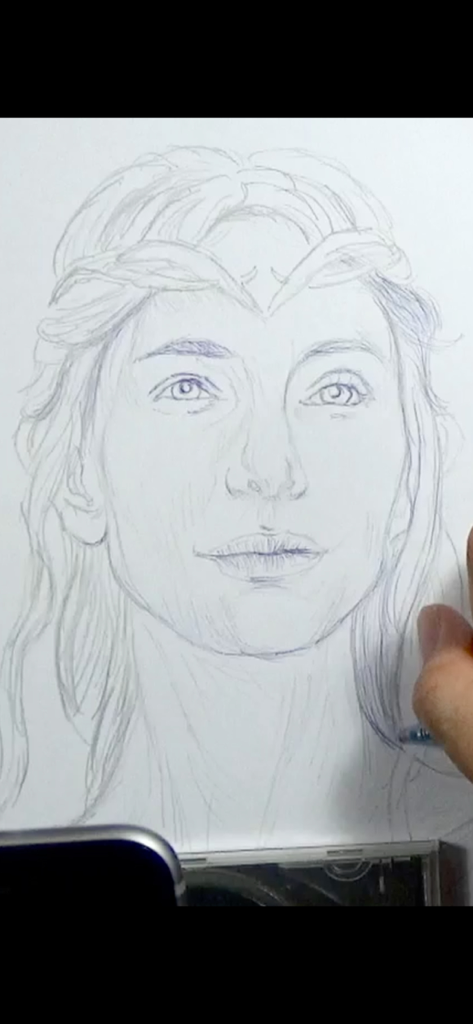
Vermeer's Lens: AR Drawing - 페르메이르의 렌즈 AR 드로잉 앱을 사용하여 종이 위에 사실적인 초상화를 스케치하는 손.
페르메이르의 렌즈 AR 드로잉 앱을 사용하여 종이 위에 사실적인 초상화를 스케치하는 손.

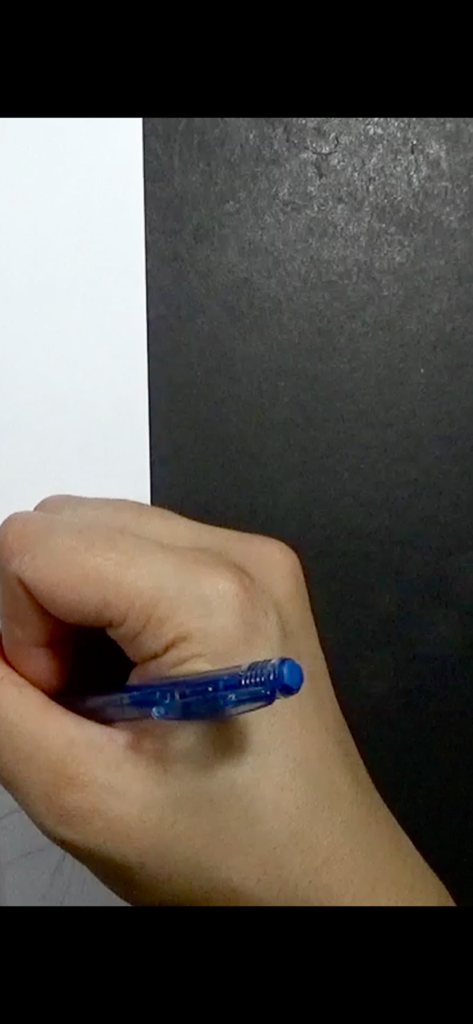
Vermeer's Lens: AR Drawing - 흰 종이 위에 파란색 펜을 들고 그림을 그리는 손의 클로즈업

흰 종이 위에 파란색 펜을 들고 그림을 그리는 손의 클로즈업

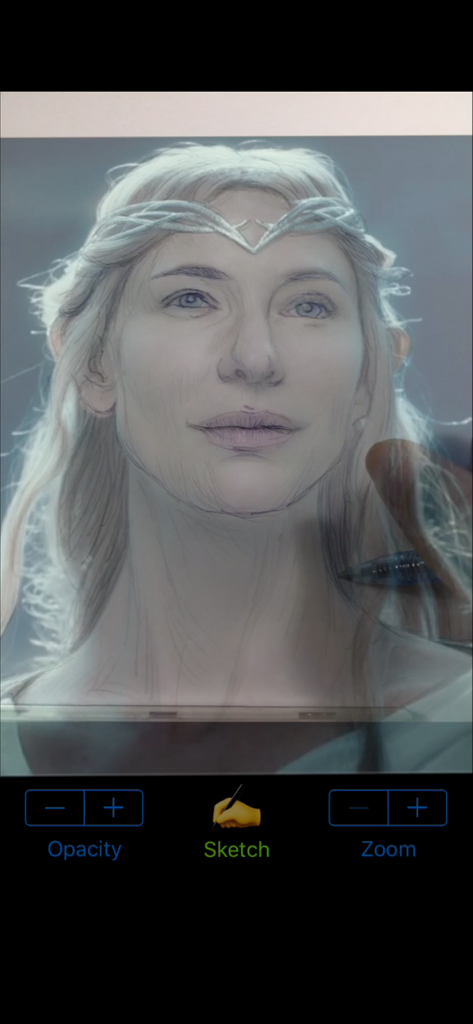
Vermeer's Lens: AR Drawing - 페르메이르의 렌즈 AR 드로잉 앱 오버레이를 사용하여 종이 위에 갈라드리엘의 초상화를 스케치하는 사용자
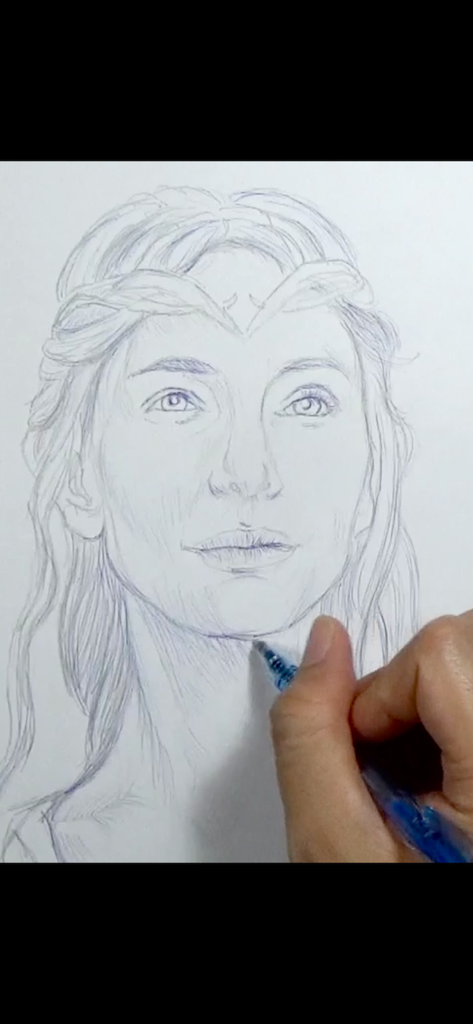
페르메이르의 렌즈 AR 드로잉 앱 오버레이를 사용하여 종이 위에 갈라드리엘의 초상화를 스케치하는 사용자

Vermeer's Lens: AR Drawing - 페르메이르의 렌즈 앱을 사용하여 종이 위에 정밀한 초상화를 그리는 손
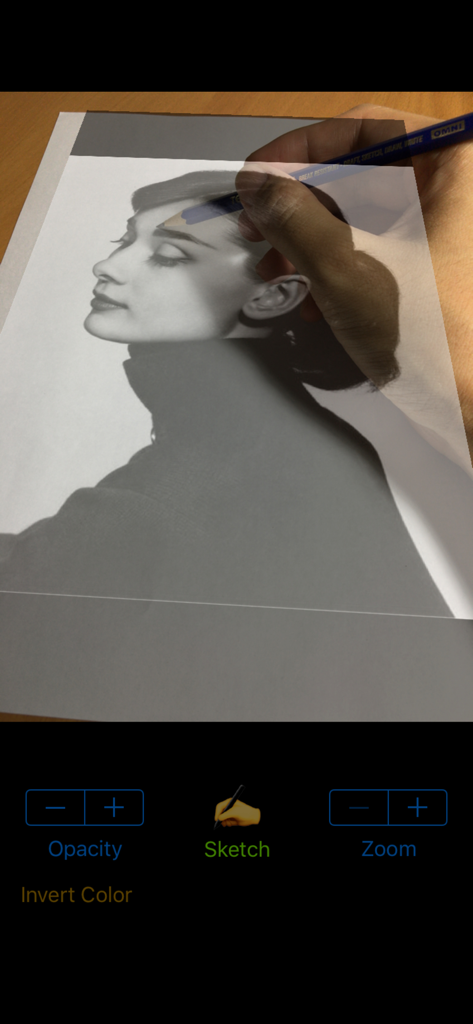
페르메이르의 렌즈 앱을 사용하여 종이 위에 정밀한 초상화를 그리는 손

Vermeer's Lens: AR Drawing - 페르메이르의 렌즈 AR 앱을 사용하여 연필로 실제 종이 위에 초상화 사진을 따라 그리는 사람
페르메이르의 렌즈 AR 앱을 사용하여 연필로 실제 종이 위에 초상화 사진을 따라 그리는 사람

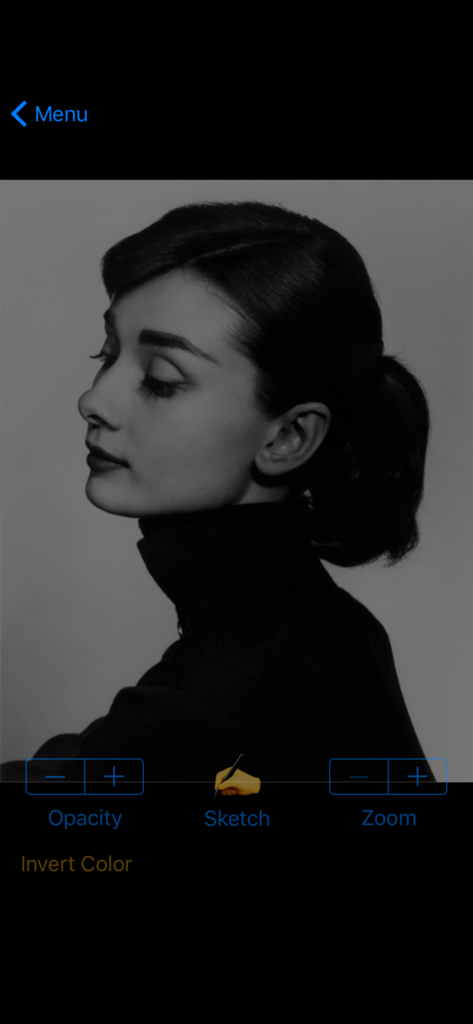
Vermeer's Lens: AR Drawing - 스케치 및 불투명도 조절 기능과 함께 흑백 초상화를 보여주는 페르메이르의 렌즈 앱 인터페이스
스케치 및 불투명도 조절 기능과 함께 흑백 초상화를 보여주는 페르메이르의 렌즈 앱 인터페이스

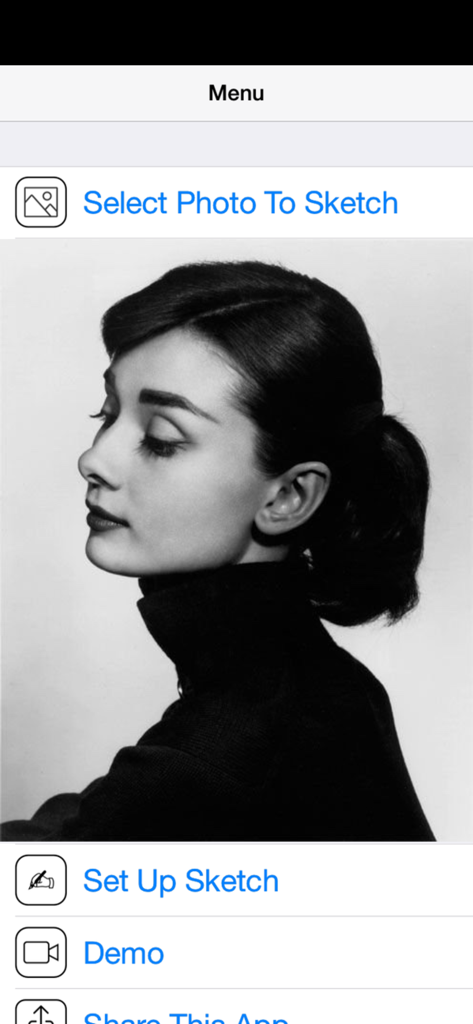
Vermeer's Lens: AR Drawing - 흑백 초상화와 스케치할 사진 선택 옵션을 보여주는 페르메이르의 렌즈 AR 드로잉 앱의 메인 메뉴.

흑백 초상화와 스케치할 사진 선택 옵션을 보여주는 페르메이르의 렌즈 AR 드로잉 앱의 메인 메뉴.

설명

* A quick sketch of Galadriel (played by Cate Blanchett) from "The Lord Of The Rings" film series; done using Vermeer's Lens, a 2B pencil and blue ballpoint pen on an A4 printer paper. ◉ Vermeer's Lens is no ordinary drawing app. It is a drawing app that helps you make real sketches on paper. ◉ Vermeer's Lens is an augmented reality drawing app that works like an AR projector. It projects any photo you've selected from your photo library on any paper or sketch books you prefer drawing on. ◉ Vermeer's Lens allows you to trace out the images you want to draw before shading. But it is more than a tracing tool, as it also allows you to capture areas of different tones and highlights - achieving a more lifelike picture.  ◉ Vermeer's Lens is a great tool for portrait drawing. ◉ Vermeer's Lens can also be used in short drawing/sketching practices for beginners. ◉ Vermeer's Lens enables even beginners to make stunning drawings. ◉ Through its precise algorithms, what is traditionally difficult, such as portraits, can now be done without the need of construction lines. ◉ This app works on most phones without using Apple's ARKit which can only run on newer high performance chips. It's a simple effective tool for a simple hobby. *** See "Developer's website" below for a video demo *** A Youtube channel (see "Developer's website") is set up to provide you with examples of Vermeer's Lens in action. Content will be regularly uploaded so long as there are people interested in this app. *** This app works on most phones without using Apple's ARKit which can only run on newer high performance chips. It is simple, reliable and stable. ________________________________________________________ How it works : > a photo is chosen from your photo library and “projected” over the paper to draw on. > This projection is achieved by imaging the paper on the phone screen, and overlaying the translucent photo onto it. > With the phone held in a phone-holder, you can use its screen as a lens, through which you trace out the photo onto the paper. > Phone can be tilted and rotated to the angle most comfortable to you, while Vermeer’s Lens transforms the photo to match the perspective of the paper. > Not just the outlines, even the different subtle tones and contours of a face could be captured, to get that 3-D effect. > Opacity of the overlaying photo could be adjusted to allow close comparison between your drawing and the photo. > The overlaying photo responds to on-screen gesture: you could move, scale and rotate the photo during sketching. > A zoom option allows you to zoom in on your drawing for delicate pencil work. in addition : > A Vermeer’s Lens channel is also created on youtube to provide our users with additional "instructions & tutorials"on the use of this app to create art (videos updated regularly). This is linked directly to the app via the “Demo” button. > You can email us for support/feedback directly via the “Contact Us” button on the main menu of the app. Or leave a message (go to the “about” tab) on our youtube channel (see “Developer’s website” below). For more info and demo: > See “Developer’s website” below

Download

다운로드: App Store

이 페이지는 앱이나 개발자의 공식 페이지가 아니며, 정보 제공 및 논평을 목적으로 작성된 독립 편집 간행물입니다. 명시적으로 달리 언급되지 않는 한, 해당 앱이나 개발자는 MWM, Apple, Google Play, 앱 퍼블리셔 또는 앱 개발자와 제휴, 보증, 후원, 승인 또는 공식적으로 연결되어 있지 않으며, 이 페이지의 어떤 내용도 해당 앱이 MWM의 서비스를 사용하여 개발되었음을 의미하지 않습니다. 모든 상표, 로고, 스크린샷 및 기타 콘텐츠는 해당 소유자의 자산입니다.