Video Stopwatch SC
Video Stopwatch SC
다운로드: App Store

이 페이지는 앱이나 개발자의 공식 페이지가 아니며, 정보 제공 및 논평을 목적으로 작성된 독립 편집 간행물입니다. 명시적으로 달리 언급되지 않는 한, 해당 앱이나 개발자는 MWM, Apple, Google Play, 앱 퍼블리셔 또는 앱 개발자와 제휴, 보증, 후원, 승인 또는 공식적으로 연결되어 있지 않으며, 이 페이지의 어떤 내용도 해당 앱이 MWM의 서비스를 사용하여 개발되었음을 의미하지 않습니다. 모든 상표, 로고, 스크린샷 및 기타 콘텐츠는 해당 소유자의 자산입니다.

로고: Video Stopwatch SC
다운로드: App Store

Video Stopwatch SC

밀리초 단위의 정확도로 사람의 실수를 제거하세요. 데이터 기반 코치와 솔로 운동선수가 기술을 분석하고, 비디오를 나란히 비교하며, 모든 미세한 향상을 추적하는 최고의 도구입니다.

주요 수치

다운로드

7K+

사용자 평점

4.5/5

총 평가 수

600

개발사

SECONDS COUNT TIMING SYSTEMS LLC

카테고리

Utilities

지원 언어

1

최신 버전

v1.6.1

크기

36.5 MB

출시일

2018년 1월 3일
기능

엘리트 성능을 위한 정밀 분석

모바일 장치를 전문 등급 타이밍 실험실로 변환하세요. 밀리초 단위의 정확도로 훈련 데이터를 캡처, 분석 및 구성합니다.

프레임별 정확한 타이밍

엄지 반응 지연 오류를 제거하세요. 고속 FPS로 녹화하고 프레임별로 스크럽하여 절대적인 정확도로 시작과 종료를 표시합니다.

동기화 및 비교 분석

진행 상황을 시각화하세요. 두 개의 비디오를 나란히 잠금하여 현재 자세를 개인 기록 또는 프로 모델과 비교합니다.

다음 스크린샷과 설명은 앱의 공식 스토어 목록에서 직접 가져온 것이며 앱 개발자의 자산입니다.

앱 스토어

스크린샷
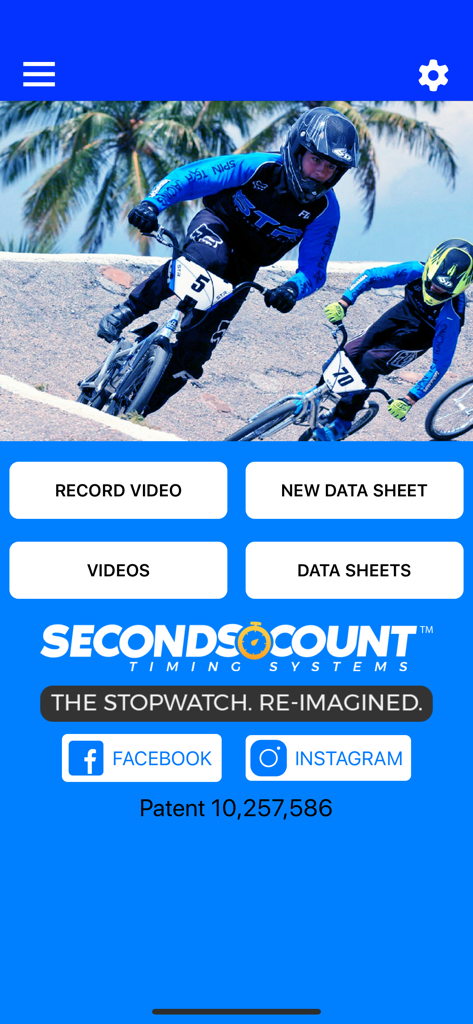
Video Stopwatch SC - 비디오 녹화 및 운동 데이터 시트 관리 옵션이 포함된 Video Stopwatch SC 앱 홈 화면
비디오 녹화 및 운동 데이터 시트 관리 옵션이 포함된 Video Stopwatch SC 앱 홈 화면

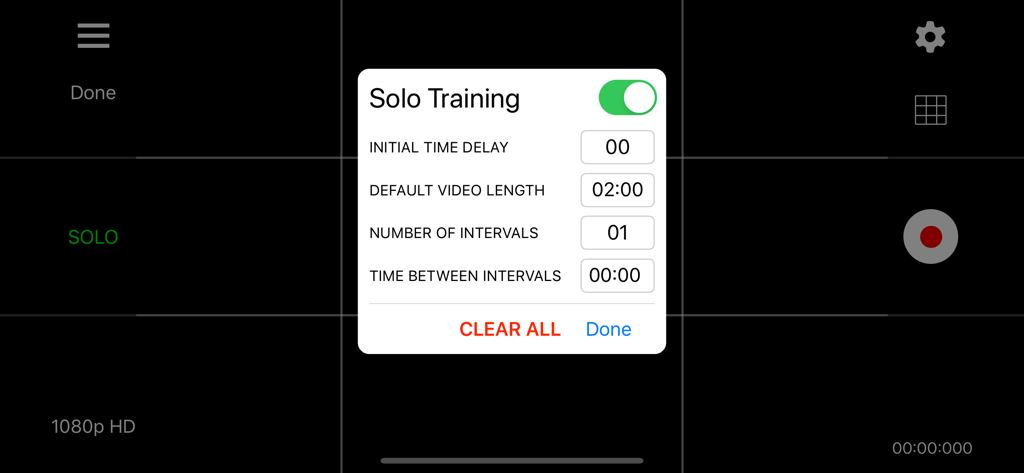
Video Stopwatch SC - Video Stopwatch SC 앱의 솔로 훈련 설정 메뉴로 간격 및 지연 옵션 표시
Video Stopwatch SC 앱의 솔로 훈련 설정 메뉴로 간격 및 지연 옵션 표시

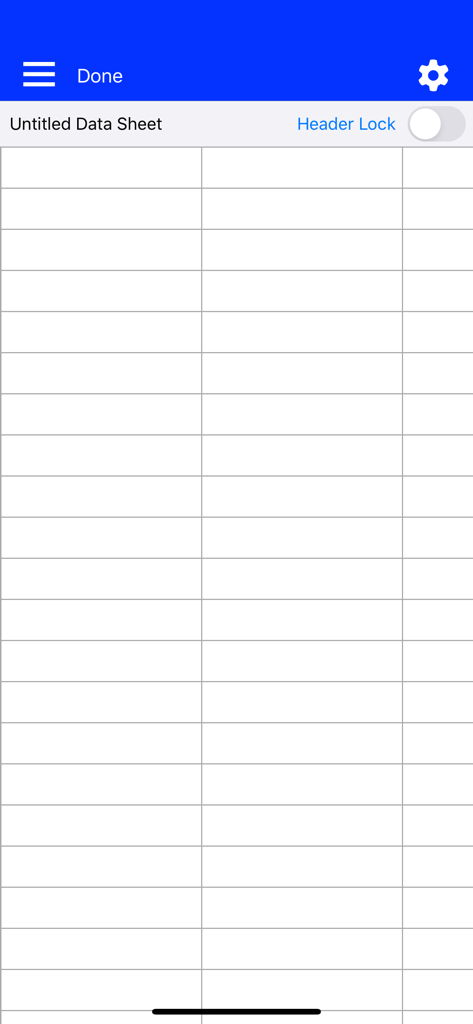
Video Stopwatch SC - 훈련 결과 정리를 위한 Video Stopwatch SC의 빈 데이터 시트 그리드
훈련 결과 정리를 위한 Video Stopwatch SC의 빈 데이터 시트 그리드

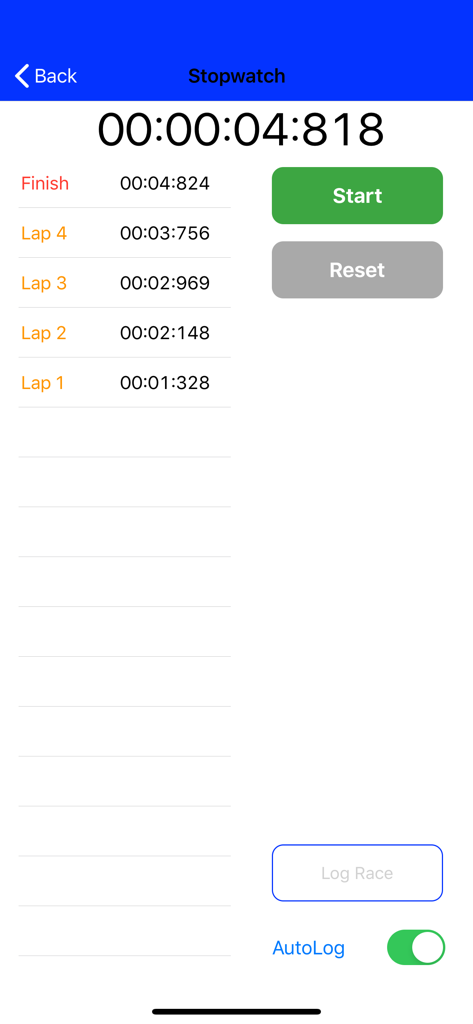
Video Stopwatch SC - 고정밀 랩 및 종료 시간을 표시하는 수동 스톱워치 인터페이스

고정밀 랩 및 종료 시간을 표시하는 수동 스톱워치 인터페이스

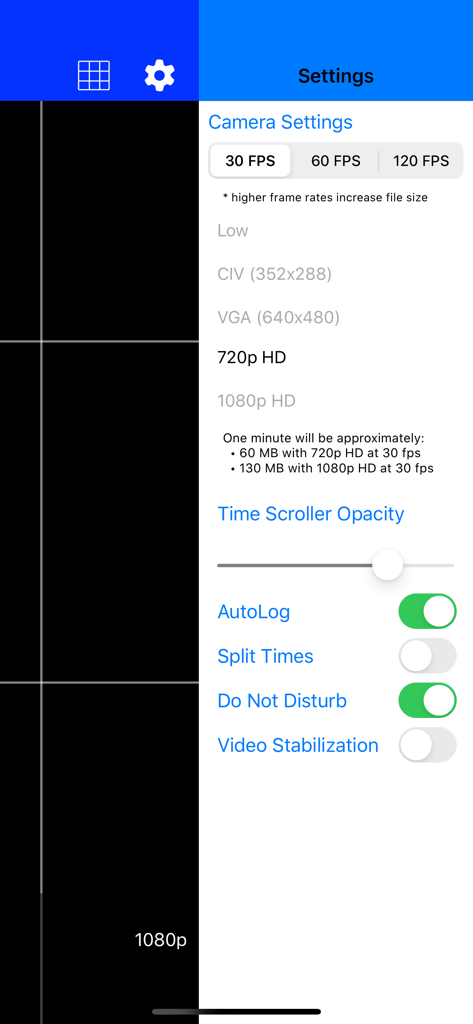
Video Stopwatch SC - 프레임 속도 및 해상도 옵션을 보여주는 Video Stopwatch SC 카메라 설정
프레임 속도 및 해상도 옵션을 보여주는 Video Stopwatch SC 카메라 설정

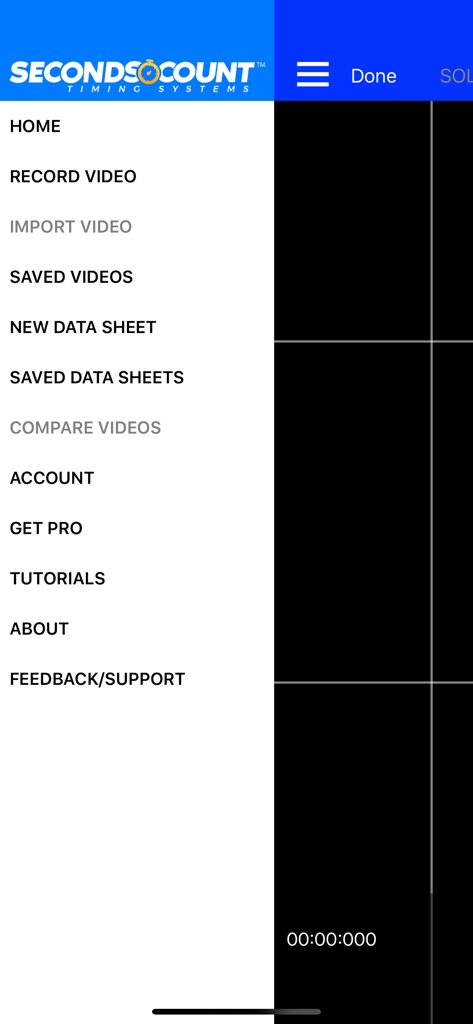
Video Stopwatch SC - 비디오 녹화, 데이터 시트 및 성능 분석 옵션을 보여주는 Video Stopwatch SC 앱의 메인 탐색 사이드 메뉴.

비디오 녹화, 데이터 시트 및 성능 분석 옵션을 보여주는 Video Stopwatch SC 앱의 메인 탐색 사이드 메뉴.

설명

Video Stopwatch The world’s most versatile and comprehensive mobile timing and training application. Feature rich and simple to use. Patent Pending technology allows you to record, track, save, compare and analyze all of your critical time and performance data. Record your event and set timing markers after to gain greater precision. Save your timing data in data sheets to stay organized. The compare videos tool allows you to compare 2 videos side by side. Videos always begin at the start marker which makes synchronizing videos a breeze. Patent pending video stopwatch allows you to record an event or training session and then review frame by frame to precisely mark the start, lap and/or multiple finish times. If you are recording a race, Seconds Count can mark the finish points of all competitors and display each finish time and the time distance between each competitor. Data Sheets Store lap and finish times from manual and video timing in datasheets. Add text, dates and comments to cells to keep information organized. With thousands of columns and rows on each data sheet, there is plenty of room to store all of your records Manual Logging Stopwatch A manual stopwatch function can be deployed when video is not needed or used that will automatically log the results in a data sheet. Additional Labels and dates can be added to give these times organization as well. Solo Training Tool: Pro Subscription Required (1 Month Free Trial Available) A solo training function allows user to set app to automatically record multiple videos with a user selectable rest period in between each video allowing the user to repeatedly record themselves and later analyze their performance. Developing consistency is one of the keys to success. Compare Videos Tool: Pro Subscription Required (1 Month Free Trial Available) Improve your form and technique analysis with the compare videos tool. Videos are locked to move synchronously or can be unlocked to move independently. Videos always begin at the start marker which makes synchronizing them a breeze. Pro Subscription - Annual Pro Subscription ($5.99 per year) Subscription includes: - Introductory 1 Month Free Trial - Solo Training Tool - Compare Videos Tool - 60fps and 120fps Video Frame Rate Capability - Time Scroller Opacity Setting - Video Stabilization Setting - Video Brightness Control - Video Trimming Tool - Video Uploading to Web Application - Video Imports - Data Sheet Templates - Data Sheet Split Times - Freezing Data Sheet Headers An introductory 1 Month Free Trial will be given to new subscribers. Pending free trial eligibility, payment will be charged to iTunes Account at the end of the free trial unless cancelled 24 hours prior to the end of the current trial period. If not eligible for free trial, payment will be charged to iTunes Account at confirmation of purchase. Subscription automatically renews unless auto-renew is turned off at least 24-hours before the end of the current period. Account will be charged for renewal within 24-hours prior to the end of the current period, and identify the cost of the renewal. Subscriptions may be managed by the user and auto-renewal may be turned off by going to the user's Account Settings after purchase. Any unused portion of a free trial period, if offered, will be forfeited when the user purchases a subscription to that publication, where applicable. Privacy Policy and Terms of Use: https://secondscount.com/support Take your timing and technique analysis to the next level with Seconds Count. Check us out at www.secondscount.com.

Download

다운로드: App Store

이 페이지는 앱이나 개발자의 공식 페이지가 아니며, 정보 제공 및 논평을 목적으로 작성된 독립 편집 간행물입니다. 명시적으로 달리 언급되지 않는 한, 해당 앱이나 개발자는 MWM, Apple, Google Play, 앱 퍼블리셔 또는 앱 개발자와 제휴, 보증, 후원, 승인 또는 공식적으로 연결되어 있지 않으며, 이 페이지의 어떤 내용도 해당 앱이 MWM의 서비스를 사용하여 개발되었음을 의미하지 않습니다. 모든 상표, 로고, 스크린샷 및 기타 콘텐츠는 해당 소유자의 자산입니다.