이 페이지는 앱이나 개발자의 공식 페이지가 아니며, 정보 제공 및 논평을 목적으로 작성된 독립 편집 간행물입니다. 명시적으로 달리 언급되지 않는 한, 해당 앱이나 개발자는 MWM, Apple, Google Play, 앱 퍼블리셔 또는 앱 개발자와 제휴, 보증, 후원, 승인 또는 공식적으로 연결되어 있지 않으며, 이 페이지의 어떤 내용도 해당 앱이 MWM의 서비스를 사용하여 개발되었음을 의미하지 않습니다. 모든 상표, 로고, 스크린샷 및 기타 콘텐츠는 해당 소유자의 자산입니다.
Vizard - AI Video Clip Maker
크리에이터를 위한 올인원 AI 동영상 편집기. 편집 기술 없이도 자동으로 하이라이트를 추출하고, 스마트 자막을 추가하며, 틱톡, 릴스, 쇼츠용으로 크기를 조절합니다.
수동 편집에 시간을 낭비하지 마세요. Vizard는 고급 AI를 사용하여 최고의 순간을 찾아 자막을 추가하고 소셜 성장에 최적화합니다. 모든 과정을 휴대폰에서 할 수 있습니다.
즉석 AI 클리핑
저희 스마트 엔진은 팟캐스트나 브이로그의 임팩트 있는 하이라이트를 감지하여 60초 안에 추출합니다.
바이럴 성공 예측
무엇이 효과가 있을지 추측하지 마세요. 데이터 기반의 바이럴 점수와 전문적인 인사이트를 통해 콘텐츠가 최대 잠재력을 발휘하도록 하세요.
다음 스크린샷과 설명은 앱의 공식 스토어 목록에서 직접 가져온 것이며 앱 개발자의 자산입니다.
앱 스토어
스크린샷
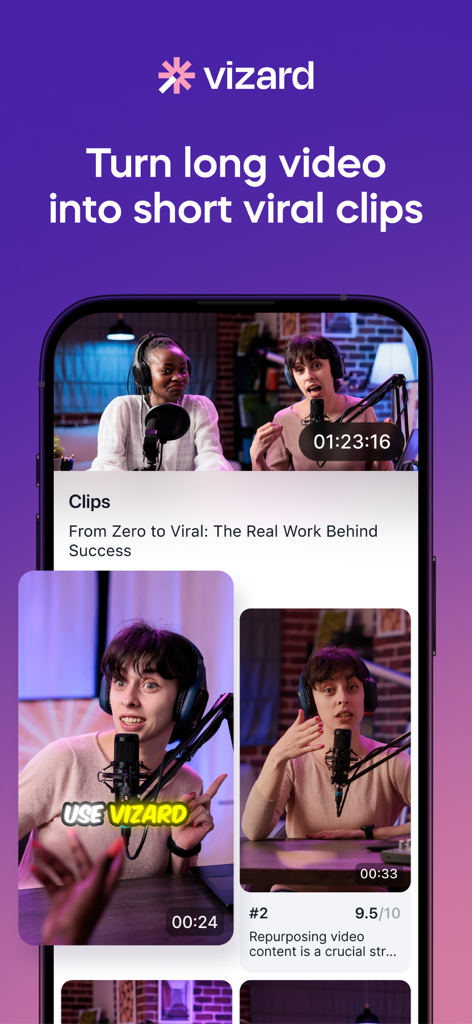
Vizard 앱 인터페이스, 긴 동영상을 소셜 미디어용 바이럴 짧은 동영상으로 변환하는 방법 표시
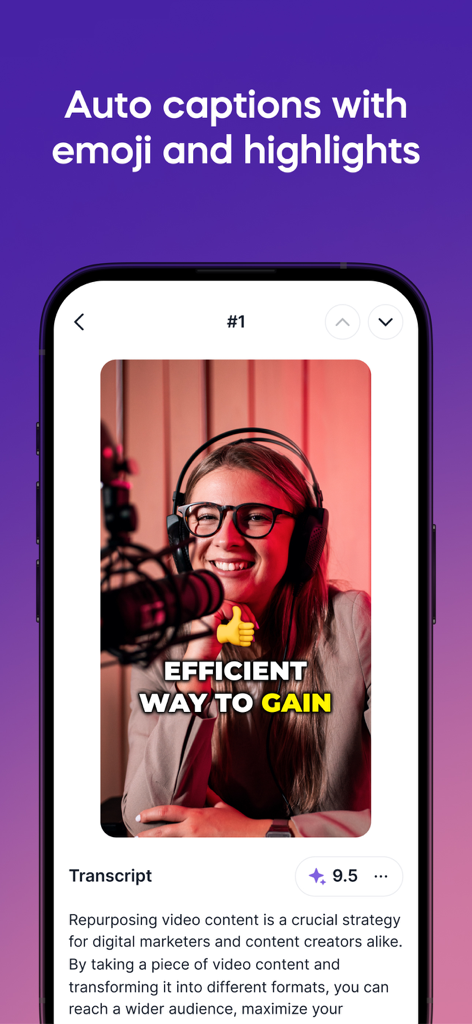
스마트폰 화면, Vizard 앱의 자동 자막 기능과 이모티콘 및 텍스트 하이라이트가 동영상 클립에 표시됨
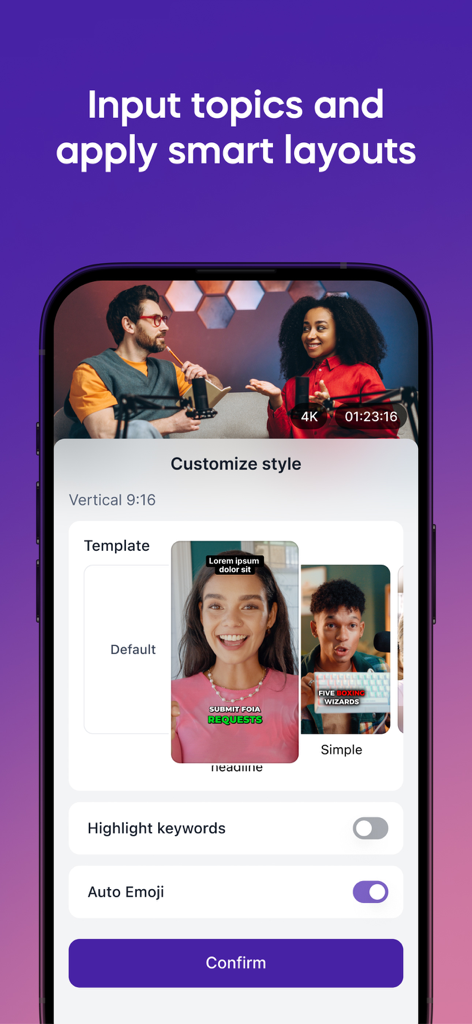
Vizard 앱 인터페이스, AI 동영상 클립용 스마트 레이아웃 템플릿 및 자동 이모티콘 설정 표시
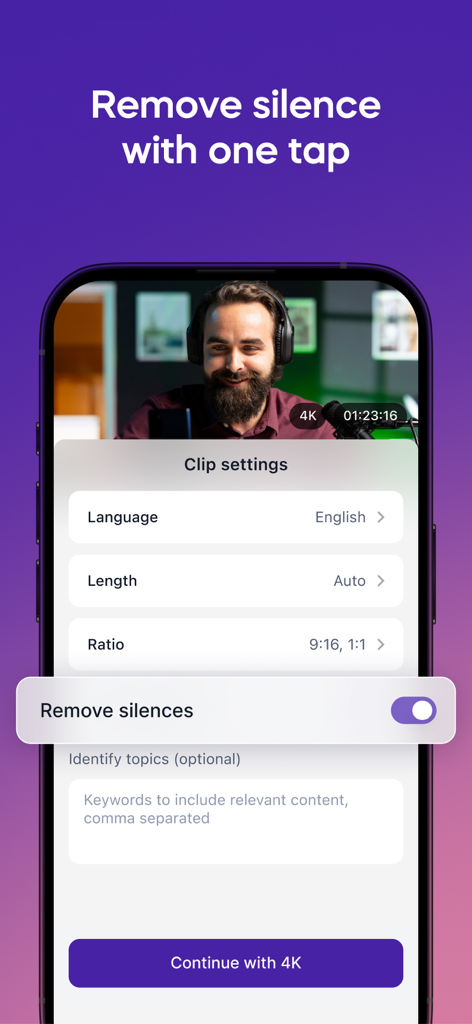
Vizard 앱 인터페이스, 클립 설정 및 원탭으로 침묵 제거 옵션 표시
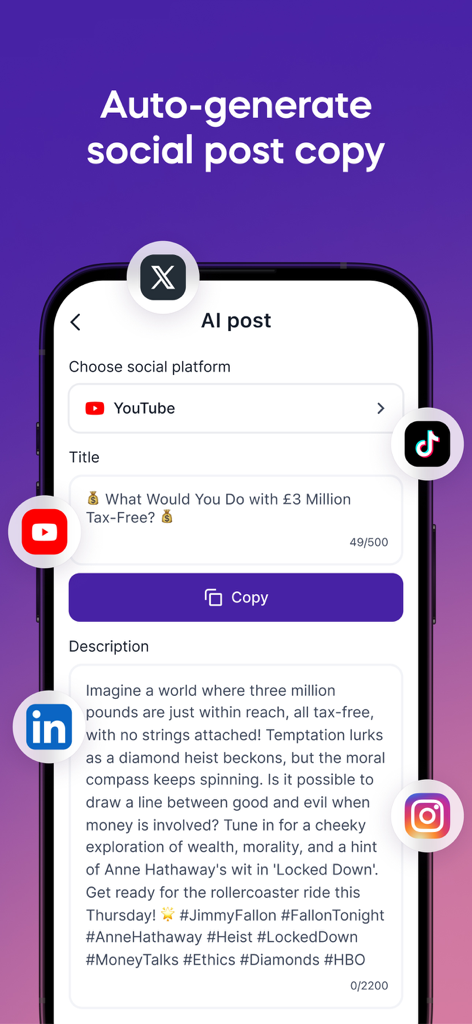
모바일 앱 인터페이스, YouTube 클립용 AI 자동 생성 소셜 미디어 게시물 제목 및 설명 표시
설명
TURN LONG VIDEOS INTO SOCIAL-READY AI CLIPS
Vizard is a mobile-first AI video editor that helps you instantly create highlight clips from long videos. Whether you're recording a podcast, a Vlog, a talking-head video, an interview, or a tutorial, Vizard automatically finds the best moments and turns them into shareable short videos and short-form clips with auto captions. Perfect for creators who want to stay consistent on TikTok, Instagram Reels, YouTube Shorts, and more, right from your phone. Inspired by tools like CapCut, OpusClip, Captions.ai, VEED, Descript, HeyGen, and InVideo, Vizard combines powerful AI with a mobile-first design, no filming, no editing skills required.
WHAT VIZARD DOES
1. Automatically generate AI clips in under 60 seconds
2. Detect and extract high-impact video highlights using smart scene and speech detection
3. Add auto captions and subtitles in one tap
4. Resize clips to fit TikTok, Instagram Reels, YouTube Shorts (9:16)
5. Edit on the go - no desktop software needed
Whether you want to clip your content, add captions, or summarize long videos, Vizard’s AI engine does it in seconds. No manual editing. No complicated tools.
WHO IT'S FOR
1. Content creators clipping from podcasts, interviews, or livestreams
2. Marketers repurposing webinars and screen recordings into social content
3. Coaches and educators turning long-form lessons into snackable videos
4. Teams using tools like Descript, VEED, OpusClip, CapCut and HeyGen for text-based editing, AI avatars, or video transcription.
KEY FEATURES
1. AI Clipping with Smart Detection
Automatically detect highlight-worthy moments using scene and speech cues. No manual editing required.
2. Customizable Clip Settings
Choose your preferred language, video resolution, aspect ratios (portrait, square, landscape), and clip lengths with multi-select options.
3. Auto Captions, Emojis and Highlights
One-tap auto-captioning with emoji reactions and keyword highlights for more expressive, engaging short videos.
4. Topic-Based Editing and Templates
Specify a topic to guide AI clipping and apply personalized or recommended templates. No brand kit required.
5. Silence Removal for Tighter Cuts
Automatically skip silent sections to generate smoother, faster-paced clips.
6. Social-Optimized Output
Export watermark-free MP4s directly to your camera roll. Share to TikTok, Instagram Reels, YouTube Shorts, YouTube and more via the iOS native share sheet.
7. Performance Insights
Preview clips with viral score, viral reason, transcript and smart clip titles for better content decisions.
8. Project Management
Manage all exported videos in-app.
FEATURES COMING SOON
Auto edit shorts
Translate captions
Manual edit videos
Auto B-rolls
Remove Bad Takes
ABOUT VIZARD.AI
Vizard.ai is built by a team of tech geeks who are passionate about video content and obsessed with helping creators and marketers work smarter. We designed Vizard to make it easy to turn long videos into short-form clips using AI, without manual editing or complex tools.
Whether you're working with podcasts, webinars, tutorials, or interviews, Vizard helps you create highlight clips, add captions, and format for social platforms directly from your phone.
We take inspiration from tools like CapCut, OpusClip, VEED, Captions.ai, and Descript, but focus specifically on simplifying long-form video repurposing for mobile users.
Have ideas or feedback? We’re always listening and constantly improving.
TERMS
https://vizard.ai/user-service.html
PRIVACY POLICY
https://vizard.ai/privacy-policy.html
FEEDBACK?
We'd love to hear from you! Please reach out to support@vizard.ai for questions and feedback!
이 페이지는 앱이나 개발자의 공식 페이지가 아니며, 정보 제공 및 논평을 목적으로 작성된 독립 편집 간행물입니다. 명시적으로 달리 언급되지 않는 한, 해당 앱이나 개발자는 MWM, Apple, Google Play, 앱 퍼블리셔 또는 앱 개발자와 제휴, 보증, 후원, 승인 또는 공식적으로 연결되어 있지 않으며, 이 페이지의 어떤 내용도 해당 앱이 MWM의 서비스를 사용하여 개발되었음을 의미하지 않습니다. 모든 상표, 로고, 스크린샷 및 기타 콘텐츠는 해당 소유자의 자산입니다.