Voice Record Pro

Voice Record Pro

다운로드: App Store
로고: Voice Record Pro

Voice Record Pro: 타협 없는 전문가 수준의 오디오 캡처

파워 유저를 위한 궁극의 올인원 녹음기. 무제한 고음질 오디오를 캡처하고, 정밀하게 편집하고, 모든 클라우드 플랫폼으로 내보내세요. 구독 없이, 제한 없이, 전문가 수준의 결과만 얻으세요.

개발사

Dayana Networks Ltd

카테고리

Utilities

다운로드

1M+

사용자 평점

4.7/5

총 평가 수

18K+

지원 언어

1

프로의 인터페이스

이 인터페이스를 사용하는 1M+ 명의 사용자.

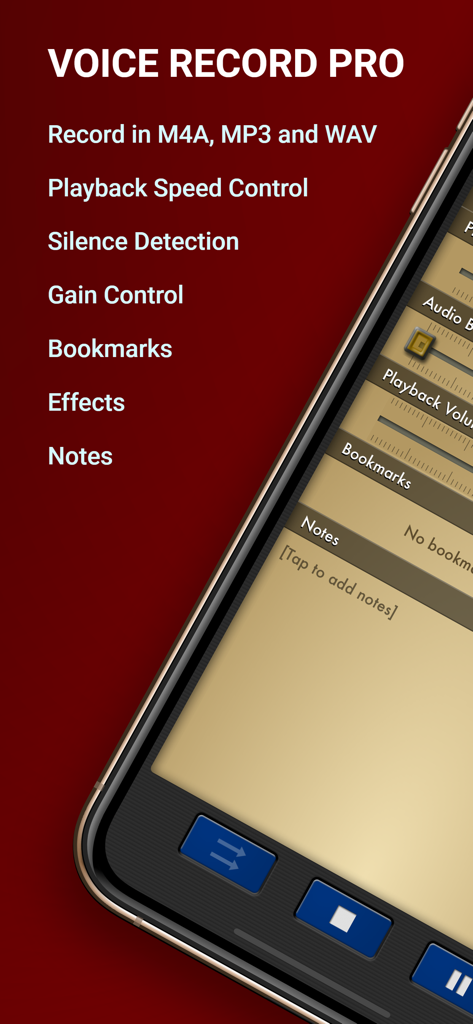
녹음 형식 및 고급 오디오 기능을 보여주는 Voice Record Pro 앱 인터페이스
녹음 형식 및 고급 오디오 기능을 보여주는 Voice Record Pro 앱 인터페이스

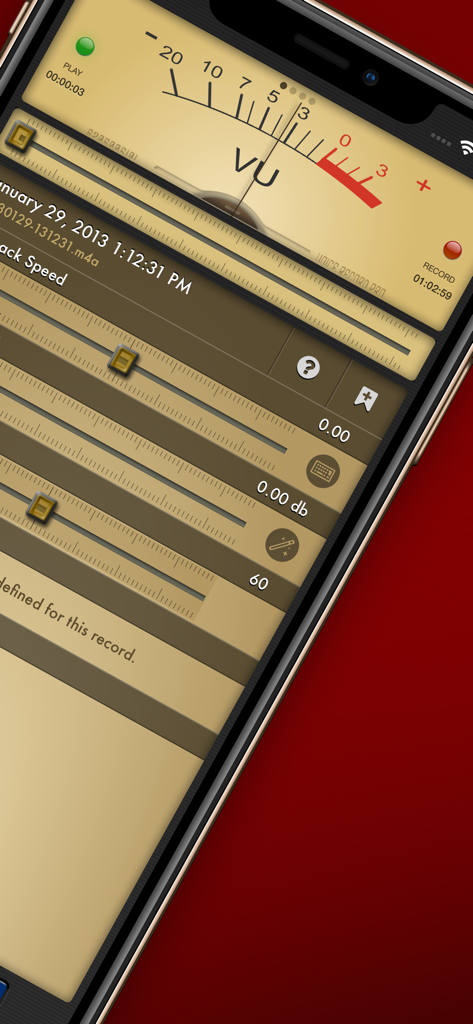
아날로그 VU 미터 및 재생 속도 슬라이더가 있는 전문가 수준의 오디오 녹음 인터페이스
아날로그 VU 미터 및 재생 속도 슬라이더가 있는 전문가 수준의 오디오 녹음 인터페이스

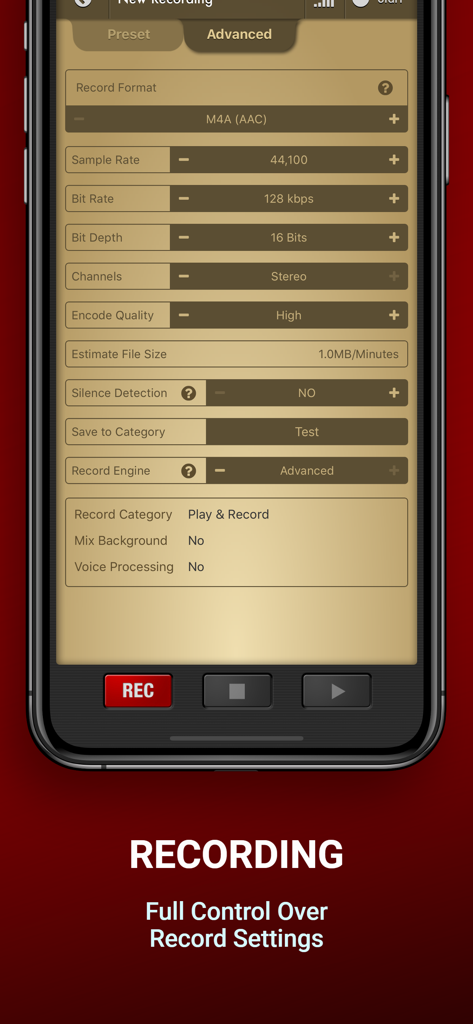
비트 전송률 및 샘플 전송률에 대한 자세한 오디오 구성 설정을 보여주는 Voice Record Pro 고급 녹음 인터페이스
비트 전송률 및 샘플 전송률에 대한 자세한 오디오 구성 설정을 보여주는 Voice Record Pro 고급 녹음 인터페이스

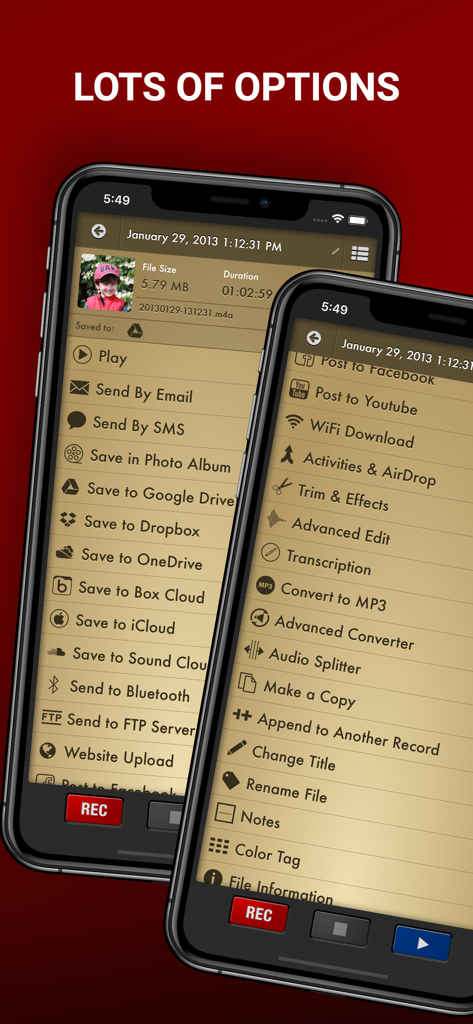
Voice Record Pro 앱의 내보내기 및 편집 옵션 메뉴
Voice Record Pro 앱의 내보내기 및 편집 옵션 메뉴

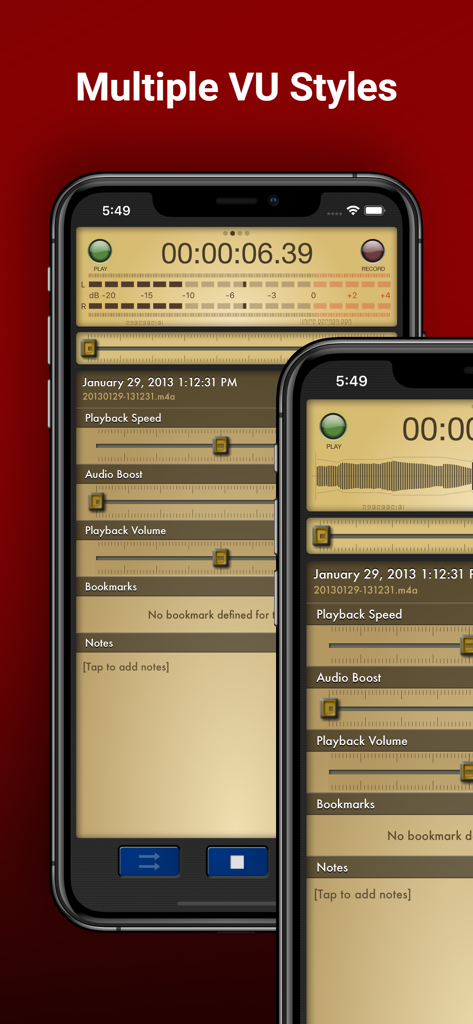
여러 VU 미터 스타일 및 오디오 재생 컨트롤을 보여주는 iPhone의 Voice Record Pro 앱 인터페이스
여러 VU 미터 스타일 및 오디오 재생 컨트롤을 보여주는 iPhone의 Voice Record Pro 앱 인터페이스

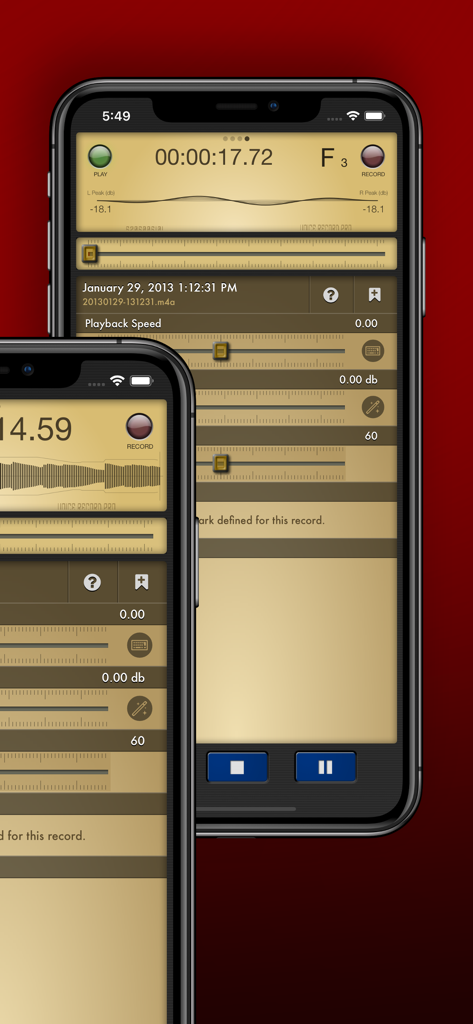
iPhone에서 전문적인 재생 및 볼륨 설정을 표시하는 Voice Record Pro 앱 인터페이스
iPhone에서 전문적인 재생 및 볼륨 설정을 표시하는 Voice Record Pro 앱 인터페이스

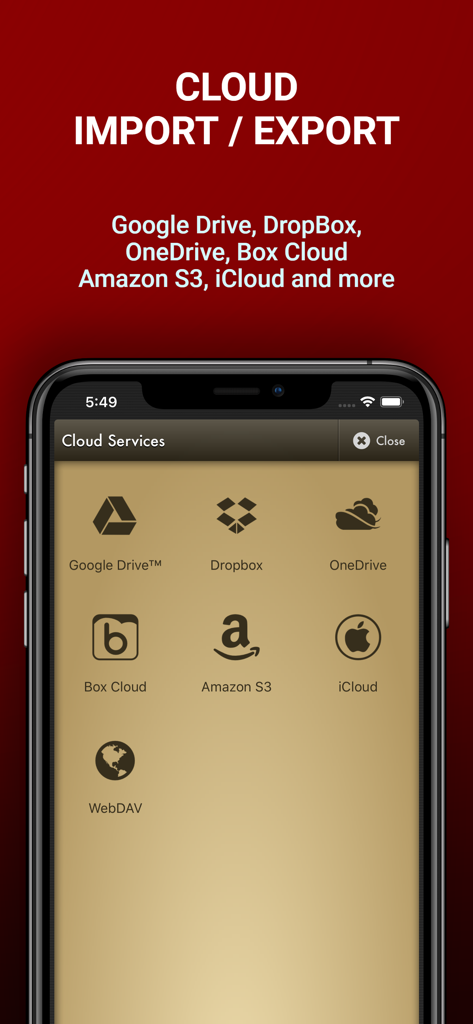
Google Drive, Dropbox, OneDrive를 포함한 오디오 파일 가져오기 및 내보내기용 클라우드 서비스 옵션을 보여주는 Voice Record Pro 앱 화면
Google Drive, Dropbox, OneDrive를 포함한 오디오 파일 가져오기 및 내보내기용 클라우드 서비스 옵션을 보여주는 Voice Record Pro 앱 화면

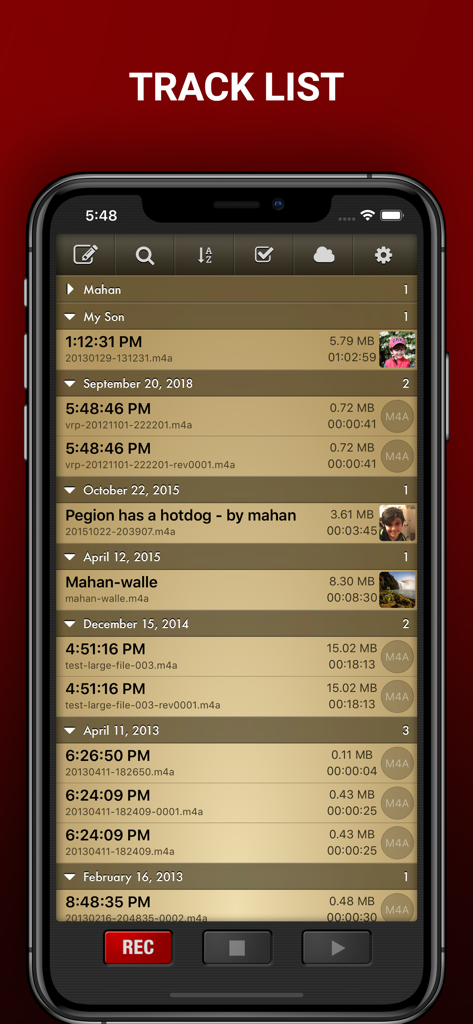
타임스탬프 및 파일 정보와 함께 구성된 오디오 녹음의 자세한 목록을 보여주는 Voice Record Pro 트랙 목록 화면

타임스탬프 및 파일 정보와 함께 구성된 오디오 녹음의 자세한 목록을 보여주는 Voice Record Pro 트랙 목록 화면

전문가 가격 없이 전문가 수준의 녹음

이 앱을 돋보이게 하는 도구, 1M+ 명의 사용자가 선택.

🎙️

스튜디오 품질 제어

오디오를 완전히 제어하세요. 비트 전송률 및 샘플 전송률에 대한 세부 설정을 사용하여 MP3, WAV 또는 AAC로 녹음하여 모든 환경에 적합하도록 만드세요.

☁️

원활한 워크플로우 통합

번거로움을 줄이세요. Google Drive, Dropbox 또는 OneDrive에 녹음을 즉시 동기화하거나 내장된 WiFi 서버를 사용하여 PC로 파일을 이동하세요.

⏱️

스마트 생산성 도구

무음 감지, 주요 순간을 위한 라이브 북마크, 중요한 것만 유지하기 위한 고급 트리밍으로 시간을 최적화하세요.

앱 소개

에 대해 알아야 할 모든 것 Voice Record Pro.

설명

Professional Voice Recorder for iPhone, iPad and iWatch! No limitation, Completely FREE! Voice Record Pro is a professional voice recorder. It allows you to record voice memos and on-site sounds at unlimited length with configurable quality. Voice Record Pro can record directly in MP4 (AAC), MP3 (MPEG) and WAV (PCM) formats plus convert function for all supported formats. None of the features are limited by in-app purchase, they are all free and without limitation. in-app purchase can be used to remove the bottom advertisement from the app. RECORDING: - Unlimited recording, the only limit is your device free space. - Record audio in M4A/AAC format, you can choose the exact quality of the record including bitrate, sample rate, bit depth, number of audio channels and encode quality. - Record audio in MP3 format, in addition to sample rate, bitrate, bit depth and number of channels you can also set to record MP# in VBR (Variable Bit Rate) or CBR (Constant Bit Rate). - Record audio in WAV/PCM format, sample rate, bit depth and number of channels can be configured. - All formats can be set to record audio in silence detection mode, which will only record audio if detected (record level is configurable) - Ability to enable/disable iOS Voice Processing and mix with background sounds. - Ability to record in stereo format on supported devices. - Apply effects while recording - Add bookmarks during record session PLAYBACK: - Change playback speed - Boost audio volume - Change playback volume and divert into connected devices (AirPlay) - Jump to previously defined bookmarks and add new ones - Read and edit notes - Swipe gestures to short and long jump forward and backward, amount of jump is configurable - Swipe gestures to previous and next track - Loop playback on single record or play multiple records in sequence STORAGE & EXPORT: - Export to and import from Google Drive™, DropBox, Microsoft® OneDrive (personal and business), Box Cloud, iCloud Drive, Amazon S3 - Export to SoundCloud and Custom FTP server - Post to Any Web base Script - Import from device Music Library - Sync records with other nearby devices running this app - Send to other devices via Bluetooth - Download directly to PC using built-in web server via local WiFi connection - Upload from PC using WiFi connection - WebDav support using WiFi service - Convert to a movie clip and export to Photo Albums - Post as a Movie Clip on YouTube - Export to other apps on your device that can handle the audio file - Import from other apps - Send Audio or Movie by email - Send Audio or Movie by SMS/iMessage MODIFICATION: - Add notes to records - Add photo to records - Add bookmarks to records - Simple trim and Advanced trim functions - Modify ID3v2 tags - Append a record to another record - Split audio files into separate files based on equal parts, file size or bookmarks - Join multiple audio records into one - Apply effects while recording - Apply effects to the recorded or imported file including: - Echo - Volume/Gain - Pitch & Speed - Reverb - Distortion - 3/6/10 Band Equalizer - Add reminder alarm for each record - Color tag audio files - Convert M4A to and from MP3 to and from WAV GENERAL: - Protect the app with a passcode - Create custom movie templates - Built-in WiFi http server - Custom categories for better organizing - Customized swipe to right gestures on each record - Multiple sort options and deep customization of track lists and much more. Enjoy.

최신 버전

4.1.0

크기

106.4 MB

출시일

2012년 9월 13일

지금 바로 오디오를 완벽하게 제어하세요

녹음에서 더 많은 것을 요구하는 100만 명 이상의 전문가 및 학생들과 함께하세요. iPhone, iPad, Apple Watch에서 무제한 길이, 전문가급 형식, 원활한 클라우드 내보내기를 무료로 경험하세요.

다운로드: App Store

App information, icons, screenshots, and descriptions displayed on this page are sourced from the Apple App Store and are the property of their respective developers. Download estimates and rankings are based on MWM's proprietary models and may not reflect actual figures. This page is provided for informational and analytical purposes only.

Believe this page infringes your intellectual property? File a dispute