Watermark・Add Text on Photo
다운로드: App Store

이 페이지는 앱이나 개발자의 공식 페이지가 아니며, 정보 제공 및 논평을 목적으로 작성된 독립 편집 간행물입니다. 명시적으로 달리 언급되지 않는 한, 해당 앱이나 개발자는 MWM, Apple, Google Play, 앱 퍼블리셔 또는 앱 개발자와 제휴, 보증, 후원, 승인 또는 공식적으로 연결되어 있지 않으며, 이 페이지의 어떤 내용도 해당 앱이 MWM의 서비스를 사용하여 개발되었음을 의미하지 않습니다. 모든 상표, 로고, 스크린샷 및 기타 콘텐츠는 해당 소유자의 자산입니다.


로고: Watermark・Add Text on Photo
다운로드: App Store

Watermark・Add Text on Photo

개인 사업자 및 인플루언서가 사용자 지정 로고, 전문 타이포그래피 및 QR 코드로 지적 재산권을 보호하기 위한 올인원 일괄 처리 도구입니다.

주요 수치

다운로드

55K+

사용자 평점

4.4/5

총 평가 수

1K+

개발사

RAY INFORMATICS YAZILIM TEKNOLOJI MEDYA DANISMANLIK VE EGITIM TICARET LIMITED SIRKETI

카테고리

Graphics & Design

지원 언어

15

최신 버전

1.5.7

크기

30.5 MB

출시일

2017년 1월 31일
기능

콘텐츠 보호, 브랜드 성장

모든 소셜 플랫폼에서 시각적 지적 재산권을 보호하고 전문적인 브랜드 아이덴티티를 몇 초 만에 유지하는 데 필요한 모든 것을 제공합니다.

즉각적인 일괄 처리

수십 개의 사진 및 비디오에 사용자 지정 워터마크를 동시에 적용하세요. 수 시간의 수동 편집을 절약하고 비즈니스에 집중하세요.

스마트 QR 브랜딩

모든 공유를 리드로 전환하세요. 뷰어를 포트폴리오, 상점 또는 소셜 미디어 프로필에 직접 연결하는 QR 코드를 자동으로 생성합니다.

다음 스크린샷과 설명은 앱의 공식 스토어 목록에서 직접 가져온 것이며 앱 개발자의 자산입니다.

앱 스토어

스크린샷

Watermark・Add Text on Photo - 사진에 텍스트 및 QR 코드 워터마크가 추가된 것을 보여주는 모바일 앱 인터페이스

사진에 텍스트 및 QR 코드 워터마크가 추가된 것을 보여주는 모바일 앱 인터페이스

Watermark・Add Text on Photo - 브랜딩 및 콘텐츠 보호 기능을 강조하는 올인원 사진 텍스트 편집기 앱 인터페이스.
브랜딩 및 콘텐츠 보호 기능을 강조하는 올인원 사진 텍스트 편집기 앱 인터페이스.

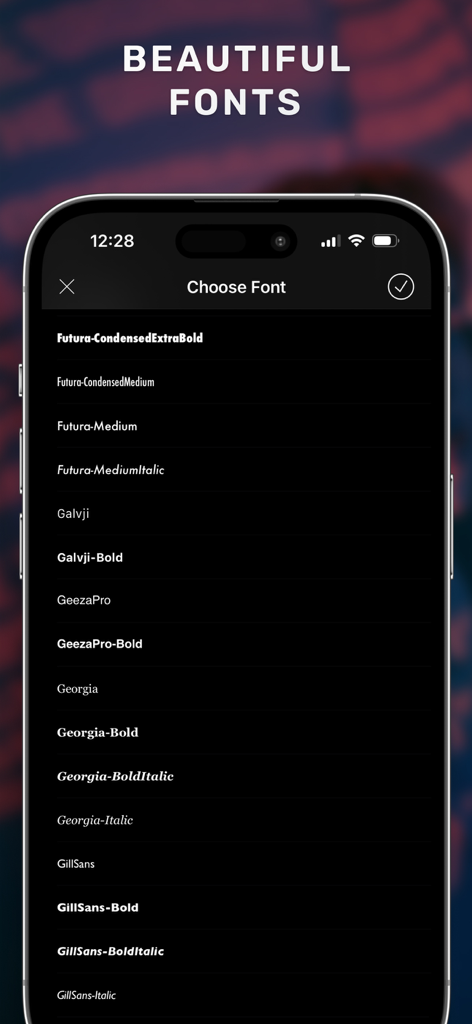
Watermark・Add Text on Photo - 워터마크 앱에서 사진에 텍스트를 추가하기 위한 다양한 전문 글꼴 옵션을 보여주는 스마트폰 화면.
워터마크 앱에서 사진에 텍스트를 추가하기 위한 다양한 전문 글꼴 옵션을 보여주는 스마트폰 화면.

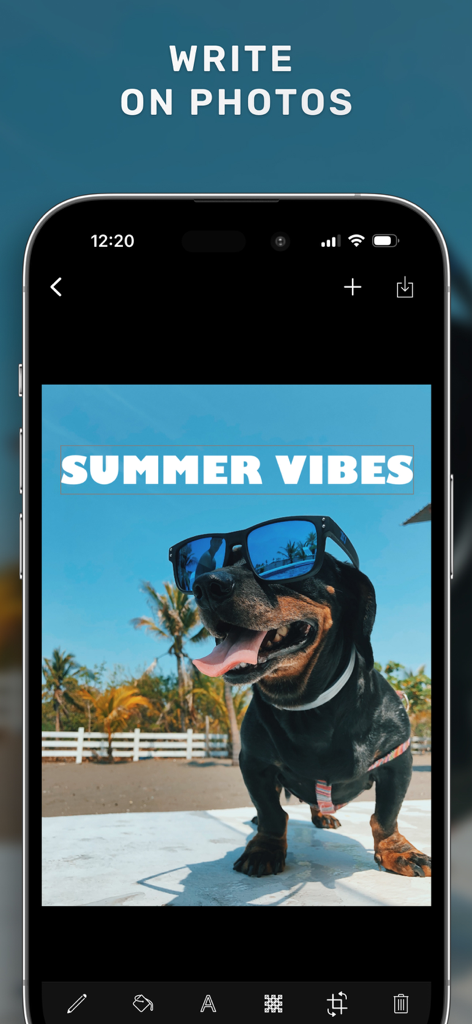
Watermark・Add Text on Photo - 선글라스를 낀 개 사진에 Summer Vibes라는 텍스트가 추가된 워터마크 앱 인터페이스를 보여주는 스마트폰 화면.
선글라스를 낀 개 사진에 Summer Vibes라는 텍스트가 추가된 워터마크 앱 인터페이스를 보여주는 스마트폰 화면.

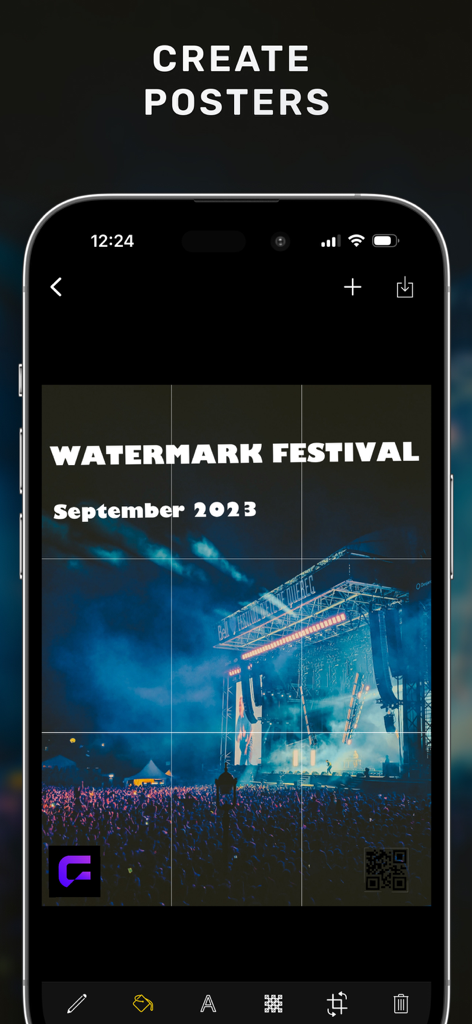
Watermark・Add Text on Photo - 사용자 지정 텍스트 및 QR 코드 워터마크가 있는 콘서트 포스터를 표시하는 모바일 앱 인터페이스
사용자 지정 텍스트 및 QR 코드 워터마크가 있는 콘서트 포스터를 표시하는 모바일 앱 인터페이스

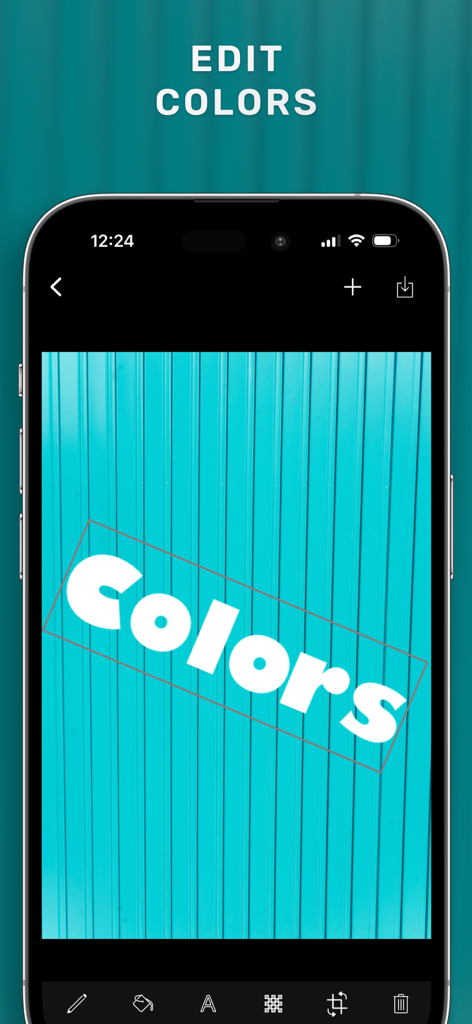
Watermark・Add Text on Photo - 사진에 워터마크 앱의 텍스트 색상 편집 기능을 보여주는 스마트폰 인터페이스
사진에 워터마크 앱의 텍스트 색상 편집 기능을 보여주는 스마트폰 인터페이스

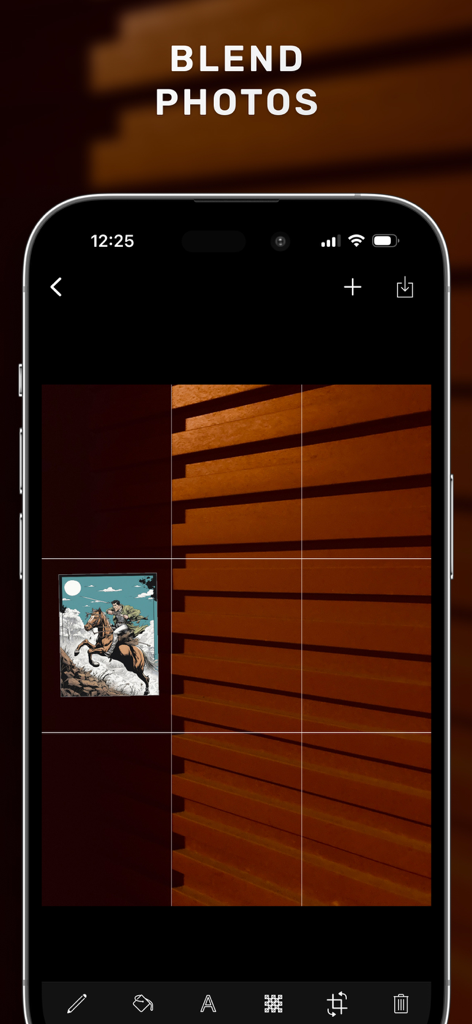
Watermark・Add Text on Photo - iPhone 화면에서 워터마크 앱의 사진 혼합 기능을 보여주는 모바일 인터페이스.
iPhone 화면에서 워터마크 앱의 사진 혼합 기능을 보여주는 모바일 인터페이스.

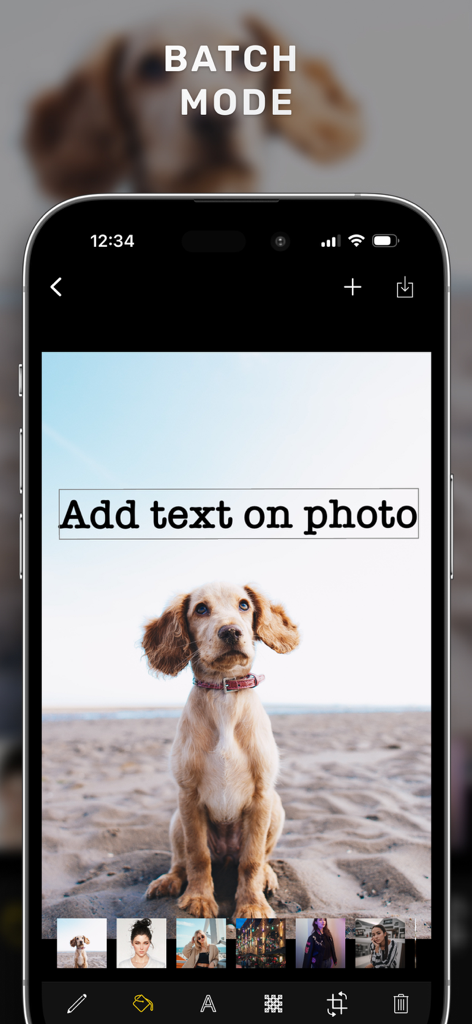
Watermark・Add Text on Photo - 여러 사진에 텍스트를 추가하기 위한 일괄 모드 기능을 보여주는 워터마크 앱 인터페이스

여러 사진에 텍스트를 추가하기 위한 일괄 모드 기능을 보여주는 워터마크 앱 인터페이스

설명

Add watermark as text, image, or QR code to your multiple photos or videos easily. A watermark is an essential design feature that protects your brand and photographs online. You can now quickly establish one with just a few taps to protect your brand, photos, media, or any other content. It's ideal for photographers, entrepreneurs, artists, editors, designers and a variety of other purposes. The Add Watermark offers everything you need to create a watermark that is entirely yours, whether you want to protect your copyright or show off ownership of your photographs. It's simple to use, and you can share your ideas directly from the app. Add Watermark app has tons of features specially designed to both protect copyrights and let content creators easily and quickly create beautiful watermarks at once. You can create lots of designs with Add Watermark, you can even create blend overlay photos! TEXT WATERMARK Create text watermarks with opacity, color and font options. Features; - Add Text to Photos & Videos - Text size is changeable. - Text color is changeable. - Text's stroke color is changeable. - Text is rotatable. You can use those features to create logos, brand flyers, posters, banners. QR WATERMARK Unify your works with an automatic QR code creator and watermark with QR Code. IMAGE WATERMARK You can add and blend your brand logos or other content with other formats such as .jpeg, .png, etc. Features - Add Logos to Photos - Logo or image size is changeable. - Multiple logos can be added to the same poster or photo. - Logo or image is rotatable. BEAUTIFUL TEXT COLORS We have chosen simple and mostly used text colors and added them to the user interface. IMAGE, TEXT, QR CODE WATERMARK TRANSPARENCY You can easily adjust the opacity of each watermark on your photos. EASY STAMP ADJUSTMENT Rotate, Scale and Translate with easy hand gestures. Add multiple images, texts or QR code watermarks and adjust each stamp or mark separately. Usage Instructions: - First, choose your photos and videos. - Tap on the watermark to edit and customize. - Tap + to add another watermark - See how your watermarked images look like. - Tap save button to save all images to your library. Watermark Pro Subscription Access all features of Watermark with Watermark Pro. Subscriptions are billed monthly or annually at the rate selected depending on the subscription plan. - Terms of use: https://www.rayinformatics.com/terms - Privacy policy: https://www.rayinformatics.com/privacy CONTACT - Visit rayinformatics.com/contact for support and feedback.

Download

다운로드: App Store

이 페이지는 앱이나 개발자의 공식 페이지가 아니며, 정보 제공 및 논평을 목적으로 작성된 독립 편집 간행물입니다. 명시적으로 달리 언급되지 않는 한, 해당 앱이나 개발자는 MWM, Apple, Google Play, 앱 퍼블리셔 또는 앱 개발자와 제휴, 보증, 후원, 승인 또는 공식적으로 연결되어 있지 않으며, 이 페이지의 어떤 내용도 해당 앱이 MWM의 서비스를 사용하여 개발되었음을 의미하지 않습니다. 모든 상표, 로고, 스크린샷 및 기타 콘텐츠는 해당 소유자의 자산입니다.







