
이 페이지는 앱이나 개발자의 공식 페이지가 아니며, 정보 제공 및 논평을 목적으로 작성된 독립 편집 간행물입니다. 명시적으로 달리 언급되지 않는 한, 해당 앱이나 개발자는 MWM, Apple, Google Play, 앱 퍼블리셔 또는 앱 개발자와 제휴, 보증, 후원, 승인 또는 공식적으로 연결되어 있지 않으며, 이 페이지의 어떤 내용도 해당 앱이 MWM의 서비스를 사용하여 개발되었음을 의미하지 않습니다. 모든 상표, 로고, 스크린샷 및 기타 콘텐츠는 해당 소유자의 자산입니다.


Watermarkly ― Watermark Maker
사진, 동영상 및 PDF를 몇 초 만에 안전하게 보호하세요. 기업가 및 창작자를 위해 설계된 Watermarkly는 iPhone, iPad 및 Mac 전반에 걸쳐 1,000개 이상의 프리미엄 글꼴과 원활한 동기화를 제공합니다.
다운로드
595K+사용자 평점
총 평가 수
1K+개발사
카테고리
Graphics & Design지원 언어
11최신 버전
3.16크기
23.8 MB출시일
2020년 4월 15일창의적인 콘텐츠 보호 및 홍보
현대 창작자 및 비즈니스 소유자를 위해 설계된 전문 도구로 이미지, 동영상 및 문서를 손쉽게 브랜딩하세요.
초고속 일괄 처리
한 번에 수백 개의 파일을 워터마킹하여 시간을 절약하세요. 당사의 엔진은 세로 및 가로 사진 모두에 맞게 로고 크기와 위치를 자동으로 조정합니다.
전문적인 브랜드 디자인
1,000개 이상의 글꼴과 3D, 그림자 효과 등 프리미엄 효과로 돋보이세요. 잠재고객에게 신뢰와 권위를 구축하는 맞춤형 모양을 만드세요.
자주 묻는 질문
에 대해 알아야 할 모든 것 Watermarkly ― Watermark Maker
Watermarkly ― Watermark Maker란 무엇인가요?
Watermarkly는 이미지, 동영상, PDF 파일에 워터마크를 적용하기 위해 설계된 효율적이고 사용자 친화적인 앱입니다. 배치 워터마킹을 용이하게 하고 사용자가 원본 콘텐츠를 수정하지 않고 사용자 정의 텍스트나 로고를 추가할 수 있도록 합니다.
Watermarkly ― Watermark Maker는 배치 워터마킹을 지원하나요?
네, Watermarkly는 이미지, 동영상, PDF 파일에 대한 배치 워터마킹을 지원합니다. 사용자는 여러 파일에 동시에 효율적으로 워터마크를 추가할 수 있습니다.
Watermarkly ― Watermark Maker는 원본 이미지나 동영상을 수정하나요?
아니요, Watermarkly는 원본 이미지, 동영상 또는 PDF 파일을 절대 변경하지 않습니다. 워터마크는 복사본에만 추가되어 원본 파일의 무결성을 유지합니다.
Watermarkly ― Watermark Maker는 워터마크에 대해 어떤 사용자 정의 옵션을 제공하나요?
Watermarkly는 크기, 회전, 투명도 변경 및 반복 워터마크 적용을 포함하여 광범위한 사용자 정의를 제공합니다. 사용자는 저작권 기호, 이미지 번호도 추가하고 33가지 효과 중에서 선택할 수 있습니다.
Watermarkly ― Watermark Maker에는 몇 개의 글꼴과 효과를 사용할 수 있나요?
Watermarkly는 1000가지 글꼴, 3D 및 드롭 섀도우와 같은 33가지 효과, 그라디언트 옵션을 포함한 다양한 색상 선택을 워터마크 디자인에 제공합니다.
Watermarkly ― Watermark Maker는 가로 및 세로 이미지에 워터마크를 자동으로 조정하나요?
네, Watermarkly는 가로 및 세로 이미지가 혼합된 배치에 대해 워터마크 크기와 위치를 자동으로 조정합니다. 사용자는 미리보기 섹션에서 워터마크를 수동으로 조정할 수도 있습니다.
Watermarkly ― Watermark Maker는 여러 기기 간에 워터마크 템플릿을 동기화하나요?
네, Watermarkly는 모든 기기 간에 워터마크 템플릿을 동기화합니다. 최근에 사용한 템플릿은 자동으로 동기화되어 모든 휴대전화 또는 컴퓨터에서 액세스할 수 있습니다.
Watermarkly ― Watermark Maker는 도난으로부터 사진을 어떻게 보호하나요?
Watermarkly는 사용자가 자신의 이름, 로고 또는 연락처 정보를 콘텐츠에 배치할 수 있도록 하여 사진을 도난으로부터 보호합니다. 이는 저작권을 주장하고 무단 사용을 억제합니다.
Watermarkly ― Watermark Maker에서 워터마크를 적용한 후 사진 크기를 조정할 수 있나요?
네, Watermarkly를 사용하면 워터마크를 적용한 후 사진 크기를 조정할 수 있습니다. 이 앱은 원본 크기의 특정 비율로 이미지를 조정하는 설정을 제공합니다.
Watermarkly ― Watermark Maker는 회전된 워터마크를 적용할 수 있나요?
네, Watermarkly는 회전된 워터마크를 적용하는 것을 지원합니다. 사용자는 디자인 요구에 맞게 워터마크를 원하는 각도로 회전하거나 세로 워터마크를 적용할 수 있습니다.
Watermarkly를 사용하여 투명한 워터마크를 만들 수 있나요?
네, Watermarkly를 사용하면 워터마크의 투명도를 조정할 수 있습니다. 이 기능을 통해 워터마크가 원본 콘텐츠를 완전히 가리지 않도록 하여 미묘한 브랜딩을 할 수 있습니다.
다음 스크린샷과 설명은 앱의 공식 스토어 목록에서 직접 가져온 것이며 앱 개발자의 자산입니다.
앱 스토어
스크린샷
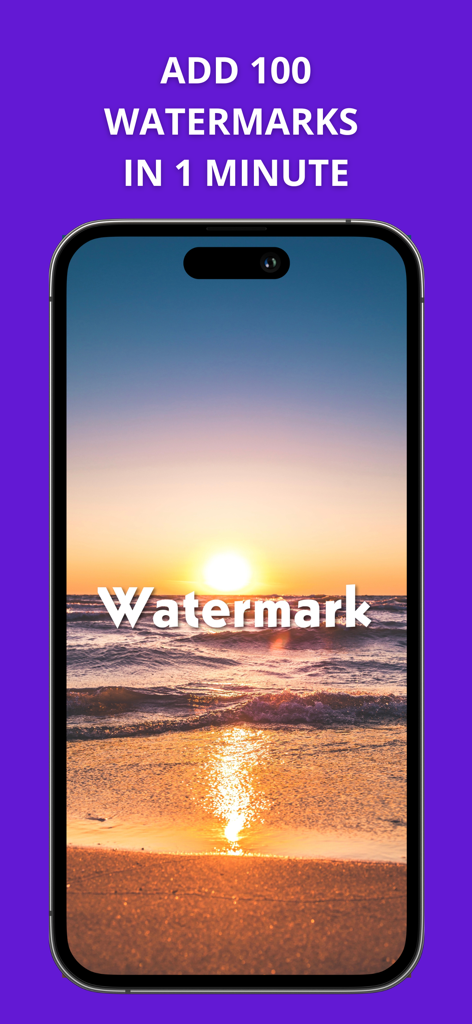
빠른 일괄 워터마킹을 홍보하는 텍스트가 포함된 워터마크 처리된 석양 사진을 보여주는 스마트폰 화면
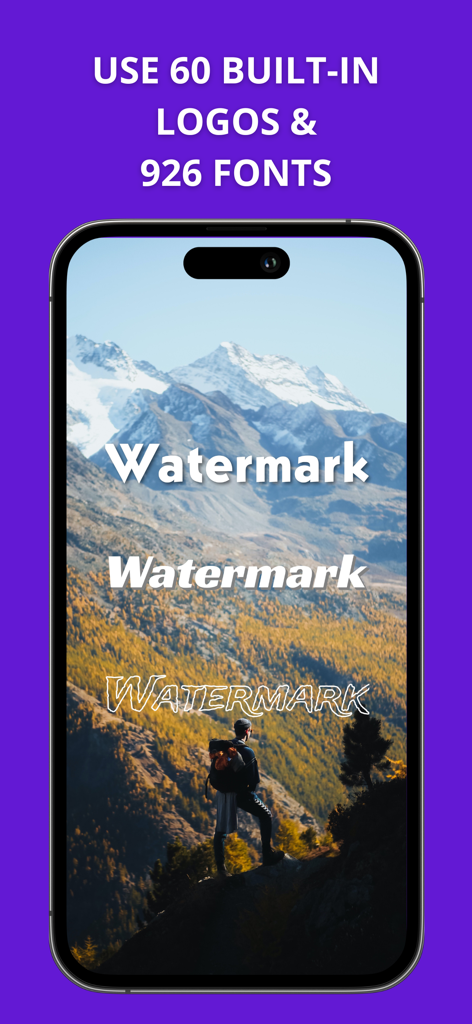
iPhone에서 풍경 사진 워터마킹을 위한 다양한 글꼴 스타일을 보여주는 Watermarkly 앱 인터페이스
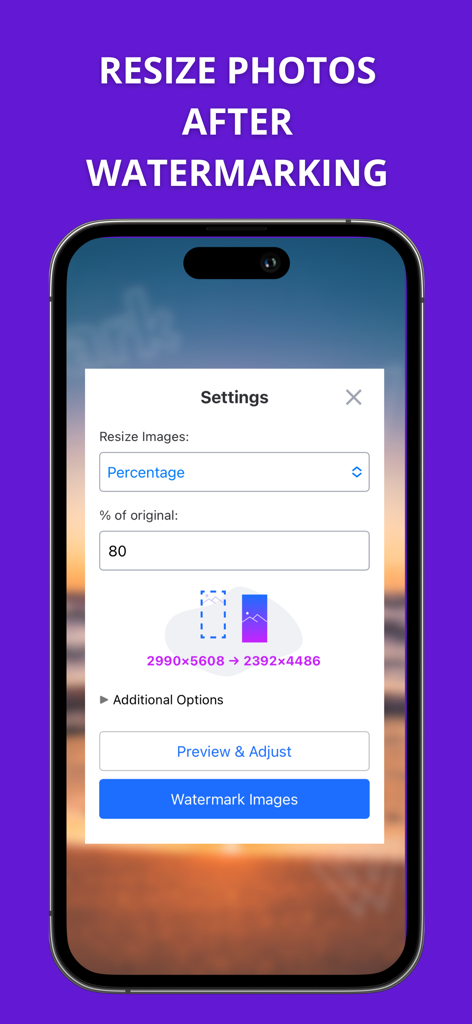
Watermarkly 앱에서 워터마킹 후 사진 크기 조정을 위한 설정 표시 인터페이스.
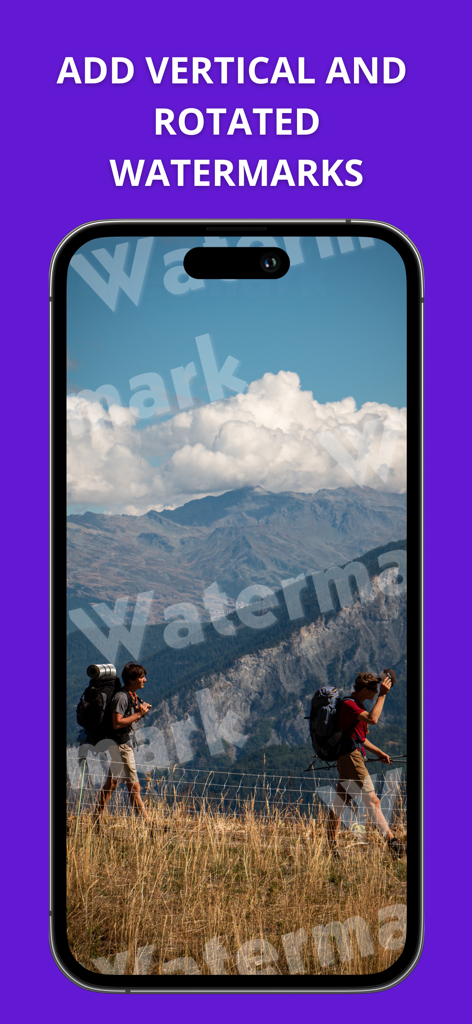
풍경 이미지에 세로 및 회전 텍스트 워터마크를 표시하는 Watermarkly 앱 인터페이스.
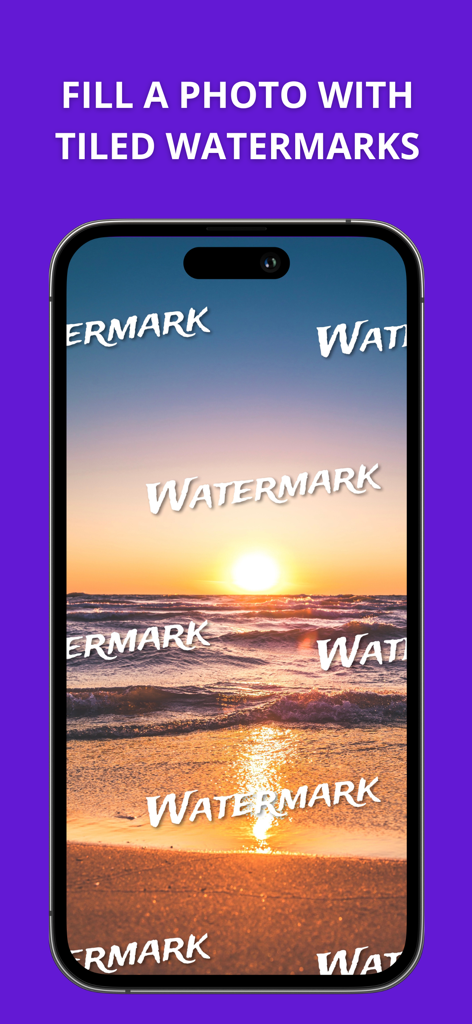
이미지 보호를 위해 타일링된 텍스트 워터마크로 덮인 석양 해변 사진을 표시하는 iPhone 화면.
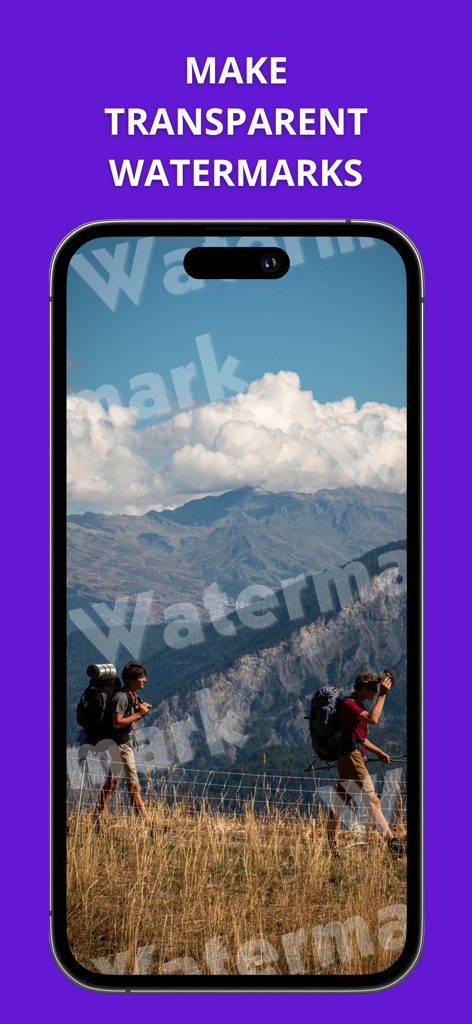
투명 텍스트 워터마크가 있는 풍경 사진을 보여주는 Watermarkly 앱 스크린샷.
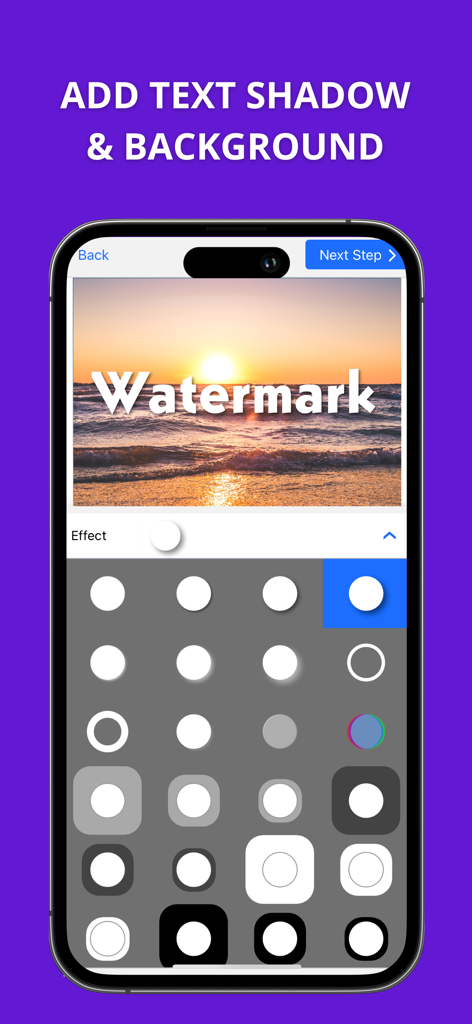
선택을 위해 다양한 그림자 및 배경 효과가 있는 텍스트 워터마크가 있는 석양 사진을 보여주는 Watermarkly 앱 인터페이스.
팀 전체 동기화를 나타내는 화살표와 함께 동일한 워터마크 템플릿을 표시하는 두 대의 스마트폰.
설명
Download
비슷한 앱
유사한 기능과 사용자 경험을 가진 앱

CocoAI - BG Remover
Beijing Jianchang Technology Co., Ltd.

水印宝-视频水印助手软件
Beijing Pengtuzhumeng Technology Co., Ltd.

Photo Retouch - Remove object
化媚 席

PhotoBy-Batch adding borders
岳森 刘

去水印大师-短视频编辑助手
志阳 郭

大神水印-照片图像制作修图神器
伟 黄

Add Watermark -Batch Process
Saraswati Javalkar

Background Eraser: AI Remove
SUNWOONG JANG

AnyEraser: Remove Objects AI
Zankhana Pte Ltd
이 페이지는 앱이나 개발자의 공식 페이지가 아니며, 정보 제공 및 논평을 목적으로 작성된 독립 편집 간행물입니다. 명시적으로 달리 언급되지 않는 한, 해당 앱이나 개발자는 MWM, Apple, Google Play, 앱 퍼블리셔 또는 앱 개발자와 제휴, 보증, 후원, 승인 또는 공식적으로 연결되어 있지 않으며, 이 페이지의 어떤 내용도 해당 앱이 MWM의 서비스를 사용하여 개발되었음을 의미하지 않습니다. 모든 상표, 로고, 스크린샷 및 기타 콘텐츠는 해당 소유자의 자산입니다.