WhoDo

WhoDo

다운로드: App Store
로고: WhoDo

다운로드: App Store

개발사

Swamp Dog, LLC

카테고리

Productivity

다운로드

0

사용자 평점

1.0/5

총 평가 수

0

지원 언어

1

효율성의 작동 방식

이 인터페이스를 사용하는 0 명의 사용자.

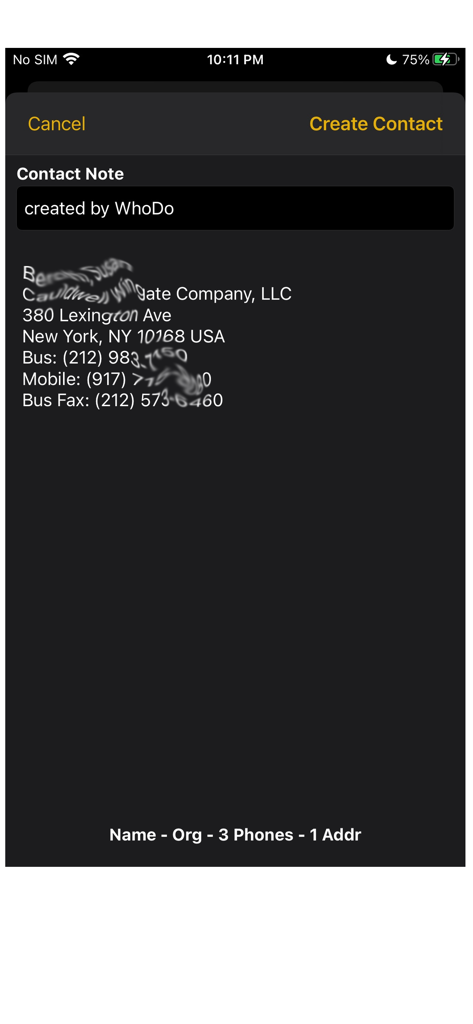
WhoDo 앱 스크린샷으로 주소 및 전화번호를 포함한 연락처 세부 정보가 텍스트 소스에서 추출된 것을 보여줍니다.

WhoDo 앱 스크린샷으로 주소 및 전화번호를 포함한 연락처 세부 정보가 텍스트 소스에서 추출된 것을 보여줍니다.

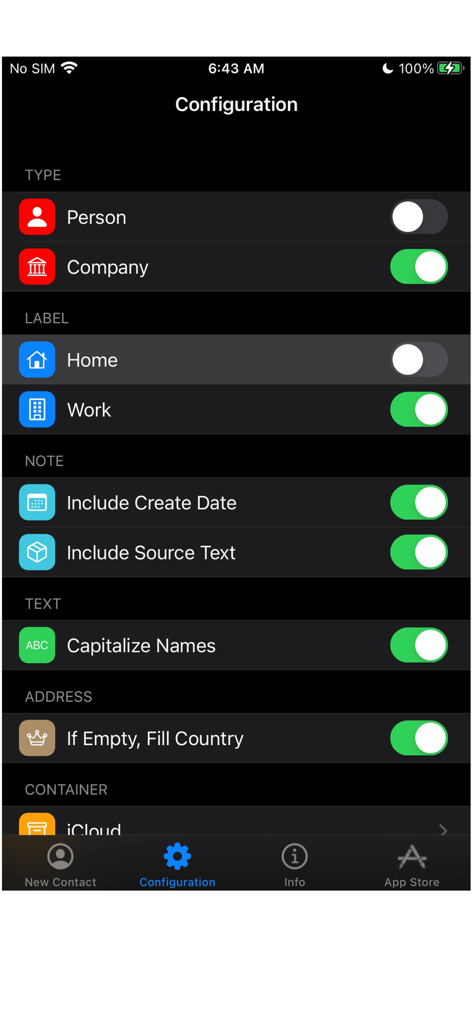
WhoDo 앱 구성 화면으로 연락처 유형, 레이블 및 텍스트 서식에 대한 설정을 보여줍니다.

WhoDo 앱 구성 화면으로 연락처 유형, 레이블 및 텍스트 서식에 대한 설정을 보여줍니다.

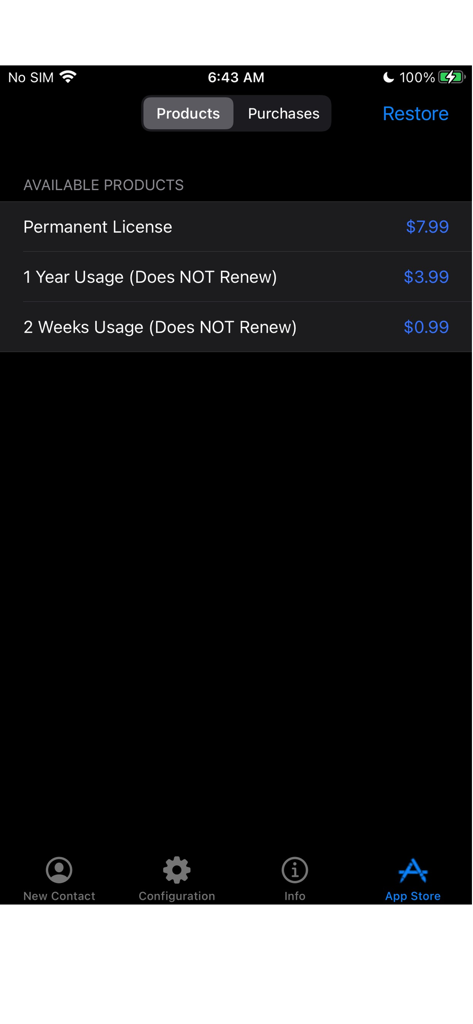
WhoDo 앱 스토어 화면으로 갱신되지 않는 라이선스 및 영구 구매 옵션을 표시합니다.

WhoDo 앱 스토어 화면으로 갱신되지 않는 라이선스 및 영구 구매 옵션을 표시합니다.

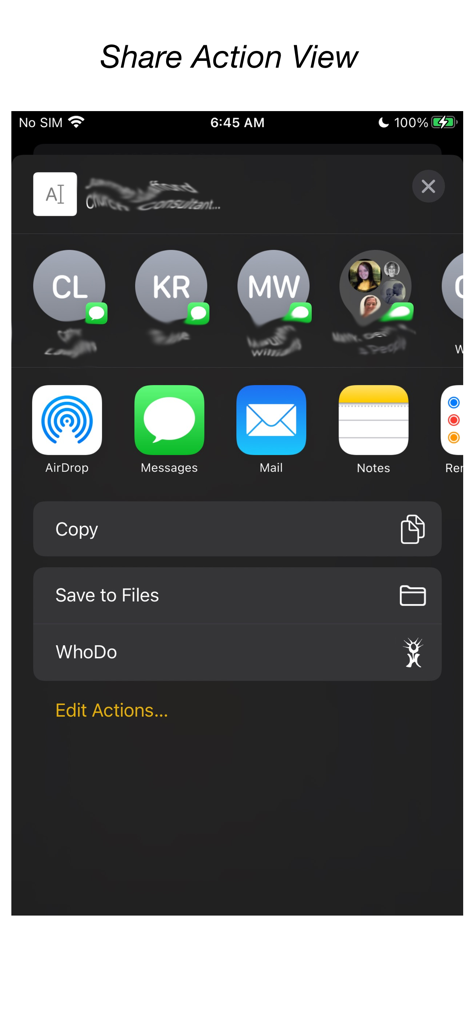
WhoDo 앱이 iOS 공유 메뉴에 통합된 모습.

WhoDo 앱이 iOS 공유 메뉴에 통합된 모습.

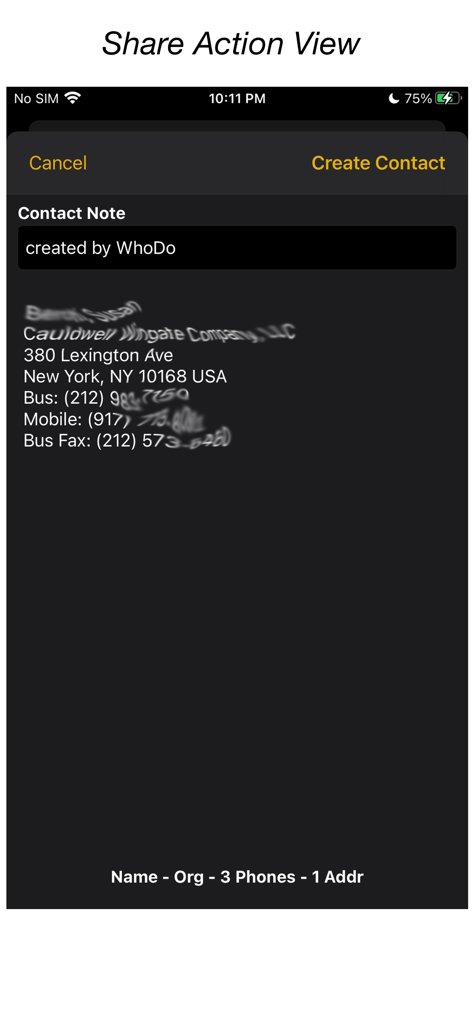
WhoDo 앱 인터페이스로 iOS 공유 작업을 통해 텍스트에서 추출된 연락처 정보를 보여줍니다.

WhoDo 앱 인터페이스로 iOS 공유 작업을 통해 텍스트에서 추출된 연락처 정보를 보여줍니다.

명함첩 자동화

이 앱을 돋보이게 하는 도구, 0 명의 사용자가 선택.

수동 입력 제로

iOS 공유 기능을 사용하여 한 글자도 입력하지 않고 이메일, 메시지 또는 웹페이지에서 연락처 정보를 즉시 추출하세요.

📈

대량 스프레드시트 가져오기

개별 복사는 이제 그만. Numbers 또는 Excel 행에서 여러 잠재 고객을 손쉽게 추출하여 몇 초 안에 연락처 책을 채우세요.

🍏

iPhone, iPad 및 Mac에서 동기화하세요. 반복적인 구독료 없이 iCloud, Outlook 또는 Gmail 그룹으로 연락처를 정리하세요.

앱 소개

에 대해 알아야 할 모든 것 WhoDo.

설명

The same WhoDo app runs on iPhone, iPad - put WhoDo on ALL your iOS devices! With Family Sharing - everybody in your family can also use WhoDo! You don't need to launch an application to use WhoDo! Just select the desired text in any application and use the Share action! If Share is unavailable or inconvenient, you can also use 'Copy' and then switch to WhoDo. Whenever you open WhoDo it immediately assesses the current clipboard for contact data. WhoDo can handle multiple rows in a spreadsheet - this works best if you include the header row WhoDo has a very minimal user interface - it has a single purpose and is designed to be the least possible interruption in your workflow. WhoDo uses Apple's data detectors and natural language processing. Download WhoDo for free - you can then create 3 contacts to verify WhoDo's functionality. After you have created the 3 free trial contacts you must make an in-app purchase. 2 weeks usage - 99¢ 1 year usage - $3.99 Permanent license - $7.99 WhoDo does NOT use subscriptions - there are no automated renewals. You can purchase either of the short term usages as many times as you need. WhoDo can: • assign the new contact to a specific Account (e.g. Gmail, Outlook, Yahoo, ...) • assign the new contact to a Group (if Groups are supported in the Account) • create either a Person or an Organization • assign unlabelled values with either Work or Home labels • automatically capitalize names of all types • automatically supply the area code for casual phone numbers • populate the new contact's ‘Note’ with text of your choosing; you can also add the date & time of creation as well as the full text of source data. • provides the contact in an editable Contact view for your final approval before you Save • each time you open WhoDo it can provide the contents of the clipboard for use a new contact so you can 'Copy' and then open WhoDo if that is more convenient than using 'Share' • extract multiple contacts from Numbers - best if you include the header row you can elect to process multiple contacts individually or in one bulk action. WhoDo works with iOS 15.4 and later Terms of Use: https://swampdog.info/whodo/core/termsOfUse/ NOTE: If you have any comments, general or technical issues, please contact us directly at developer@swampdog.info.  We will usually respond with one business day.

최신 버전

3.0.1

크기

3.4 MB

출시일

2019년 2월 18일

입력은 그만하고 네트워킹을 시작할 준비가 되셨나요?

수동 데이터 입력 시간을 절약하는 수천 명의 전문가와 함께하세요. 월간 구독 없이 모든 기기에서 원활하게 연락처를 추출할 수 있는 WhoDo를 지금 다운로드하세요. 단 한 번의 영구 라이선스 구매로 제공됩니다.

다운로드: App Store

App information, icons, screenshots, and descriptions displayed on this page are sourced from the Apple App Store and are the property of their respective developers. Download estimates and rankings are based on MWM's proprietary models and may not reflect actual figures. This page is provided for informational and analytical purposes only.

Believe this page infringes your intellectual property? File a dispute