WifiLink: Share WiFi
다운로드: App Store

이 페이지는 앱이나 개발자의 공식 페이지가 아니며, 정보 제공 및 논평을 목적으로 작성된 독립 편집 간행물입니다. 명시적으로 달리 언급되지 않는 한, 해당 앱이나 개발자는 MWM, Apple, Google Play, 앱 퍼블리셔 또는 앱 개발자와 제휴, 보증, 후원, 승인 또는 공식적으로 연결되어 있지 않으며, 이 페이지의 어떤 내용도 해당 앱이 MWM의 서비스를 사용하여 개발되었음을 의미하지 않습니다. 모든 상표, 로고, 스크린샷 및 기타 콘텐츠는 해당 소유자의 자산입니다.

로고: WifiLink: Share WiFi
다운로드: App Store

WifiLink: Share WiFi

간단한 스캔으로 게스트 및 고객에게 즉각적이고 암호화된 액세스를 제공하세요. Airbnb 호스트, 소규모 비즈니스 및 보안에 민감한 가정을 위한 전문적인 인터넷 공유 방법입니다.

주요 수치

다운로드

14K+

사용자 평점

3.5/5

총 평가 수

100

개발사

TOKYOBAY K.K.

카테고리

Utilities

지원 언어

16

최신 버전

3.0

크기

35.3 MB

출시일

2020년 5월 31일
기능

안전하게 액세스를 공유하고, 절대 비밀번호는 공유하지 마세요

보안에 민감한 호스트 및 현대적인 비즈니스 소유자를 위해 설계된 WifiLink는 네트워크를 게스트를 위한 비공개 암호화 게이트웨이로 전환합니다.

암호화된 QR 공유

실제 비밀번호를 제3자 스캐너 및 침입자로부터 숨기는 QR 코드로 디지털 개인 정보를 보호하세요.

전문적인 인쇄물

Airbnb 호스트 및 상점 소유주에게 이상적입니다. 공간에 맞는 맞춤형 WiFi 라벨을 생성 및 인쇄하여 프리미엄 게스트 경험을 제공하세요.

다음 스크린샷과 설명은 앱의 공식 스토어 목록에서 직접 가져온 것이며 앱 개발자의 자산입니다.

앱 스토어

스크린샷
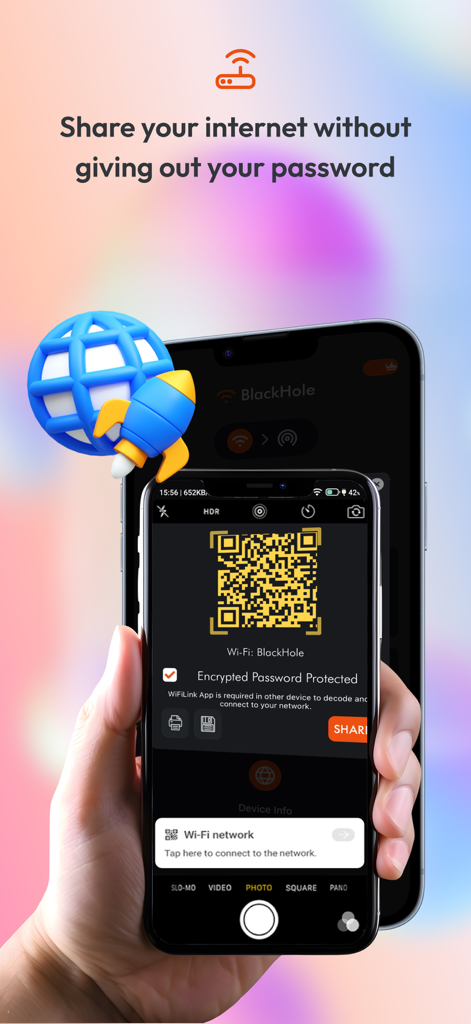
WifiLink: Share WiFi - 비밀번호를 노출하지 않고 WiFi 네트워크를 안전하게 공유하는 데 사용되는 암호화된 QR 코드를 표시하는 스마트폰 화면
비밀번호를 노출하지 않고 WiFi 네트워크를 안전하게 공유하는 데 사용되는 암호화된 QR 코드를 표시하는 스마트폰 화면

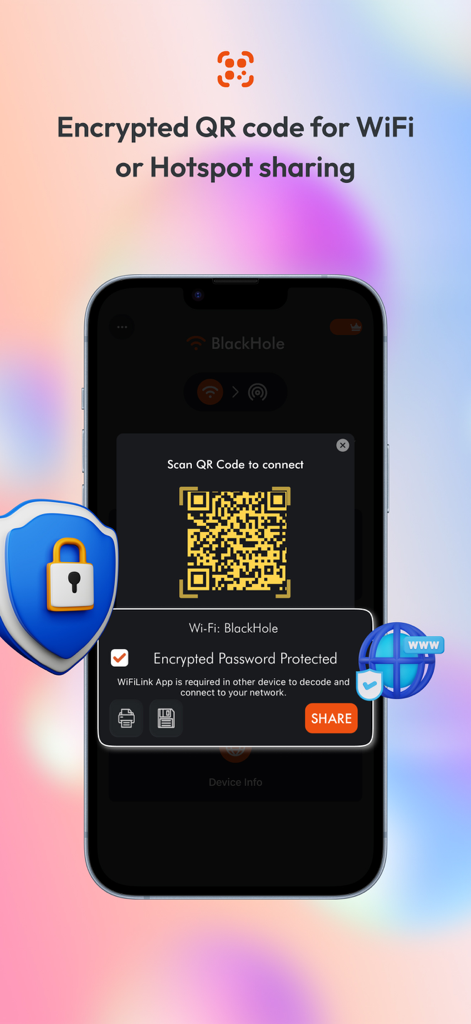
WifiLink: Share WiFi - 보호 방패 아이콘과 함께 안전한 WiFi 및 핫스팟 공유를 위한 암호화된 QR 코드를 보여주는 스마트폰 화면.
보호 방패 아이콘과 함께 안전한 WiFi 및 핫스팟 공유를 위한 암호화된 QR 코드를 보여주는 스마트폰 화면.

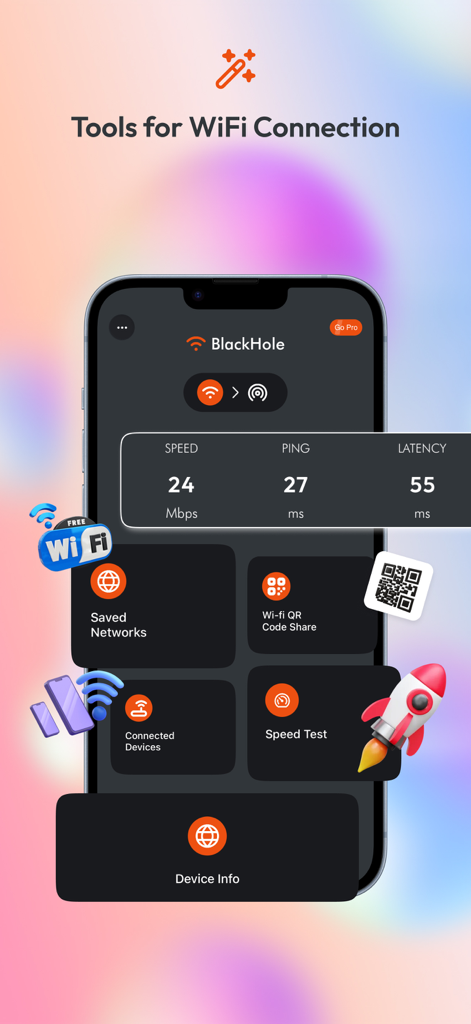
WifiLink: Share WiFi - 속도 테스트 및 암호화된 QR 코드 공유 도구를 보여주는 WifiLink 앱 대시보드
속도 테스트 및 암호화된 QR 코드 공유 도구를 보여주는 WifiLink 앱 대시보드

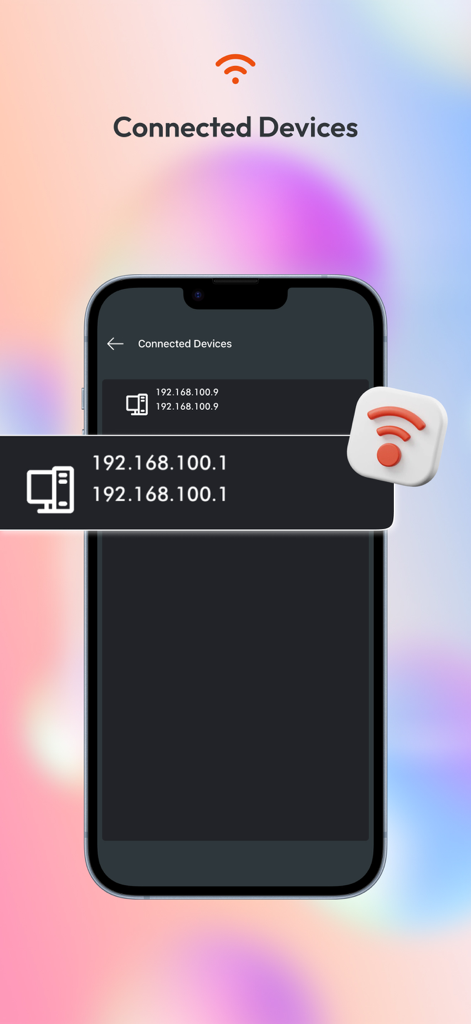
WifiLink: Share WiFi - IP 주소와 함께 네트워크에 연결된 장치 목록을 보여주는 WifiLink 앱의 스마트폰 화면
IP 주소와 함께 네트워크에 연결된 장치 목록을 보여주는 WifiLink 앱의 스마트폰 화면

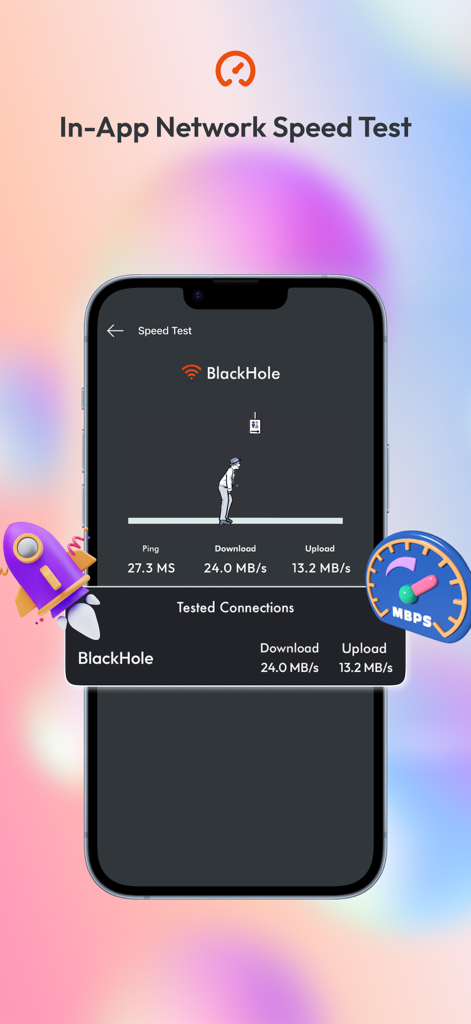
WifiLink: Share WiFi - 다운로드 및 업로드 측정 항목과 함께 앱 내 네트워크 속도 테스트를 보여주는 WifiLink 앱 스크린샷.
다운로드 및 업로드 측정 항목과 함께 앱 내 네트워크 속도 테스트를 보여주는 WifiLink 앱 스크린샷.

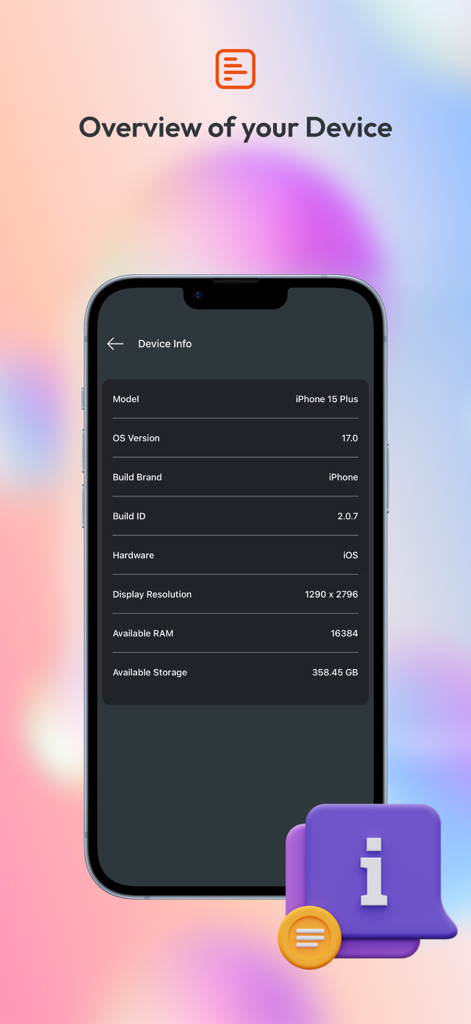
WifiLink: Share WiFi - OS 버전 및 저장 공간과 같은 기술 장치 사양을 보여주는 스마트폰 디스플레이

OS 버전 및 저장 공간과 같은 기술 장치 사양을 보여주는 스마트폰 디스플레이

설명

Need to share your Internet? Don’t give out your password. Simply scan the QR code from this app and let others connect to your Internet without the password! WiFiLink is the first app to offer encrypted QR codes for sharing Internet connections. It lets you easily share your Wi-Fi or hotspot connection without giving out your password! The connection can be shared by scanning the QR code. The QR code is encrypted so that only the app can decode it. No other third-party scanner can intercept or reveal your password. This is especially great for business owners, offices, restaurants, coffee shops, and other venues that offer Wi-Fi. Visitors can simply scan the QR code placed out by the business to connect to the Wi-Fi. WiFiLink is a better, smarter, and simpler way to connect and share. Whether you have a business or are just someone who wants to share the connection with those around you, this is a must-have service. How WiFiLink Works: When you connect to Wi-Fi or a mobile hotspot for the first time, you just add a password, and you are ready to share your connection with others. 1. Add a password for the connected Wi-Fi or mobile hotspot (first time only). 2. Click on the QR code. In order for others to decode the QR code encryption and connect to your Internet without revealing your password, a WiFiLink App is required on both phones. App Features WiFiLink is the most secure and easy-to-use app, packed with the best features to help you share your Internet connection. Features of the app that make it most useful include: • Encrypted QR code Share your Wi-Fi or mobile hotspot with a friend or colleague using the QR code. Simply let them scan the QR code, and they can connect to your Internet without your password. • Speedtest Check the speed of connected Internet with a finger tap without needing to exit the app! • Save or print QR code Save or print QR code label for your Wi-Fi and display in your business premises, restaurant, hotel, or even at home. WiFiLink is the most useful app to share your Wi-Fi or mobile hotspot. Download the app and stop giving out your password. ONLY with WiFiLink! Support Us Our app is constantly undergoing improvement. If you have any feedback for us to improve, please send us an email with your feedback or suggestions. If you like our app, please rate us on the App Store and share it with your friends. Information about the auto-renewable nature of the Premium Subscription - You can enjoy No Ads experience with month subscriptions. - Payment will be charged at confirmation of purchase - Subscription automatically renews unless auto-renew is turned off at least 24-hours before the end of the current period - Privacy Policy https://mywifilink.com/privacy.aspx - Term of use https://mywifilink.com/privacy.aspx -You can cancel your subscription via this URL https://support.apple.com/en-us/HT202039

Download

다운로드: App Store

이 페이지는 앱이나 개발자의 공식 페이지가 아니며, 정보 제공 및 논평을 목적으로 작성된 독립 편집 간행물입니다. 명시적으로 달리 언급되지 않는 한, 해당 앱이나 개발자는 MWM, Apple, Google Play, 앱 퍼블리셔 또는 앱 개발자와 제휴, 보증, 후원, 승인 또는 공식적으로 연결되어 있지 않으며, 이 페이지의 어떤 내용도 해당 앱이 MWM의 서비스를 사용하여 개발되었음을 의미하지 않습니다. 모든 상표, 로고, 스크린샷 및 기타 콘텐츠는 해당 소유자의 자산입니다.








