Word to PDF Converter ©

Word to PDF Converter ©

다운로드: App Store
로고: Word to PDF Converter ©

Word to PDF Converter ©: iPhone을 위한 올인원 프로페셔널 문서 스튜디오

번개처럼 빠르고, 오프라인이며, 안전합니다. 인터넷 없이 몇 초 만에 문서를 변환, 스캔, 서명, 병합하세요. 여러분의 모든 사무실이 주머니에 최적화되었습니다.

다운로드: App Store

개발사

Kamalkumar Trapasiya

카테고리

Productivity

다운로드

12K+

사용자 평점

4.3/5

총 평가 수

100

지원 언어

1

움직이는 효율성

이 인터페이스를 사용하는 12K+ 명의 사용자.

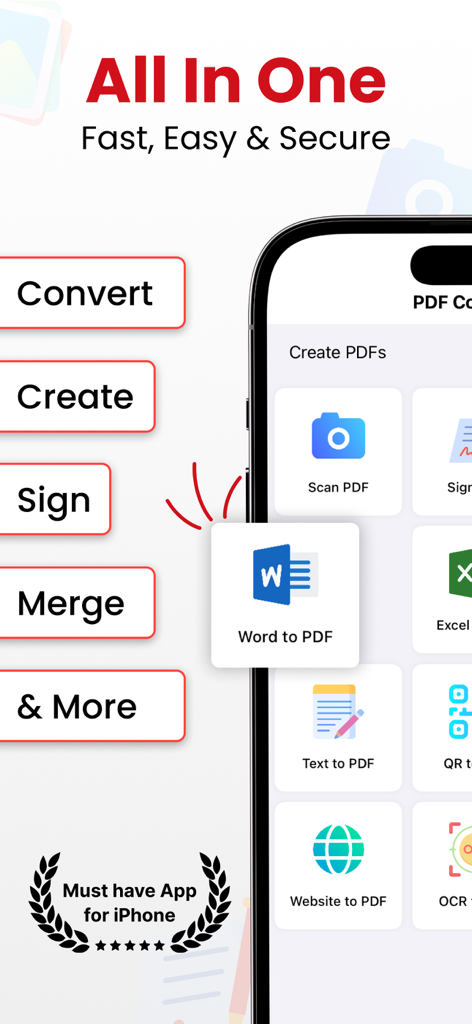
iPhone의 Word to PDF Converter 앱 인터페이스, 문서 관리 기능 표시

iPhone의 Word to PDF Converter 앱 인터페이스, 문서 관리 기능 표시

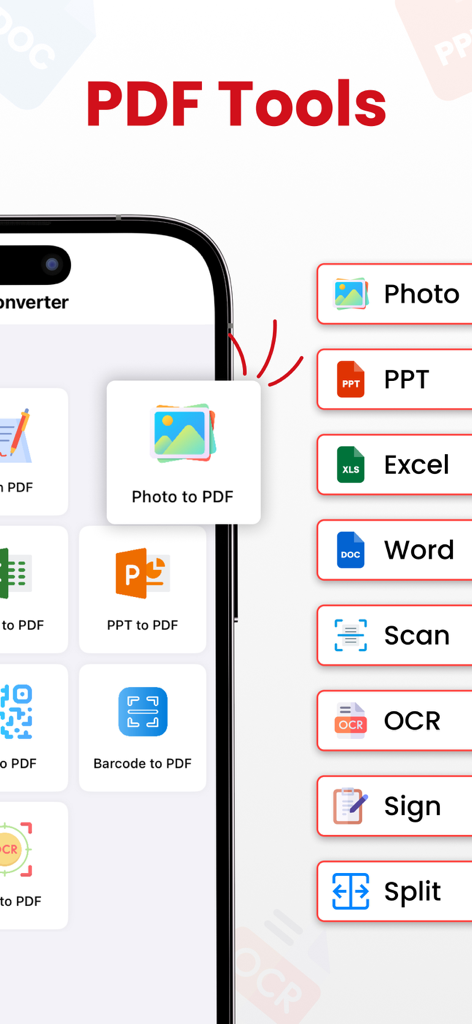
PDF 도구를 표시하는 모바일 화면, 사진 변환, 문서 스캔, 파일 서명

PDF 도구를 표시하는 모바일 화면, 사진 변환, 문서 스캔, 파일 서명

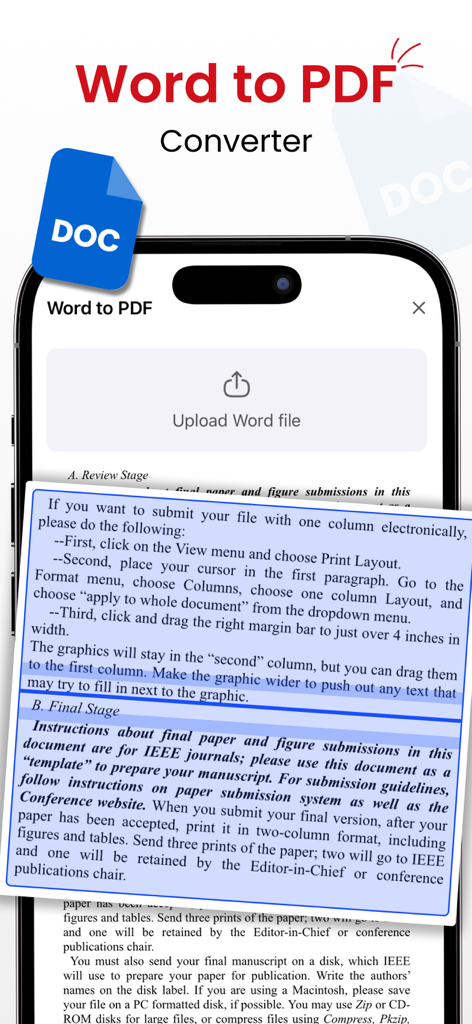
문서 업로드 및 미리보기 기능을 보여주는 Word to PDF Converter 모바일 앱 인터페이스

문서 업로드 및 미리보기 기능을 보여주는 Word to PDF Converter 모바일 앱 인터페이스

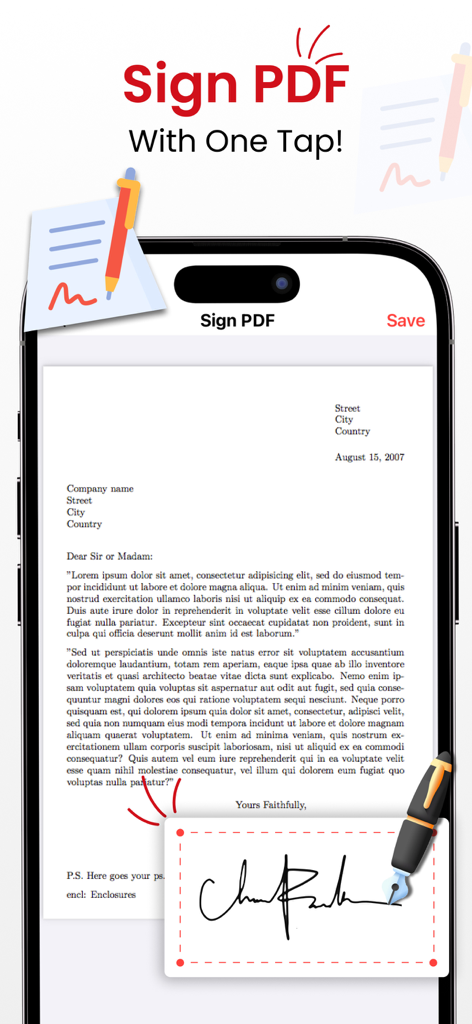
디지털 서명 패드와 서명 중인 문서가 있는 Sign PDF 기능을 표시하는 iPhone

디지털 서명 패드와 서명 중인 문서가 있는 Sign PDF 기능을 표시하는 iPhone

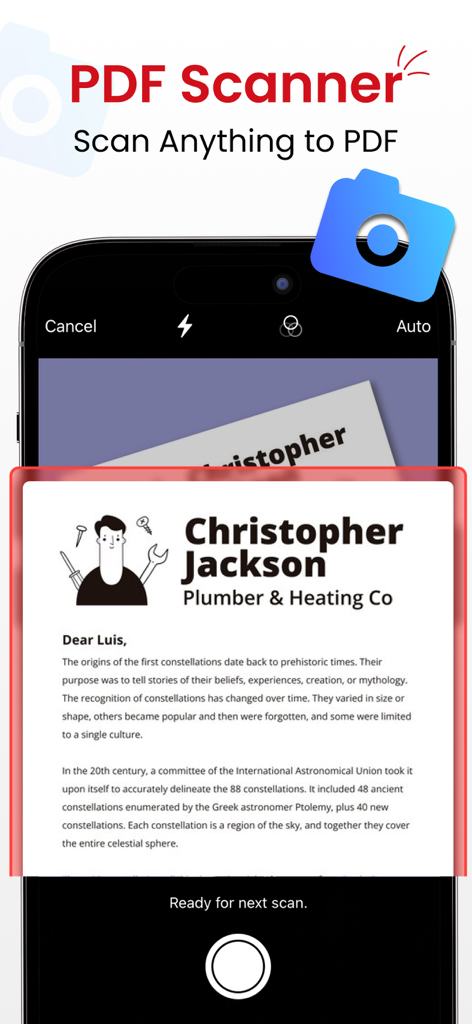
PDF로 변환하기 위해 인쇄된 편지를 캡처하는 문서 스캐너 기능을 보여주는 iPhone 앱 화면

PDF로 변환하기 위해 인쇄된 편지를 캡처하는 문서 스캐너 기능을 보여주는 iPhone 앱 화면

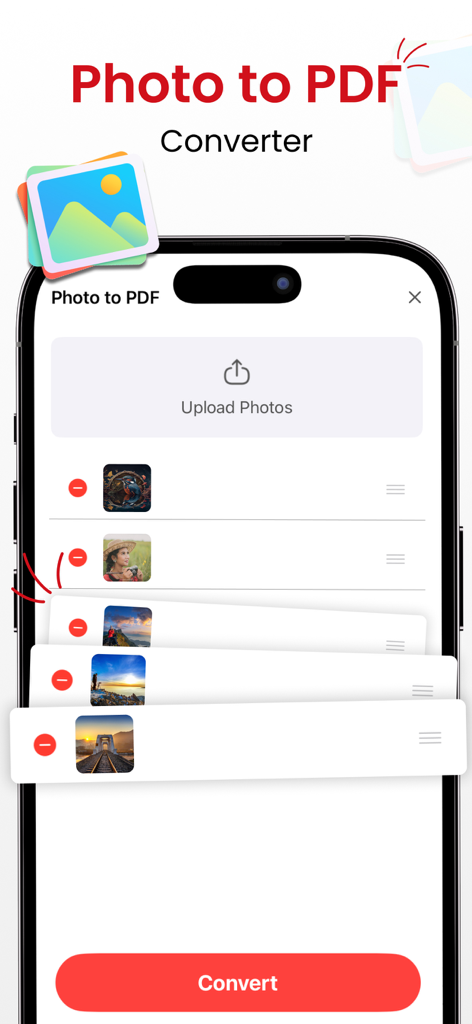
업로드된 이미지 목록과 변환 버튼이 있는 사진을 PDF로 변환하는 기능을 보여주는 모바일 인터페이스

업로드된 이미지 목록과 변환 버튼이 있는 사진을 PDF로 변환하는 기능을 보여주는 모바일 인터페이스

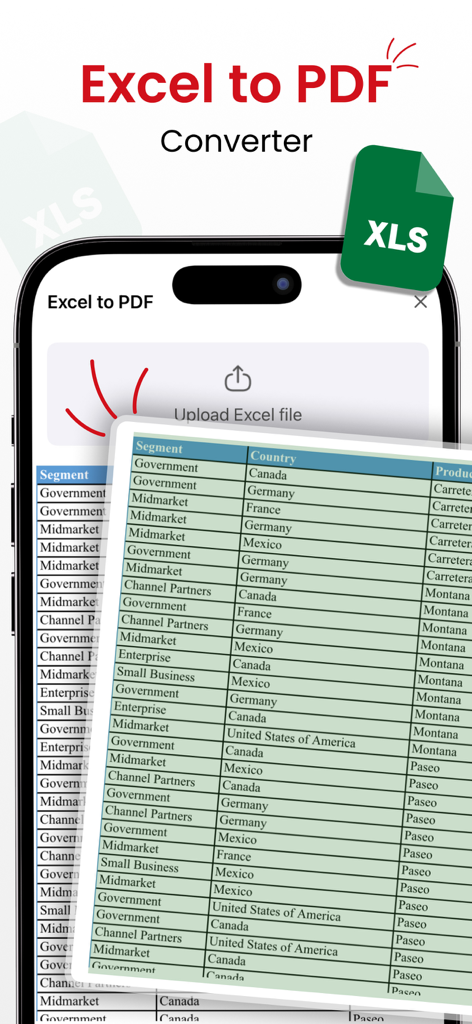
스프레드시트 데이터 테이블이 있는 Excel을 PDF로 변환하는 기능을 표시하는 스마트폰

스프레드시트 데이터 테이블이 있는 Excel을 PDF로 변환하는 기능을 표시하는 스마트폰

올인원 모바일 문서 제어 센터

이 앱을 돋보이게 하는 도구, 12K+ 명의 사용자가 선택.

번개처럼 빠른 오프라인 변환

인터넷 연결 없이도 Word 문서, 사진, 웹페이지를 고품질 PDF로 즉시 변환하세요.

✍️

어디서든 스캔, 서명, 편집

OCR로 인쇄물을 디지털 파일로 변환하고 화면에서 직접 계약서에 서명하세요. 프린터나 스캐너가 필요 없습니다.

🛠️

프로 수준의 문서 관리

파일을 쉽게 병합, 분할, 압축하여 전문적인 워크플로우를 정리하고 즉시 공유할 준비를 하세요.

앱 소개

에 대해 알아야 할 모든 것 Word to PDF Converter ©.

설명

Unlock the full potential of document management with PDF Converter—the go-to app for lightning-fast PDF transformation. Seamlessly convert a variety of files using robust tools for instant, offline PDF creation. - Effortless PDF Conversion: Convert files to PDF with unmatched speed and quality—no internet required. - Preserve Memories, Instantly: Transform photos into professional-grade PDFs with a single tap. - OCR for Seamless Text Recognition: Easily convert text images to editable PDFs with advanced OCR technology. - Capture Web Content, Anytime: Store valuable web content with Website to PDF—your information, your way. Dynamic Code Conversion: - QR to PDF: Convert QR codes into PDFs effortlessly. - Barcode to PDF: Transform barcodes and UPC codes into easily shareable PDFs. Optimized PDF Management: - Merge PDFs: Combine multiple PDFs into one organized document. - Split PDFs: Divide large PDFs into smaller, manageable files. - Compress PDFs: Optimize file sizes without compromising quality. Versatile Document Handling: - Document Scanner: Quickly scan and convert documents into high-quality PDFs. - Document Reader: View PDFs, Word, Excel, and Powerpoint documents. - Sign PDFs: Add signatures directly to your PDFs, making it easy to sign contracts and agreements on the go. Why Choose PDF Converter? - Supports a vast range of file formats for a seamless experience. - Unparalleled speed and quality in document conversion. - No internet connection needed, ensuring accessibility anytime, anywhere. - Share your professionally converted files effortlessly with friends and family. Highly Trusted - Join satisfied users who rely on us for their document conversion needs. PRO Version: Unlock the full potential of our app with premium version. Payment will be charged to your iTunes account at confirmation of purchase. Subscriptions automatically renew unless auto-renew is turned off 24-hours before the end of the current period. Accounts will be charged for renewal within 24 hours of the end of the current period, and a renewal fee will be provided. The unused portion of a free trial period, if offered, will be forfeited when the user purchases a subscription to that product. Please note that a subscription is required for the complete functionality of the app. Privacy: https://sites.google.com/view/kttechapps-privacy/home Terms: https://sites.google.com/view/kttechapps-terms/home Love using PDF Converter? Share the app or leave a review! Your feedback helps us improve. Download Now and Unleash the Power of Comprehensive Document Management!

최신 버전

2.8

크기

29.1 MB

출시일

2022년 1월 22일

이동 중에도 문서를 마스터하세요

수천 명의 전문가와 학생들과 함께 iPhone을 고성능 모바일 오피스로 전환하세요. 지금 다운로드하여 언제 어디서든 완전히 오프라인으로 모든 파일을 스캔, 서명, 변환하세요.

다운로드: App Store

App information, icons, screenshots, and descriptions displayed on this page are sourced from the Apple App Store and are the property of their respective developers. Download estimates and rankings are based on MWM's proprietary models and may not reflect actual figures. This page is provided for informational and analytical purposes only.

Believe this page infringes your intellectual property? File a dispute