Zoho Sign - Fill & eSign Docs
다운로드: App Store

이 페이지는 앱이나 개발자의 공식 페이지가 아니며, 정보 제공 및 논평을 목적으로 작성된 독립 편집 간행물입니다. 명시적으로 달리 언급되지 않는 한, 해당 앱이나 개발자는 MWM, Apple, Google Play, 앱 퍼블리셔 또는 앱 개발자와 제휴, 보증, 후원, 승인 또는 공식적으로 연결되어 있지 않으며, 이 페이지의 어떤 내용도 해당 앱이 MWM의 서비스를 사용하여 개발되었음을 의미하지 않습니다. 모든 상표, 로고, 스크린샷 및 기타 콘텐츠는 해당 소유자의 자산입니다.
로고: Zoho Sign - Fill & eSign Docs
다운로드: App Store

Zoho Sign - Fill & eSign Docs

법적 구속력이 있는 전자 서명으로 워크플로를 간소화하세요. 민첩한 전문가를 위해 설계된 Zoho Sign을 사용하면 iPhone, iPad 또는 Mac에서 계약을 관리하고 문서를 실시간으로 추적할 수 있습니다.

주요 수치

다운로드

42K+

사용자 평점

4.9/5

총 평가 수

2K+

개발사

Zoho Corporation

카테고리

Business

지원 언어

20

최신 버전

6.6

크기

153.4 MB

출시일

2017년 7월 12일
기능

서류 작업 없이 거래 완료

현대적인 모바일 전문가를 위해 설계된 안전하고 법적 구속력이 있는 전자 서명 플랫폼으로 워크플로를 간소화하세요.

기업 수준의 보안

ESIGN 법, HIPAA 및 GDPR을 준수하세요. 모든 문서에는 완벽한 감사 추적, 타임스탬프 및 IP 추적이 포함되어 있어 안심하고 사용할 수 있습니다.

반복 계약 자동화

재사용 가능한 템플릿과 자동화된 후속 조치로 몇 시간을 절약하세요. 순차 서명을 설정하여 문서를 자동 모드로 승인 처리하세요.

다음 스크린샷과 설명은 앱의 공식 스토어 목록에서 직접 가져온 것이며 앱 개발자의 자산입니다.

앱 스토어

스크린샷
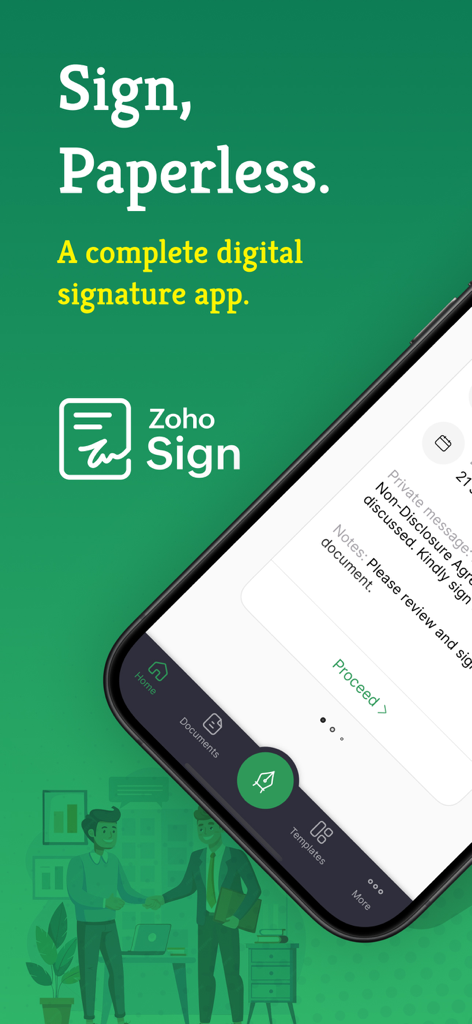
Zoho Sign - Fill & eSign Docs - 종이 없는 디지털 서명을 위한 Zoho Sign 모바일 앱 인터페이스
종이 없는 디지털 서명을 위한 Zoho Sign 모바일 앱 인터페이스

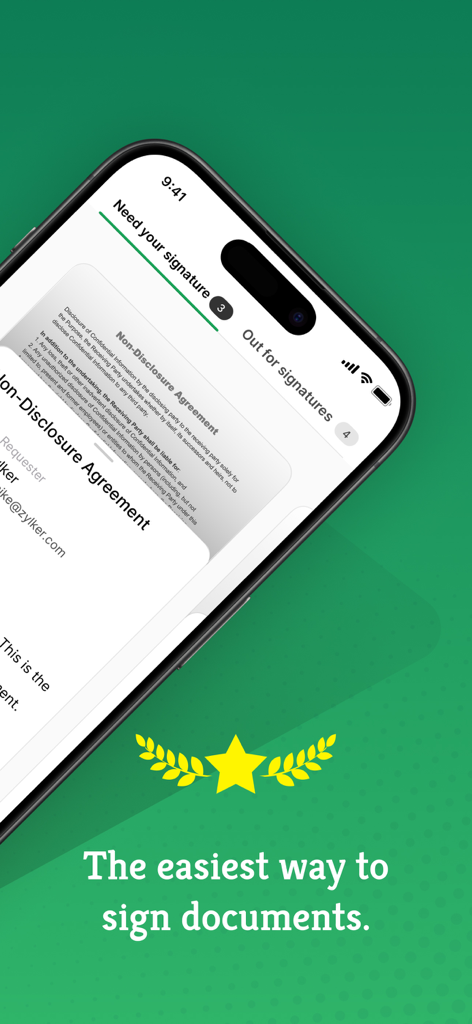
Zoho Sign - Fill & eSign Docs - 서명 준비가 된 전자 기밀 유지 계약서를 보여주는 iPhone의 Zoho Sign 앱 인터페이스.
서명 준비가 된 전자 기밀 유지 계약서를 보여주는 iPhone의 Zoho Sign 앱 인터페이스.

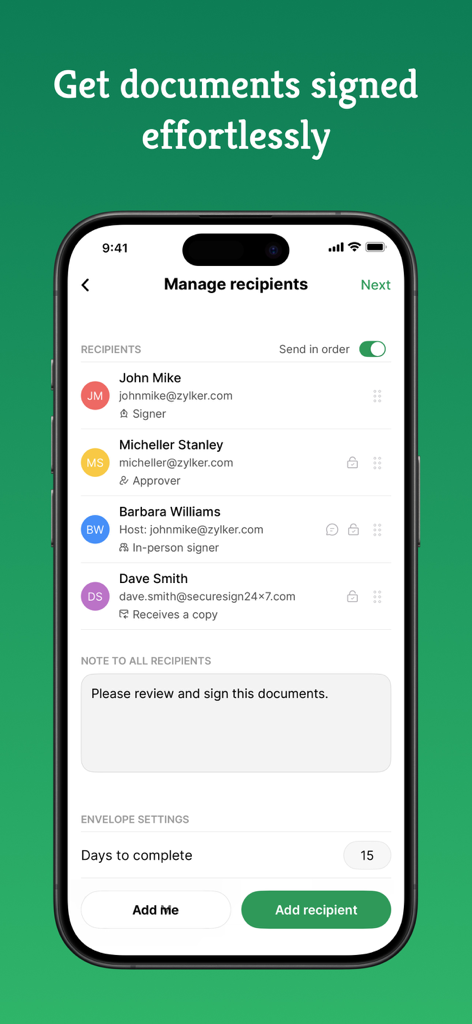
Zoho Sign - Fill & eSign Docs - 특정 서명자 역할을 가진 수신자 관리 화면을 보여주는 Zoho Sign 앱의 iPhone 인터페이스
특정 서명자 역할을 가진 수신자 관리 화면을 보여주는 Zoho Sign 앱의 iPhone 인터페이스

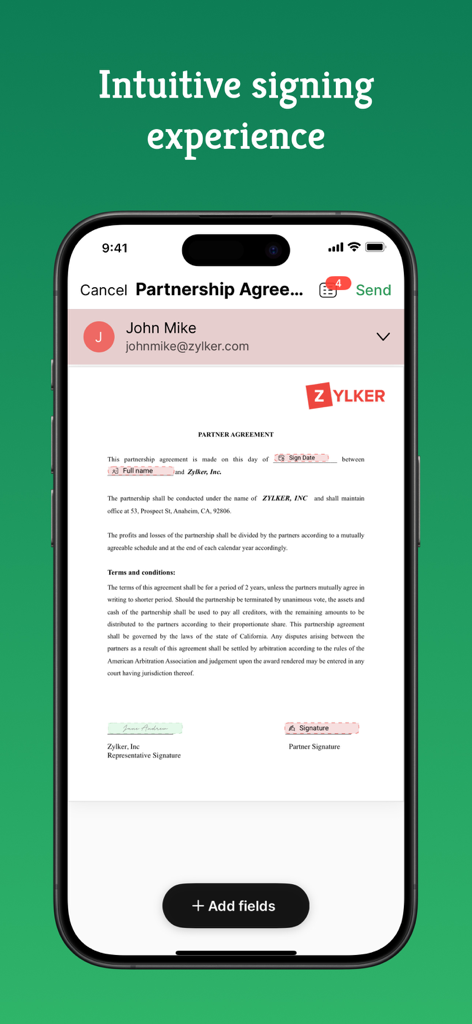
Zoho Sign - Fill & eSign Docs - Zoho Sign 앱에서 파트너십 계약서를 보여주는 iPhone 화면
Zoho Sign 앱에서 파트너십 계약서를 보여주는 iPhone 화면

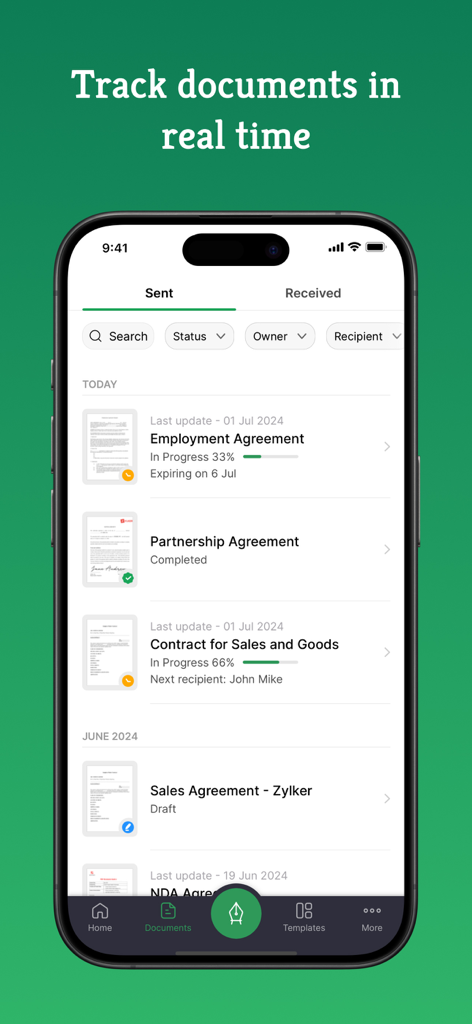
Zoho Sign - Fill & eSign Docs - 실시간 서명 진행 상황과 상태 추적을 포함하여 전송된 문서 목록을 보여주는 Zoho Sign 모바일 앱 인터페이스.
실시간 서명 진행 상황과 상태 추적을 포함하여 전송된 문서 목록을 보여주는 Zoho Sign 모바일 앱 인터페이스.

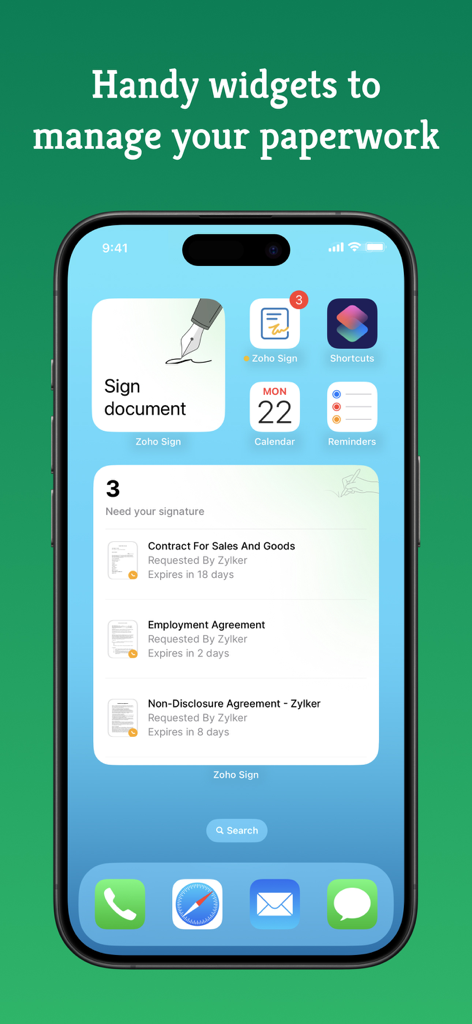
Zoho Sign - Fill & eSign Docs - 서명 대기 중인 문서를 표시하고 서류 작업에 빠르게 액세스할 수 있는 iPhone 홈 화면의 Zoho Sign 위젯
서명 대기 중인 문서를 표시하고 서류 작업에 빠르게 액세스할 수 있는 iPhone 홈 화면의 Zoho Sign 위젯

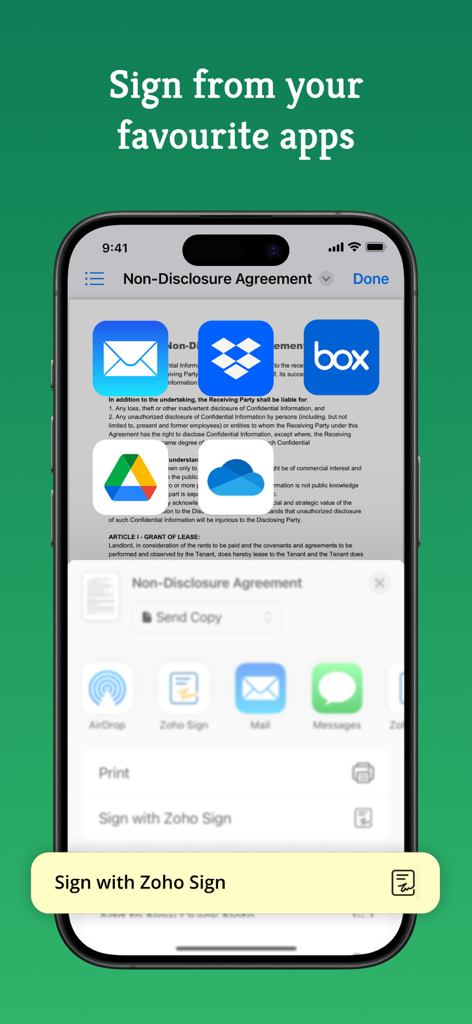
Zoho Sign - Fill & eSign Docs - 클라우드 스토리지 앱에서 문서 서명 옵션을 보여주는 iPhone의 Zoho Sign 앱
클라우드 스토리지 앱에서 문서 서명 옵션을 보여주는 iPhone의 Zoho Sign 앱

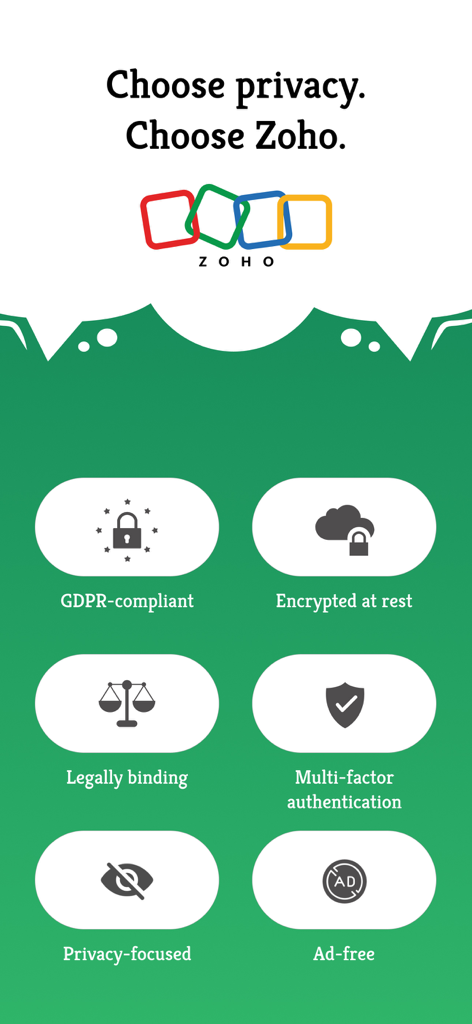
Zoho Sign - Fill & eSign Docs - GDPR 준수, 암호화 및 다단계 인증과 같은 Zoho Sign 보안 기능을 강조하는 인포그래픽.

GDPR 준수, 암호화 및 다단계 인증과 같은 Zoho Sign 보안 기능을 강조하는 인포그래픽.

설명

Zoho Sign is a robust digital signature solution that lets you securely sign documents from anywhere, at any time, directly on your iPhone, iPad, or MacBook. Built entirely on the cloud, our e-signature app seamlessly integrates with your everyday applications, providing a smooth and efficient online signing experience on the go. Trusted by users worldwide, Zoho Sign combines simplicity with top-notch security, making it one of the most reliable electronic signature apps on the market. "Zoho Sign is a comprehensive tool that serves all signing purposes. From sequential signing to automated follow-ups and document tracking, Zoho Sign does it all."  - Devendra Kandalkar, ACG World Key features: - Sign and send legally binding agreements, contracts, and forms across devices (iPhone, iPad, Mac) in various formats (PDF, DOCX, PNG, and more). - Export signed documents to cloud storage apps like Google Drive, Dropbox, and OneDrive. - Create reusable, custom templates for enhanced productivity. - Customize and manage SignForms with QR codes for easy signing without the app. - Add customizable fields (signatures, dates, text, and more). - Incorporate logic and advanced fields for dynamic data collection. - Collect signatures in person on your iPhone or iPad to speed up contract execution. - Collect payments during signing with the Zoho Checkout integration. - Verify signer identity using dynamic KBA (knowledge-based authentication). - Get real-time push notifications for every action taken on your document. - Switch between multiple Zoho Sign accounts or view everything in one place through the unified inbox. Additional features: - Send reminders for prompt document signing. - Initiate signing directly from your inbox. - Reassign signing tasks when needed. - Share completed documents via iMessage. - Use split-screen on iPad for multitasking. - Set up Siri shortcuts for signing using face ID, tracking, and scanning documents. - Add Zoho Sign's widget to your Control Center to quickly scan, sign, and browse. - Find signed documents instantly with Spotlight Search. - Get key details summarized with Zia's text summarization. Common documents to eSign with Zoho Sign: - Invoices - Sales contracts - Business proposals - Purchase orders - Lease agreements - Partnership agreements - Employment offers and more. Security and compliance: - Data is securely transmitted via an SSL/TLS connection and encrypted with AES 256-bit encryption while at rest. - Zoho Sign complies with the ESIGN Act, UETA, GDPR, HIPAA, and other industry-standard regulations, ensuring legal digital signatures and data protection compliance. - All documents are legally binding with a comprehensive audit trail including timestamps, the signer's email address, device IP, and completion details. - Biometric authentication like Touch ID and passcodes prevent unauthorized access. - Security codes ensure only authorized individuals can access and sign the documents. Legal & Security: - Certification of Completion: Get automatic audit trails for completed documents with time stamps and IP addresses. - Increase security using Touch ID and Passcode to block unauthorized access. - Set security codes and share it directly with the recipients to prevent unauthorized access. - Compliant with ESIGN act and industry standard laws. Plans and pricing: Free plan: Sign up for our free eSign app and get five documents per month at no cost. Standard plan: - Monthly: 12 USD/month - Yearly: 120 USD/year - Includes 25 documents per month for signing Professional plan: - Monthly: 18 USD/month - Yearly: 180 USD/year - Unlimited document signing Subscription details: Subscriptions are charged to your iTunes account upon purchase. Subscriptions renew automatically unless cancelled at least 24 hours before the end of the current period. Auto-renewal can be disabled in Account Settings after purchase. Privacy Policy: https://zoho.com/privacy Terms of use: https://zoho.com/terms

Download

다운로드: App Store

이 페이지는 앱이나 개발자의 공식 페이지가 아니며, 정보 제공 및 논평을 목적으로 작성된 독립 편집 간행물입니다. 명시적으로 달리 언급되지 않는 한, 해당 앱이나 개발자는 MWM, Apple, Google Play, 앱 퍼블리셔 또는 앱 개발자와 제휴, 보증, 후원, 승인 또는 공식적으로 연결되어 있지 않으며, 이 페이지의 어떤 내용도 해당 앱이 MWM의 서비스를 사용하여 개발되었음을 의미하지 않습니다. 모든 상표, 로고, 스크린샷 및 기타 콘텐츠는 해당 소유자의 자산입니다.









