
This page is not an official page of the app or its developer, but an independent editorial publication created for informational and commentary purposes. Unless expressly stated otherwise, neither the app nor its developer is affiliated with, endorsed by, sponsored by, authorized by, or otherwise officially connected with MWM, Apple, Google Play, the app publisher, or the app's developer, and nothing on this page implies that the app was developed using MWM's services. Any trademarks, logos, screenshots, and other content remain the property of their respective owners.


Tayasui Sketches
Create stunning illustrations and watercolor paintings with a distraction-free Zen interface and ultra-realistic brushes designed for your creative flow.
Downloads
13M+User Rating
Total Ratings
374K+Publisher
Category
Graphics & DesignLocales
14Latest Version
36.5Size
405.5 MBFirst Released
Jun 1, 2013Create Without Distraction
Experience the most realistic drawing tools on mobile with a clean, Zen-inspired interface designed to keep you in your creative flow.
Hyper-Realistic Brushes
From vivid wet watercolors to textured oil pastels, every stroke behaves like real paint on paper with stunning physics.
Minimalist Zen UI
A distraction-free canvas where tools hide away while you draw, letting you focus entirely on your artistic expression.
Frequently Asked Questions
Everything you need to know about Tayasui Sketches
What is Tayasui Sketches?
Tayasui Sketches is a realistic, versatile, and user-friendly sketching app for mobile devices. It offers an artist's toolbox for creating dazzling sketches, cheerful paintings, and smashing illustrations.
How many drawing tools are included in Tayasui Sketches?
Tayasui Sketches includes over 20 ultra-realistic drawing tools. These encompass various pens, brushes, pastels, airbrush, and specialized tools like the Area and Filling tool.
Does Tayasui Sketches offer a Pro Bundle?
Yes, Tayasui Sketches offers a Pro Bundle In-App Purchase (IAP). This IAP provides the same features as the Paid Sketches Pro App.
Can users work with layers in Tayasui Sketches?
Yes, Tayasui Sketches supports layers. Users simplify tasks with layers, export them as separate PNGs with transparency, and import/export PSD layered files.
Does Tayasui Sketches support cloud synchronization?
Yes, Tayasui Sketches provides Cloud Sync. Users back up drawings to the Cloud, synchronize them between all devices, and manage sync options folder by folder.
Does Tayasui Sketches support pressure-sensitive styluses like Apple Pencil?
Yes, Tayasui Sketches offers full support for Apple Pencil and other pressure styluses. This enables more realistic brushes and dynamic stroke behavior.
How do I manage my Tayasui Sketches subscription?
Users manage Tayasui Sketches subscriptions and turn off auto-renewal from their iTunes Account Settings after purchase. Auto-renewal must be disabled at least 24 hours before the current period ends.
Do Tayasui Sketches subscriptions auto-renew?
Yes, Tayasui Sketches subscriptions automatically renew. Users must turn off auto-renewal at least 24 hours before the current period ends to avoid charges.
Can I create custom patterns in Tayasui Sketches?
Yes, Tayasui Sketches allows users to import, draw, and customize their own patterns. Users can adjust pattern scale and opacity to meet specific needs.
What file types does Tayasui Sketches support for layers?
Tayasui Sketches supports importing and exporting PSD layered files. Users also export individual layers as separate PNG files with transparency.
The following screenshots and description are sourced directly from the app's official store listing and are the property of the app developer.
App Store
Screenshots
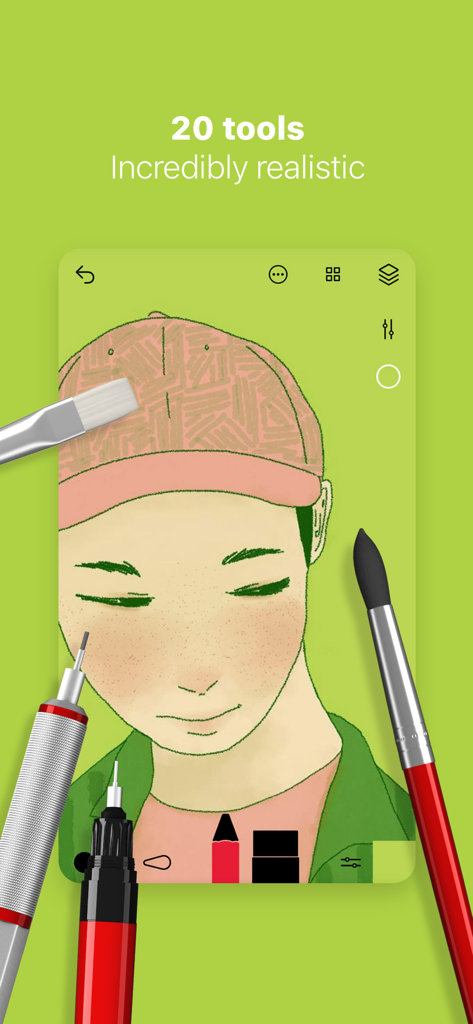
Digital portrait illustration on Tayasui Sketches app featuring realistic brushes and tools
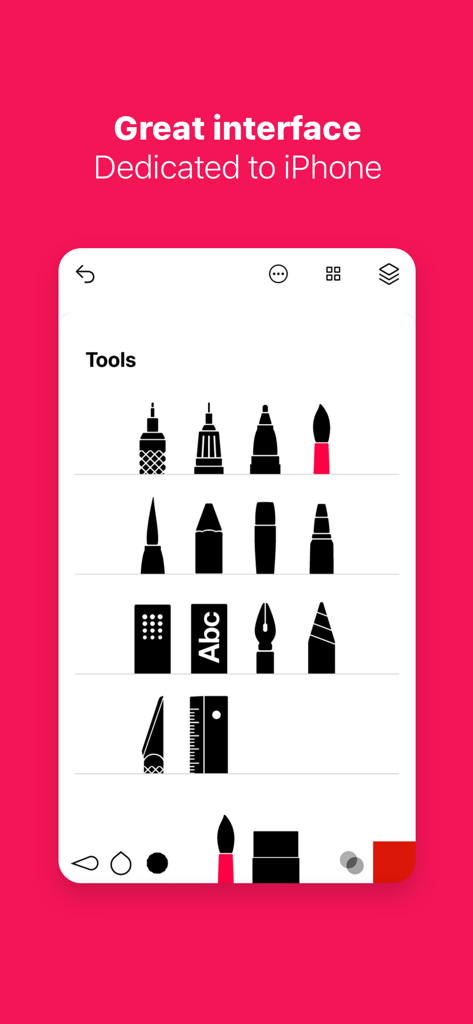
Tayasui Sketches app screenshot showing a minimalist tools menu with realistic brush and pen icons on iPhone
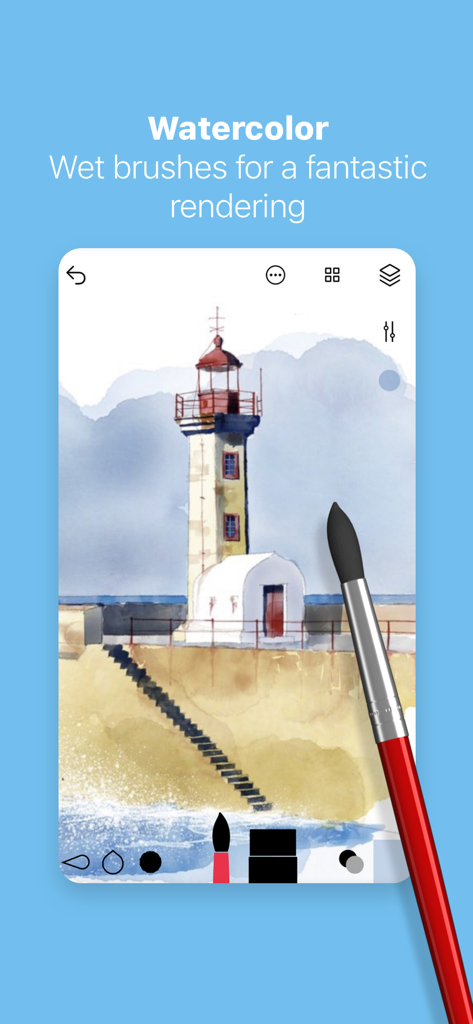
Digital watercolor painting of a lighthouse created with realistic wet brushes in the Tayasui Sketches app
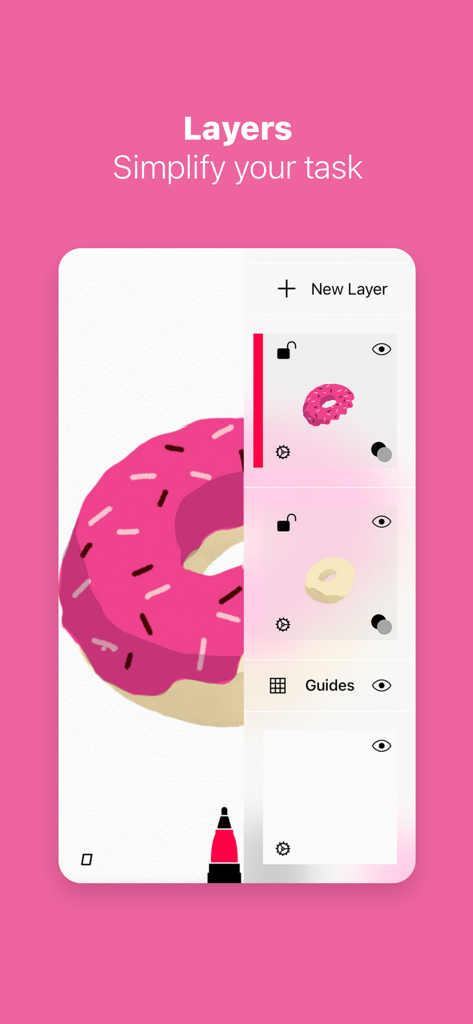
Tayasui Sketches app interface showing the layers management tool with a pink donut illustration
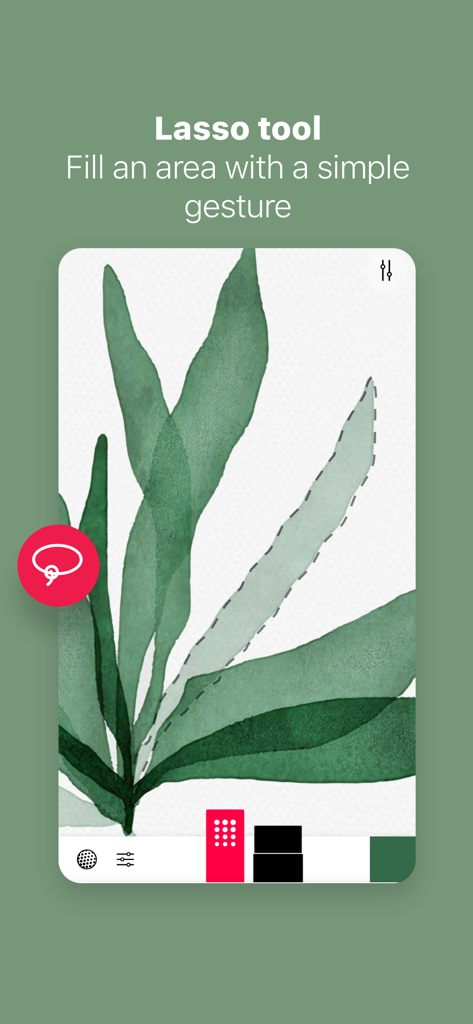
Interface of Tayasui Sketches showing the lasso tool selecting a watercolor leaf illustration.
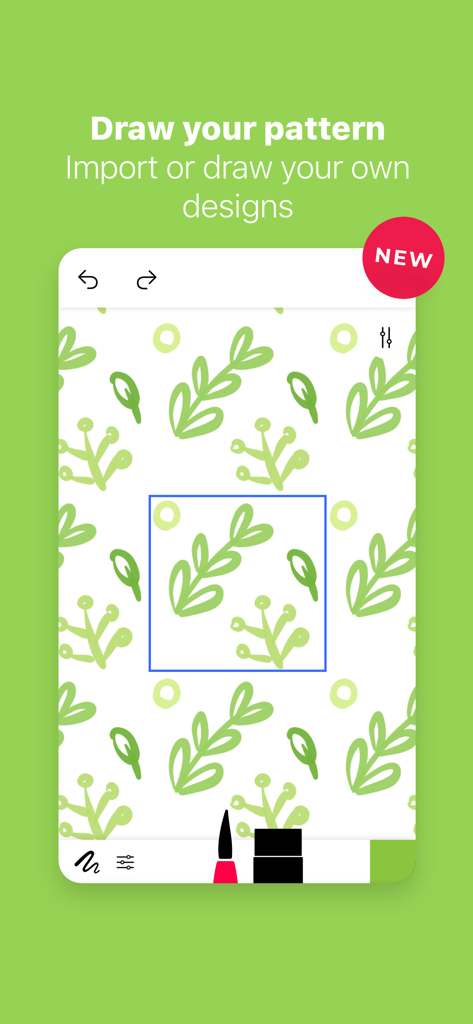
Creating a custom green leaf pattern in Tayasui Sketches
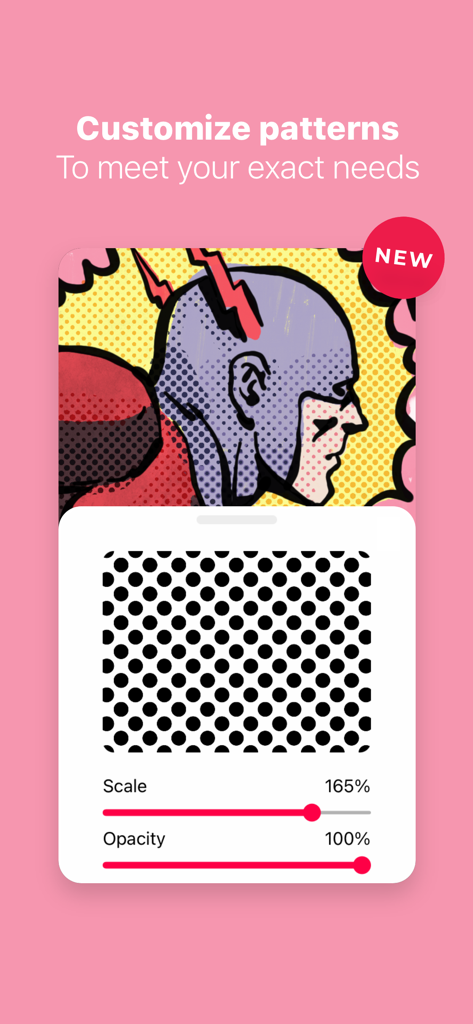
Tayasui Sketches pattern customization tool showing scale and opacity adjustments over a comic style illustration.
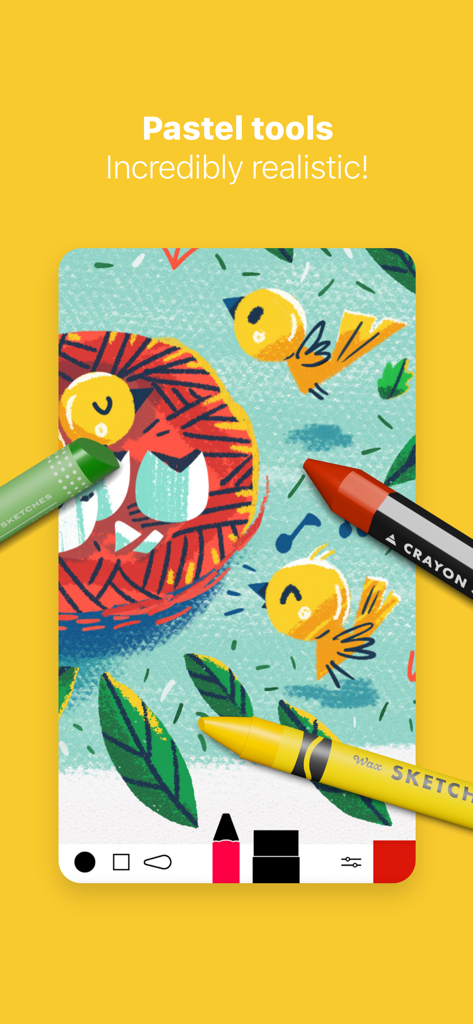
Bird illustration created with realistic digital pastel and crayon tools in Tayasui Sketches
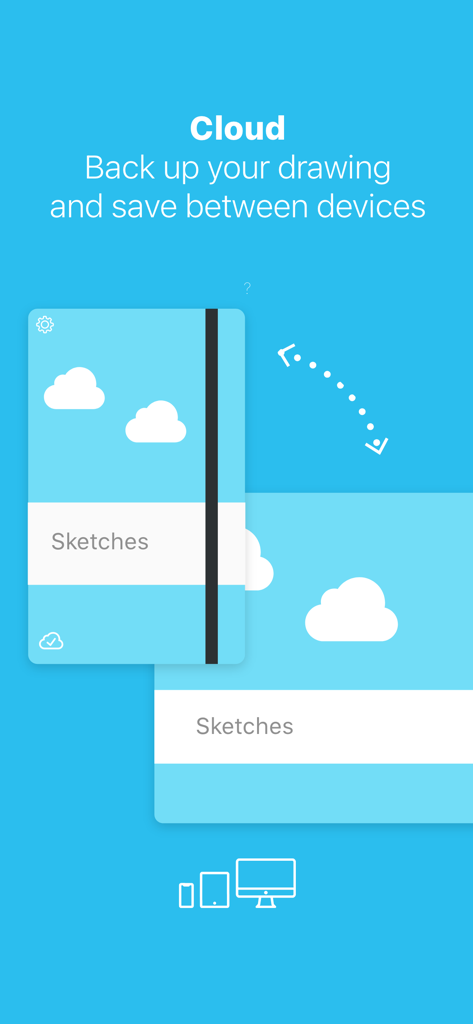
Tayasui Sketches cloud feature showing drawing backup and synchronization between multiple devices
Description
Download
More Like This
Apps with similar features and user experience

Sketchbook®
Sketchbook, Inc.

Mental Canvas Draw
Mental Canvas, Inc.

ibis Paint
ibis inc.

ibis Paint X
ibis inc.

Paper: Sketch, Draw & Create
Evernote Corporation

Adobe Fresco: Draw & Paint App
Adobe Inc.

Art Set 4
Lofopi Ltd

MediBang Paint – Drawing & Art
MediBang inc.

Clip Studio Paint
CELSYS,Inc.
This page is not an official page of the app or its developer, but an independent editorial publication created for informational and commentary purposes. Unless expressly stated otherwise, neither the app nor its developer is affiliated with, endorsed by, sponsored by, authorized by, or otherwise officially connected with MWM, Apple, Google Play, the app publisher, or the app's developer, and nothing on this page implies that the app was developed using MWM's services. Any trademarks, logos, screenshots, and other content remain the property of their respective owners.