
This page is not an official page of the app or its developer, but an independent editorial publication created for informational and commentary purposes. Unless expressly stated otherwise, neither the app nor its developer is affiliated with, endorsed by, sponsored by, authorized by, or otherwise officially connected with MWM, Apple, Google Play, the app publisher, or the app's developer, and nothing on this page implies that the app was developed using MWM's services. Any trademarks, logos, screenshots, and other content remain the property of their respective owners.


3D Magic Cube Solver
Scan your physical cube with your camera for instant step-by-step solutions, or master virtual puzzles from 2x2 to 7x7. The ultimate tool for frustrated solvers and STEM enthusiasts.
Downloads
105K+User Rating
Total Ratings
2K+Publisher
Category
EducationLocales
13Latest Version
5.3Size
138.7 MBFirst Released
Oct 24, 2020Master the Cube in Minutes
From scanning your physical cube to mastering complex 7x7 puzzles, our AI-powered tools turn frustration into total mastery.
Instant Camera Solver
Simply scan your real-life cube with your camera and follow step-by-step 3D instructions to solve it effortlessly.
Full 3D Cube Collection
Access everything from 2x2 to 7x7 virtual cubes with realistic graphics and intuitive touch controls for cubing anywhere.
The following screenshots and description are sourced directly from the app's official store listing and are the property of the app developer.
App Store
Screenshots
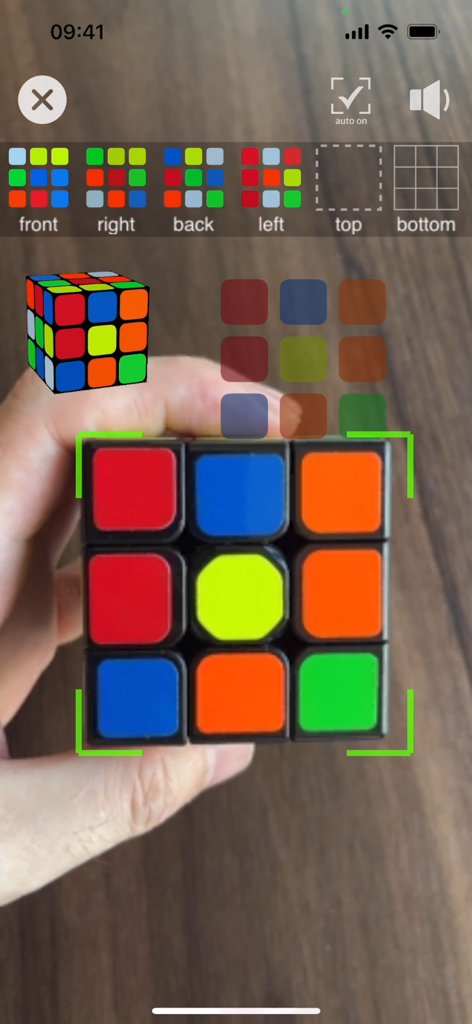
A hand holding a physical Rubiks cube being scanned by the 3D Magic Cube Solver app using AR camera technology
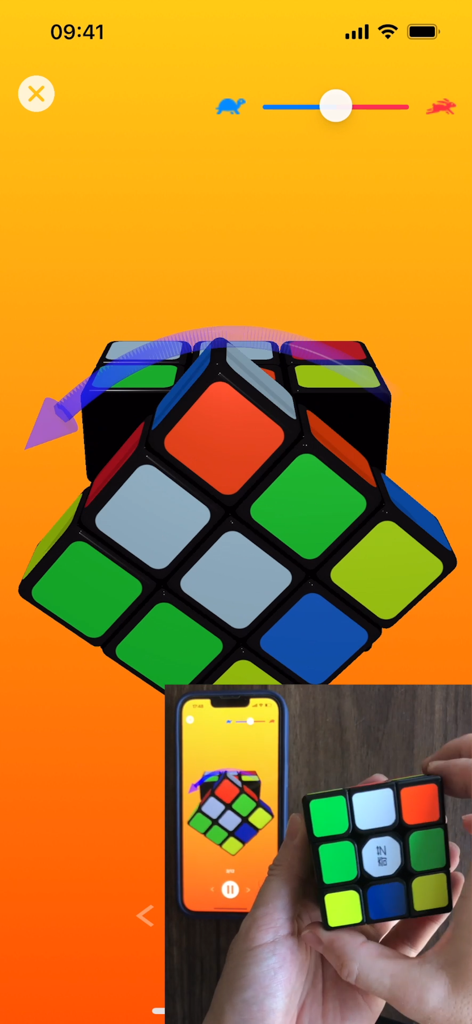
A person following 3D app instructions on a smartphone to solve a physical Rubiks cube
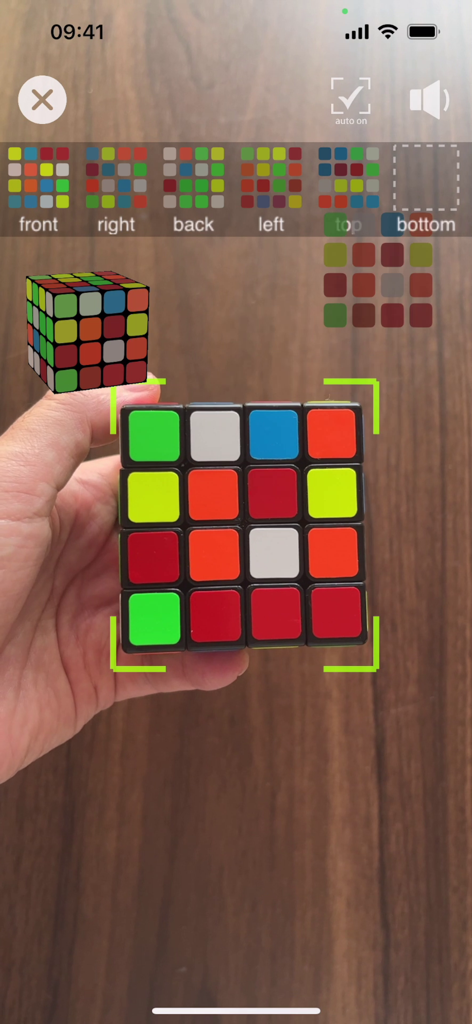
App interface showing AR scanning of a physical 4x4 puzzle cube
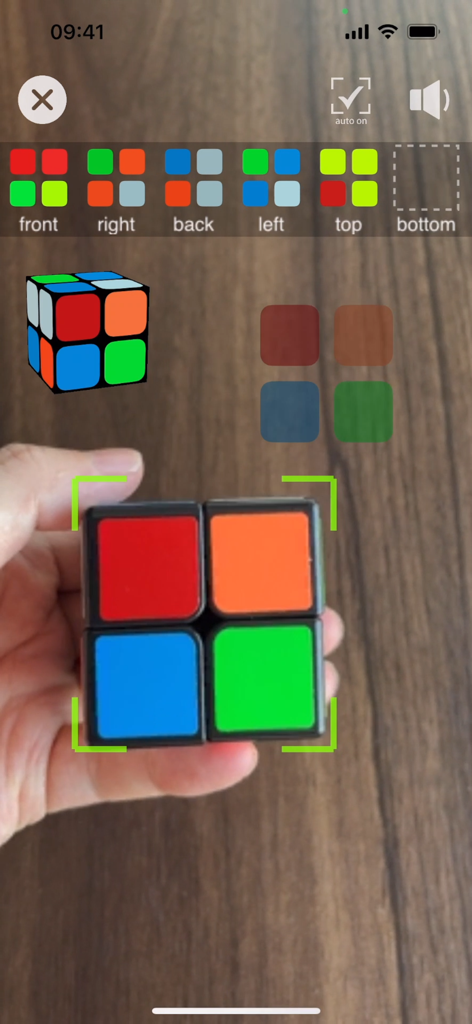
Using the AR camera feature to scan a 2x2 magic cube for a solution
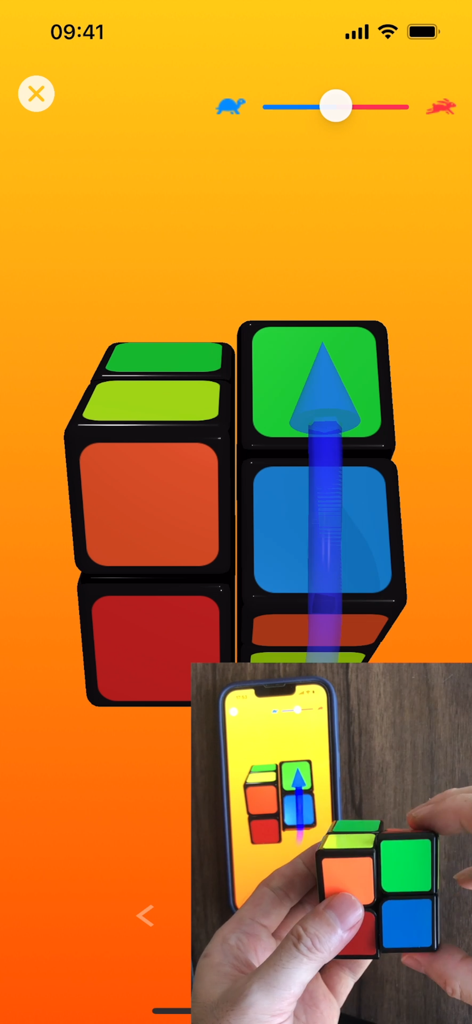
A 3D tutorial interface showing how to solve a physical 2x2 cube
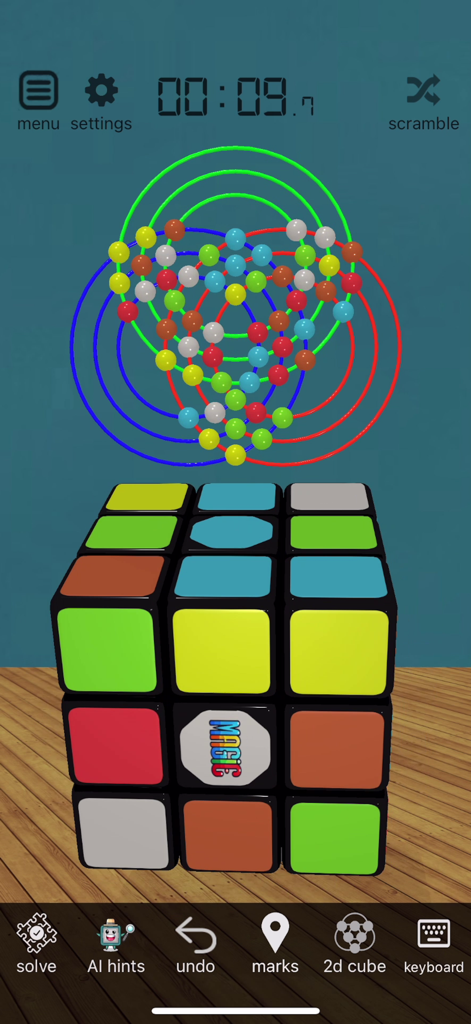
Interface of the 3D Magic Cube Solver app showing a virtual 3D cube and a 2D colored map overlay
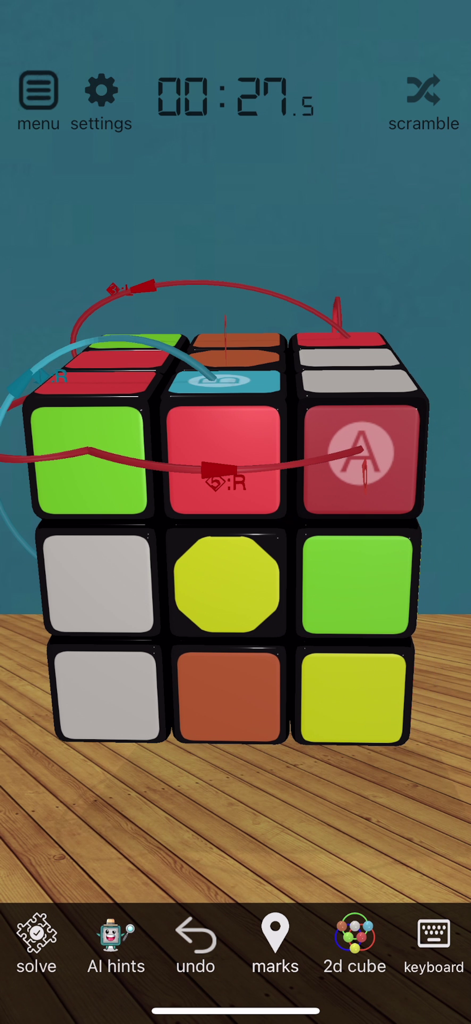
A virtual 3D magic cube with movement guides and a timer in the app interface
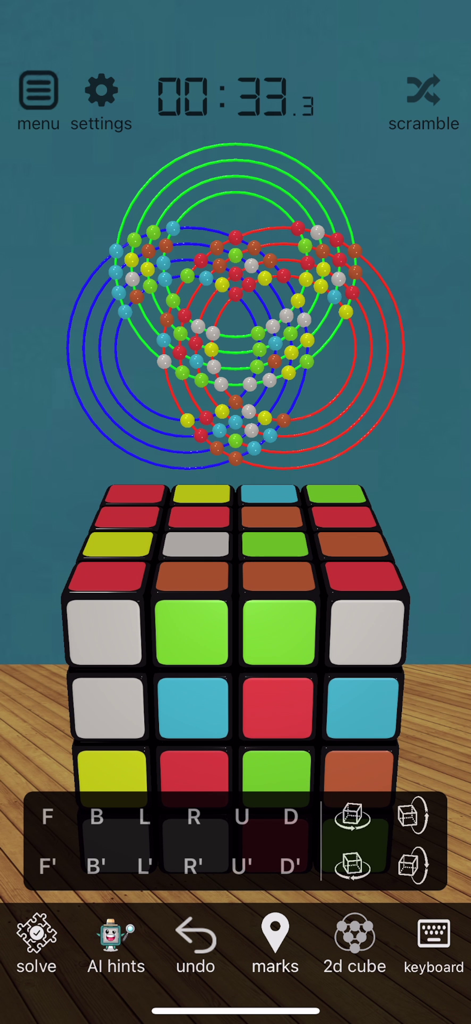
Screenshot of the 3D Magic Cube Solver app showing a virtual 4x4 cube with a 2D logic visualization and control buttons
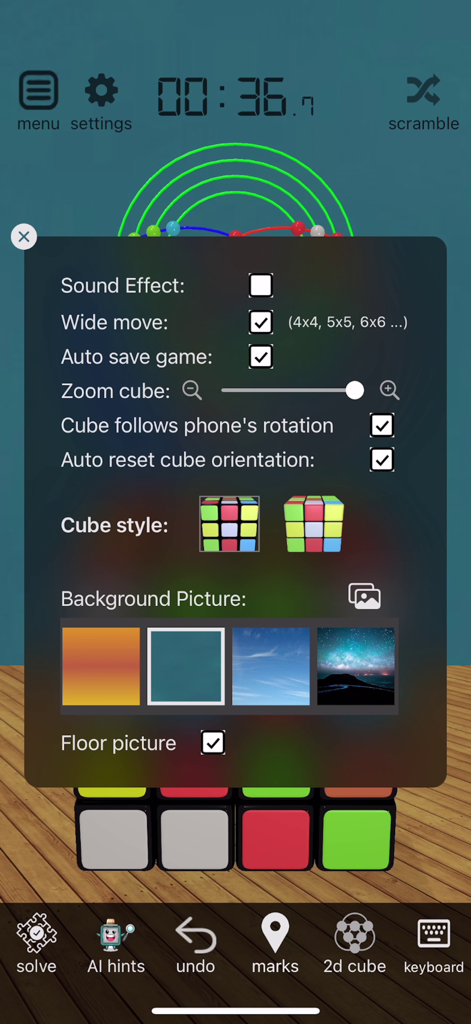
Settings menu of the 3D Magic Cube Solver app with customization options
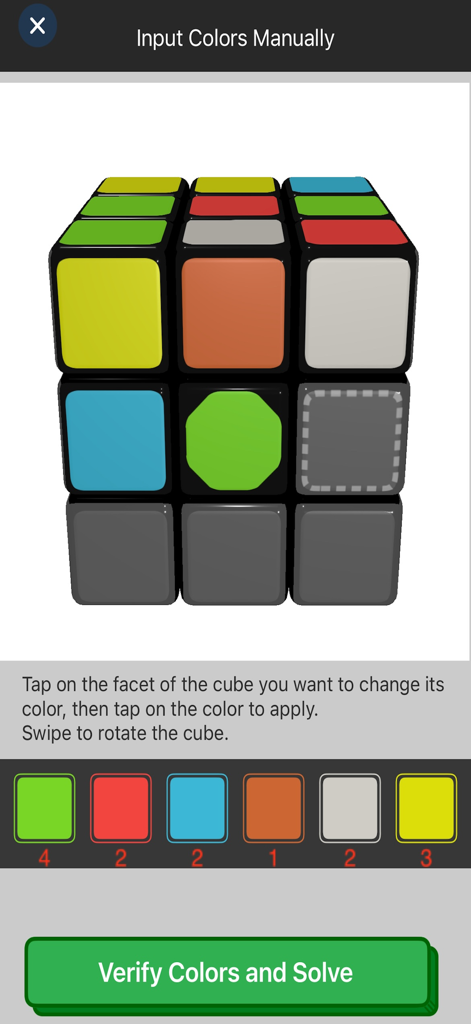
Manual color input interface for the 3D Magic Cube Solver app showing a virtual cube and color palette.
Description
Download
More Like This
Top-ranked apps in the same category

Duolingo - Language Lessons
Duolingo, Inc

Speak & Learn English: Learna
DEEP FLOW SOFTWARE SERVICES - FZCO

驾考宝典-科一科四驾驶证考试驾考通
Wuhan Jiakaobaodian Information Service Co., Ltd.

Toca Boca World
Toca Boca AB

Google Classroom
Google LLC

作业帮-中小学家长作业检查和辅导工具
Guangzhou Polar Future Culture Technology Co., Ltd

学信网
Student Information Consultation Service Co., Ltd.

Gauth: AI Study Companion
GAUTHTECH PTE. LTD.

ArtWorkout: Learn How to Draw
Aleksandr Ulitin
This page is not an official page of the app or its developer, but an independent editorial publication created for informational and commentary purposes. Unless expressly stated otherwise, neither the app nor its developer is affiliated with, endorsed by, sponsored by, authorized by, or otherwise officially connected with MWM, Apple, Google Play, the app publisher, or the app's developer, and nothing on this page implies that the app was developed using MWM's services. Any trademarks, logos, screenshots, and other content remain the property of their respective owners.