
This page is not an official page of the app or its developer, but an independent editorial publication created for informational and commentary purposes. Unless expressly stated otherwise, neither the app nor its developer is affiliated with, endorsed by, sponsored by, authorized by, or otherwise officially connected with MWM, Apple, Google Play, the app publisher, or the app's developer, and nothing on this page implies that the app was developed using MWM's services. Any trademarks, logos, screenshots, and other content remain the property of their respective owners.


3D Scanner App
Transform your iPhone or iPad into a high-precision 3D capture tool. Create high-quality meshes for 3D printing, game development, and CAD with instant export to STL, OBJ, and USDZ—no subscriptions required.
Downloads
114K+User Rating
Total Ratings
600Publisher
Category
Graphics & DesignLocales
1Latest Version
1.5Size
39.2 MBFirst Released
Jul 21, 2020Professional 3D Scanning for Creators
Leverage the full power of your LiDAR and TrueDepth sensors to transform physical objects into digital assets for 3D printing, gaming, and AR.
Precision Hardware Capture
Harness LiDAR and TrueDepth sensors for high-accuracy meshes and point clouds, optimized for professional-grade reconstruction.
Industry-Standard Exports
Instantly generate STL, OBJ, USDZ, or PLY files ready for seamless integration into Blender, Unity, or your 3D printing workflow.
Frequently Asked Questions
Everything you need to know about 3D Scanner App
What is the 3D Scanner App?
The 3D Scanner App enables users to create 3D scans using their iPhone or iPad. It supports detailed object scanning with TrueDepth and world scanning with LiDAR, allowing export in formats like STL, OBJ, USDZ, and PLY.
What file formats does the 3D Scanner App support for export?
The 3D Scanner App supports exporting 3D scans in STL, OBJ, USDZ, and PLY formats. Users can download these files directly from the app.
Does the 3D Scanner App require a subscription or in-app purchases?
No, the 3D Scanner App does not require any subscriptions or in-app purchases. It offers unlimited scans without additional costs.
What devices are compatible with the 3D Scanner App for TrueDepth scanning?
The 3D Scanner App requires a TrueDepth camera, found on iPhone X, Xs, Xr, Xs Max, 11, 11 Pro, 11 Pro Max, 12, 12 Pro, 12 Pro Max, 13 Pro, 13 Pro Max, or iPad Pro (2018) or later.
Can the 3D Scanner App perform LiDAR scans?
Yes, the 3D Scanner App can perform LiDAR scans. This feature requires a device with a LiDAR sensor, such as the iPad Pro, iPhone 12 Pro, iPhone 12 Pro Max, iPhone 13 Pro, or iPhone 13 Pro Max.
What types of objects can I scan with the 3D Scanner App?
The 3D Scanner App allows scanning of detailed objects like toys, models, and furniture using the TrueDepth camera. It also enables scanning of larger environments such as rooms, apartments, and buildings with the LiDAR camera.
Does the 3D Scanner App provide tutorial videos?
Yes, the 3D Scanner App provides tutorial videos. Users can access them directly from the application's interface or via the provided YouTube channel link in the description.
Can users preview their 3D scans in the 3D Scanner App?
Yes, users can preview their 3D scans directly within the 3D Scanner App before saving them. The app offers a clear interface for reviewing scanned models.
Does the 3D Scanner App support scanning with or without color?
Yes, the 3D Scanner App allows users to choose between scanning variations in color or without color. It also supports point cloud or full mesh variations.
Where can I find accessories to improve scanning with the 3D Scanner App?
Users can find accessories to improve 3D scanning quality through a link provided in the 3D Scanner App's description, under "3D Scan Accessories."
The following screenshots and description are sourced directly from the app's official store listing and are the property of the app developer.
App Store
Screenshots
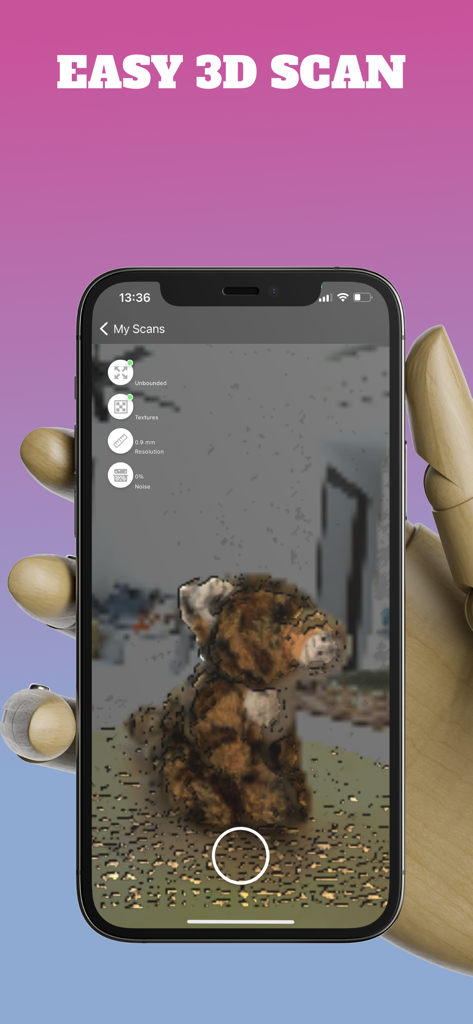
Interface of the 3D Scanner App on an iPhone capturing a 3D scan of a plush toy
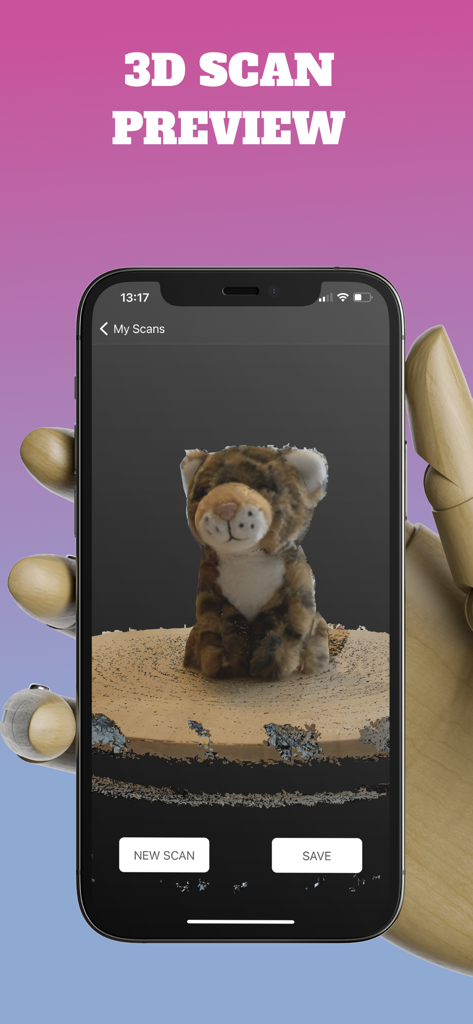
3D scan preview of a plush tiger toy on an iPhone screen within the 3D Scanner App
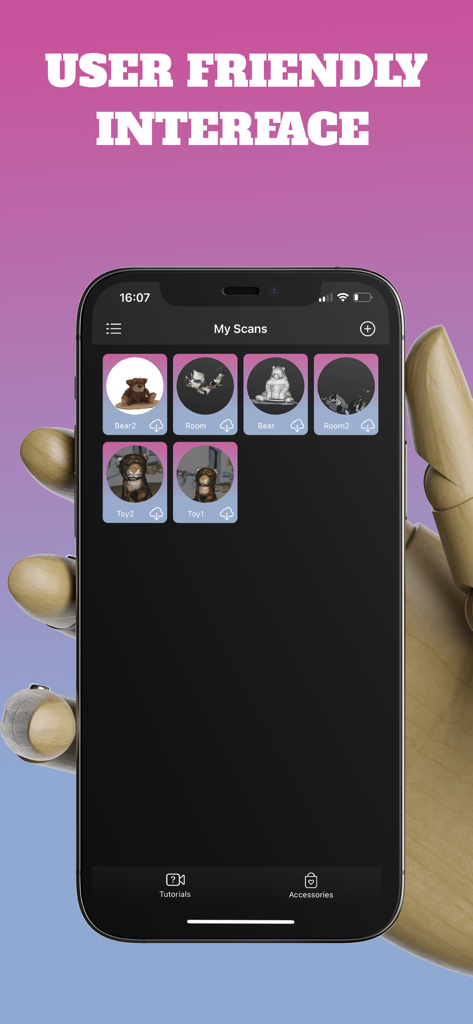
Smartphone screen displaying the 3D Scanner App scans gallery with a user friendly interface
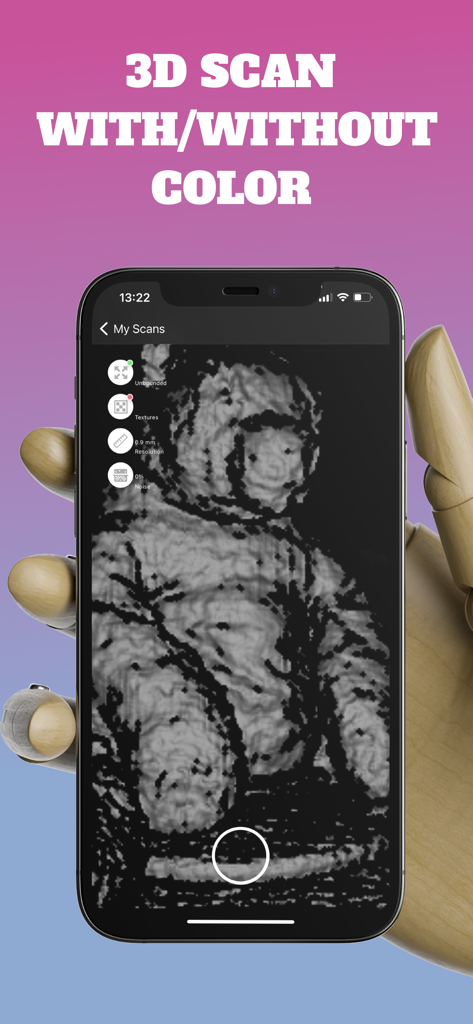
A smartphone held by a wooden mannequin hand displaying a black and white 3D scan of a teddy bear.
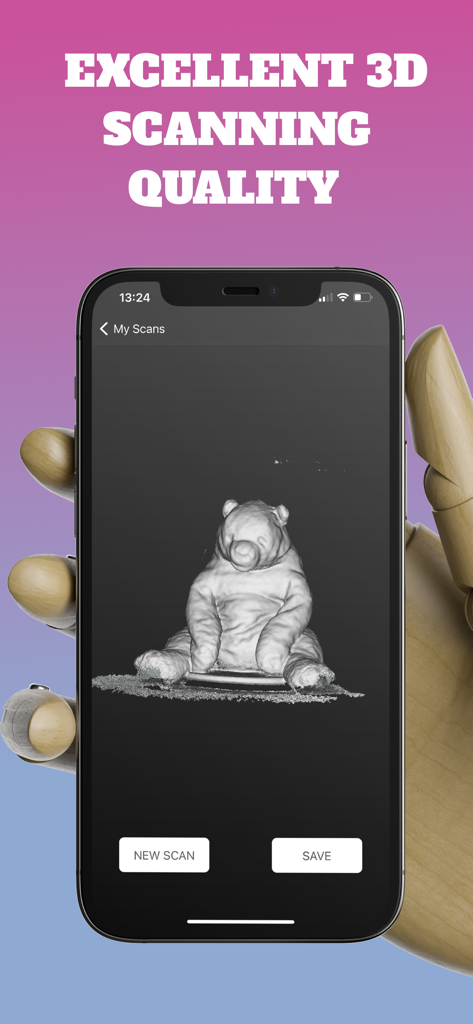
A high quality 3D scan of a teddy bear on an iPhone screen
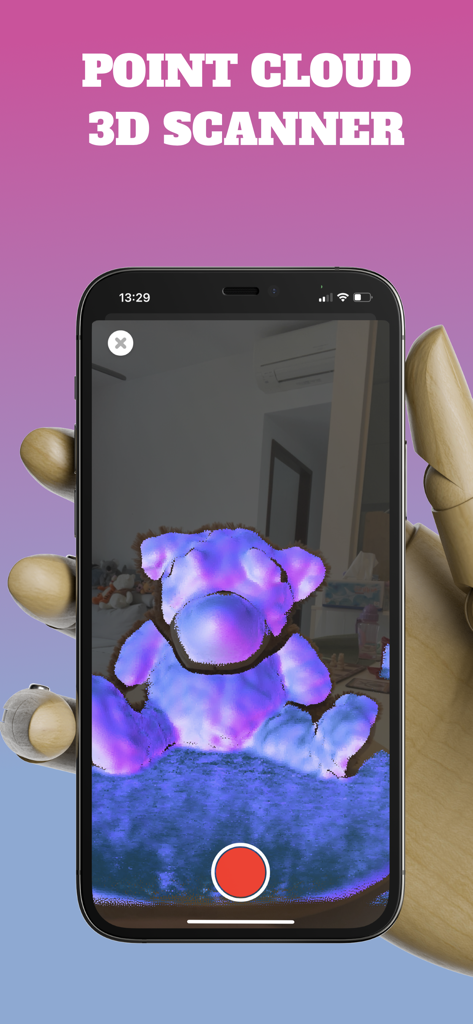
A screenshot of the 3D Scanner App showing a point cloud scan of a teddy bear on an iPhone screen.
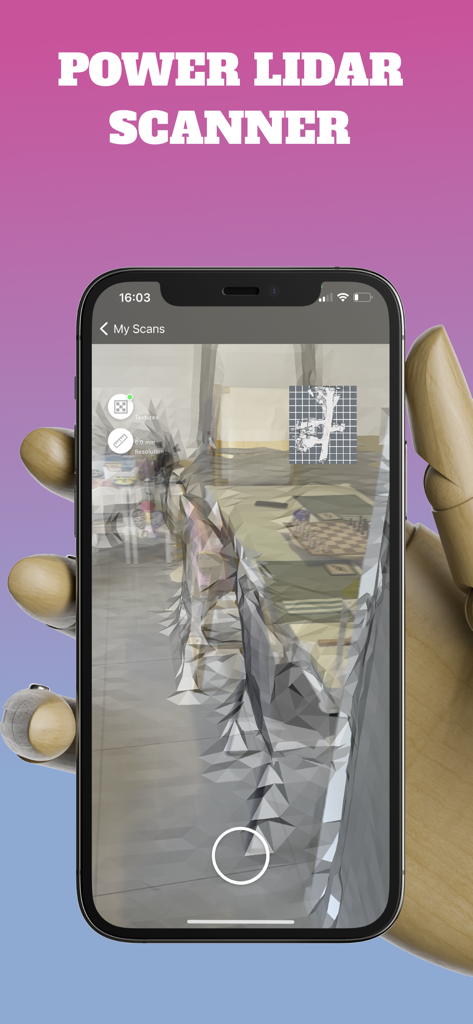
iPhone screen displaying a real-time 3D LiDAR room scan with a mesh overlay held by a wooden hand
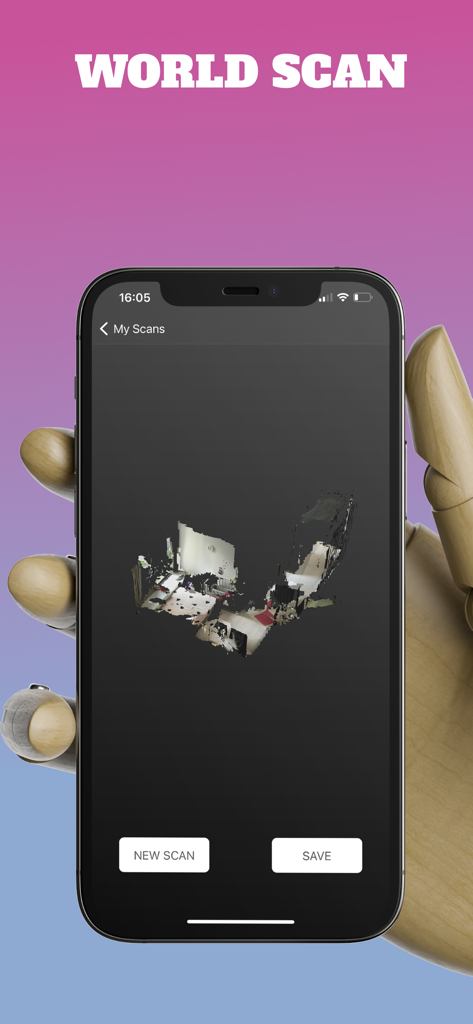
A smartphone screen displaying a 3D room scan captured with LiDAR technology.
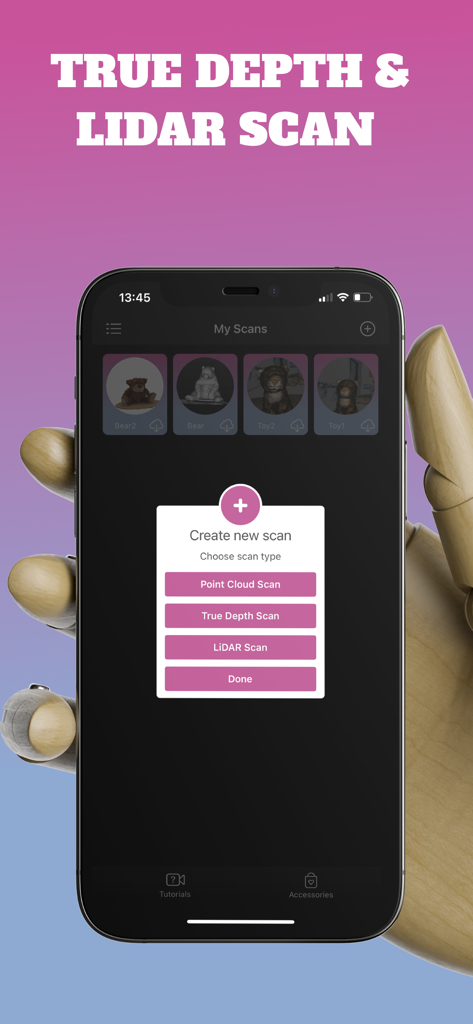
iPhone screen showing 3D scan options for LiDAR and True Depth sensors
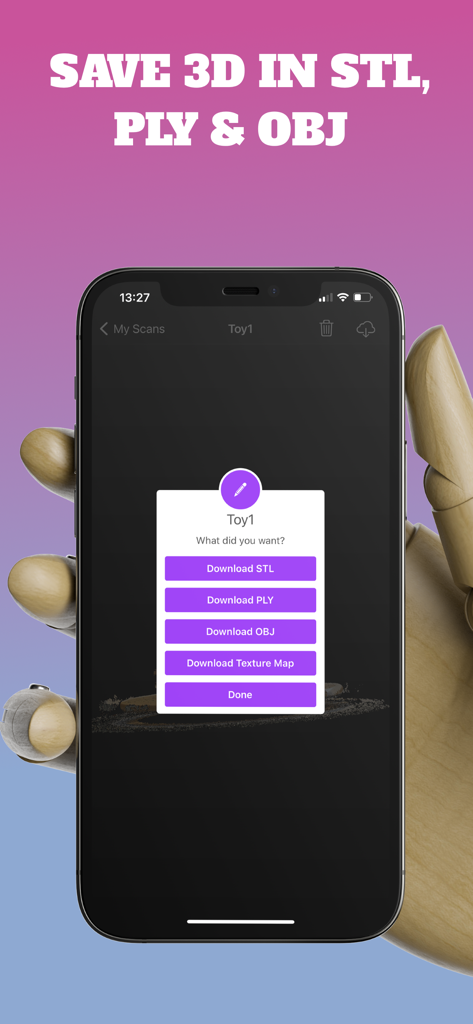
Mobile interface showing download options for STL PLY and OBJ file formats
Description
Download
More Like This
Top-ranked apps in the same category

Kling AI: AI Image&Video Maker
LOHAS GAMES PTE. LTD.

iScreen - Widgets & Wallpaper
Xiamen ShenZhuo Information Technology Co., Ltd.

Dreamina AI: Image&Video Maker
BYTEDANCE PTE. LTD.

Home AI - AI Interior Design
HUBX YAZILIM HIZMETLERI ANONIM SIRKETI

ibis Paint X
ibis inc.

ThemeKit: Widget & Icon Themes
Woohoo Tech. Ltd.

Sketchbook®
Sketchbook, Inc.

Colorful Widget- Widget&Themes
Guangzhou ZHIFENG Information Technology Co.,Ltd.

ReRoom AI: Interior Design
GM UniverseApps Limited
This page is not an official page of the app or its developer, but an independent editorial publication created for informational and commentary purposes. Unless expressly stated otherwise, neither the app nor its developer is affiliated with, endorsed by, sponsored by, authorized by, or otherwise officially connected with MWM, Apple, Google Play, the app publisher, or the app's developer, and nothing on this page implies that the app was developed using MWM's services. Any trademarks, logos, screenshots, and other content remain the property of their respective owners.