AAC Evaluation Genie
Download on App Store

This page is not an official page of the app or its developer, but an independent editorial publication created for informational and commentary purposes. Unless expressly stated otherwise, neither the app nor its developer is affiliated with, endorsed by, sponsored by, authorized by, or otherwise officially connected with MWM, Apple, Google Play, the app publisher, or the app's developer, and nothing on this page implies that the app was developed using MWM's services. Any trademarks, logos, screenshots, and other content remain the property of their respective owners.


Logo of AAC Evaluation Genie
Download on App Store

AAC Evaluation Genie

A comprehensive, evidence-based framework designed by clinicians to identify language representation and access skills for more efficient device trials.

Key Figures

Downloads

8K+

User Rating

3.2/5

Total Ratings

0

Publisher

Celeste Helling

Category

Education

Locales

1

Latest Version

4.4

Size

108.5 MB

First Released

Jul 14, 2012
Features

Precision Assessments at Your Fingertips

Save hours of preparation with 13 comprehensive clinical subtests designed to build a robust framework for every AAC evaluation.

Comprehensive Skill Mapping

Evaluate visual tracking, core vocabulary, and linguistic patterns through 13 targeted subtests to identify the ideal communication method.

Data-Driven Justification

Gather the quantitative data and evidence-based insights required to justify device trials and secure insurance funding for your clients.

The following screenshots and description are sourced directly from the app's official store listing and are the property of the app developer.

App Store

Screenshots

AAC Evaluation Genie - AAC Evaluation Genie user management interface with options to add and delete students
AAC Evaluation Genie user management interface with options to add and delete students

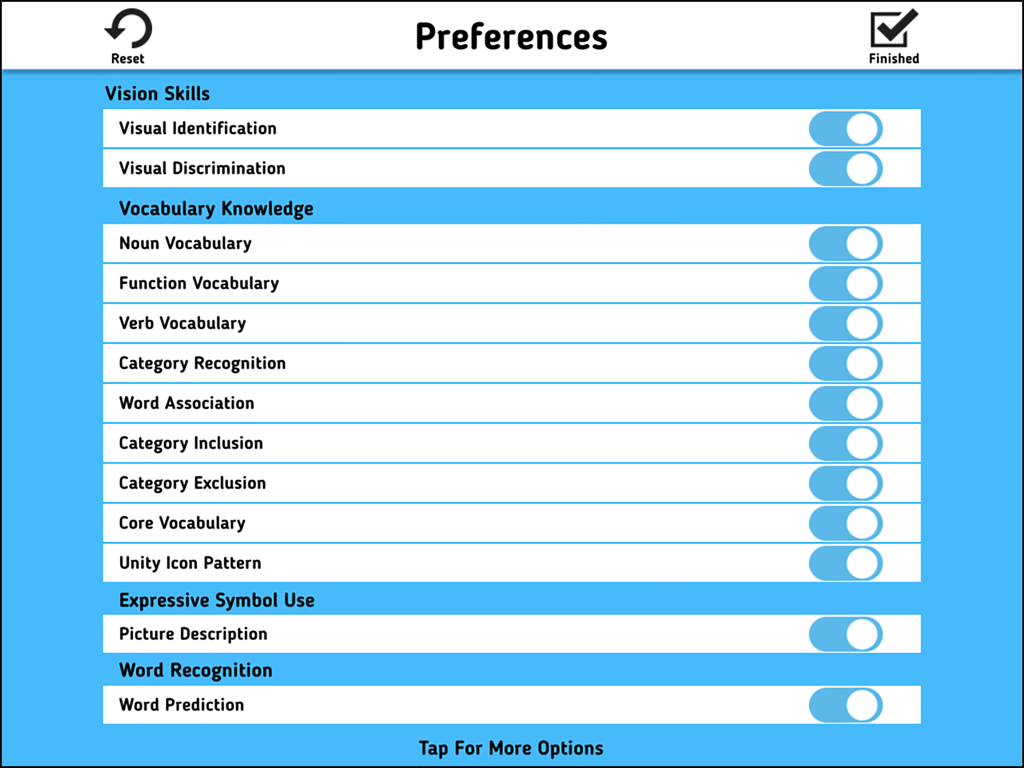
AAC Evaluation Genie - AAC Evaluation Genie preferences menu showing toggle switches to select clinical subtests for evaluation
AAC Evaluation Genie preferences menu showing toggle switches to select clinical subtests for evaluation

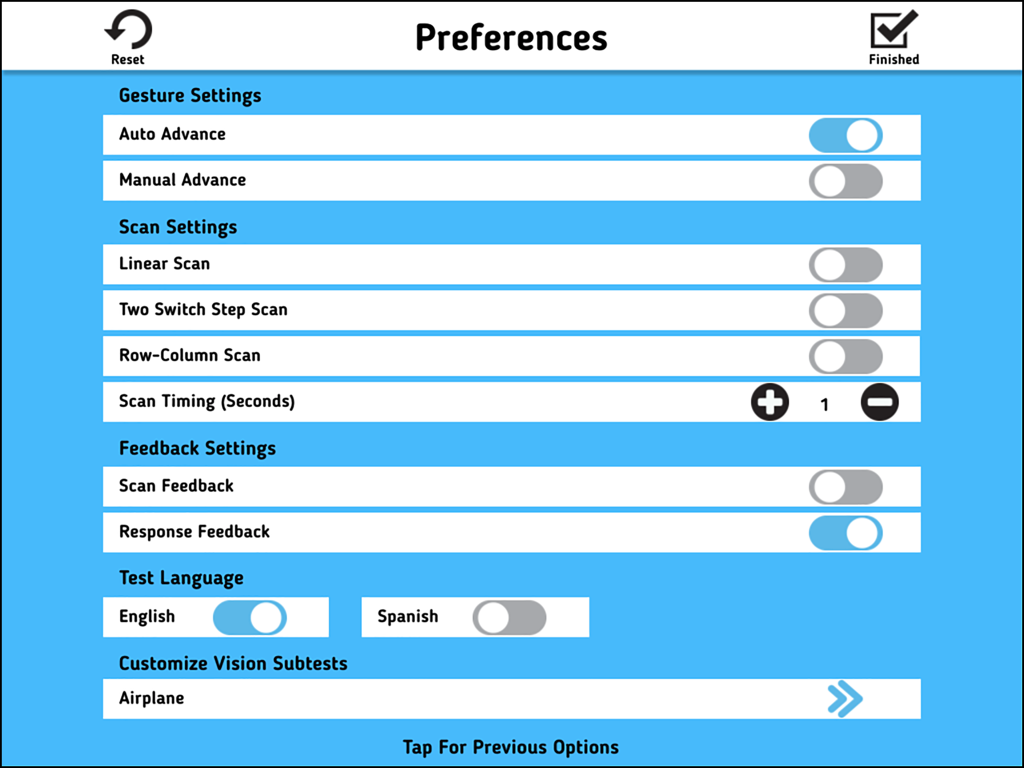
AAC Evaluation Genie - Preferences settings screen in AAC Evaluation Genie showing gesture and scan configurations
Preferences settings screen in AAC Evaluation Genie showing gesture and scan configurations

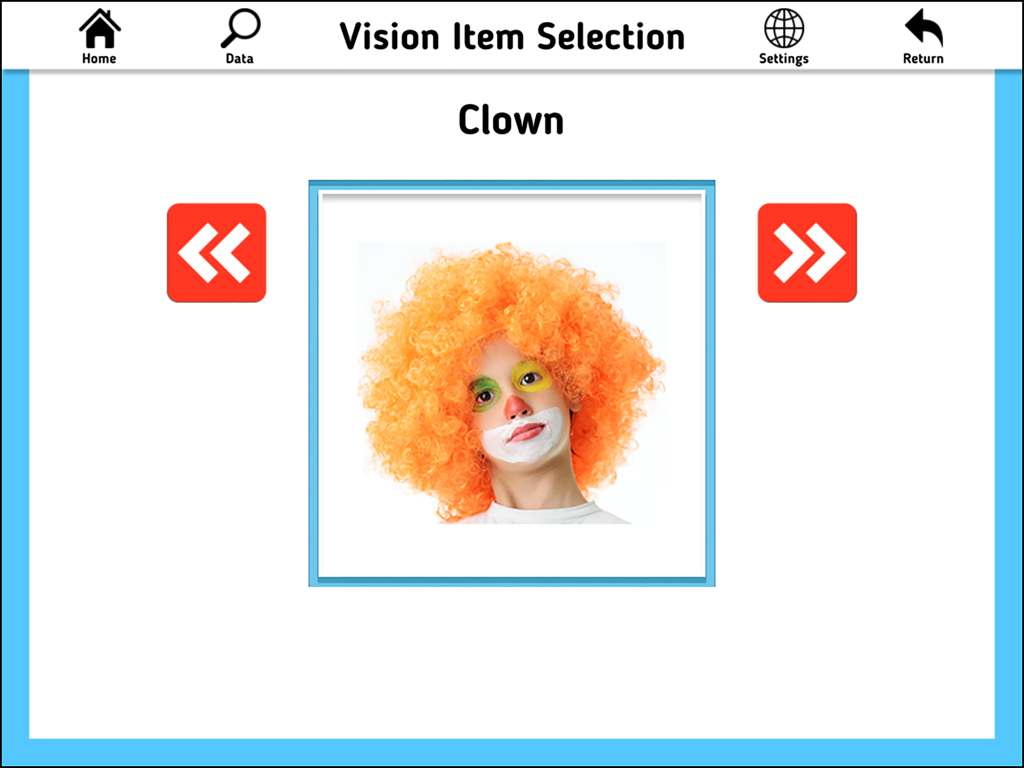
AAC Evaluation Genie - AAC Evaluation Genie app screen showing the vision item selection subtest with a clown photo.
AAC Evaluation Genie app screen showing the vision item selection subtest with a clown photo.

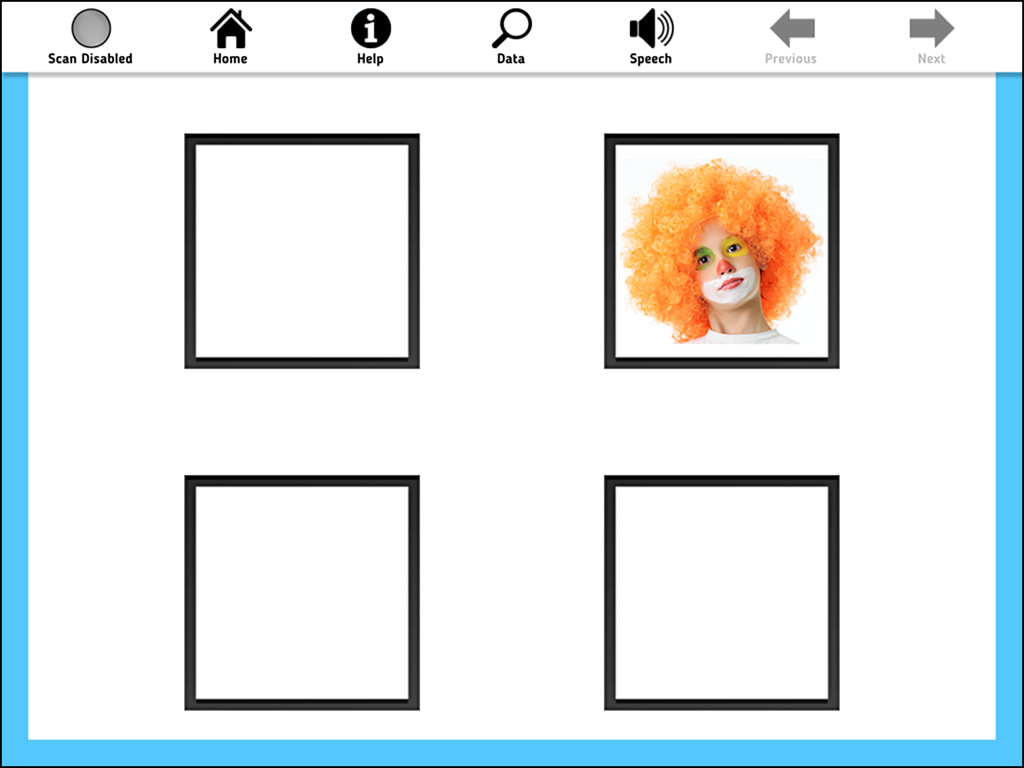
AAC Evaluation Genie - A visual identification subtest screen from AAC Evaluation Genie featuring a clown image in a four box grid.
A visual identification subtest screen from AAC Evaluation Genie featuring a clown image in a four box grid.

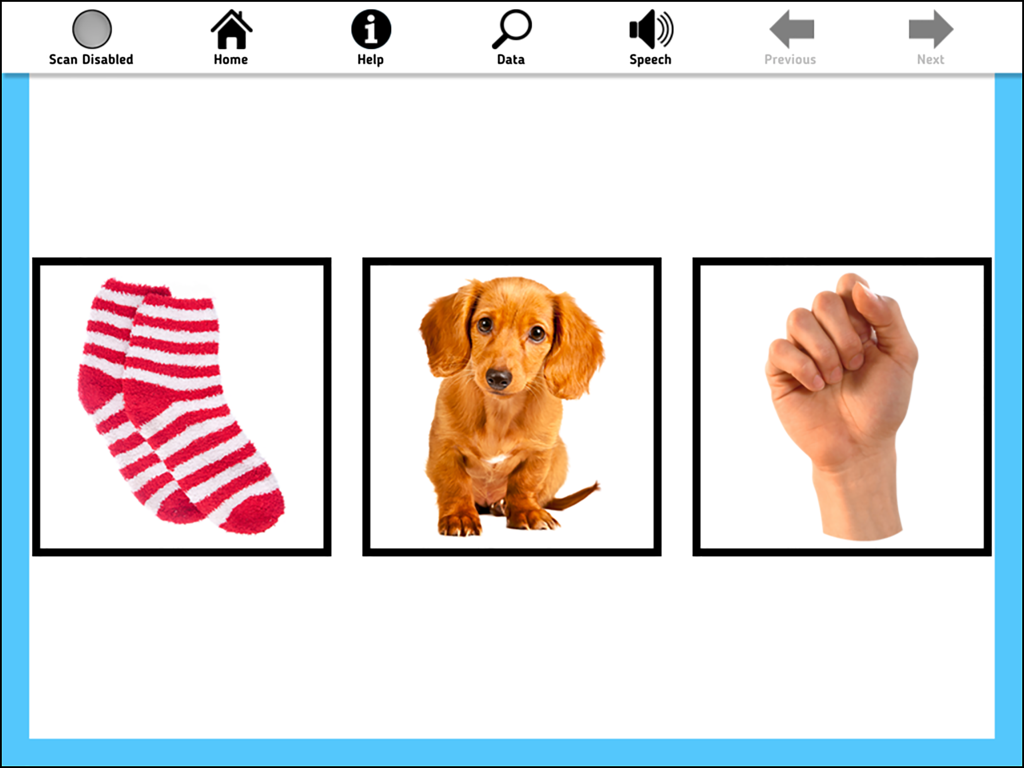
AAC Evaluation Genie - AAC Evaluation Genie interface displaying images of socks, a puppy, and a fist for assessment.
AAC Evaluation Genie interface displaying images of socks, a puppy, and a fist for assessment.

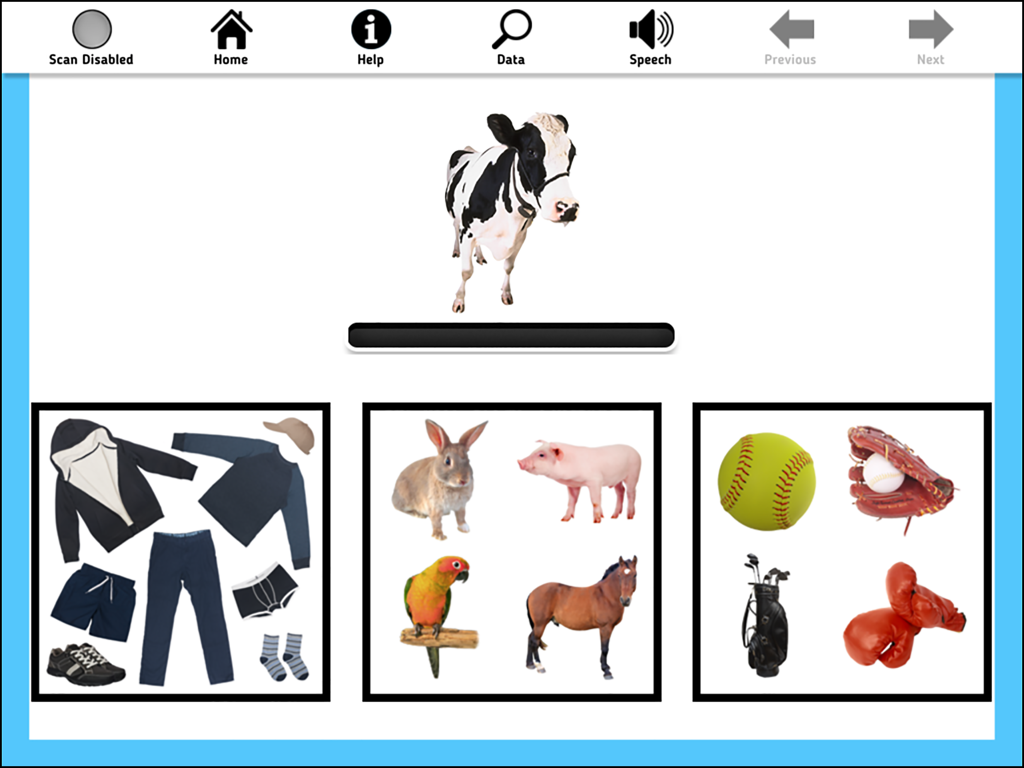
AAC Evaluation Genie - AAC Evaluation Genie subtest interface showing a cow image above three categories of items including clothing, animals, and sports equipment
AAC Evaluation Genie subtest interface showing a cow image above three categories of items including clothing, animals, and sports equipment

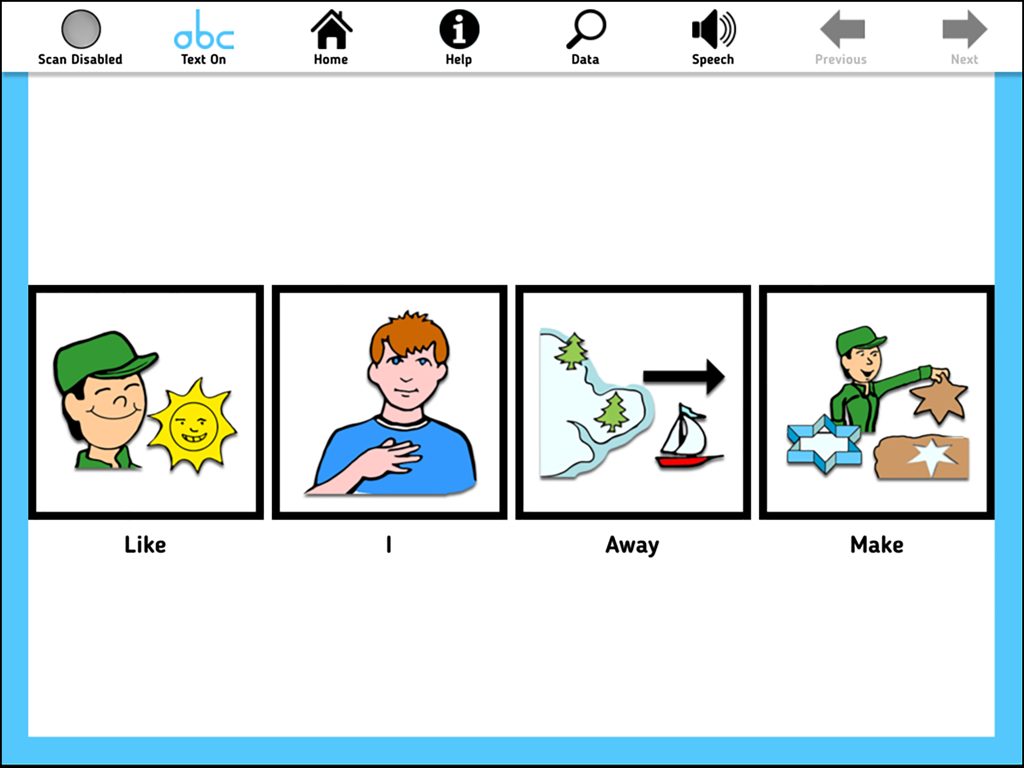
AAC Evaluation Genie - iPad interface showing a subtest with four symbol icons labeled Like, I, Away, and Make
iPad interface showing a subtest with four symbol icons labeled Like, I, Away, and Make

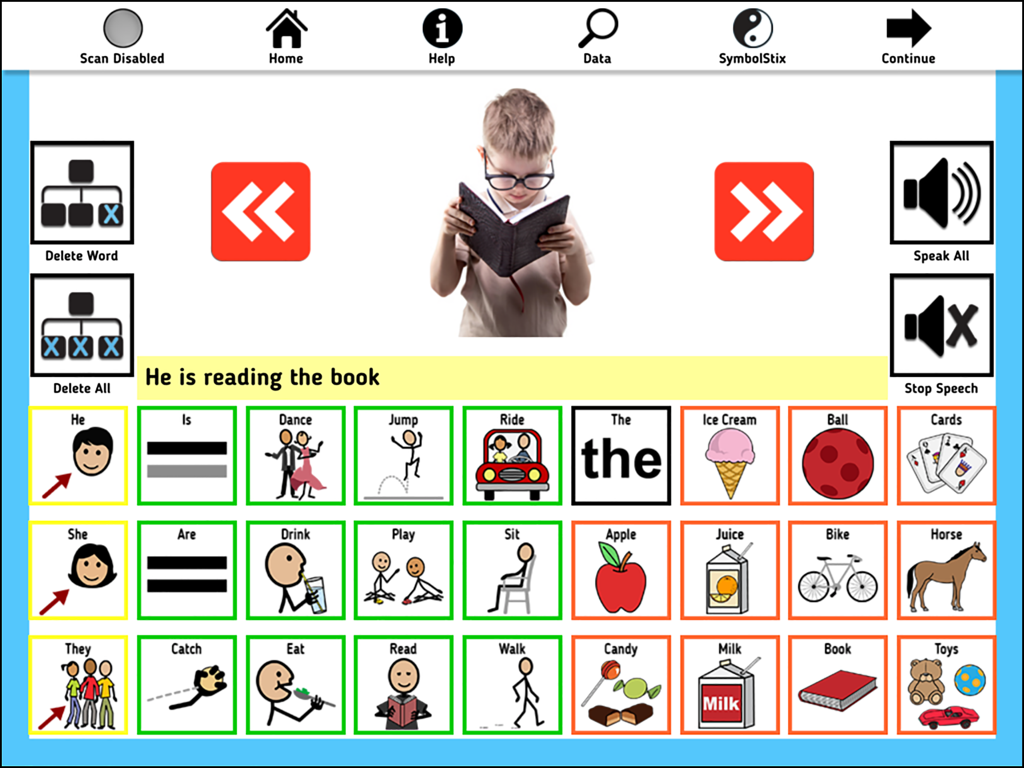
AAC Evaluation Genie - AAC Evaluation Genie picture description screen showing communication symbols and a boy reading a book
AAC Evaluation Genie picture description screen showing communication symbols and a boy reading a book

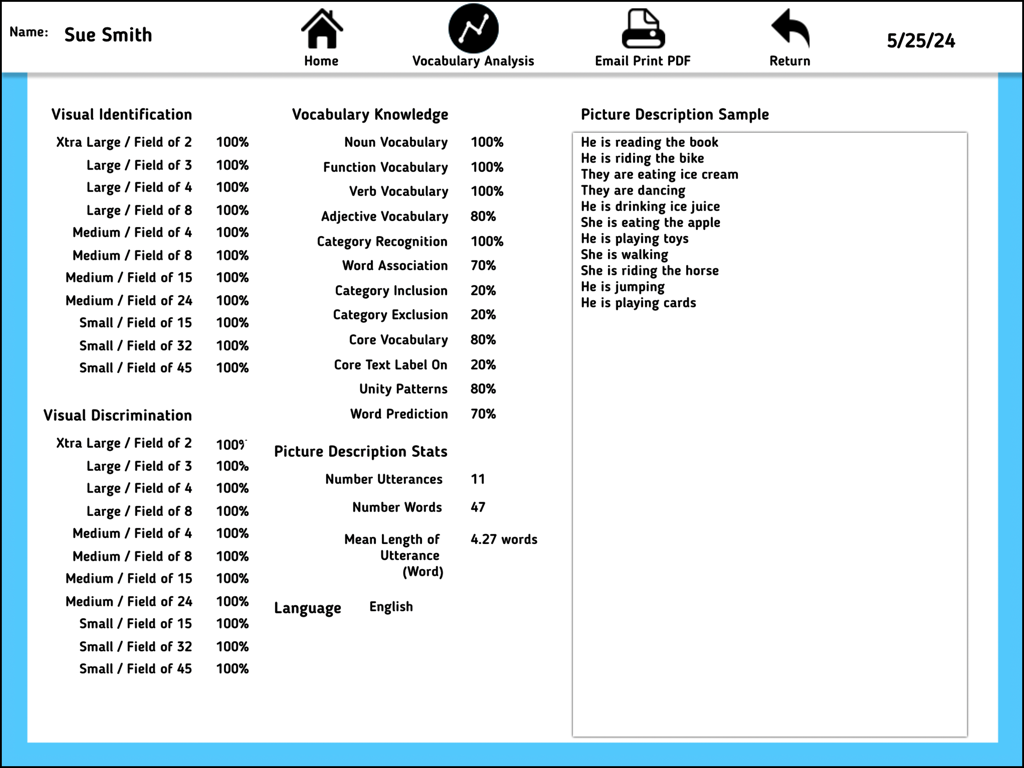
AAC Evaluation Genie - A detailed report screen in the AAC Evaluation Genie app showing clinical assessment scores and vocabulary analysis for a user.

A detailed report screen in the AAC Evaluation Genie app showing clinical assessment scores and vocabulary analysis for a user.

Description

Are you looking for a fast and efficient process to streamline AAC evaluations? AAC Evaluation Genie is a powerful and intuitive app designed specifically for speech-language pathologists, occupational therapists, special educators, and assistive technology specialists. Developed by a certified speech-language pathologist, this innovative tool transforms the way professionals assess and evaluate augmentative and alternative communication (AAC) needs. AAC Evaluation Genie is a clinical tool intended to assist professionals in identifying skill areas related to language representation methods commonly found on augmentative communication systems. The purpose of AAC Evaluation Genie is not to identify a particular speech-generating device, but to build a framework for selecting an appropriate augmentative communication system for ongoing evaluation and/or device trial. Key Features: 13 Comprehensive Subtests: Administer detailed evaluations with screening options available for each subtest, ensuring a thorough assessment of AAC skills. AAC Evaluation Genie includes direct and switch scan user access methods. 1. Visual Identification: Evaluates the ability to progressively track and identify a single icon. Visual Discrimination: Evaluates the ability to progressively track and discriminate a single icon. 2. Noun Vocabulary: Evaluates the user’s ability to identify common noun vocabulary. 3. Function Vocabulary: Evaluates the user’s ability to identify common noun vocabulary by stated function. 4. Verb Vocabulary: Evaluates the user’s ability to identify common verb (action word) vocabulary. 5. Category Recognition: Evaluates the user’s ability to identify common noun vocabulary by category group inclusion. 6. Adjective Vocabulary: Evaluates the user’s ability to identify common adjective (describing word) vocabulary. 7. Word Association: Evaluates the user’s ability to identify a noun by associated feature or function. 8. Category Inclusion: Evaluates the user’s ability to identify common noun vocabulary by category inclusion. 9. Category Exclusion: Evaluates the user’s ability to identify common noun vocabulary by category exclusion. 10. Core Vocabulary: Evaluates the recognition and identification of common core vocabulary words not easily represented with pictures using either Pixon® or SymbolStix® symbol sets. 11. Unity Icon Patterns: Evaluates the identification of vocabulary organized by Minspeak Unity® semantic/linguistic patterns. 12. Picture Description: Evaluates the user’s ability to describe basic pictures using a simulated AAC display. Choose either Pixon® or SymbolStix® symbol set for testing. 13. Word Prediction: Evaluates the user’s ability to read text and select a target word from a list of four choices. AAC Evaluation Genie provides a robust framework for practitioners to conduct efficient, effective, and comprehensive AAC assessments. Join the community of forward-thinking professionals enhancing their practice with cutting-edge technology. Download AAC Evaluation Genie today and revolutionize your approach to AAC assessment!

Download

Download on App Store

This page is not an official page of the app or its developer, but an independent editorial publication created for informational and commentary purposes. Unless expressly stated otherwise, neither the app nor its developer is affiliated with, endorsed by, sponsored by, authorized by, or otherwise officially connected with MWM, Apple, Google Play, the app publisher, or the app's developer, and nothing on this page implies that the app was developed using MWM's services. Any trademarks, logos, screenshots, and other content remain the property of their respective owners.








