
This page is not an official page of the app or its developer, but an independent editorial publication created for informational and commentary purposes. Unless expressly stated otherwise, neither the app nor its developer is affiliated with, endorsed by, sponsored by, authorized by, or otherwise officially connected with MWM, Apple, Google Play, the app publisher, or the app's developer, and nothing on this page implies that the app was developed using MWM's services. Any trademarks, logos, screenshots, and other content remain the property of their respective owners.


Access Scan-App
Turn your iPhone into a high-performance scanning tool. Empower your gate staff with rapid ticket verification, offline reliability, and real-time synchronization built for the high-pressure demands of professional promoters and venues.
Downloads
0User Rating
Total Ratings
0Publisher
Category
BusinessLocales
8Latest Version
2.30.0Size
127.4 MBFirst Released
Oct 31, 2015Professional Gate Management Made Simple
Equip your team with the tools to handle high-pressure entry effortlessly. The Access Scan-App turns your iOS devices into professional-grade ticket validators for secure, fast, and reliable event admission.
High-Speed Ticket Validation
Eliminate bottlenecks with rapid camera-based scanning. Instantly verify eTickets and mobile passes to keep your fans moving and your lines short.
Reliable Offline Performance
Dead zones are no longer a threat. Download your data beforehand to maintain full scanning capabilities even when Wi-Fi or cellular signals fail.
The following screenshots and description are sourced directly from the app's official store listing and are the property of the app developer.
App Store
Screenshots
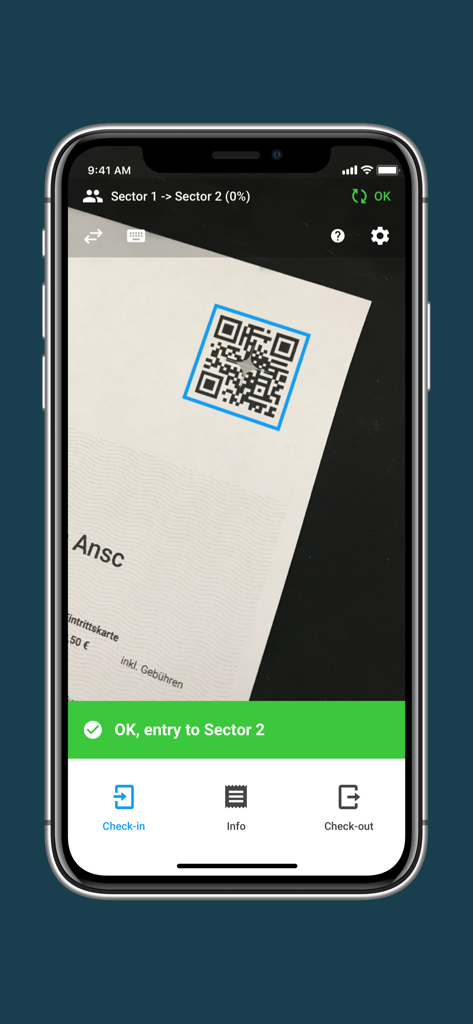
Smartphone scanning a QR code on a ticket using the Access Scan-App for event entry confirmation
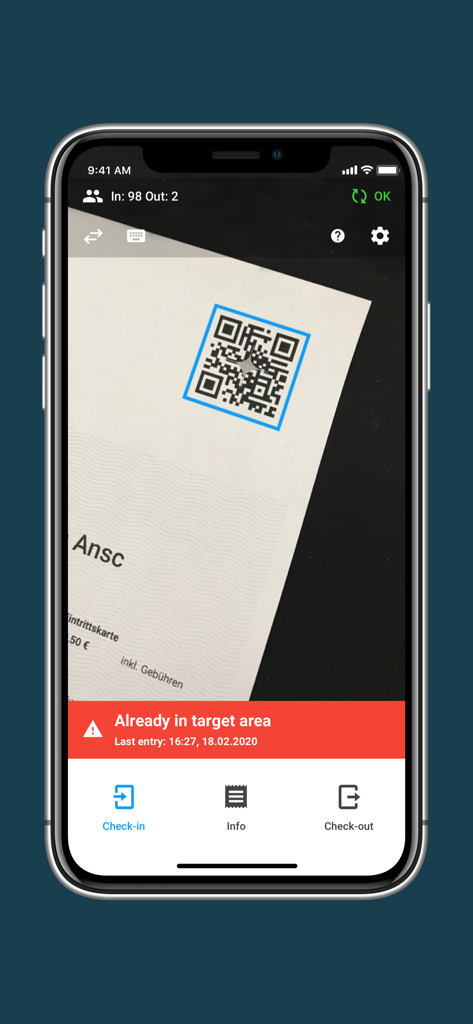
Smartphone screen using the EVENTIM Access Scan-App to scan a ticket showing a red warning message indicating the ticket has already been used for entry
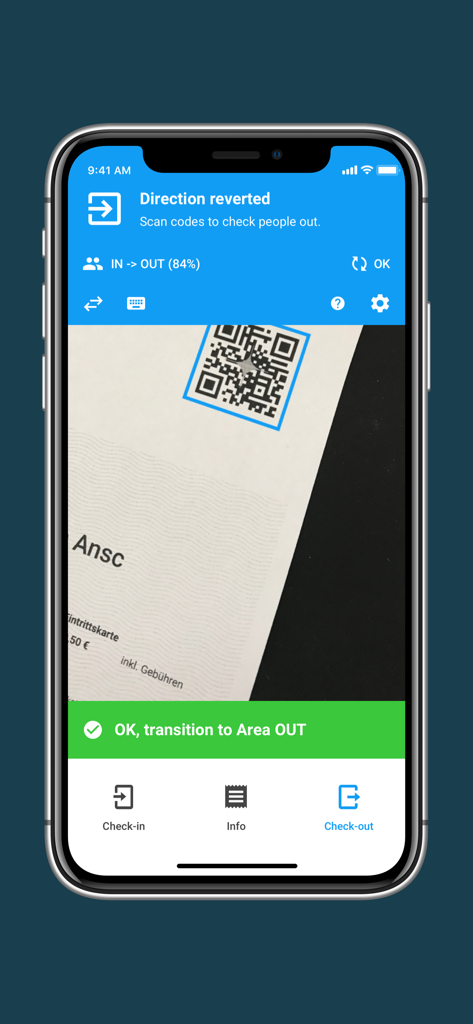
The Eventim Access Scan-App screen showing a successful QR code scan for an attendee checking out of an event area.
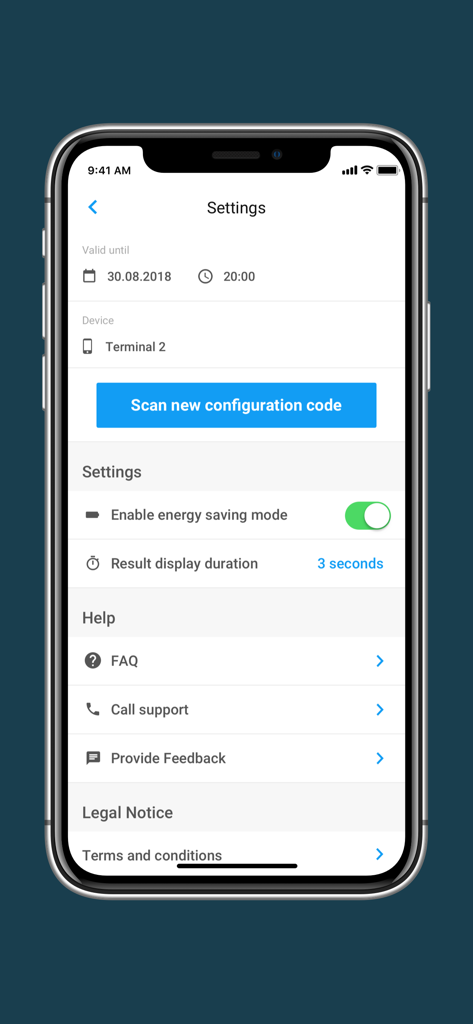
Settings screen of the Eventim Access Scan-App with configuration and help options
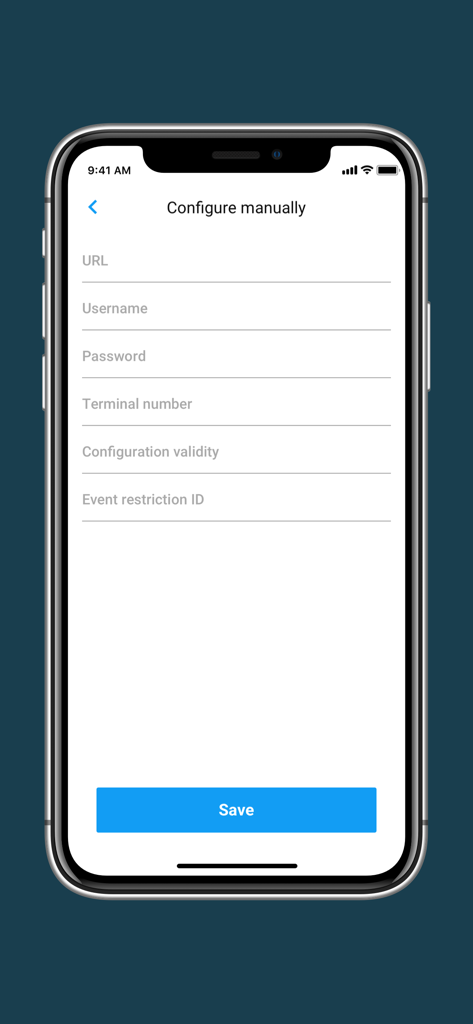
Manual configuration screen for the EVENTIM Access Scan-App on a smartphone
Description
Download
More Like This
Top-ranked apps in the same category

Microsoft Teams
Microsoft Corporation

WhatsApp Business
WhatsApp Inc.

Zoom Workplace
Zoom Communications, Inc.

Indeed Job Search
Indeed Inc.

LinkedIn: Community & Network
LinkedIn Corporation

Adobe Acrobat Reader: Sign PDF
Adobe Inc.

BOSS直聘-招聘求职找工作神器
Beijing China Product Bo Farce Network Technology Co., Ltd.

DingDing - Redefine Work in AI
DingTalk Technology Co., Ltd.

Uber - Driver: Drive & Deliver
Uber Technologies, Inc.
This page is not an official page of the app or its developer, but an independent editorial publication created for informational and commentary purposes. Unless expressly stated otherwise, neither the app nor its developer is affiliated with, endorsed by, sponsored by, authorized by, or otherwise officially connected with MWM, Apple, Google Play, the app publisher, or the app's developer, and nothing on this page implies that the app was developed using MWM's services. Any trademarks, logos, screenshots, and other content remain the property of their respective owners.