
This page is not an official page of the app or its developer, but an independent editorial publication created for informational and commentary purposes. Unless expressly stated otherwise, neither the app nor its developer is affiliated with, endorsed by, sponsored by, authorized by, or otherwise officially connected with MWM, Apple, Google Play, the app publisher, or the app's developer, and nothing on this page implies that the app was developed using MWM's services. Any trademarks, logos, screenshots, and other content remain the property of their respective owners.


Accops HyID
Empower your hybrid workforce with secure, one-tap mobile tokens. Protect your corporate data and simplify remote access with reliable authentication that integrates seamlessly into your existing IT infrastructure.
Downloads
74K+User Rating
Total Ratings
2K+Publisher
Category
BusinessLocales
1Latest Version
4.9.0Size
37.2 MBFirst Released
Sep 27, 2016Fortify Your Digital Workspace
Accops HyID delivers frictionless multi-factor authentication, ensuring your corporate data stays secure while keeping your remote workflow uninterrupted.
Instant Push Approval
Eliminate the friction of typing 6-digit codes. Authenticate your identity with a single tap directly from your notification screen for maximum efficiency.
Enterprise-Wide Compatibility
Connect effortlessly to any 3rd party VPN or network device using standard RADIUS/TACACS protocols for total infrastructure security across your organization.
The following screenshots and description are sourced directly from the app's official store listing and are the property of the app developer.
App Store
Screenshots
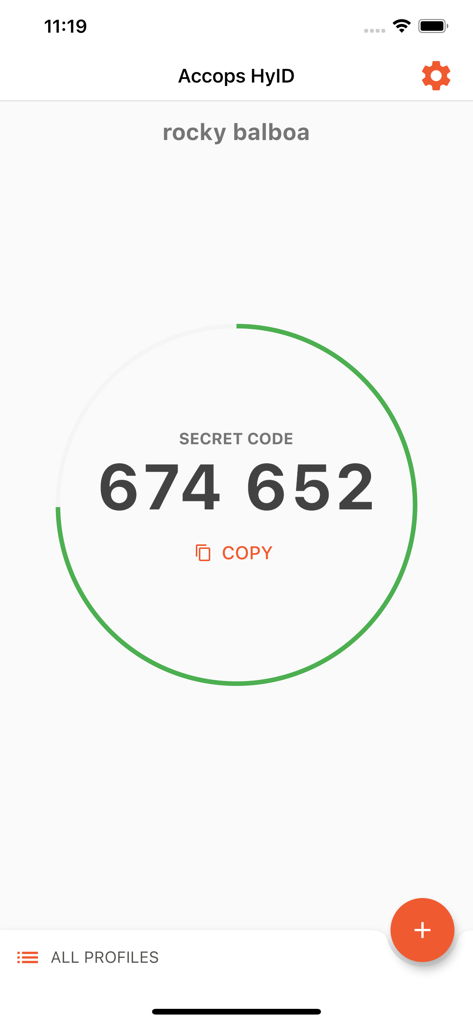
Accops HyID mobile app displaying a six digit security code for two factor authentication
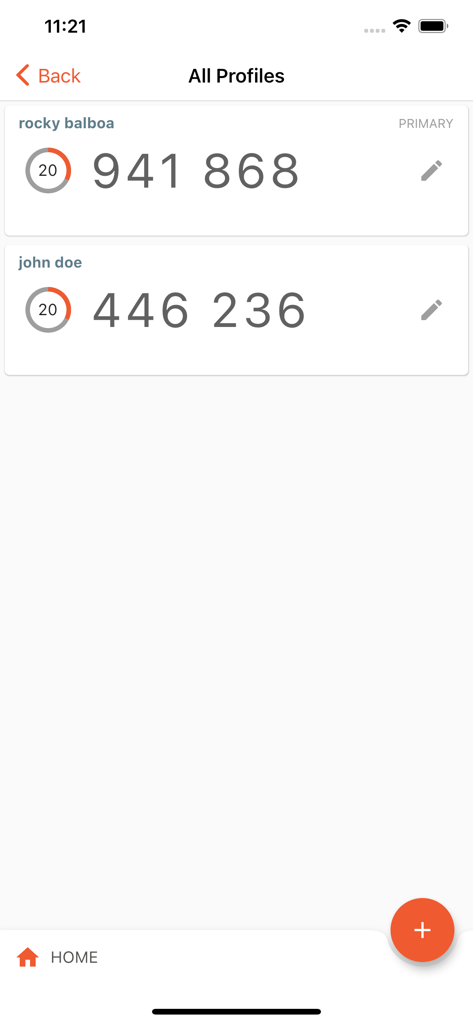
Accops HyID interface showing 2FA security codes for multiple user profiles.
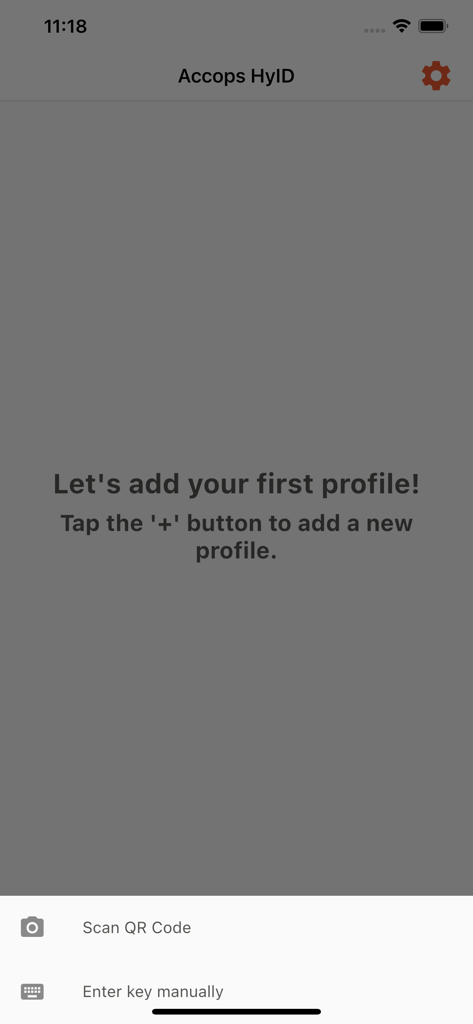
Accops HyID app screen for adding a new security profile with options to scan a QR code or enter a key manually.
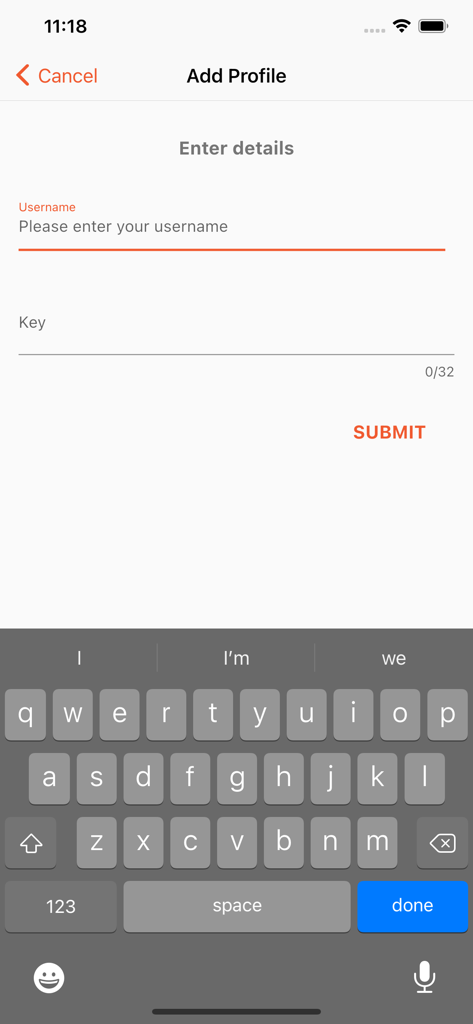
Accops HyID app screen showing the form to add a profile with username and key fields.
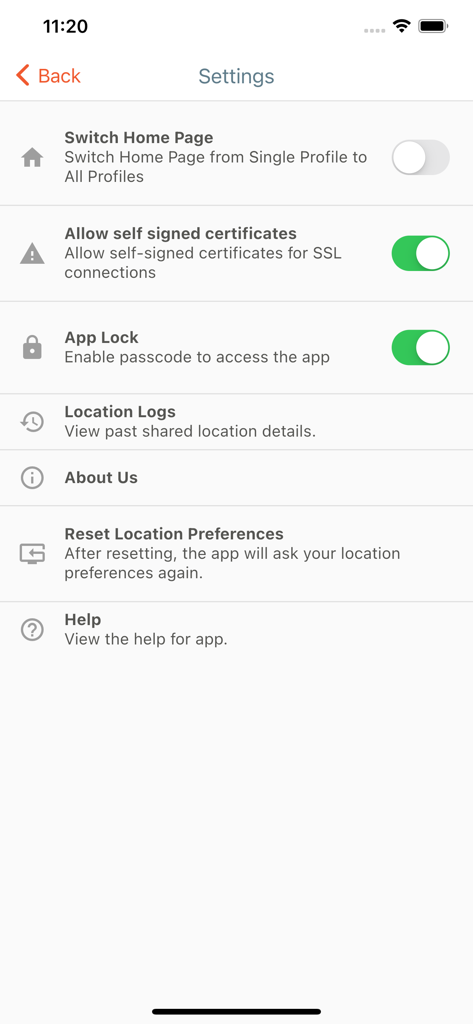
Settings screen of the Accops HyID app showing security and configuration options like App Lock and SSL certificates.
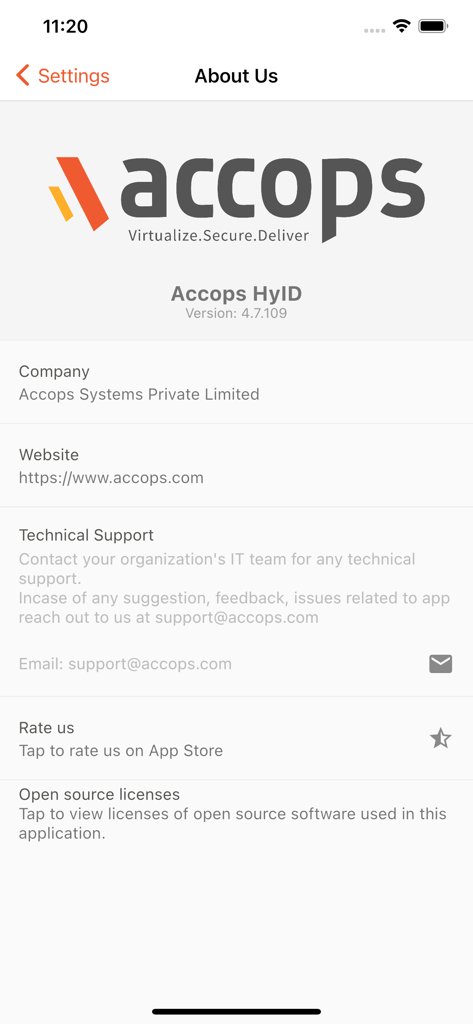
Accops HyID About Us screen with app version and support information
Description
Download
More Like This
Top-ranked apps in the same category

Microsoft Teams
Microsoft Corporation

Zoom Workplace
Zoom Communications, Inc.

WhatsApp Business
WhatsApp Inc.

Indeed Job Search
Indeed Inc.

LinkedIn: Network & Job Finder
LinkedIn Corporation

Adobe Acrobat Reader: Sign PDF
Adobe Inc.

DingDing - Redefine Work in AI
DingTalk Technology Co., Ltd.

WeCom-Work Communication&Tools
Tencent Technology (Shenzhen) Company Limited

BOSS直聘-招聘求职找工作神器
Beijing China Product Bo Farce Network Technology Co., Ltd.
This page is not an official page of the app or its developer, but an independent editorial publication created for informational and commentary purposes. Unless expressly stated otherwise, neither the app nor its developer is affiliated with, endorsed by, sponsored by, authorized by, or otherwise officially connected with MWM, Apple, Google Play, the app publisher, or the app's developer, and nothing on this page implies that the app was developed using MWM's services. Any trademarks, logos, screenshots, and other content remain the property of their respective owners.