
This page is not an official page of the app or its developer, but an independent editorial publication created for informational and commentary purposes. Unless expressly stated otherwise, neither the app nor its developer is affiliated with, endorsed by, sponsored by, authorized by, or otherwise officially connected with MWM, Apple, Google Play, the app publisher, or the app's developer, and nothing on this page implies that the app was developed using MWM's services. Any trademarks, logos, screenshots, and other content remain the property of their respective owners.

Acron A320 Cockpit Fam.
Build confidence and professional mastery with the high-fidelity interactive guide designed for student pilots and type-rating candidates to study anywhere, anytime.
Downloads
119K+User Rating
Total Ratings
200Publisher
Category
EducationLocales
1Latest Version
15.18.1Size
60.3 MBFirst Released
Feb 3, 2012Master the A320 Flight Deck with Precision
Bridge the gap between ground school and the simulator. Explore every switch, dial, and display of the Airbus A320 through a high-fidelity interactive experience designed for professional aviators.
Interactive Control Logic
Tap any switch, button, or display to reveal detailed explanations of system logic, helping you build an accurate mental map of the cockpit.
Optimized for Offline Study
Access high-resolution cockpit layouts without an internet connection—perfect for studying during deadheads, layovers, or commutes.
The following screenshots and description are sourced directly from the app's official store listing and are the property of the app developer.
App Store
Screenshots
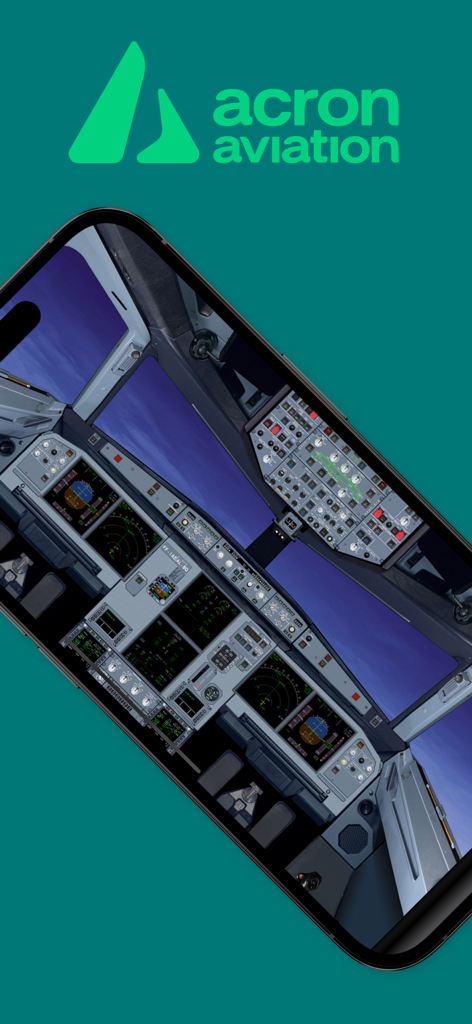
Smartphone displaying a detailed 3D Airbus A320 cockpit layout within the Acron Aviation app
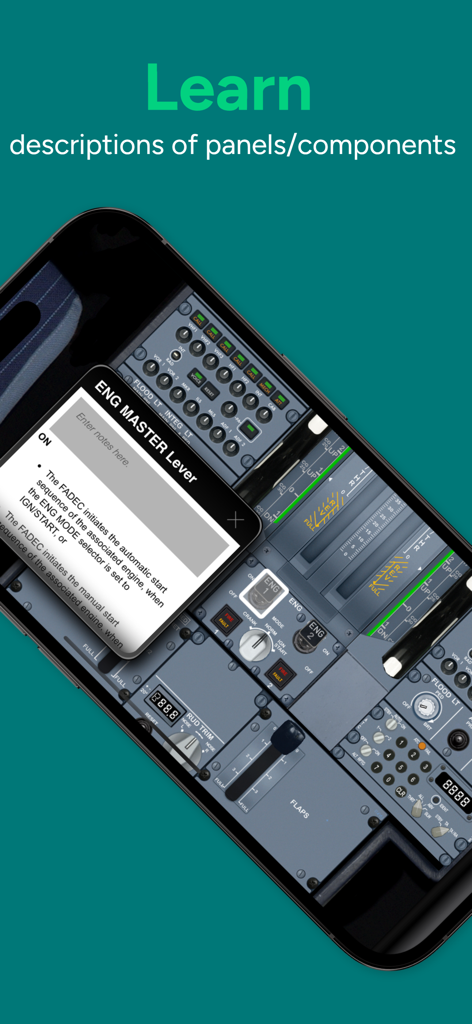
Interface of the A320 Cockpit Familiarization app showing a detailed description of the engine master lever
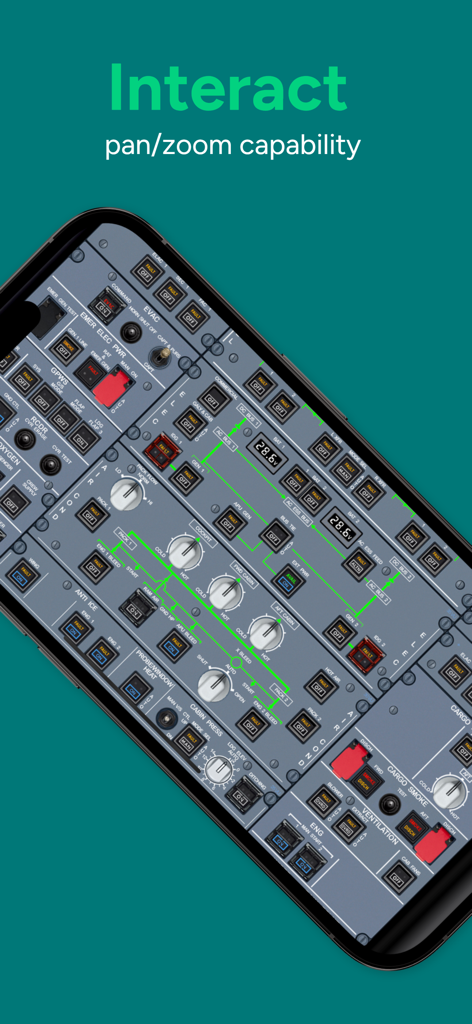
Interactive Airbus A320 overhead panel with pan and zoom capability
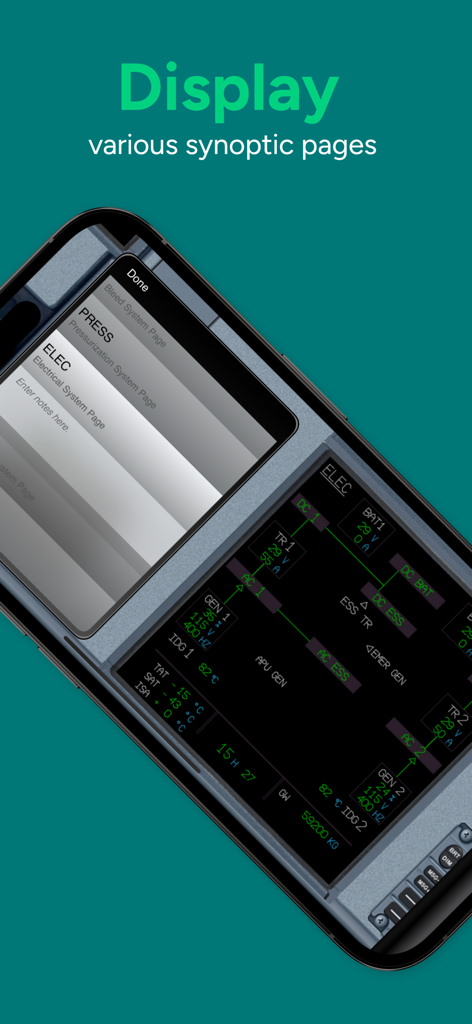
Mobile screen showing the Airbus A320 electrical system synoptic display page for pilot training.
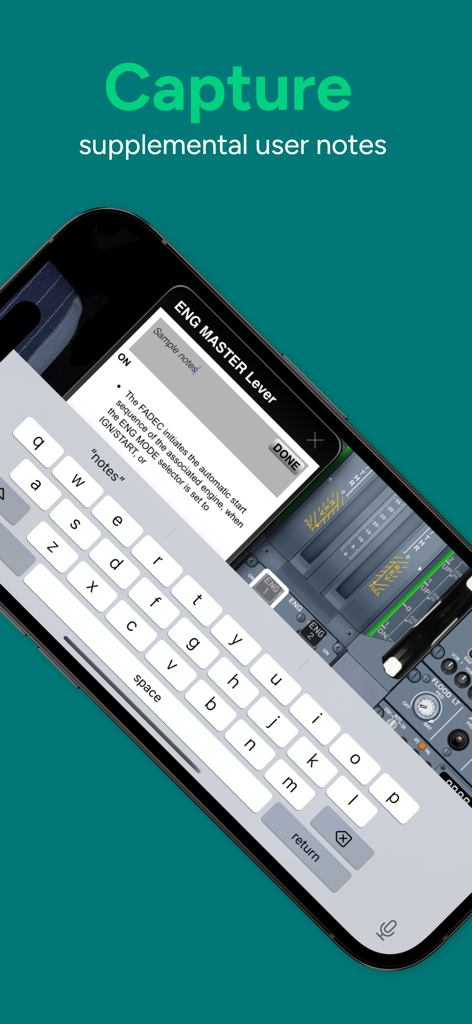
An Airbus A320 cockpit training app interface showing a feature for capturing supplemental user notes on specific aircraft controls.
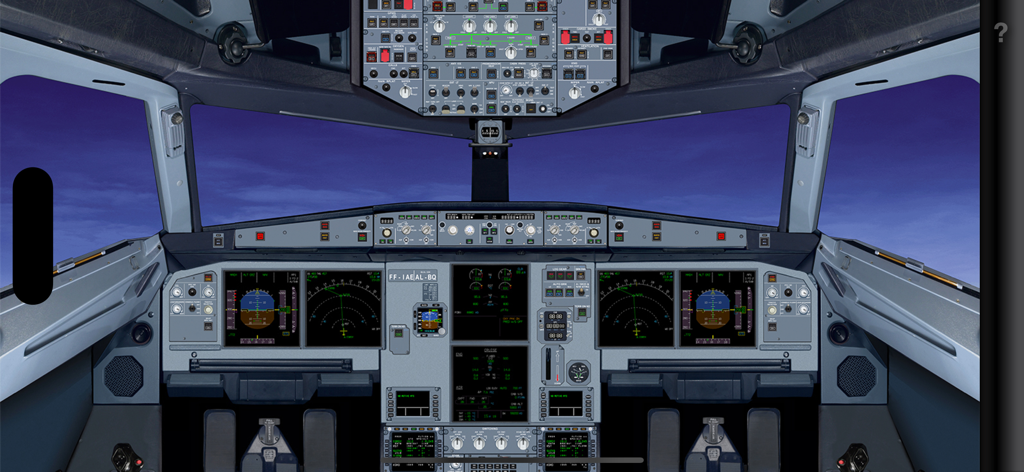
A realistic interactive overview of the Airbus A320 flight deck and instrument panels
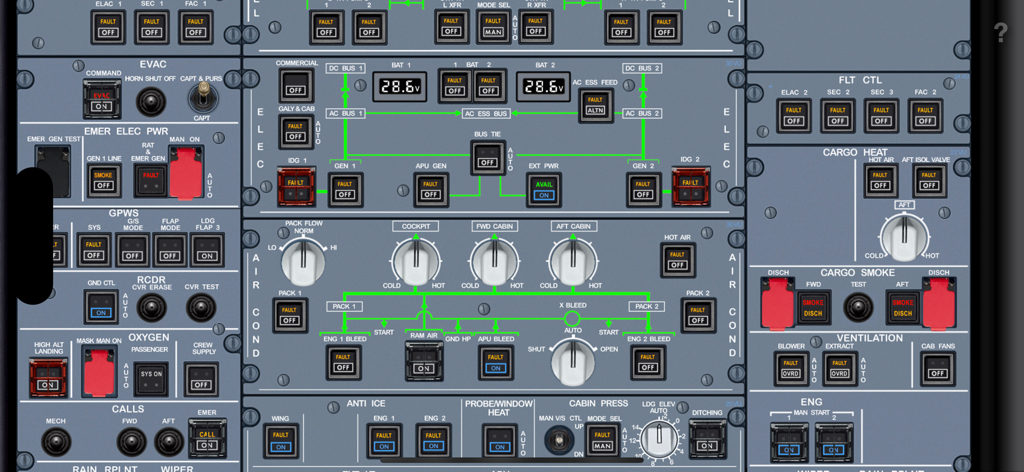
Detailed interactive overhead panel schematic of an Airbus A320 cockpit
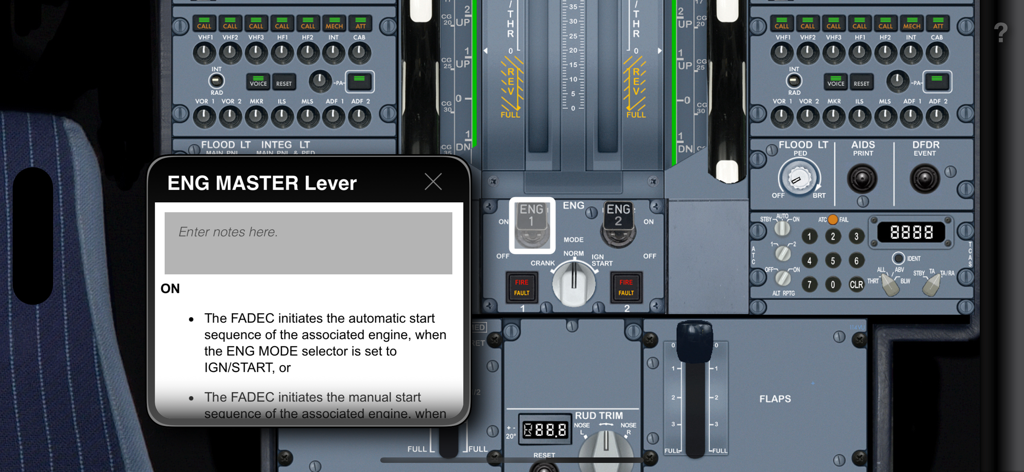
Interface showing detailed explanation and notes section for the engine master lever in an Airbus A320 cockpit
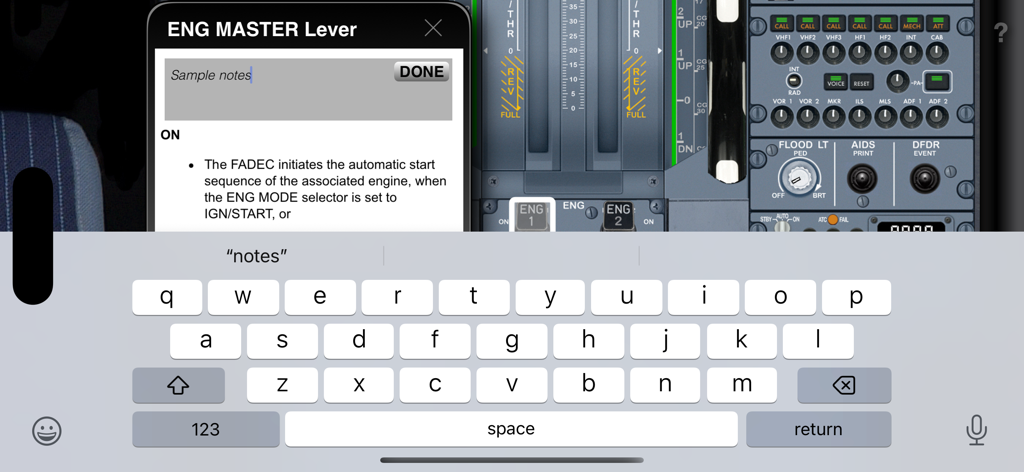
A user adding custom notes to the Airbus A320 engine master lever using the on-screen keyboard in the Acron cockpit familiarization app.
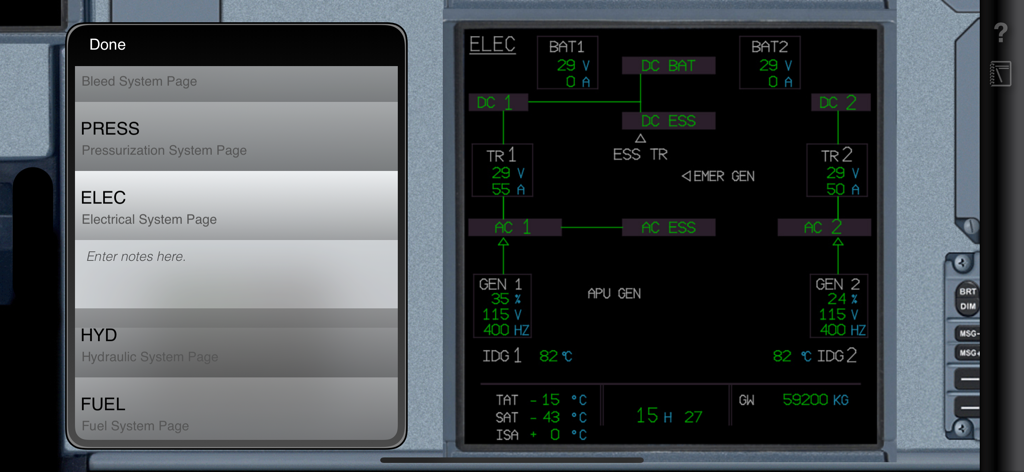
Interface of the Acron A320 Cockpit Fam app showing the electrical system schematic and navigation menu
Description
Download
More Like This
Apps with similar features and user experience

Full Code Medical Simulation
Full Code Medical Inc.

Bootcamp.com
Bootcamp Prep LLC

Touch Surgery: Surgical Videos
Digital Surgery Ltd

ATI TEAS EXAM PREP | 2026
Prepia Inc

Clinical Sense
Medical Joyworks LLC

MEDizzy - Medical Exam Prep
MEDizzy LTD

Littmann™ Learning
CSD Labs GmbH

警考宝典搜题-专注公安警察考试招聘
永雄 黄

PDG PROmote 2026+
DeCesha, Inc.
This page is not an official page of the app or its developer, but an independent editorial publication created for informational and commentary purposes. Unless expressly stated otherwise, neither the app nor its developer is affiliated with, endorsed by, sponsored by, authorized by, or otherwise officially connected with MWM, Apple, Google Play, the app publisher, or the app's developer, and nothing on this page implies that the app was developed using MWM's services. Any trademarks, logos, screenshots, and other content remain the property of their respective owners.