Affirmations - Voicey

This page is not an official page of the app or its developer, but an independent editorial publication created for informational and commentary purposes. Unless expressly stated otherwise, neither the app nor its developer is affiliated with, endorsed by, sponsored by, authorized by, or otherwise officially connected with MWM, Apple, Google Play, the app publisher, or the app's developer, and nothing on this page implies that the app was developed using MWM's services. Any trademarks, logos, screenshots, and other content remain the property of their respective owners.
Logo of Affirmations - Voicey

Affirmations - Voicey

The ultimate tool for people who think by talking. Record naturally and use Smart Notes to transform your raw voice into structured journals, affirmations, and brainstorms—all processed privately on your device.

Key Figures

Downloads

0

User Rating

1.0/5

Total Ratings

0

Publisher

Kali Ink

Category

Lifestyle

Locales

1

Latest Version

1.0

Size

20.7 MB

First Released

Mar 22, 2026
Features

Give Your Thoughts a Place to Land

Voicey transforms your spoken stream-of-consciousness into structured, actionable insights. Perfect for external processors who think better out loud.

Frictionless Voice Capture

Capture every breakthrough as it happens. With one-tap recording and offline transcription, your best ideas never slip away during a walk or a commute.

AI-Powered Smart Notes

Stop digging through walls of text. Automatically turn raw transcripts into polished summaries, key points, and structured affirmations using intelligent formatting.

The following screenshots and description are sourced directly from the app's official store listing and are the property of the app developer.

App Store

Screenshots
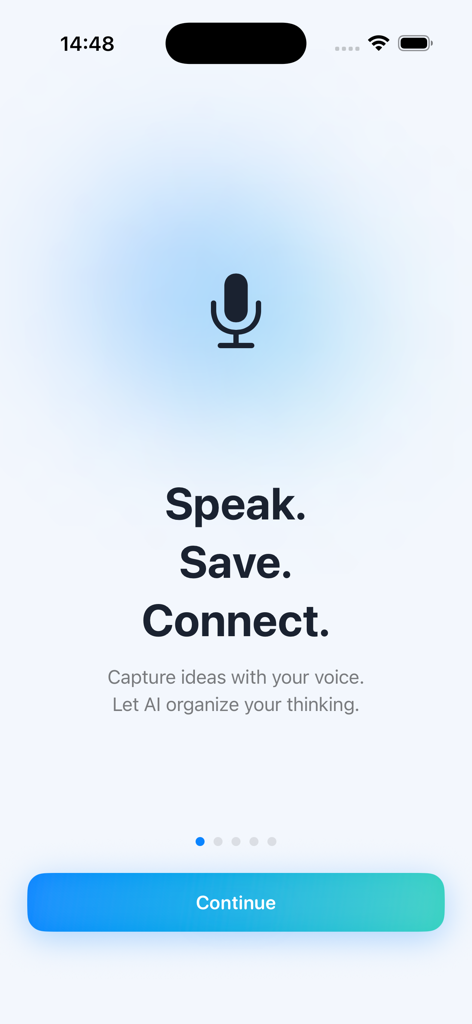
Affirmations - Voicey - Voicey app onboarding screen with a microphone icon and the slogan Speak Save Connect
Voicey app onboarding screen with a microphone icon and the slogan Speak Save Connect

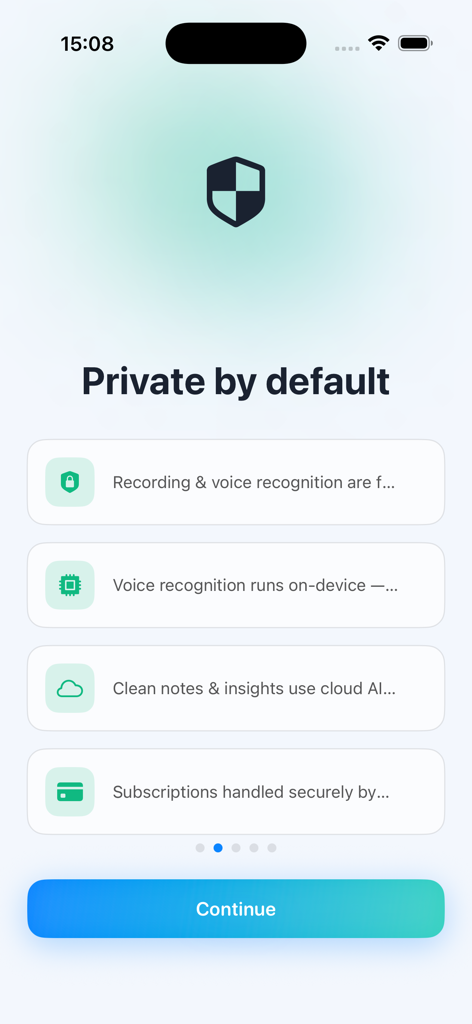
Affirmations - Voicey - Voicey app onboarding screen highlighting privacy features and on-device transcription
Voicey app onboarding screen highlighting privacy features and on-device transcription

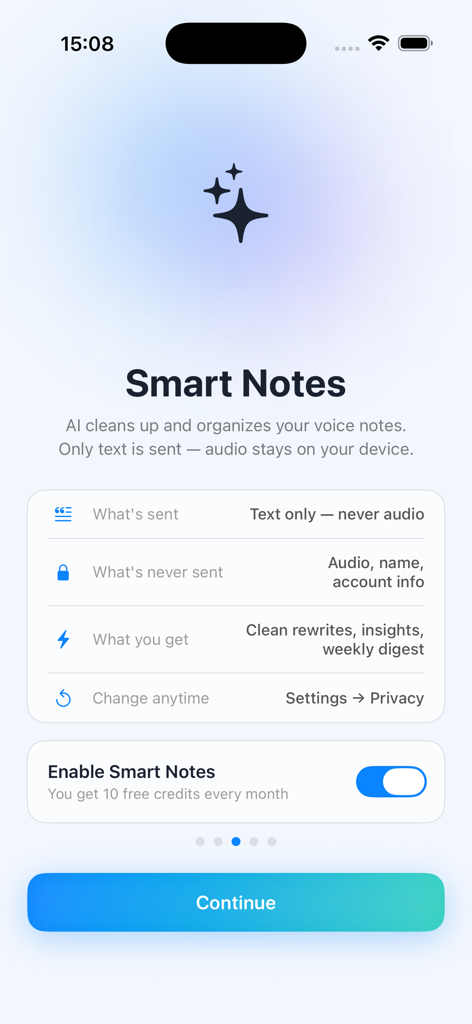
Affirmations - Voicey - Interface for enabling Smart Notes in the Voicey app with privacy details
Interface for enabling Smart Notes in the Voicey app with privacy details

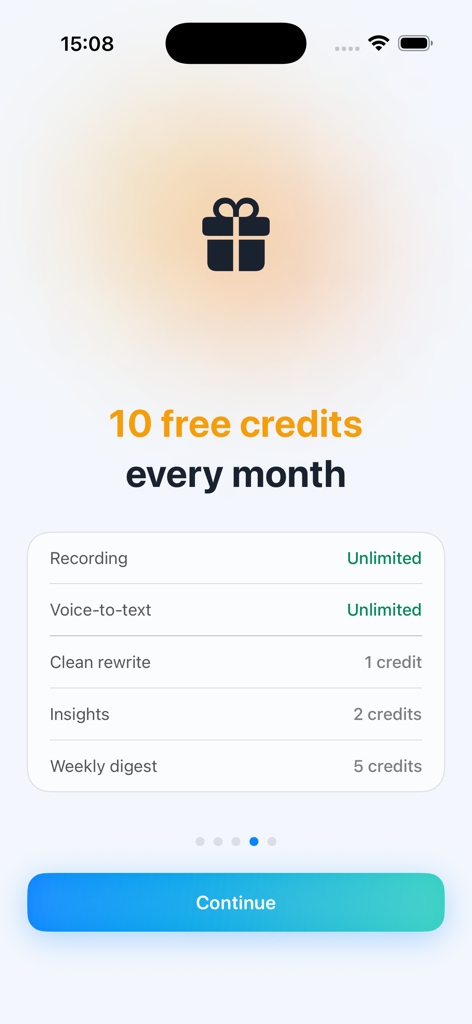
Affirmations - Voicey - Voicey app screen showing the breakdown of features and the 10 free monthly credits available for smart note processing.
Voicey app screen showing the breakdown of features and the 10 free monthly credits available for smart note processing.

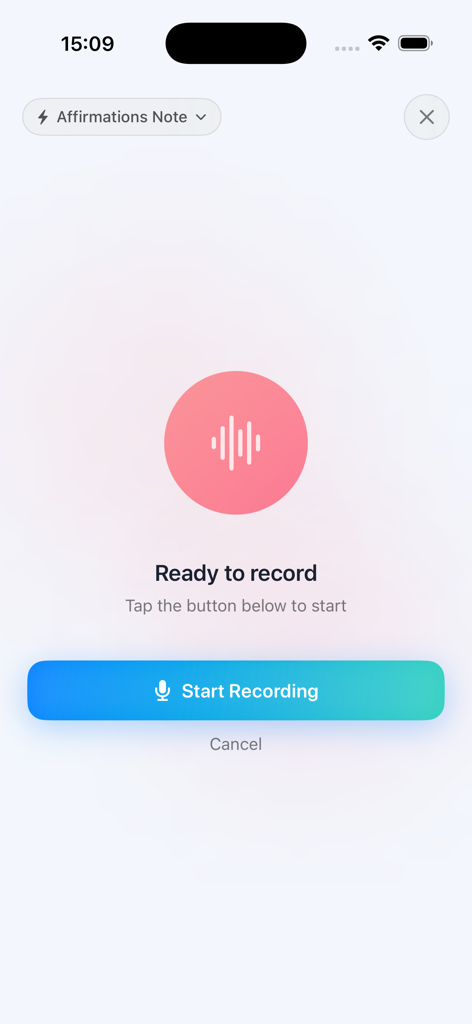
Affirmations - Voicey - Affirmations - Voicey app interface showing the start recording screen with a selected affirmations note category
Affirmations - Voicey app interface showing the start recording screen with a selected affirmations note category

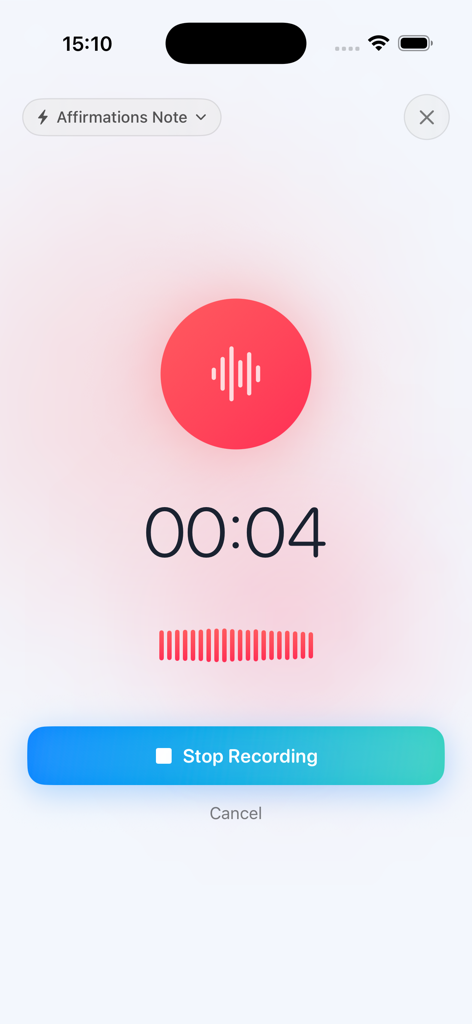
Affirmations - Voicey - Interface of the Voicey app showing an active voice recording with a timer and stop button
Interface of the Voicey app showing an active voice recording with a timer and stop button

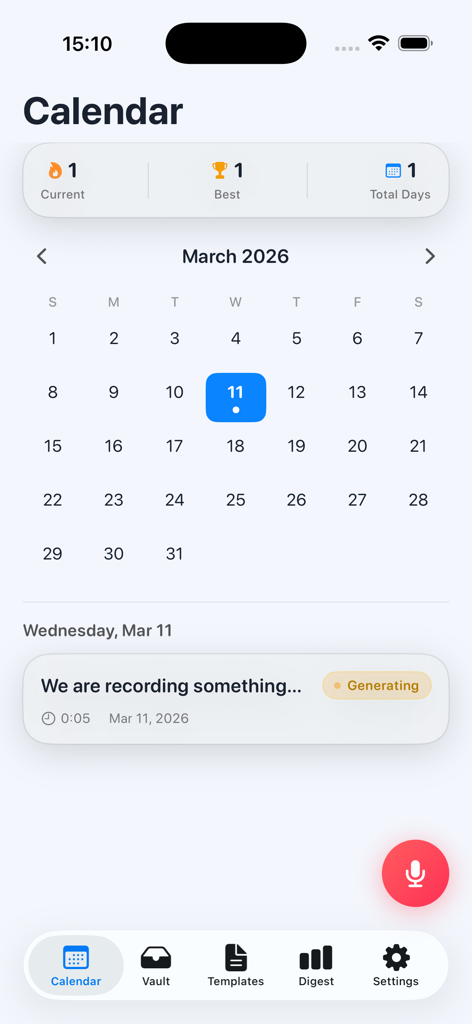
Affirmations - Voicey - Calendar screen of the Voicey app displaying daily recording history and usage streaks
Calendar screen of the Voicey app displaying daily recording history and usage streaks

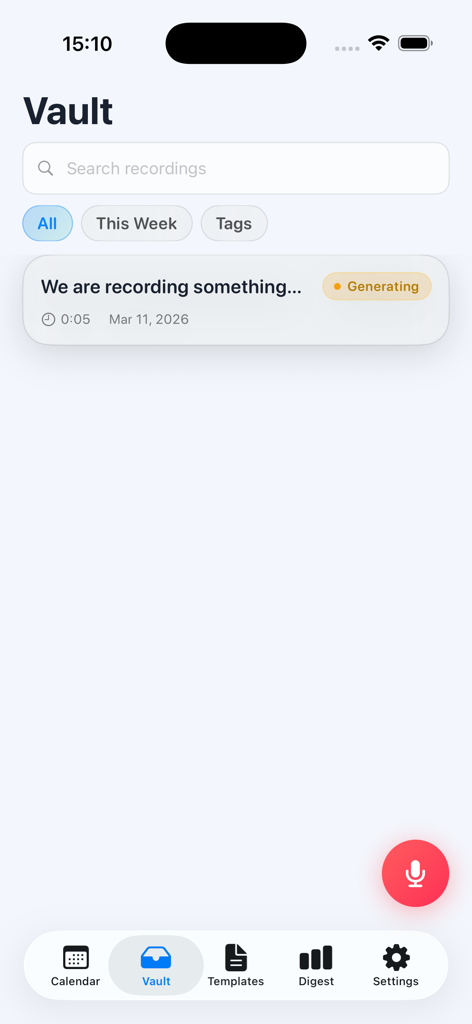
Affirmations - Voicey - The Vault screen of the Voicey app showing a list of saved voice recordings and a search bar.
The Vault screen of the Voicey app showing a list of saved voice recordings and a search bar.

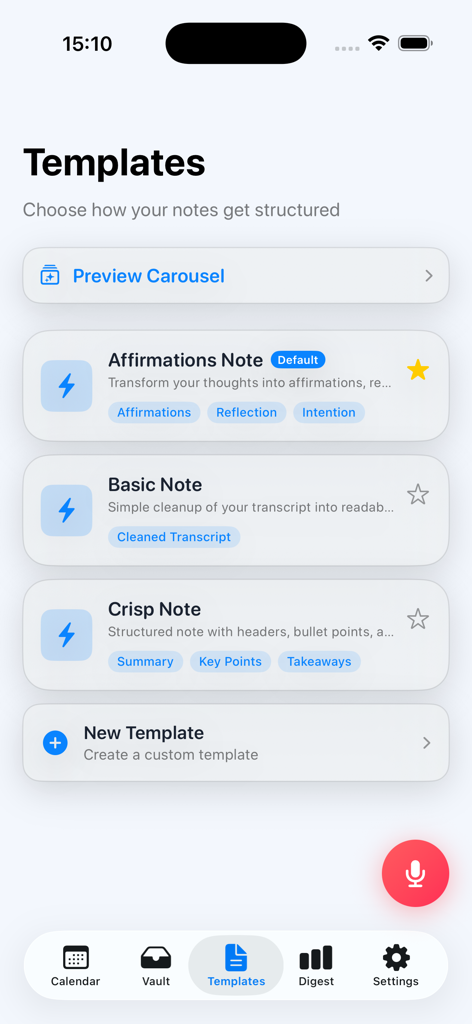
Affirmations - Voicey - Interface of the Voicey app showing various note templates for structuring voice-to-text transcriptions such as Affirmations Note and Crisp Note.
Interface of the Voicey app showing various note templates for structuring voice-to-text transcriptions such as Affirmations Note and Crisp Note.

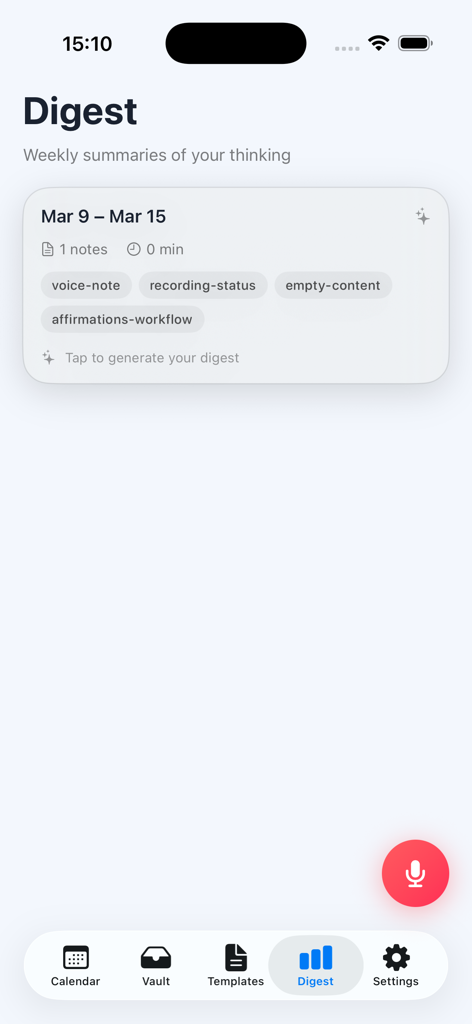
Affirmations - Voicey - The weekly digest screen of the Voicey app showing a card for organizing recorded voice notes and affirmations.

The weekly digest screen of the Voicey app showing a card for organizing recorded voice notes and affirmations.

Description

Voicey was built for people who think by talking. Sometimes the clearest version of your thoughts shows up when you speak freely — on a walk, late at night, between tasks, or while trying to make sense of something difficult. The problem is that those thoughts disappear fast. Voicey helps you catch them before they are gone. Open the app, hit record, and speak naturally. Your words are transcribed on-device, so recording feels fast, private, and available even when you are offline. Then, when you want, you can use Smart Notes to turn that rough transcript into something cleaner, more structured, and easier to return to later. This is not just for taking notes. It is for clearing your head, capturing ideas, journaling, untangling decisions, recording affirmations, and making sure the things that matter do not get lost. Speak freely Voicey is designed to make recording effortless. No complicated workflow. No pressure to sound polished. Just talk. Transcription that stays on your device Recording and transcription happen on-device, which means your audio stays with you during transcription. No unnecessary cloud step. No sending your recordings away just to get text. Smart Notes when you want extra help Sometimes a raw transcript is enough. Sometimes it is not. Smart Notes is an optional feature that helps clean up your transcript and organize it into something more useful. It can generate structure and extract helpful details like a title, summary, and key points. Use Smart Notes for: • Journal entries • Affirmations and self-reflection • Meeting notes • Idea capture and brainstorms • Custom note formats Smart Notes only runs when you choose to use it. Built with privacy in mind Voicey is meant to feel personal, so privacy matters. • Recording and transcription happen on-device • Your audio does not leave your phone during transcription • Smart Notes only processes content when you explicitly choose it • No ads • No tracking • No data selling • App Lock with Face ID, Touch ID, or passcode Free to use Recording and on-device transcription are free to use. Smart Notes comes with free credits so you can try it and see whether it fits the way you think. If you want more, subscription plans increase your monthly credit allowance for Smart Notes. Features • One-tap voice recording • On-device transcription • Optional Smart Notes for cleanup and structure • Titles, summaries, and key point extraction • Templates for journaling, affirmations, meetings, and more • Offline-friendly recording and transcription • App Lock with biometric authentication • Clean, simple interface If you have ever had a strong thought, a breakthrough, or an honest moment with yourself and wished you could keep it without friction, Voicey is for that. Download Voicey and give your thoughts a place to land. Subscription Information Voicey Pro Monthly — $9.99/month Voicey Pro Annual — $7.49/month, billed annually ($89.88/year) Voicey Pro is available as an auto-renewable subscription. Payment will be charged to your Apple ID account at confirmation of purchase. The subscription automatically renews unless it is canceled at least 24 hours before the end of the current period. Your account will be charged for renewal within 24 hours prior to the end of the current period. You can manage and cancel your subscriptions by going to your App Store account settings after purchase. Any unused portion of a free trial period, if offered, will be forfeited when the user purchases a subscription to that publication, if applicable. Privacy Policy: https://kaliink.com.np/voicey/privacy Terms of Use (EULA): https://kaliink.com.np/voicey/terms

Download

This page is not an official page of the app or its developer, but an independent editorial publication created for informational and commentary purposes. Unless expressly stated otherwise, neither the app nor its developer is affiliated with, endorsed by, sponsored by, authorized by, or otherwise officially connected with MWM, Apple, Google Play, the app publisher, or the app's developer, and nothing on this page implies that the app was developed using MWM's services. Any trademarks, logos, screenshots, and other content remain the property of their respective owners.