
This page is not an official page of the app or its developer, but an independent editorial publication created for informational and commentary purposes. Unless expressly stated otherwise, neither the app nor its developer is affiliated with, endorsed by, sponsored by, authorized by, or otherwise officially connected with MWM, Apple, Google Play, the app publisher, or the app's developer, and nothing on this page implies that the app was developed using MWM's services. Any trademarks, logos, screenshots, and other content remain the property of their respective owners.


AI Pixel Art Camera: PixelMe
Turn your photos into iconic retro avatars in seconds. Use our unique AI + Human workflow to craft high-resolution dot art for Discord, TikTok, and beyond.
Downloads
960K+User Rating
Total Ratings
45K+Publisher
Category
Graphics & DesignLocales
13Latest Version
4.19.0Size
83.1 MBFirst Released
Feb 15, 2021The Ultimate Studio for 8-Bit Creators
Combine the speed of advanced AI with professional-grade drawing tools to turn any photo into a unique, high-quality pixel masterpiece.
One-Tap AI Magic
Instantly transform your selfies and landscapes into stunning retro art with our neural engine that understands 8-bit aesthetics.
Pixel-Perfect Precision
Go beyond filters with a professional editor. Tweak every dot and adjust colors manually to ensure your art looks hand-crafted.
The following screenshots and description are sourced directly from the app's official store listing and are the property of the app developer.
App Store
Screenshots
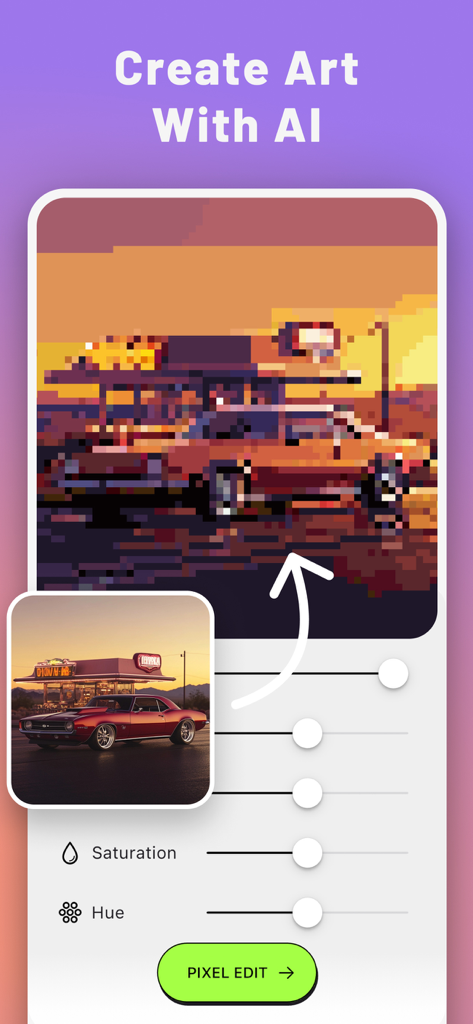
AI Pixel Art Camera app interface showing a car photo transformed into 8-bit art with editing sliders
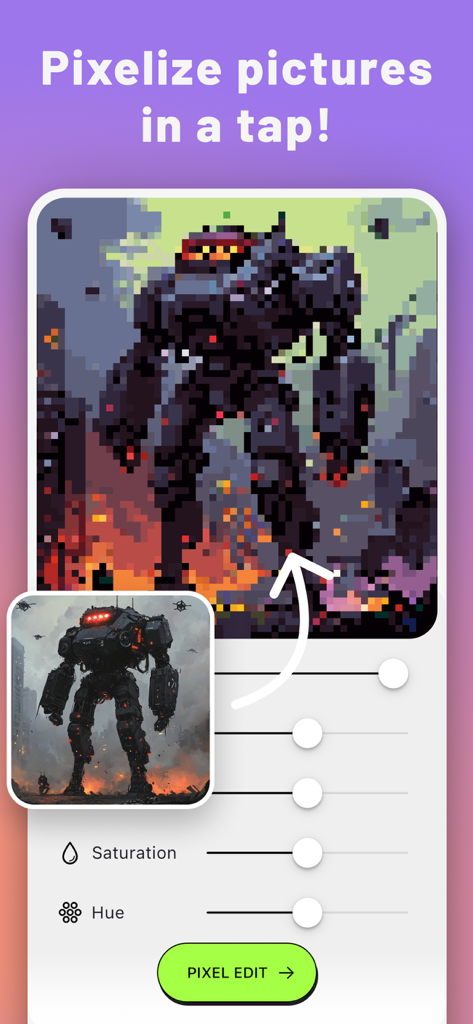
The PixelMe app interface showing a high resolution mecha photo being converted into 8 bit pixel art with saturation and hue sliders.
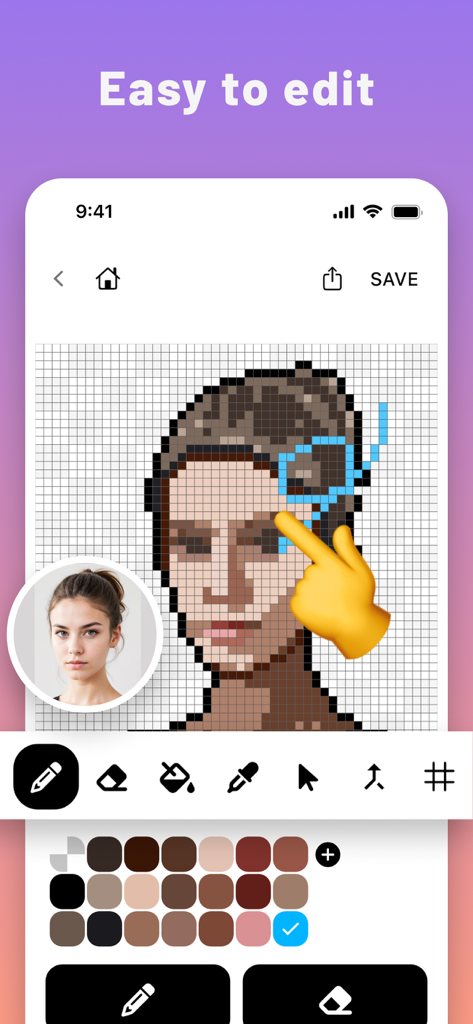
Interface of the PixelMe app showing a hand manually editing a pixelated portrait on a grid with various drawing tools
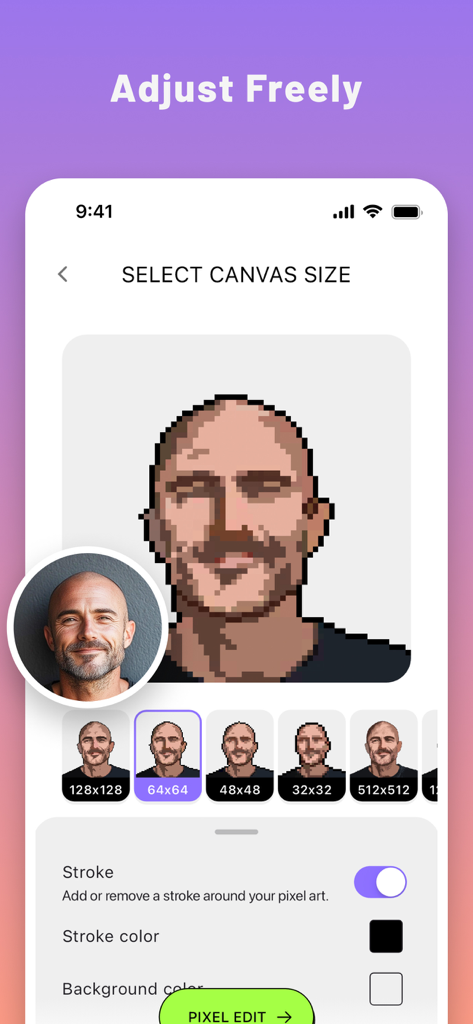
PixelMe app interface for selecting pixel art canvas size and adjusting portrait details
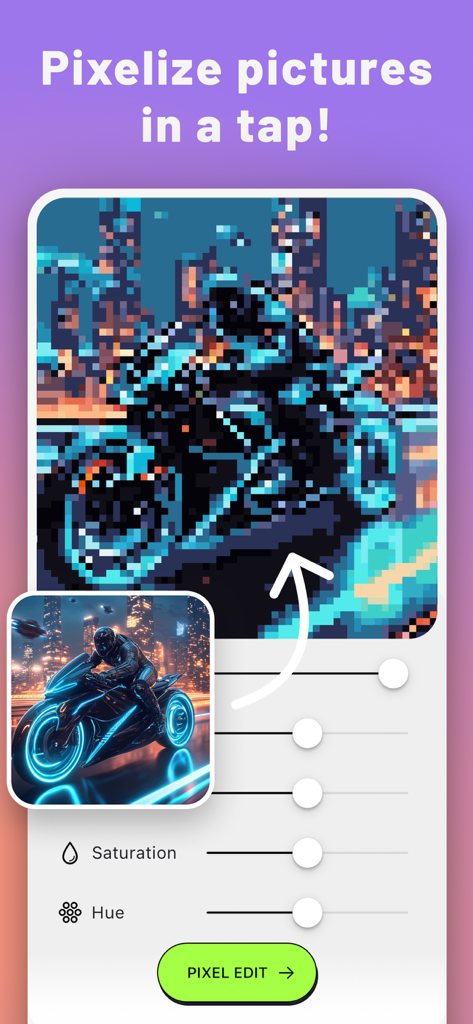
PixelMe app interface showing a cyberpunk motorcycle photo converted into pixel art with adjustment sliders
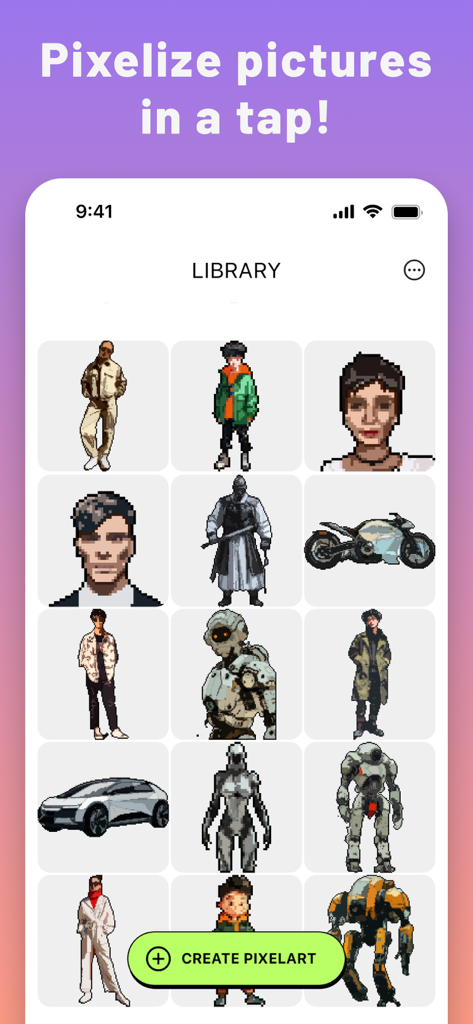
A collection of 8-bit pixel art avatars and icons in the PixelMe app library
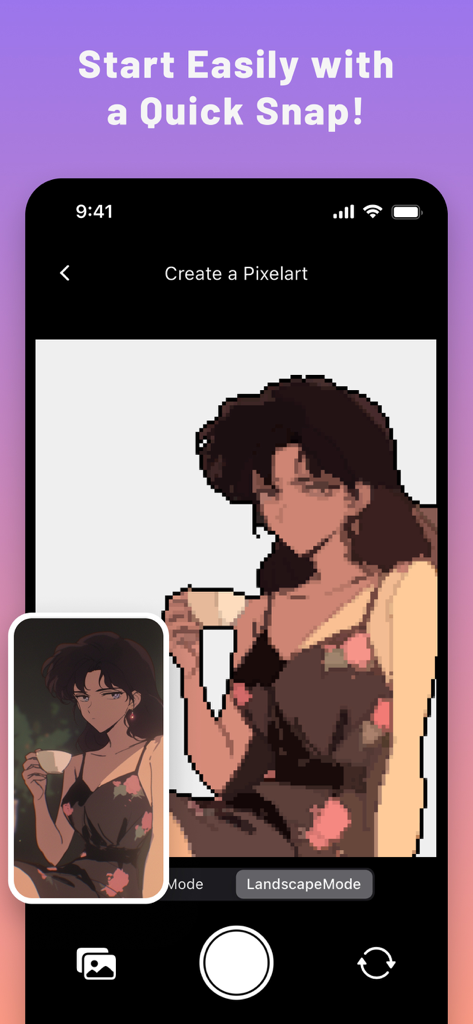
Interface of the PixelMe app showing an anime portrait converted into 8-bit pixel art
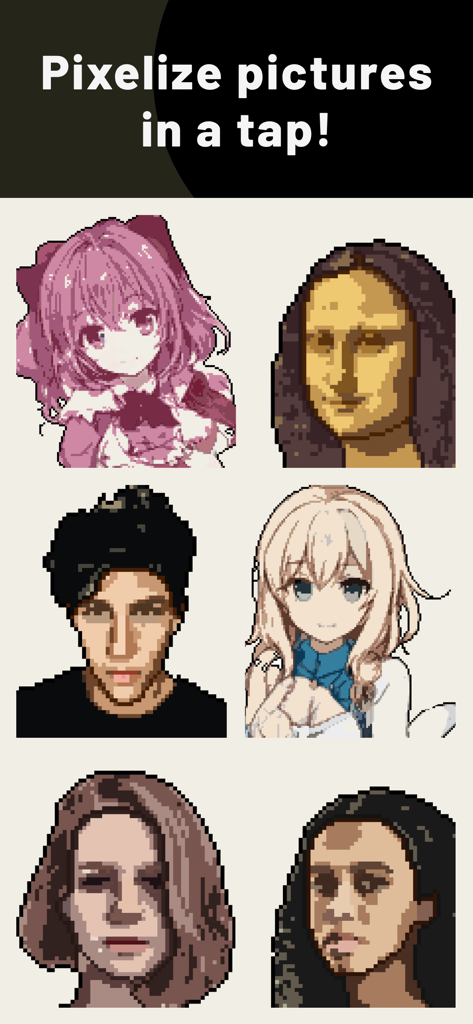
Grid of pixel art portraits including anime and real life faces from the PixelMe app
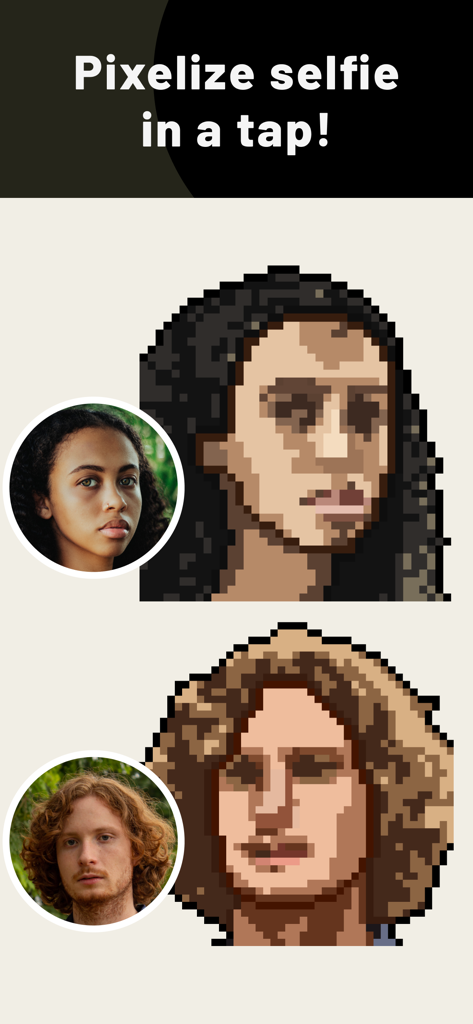
Comparison showing real portrait photos transformed into 8-bit pixel art avatars
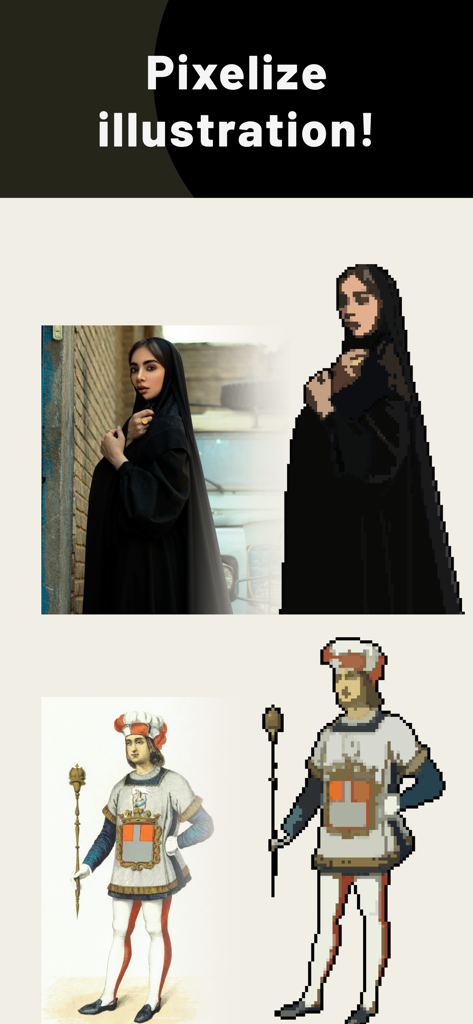
A demonstration of the PixelMe app converting a woman's portrait and a historical illustration into 8-bit pixel art.
Description
Download
More Like This
Top-ranked apps in the same category

Kling AI: AI Image&Video Maker
LOHAS GAMES PTE. LTD.

iScreen - Widgets & Wallpaper
Xiamen ShenZhuo Information Technology Co., Ltd.

Dreamina AI: Image&Video Maker
BYTEDANCE PTE. LTD.

Home AI - AI Interior Design
HUBX YAZILIM HIZMETLERI ANONIM SIRKETI

ibis Paint X
ibis inc.

ThemeKit: Widget & Icon Themes
Woohoo Tech. Ltd.

Sketchbook®
Sketchbook, Inc.

Colorful Widget- Widget&Themes
Guangzhou ZHIFENG Information Technology Co.,Ltd.

ReRoom AI: Interior Design
GM UniverseApps Limited
This page is not an official page of the app or its developer, but an independent editorial publication created for informational and commentary purposes. Unless expressly stated otherwise, neither the app nor its developer is affiliated with, endorsed by, sponsored by, authorized by, or otherwise officially connected with MWM, Apple, Google Play, the app publisher, or the app's developer, and nothing on this page implies that the app was developed using MWM's services. Any trademarks, logos, screenshots, and other content remain the property of their respective owners.