
This page is not an official page of the app or its developer, but an independent editorial publication created for informational and commentary purposes. Unless expressly stated otherwise, neither the app nor its developer is affiliated with, endorsed by, sponsored by, authorized by, or otherwise officially connected with MWM, Apple, Google Play, the app publisher, or the app's developer, and nothing on this page implies that the app was developed using MWM's services. Any trademarks, logos, screenshots, and other content remain the property of their respective owners.

AI Translator - Transvia
Elevate your iPhone experience with system-wide integration and Safari extensions. Switch between OpenAI, Gemini, Grok, DeepSeek, and Qwen for the most accurate translations across text, images, and the web.
Downloads
200User Rating
Total Ratings
0Publisher
Category
ReferenceLocales
1Latest Version
1.2.1Size
30.6 MBFirst Released
Oct 30, 2025Professional-Grade AI Translation
Elevate your iOS experience with a multi-model translation engine designed for power users who demand accuracy, speed, and seamless integration.
Five Elite AI Models
Choose between OpenAI, Gemini, Grok, DeepSeek, and Qwen to match the perfect AI style to your specific text for unmatched contextual precision.
Native iOS Integration
Experience zero friction. Set Transvia as your default system translator or use the Safari extension to translate web content without leaving the page.
The following screenshots and description are sourced directly from the app's official store listing and are the property of the app developer.
App Store
Screenshots
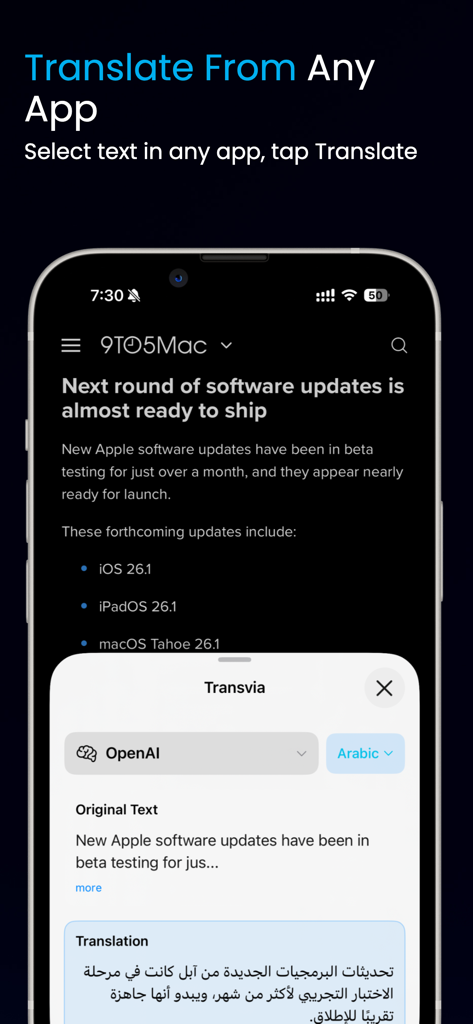
iPhone screen showing Transvia translating a news article using the OpenAI model
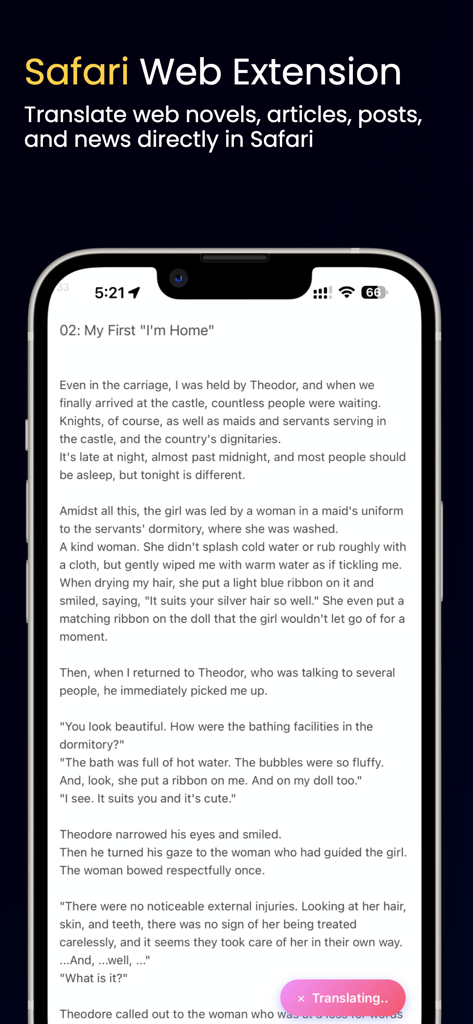
iPhone displaying Transvia AI Safari extension translating a web novel chapter directly in the browser
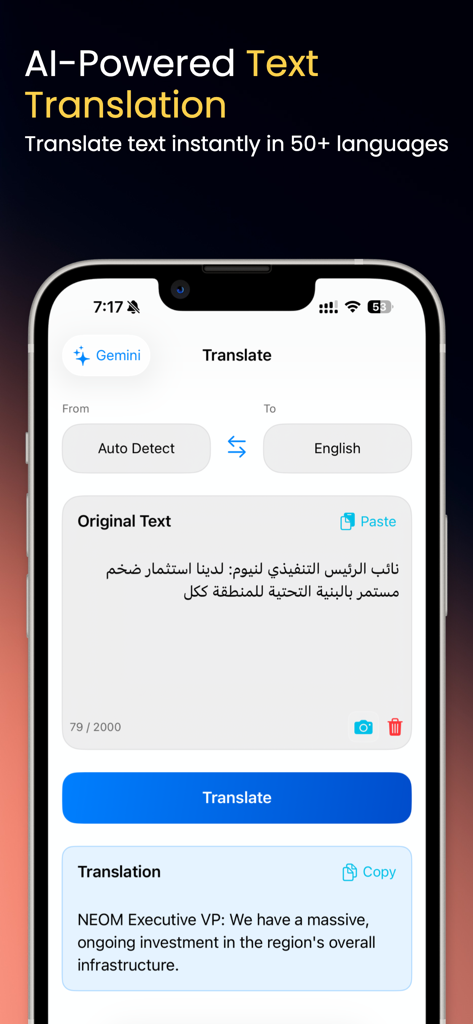
Transvia app interface showing AI text translation from Arabic to English on iPhone.
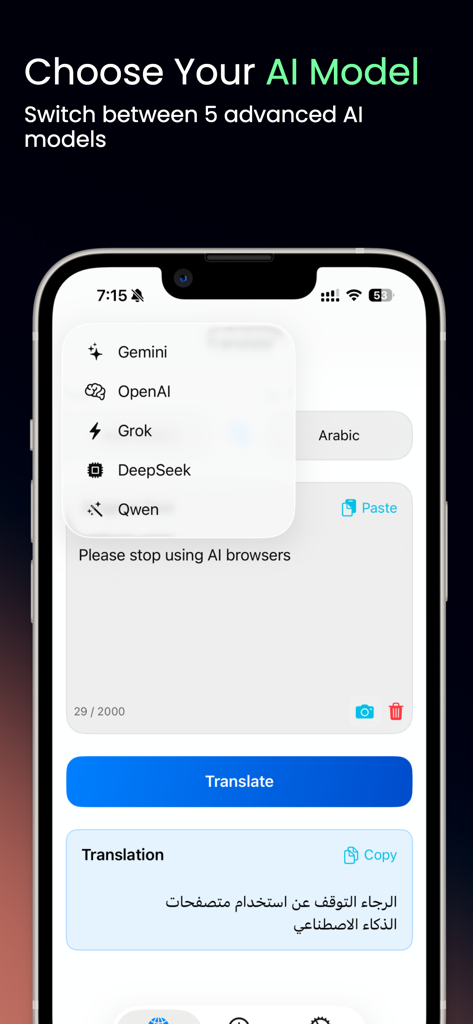
Screenshot of Transvia app showing the selection of different AI models for translation on an iPhone
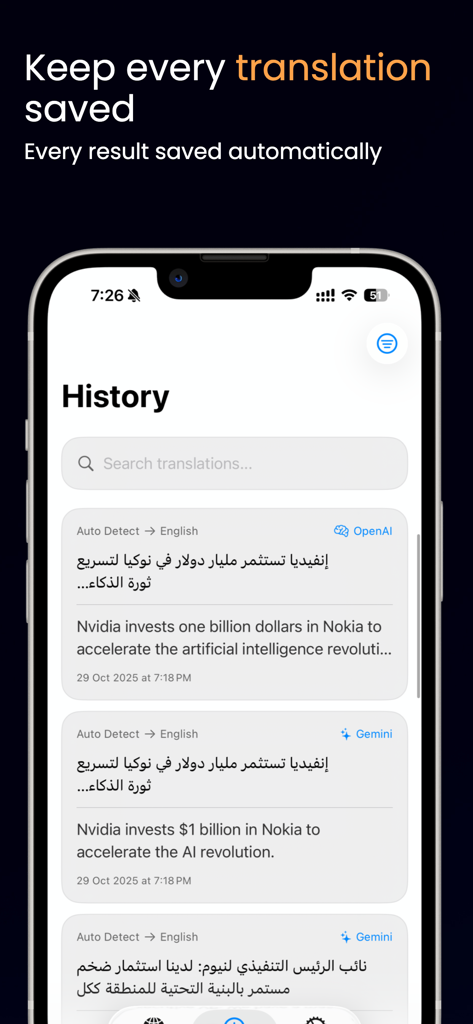
The history screen of Transvia AI Translator app showing saved translations with OpenAI and Gemini models on an iPhone.
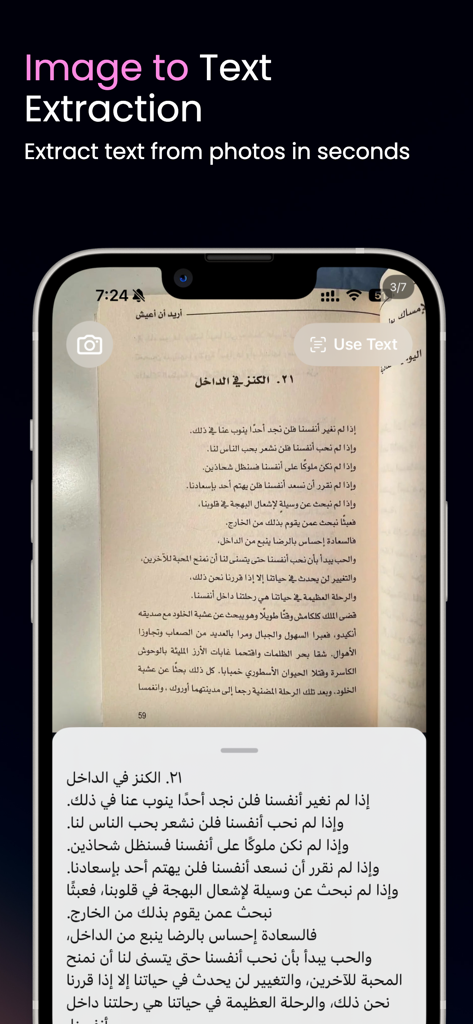
Transvia app interface showing AI-powered image to text extraction from a printed page
Description
Download
More Like This
Top-ranked apps in the same category

Google Translate
Google LLC

火箭沙盒
P2E CO., LTD.

Bible
Life.Church

Bible Chat: Daily Devotional
BookVitals APP SRL

Youdao Dictionary
Beijing NetEase Youdao Computer System Co.,Ltd

Translate Now - AI Translator
AIR APPS SYSTEMS, UNIPESSOAL, LDA

Naver Papago - AI Translator
NAVER Corp.

ΗiΤV - Endless Movies & Shows
学 张

Live Translator - AI Translate
DigitalSail (HK) Limited
This page is not an official page of the app or its developer, but an independent editorial publication created for informational and commentary purposes. Unless expressly stated otherwise, neither the app nor its developer is affiliated with, endorsed by, sponsored by, authorized by, or otherwise officially connected with MWM, Apple, Google Play, the app publisher, or the app's developer, and nothing on this page implies that the app was developed using MWM's services. Any trademarks, logos, screenshots, and other content remain the property of their respective owners.