
AI Video Studio

Transform your favorite photos into professional stories with AI-powered transitions and music. Fast, simple, and 100% private—your memories never leave your iPhone.
Publisher
Category
Photo & VideoDownloads
31K+User Rating
Total Ratings
0Locales
1Discover the interface used by 31K+ users.
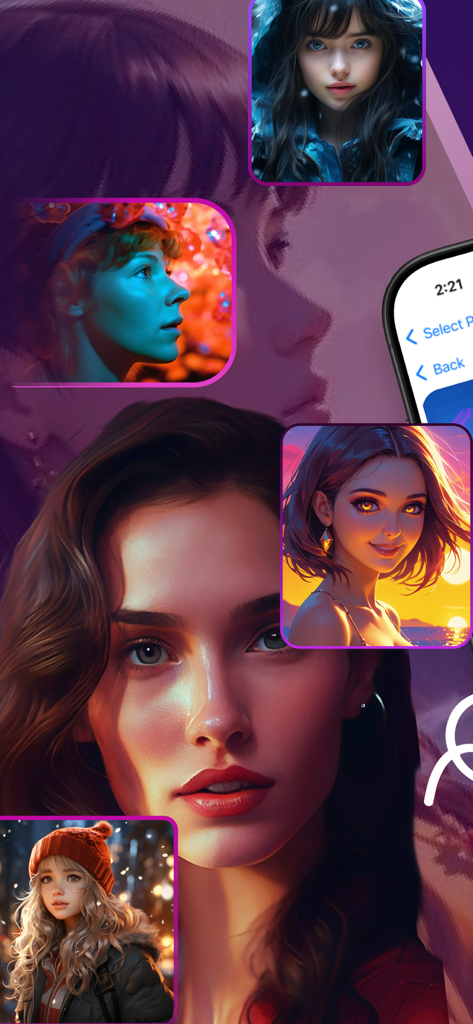
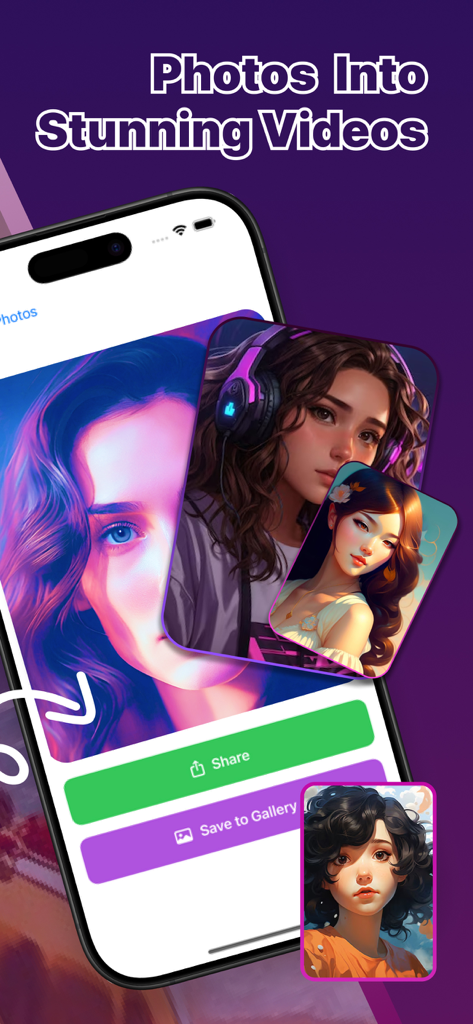
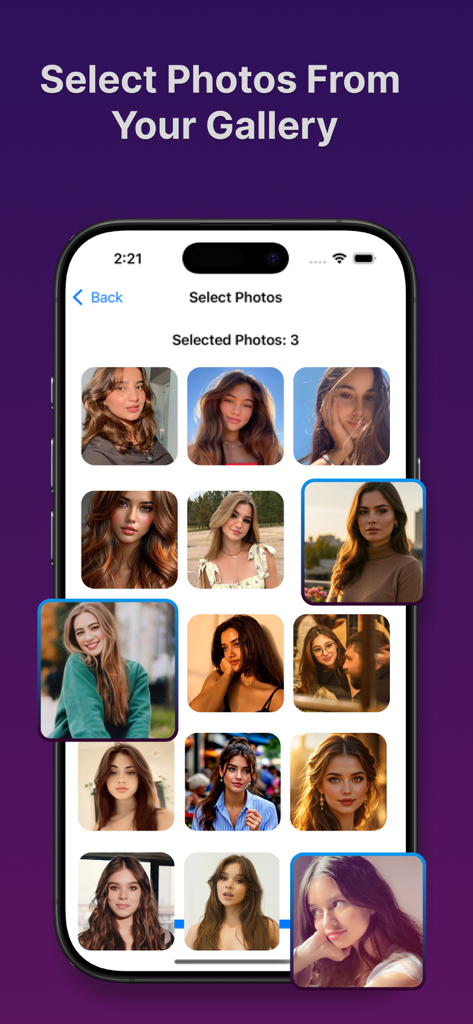
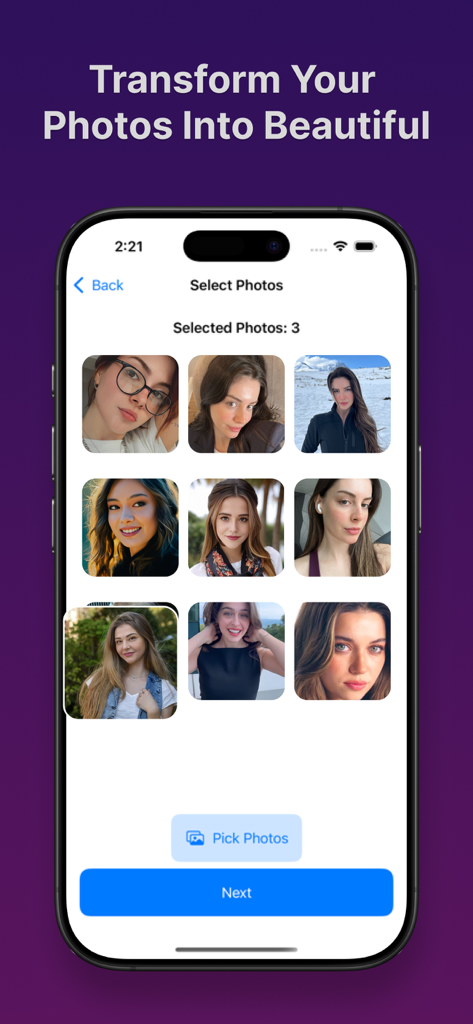
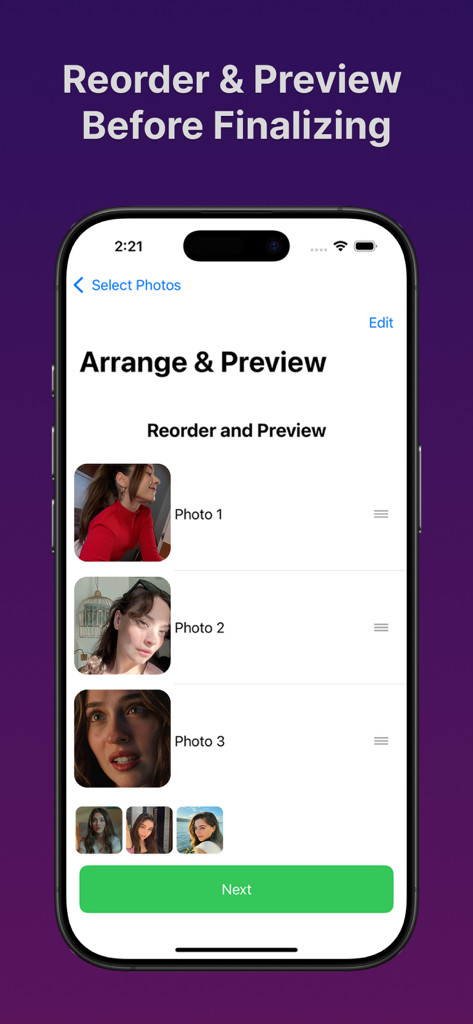
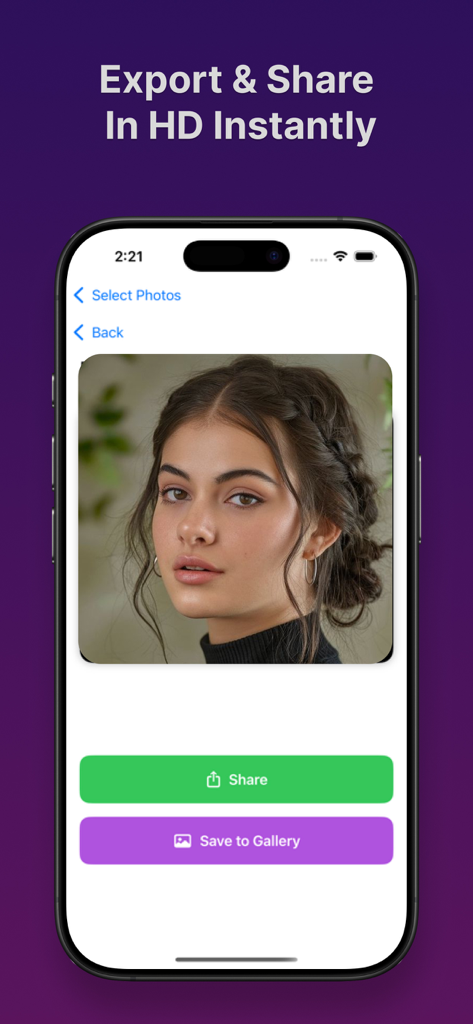
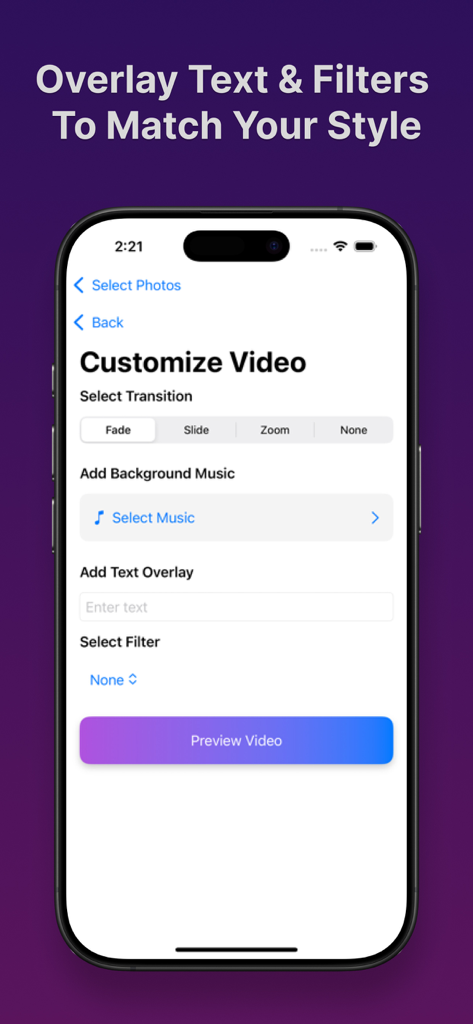
The tools that make this app stand out, trusted by 31K+ users.
No editing skills? No problem. Select your photos and let our AI handle the timing, transitions, and styling for a cinematic result in just a few taps.
Your memories stay yours. All video processing happens directly on your device, meaning your photos are never uploaded to a server or stored in the cloud.
Elevate your social media with HD exports, trendy filters, and custom music overlays that make your stories look like they were made by a professional editor.
Everything you need to know about AI Video Studio.
Description
Latest Version
2.0
Size
6.5 MB
First Released
May 9, 2025
Join 31,000+ creators using AI Video Studio to transform photos into stunning HD videos instantly. 100% private, processed entirely on your iPhone.
Everything you need to know about AI Video Studio
AI Video Studio is an app that allows users to instantly transform their photos into customizable videos. It is designed for simplicity, requiring no editing skills.
Yes, you can create a video by selecting photos from your gallery, adding music and transitions, overlaying text and filters, then reordering and previewing before exporting.
No, AI Video Studio prioritizes privacy. All user data, including photos, videos, and personal content, is stored locally on your device and is not uploaded to any server.
AI Video Studio offers features to add music and transitions, overlay text, and apply filters to personalize your videos. Users can also reorder photos and preview their creation.
Yes, AI Video Studio allows users to instantly export and share their created videos in HD quality directly from the app.
No, AI Video Studio is designed with simplicity in mind. It requires no prior editing skills, making video creation effortless for all users.
AI Video Studio ensures user privacy by storing all data locally on the device. It does not upload any photos, videos, or personal content to external servers.
Apps with similar features and user experience

VEED Ltd

Renderforest LLC

立瑗 胡

VIDEOSHOW PTE. LTD.

Honk Honk Punch Pty Ltd

Zipo Apps Ltd.

ChengDu PinGuo Technology Co., Ltd.

Slider LLC

UNSTATIC LTD
App information, icons, screenshots, and descriptions displayed on this page are sourced from the Apple App Store and are the property of their respective developers. Download estimates and rankings are based on MWM's proprietary models and may not reflect actual figures. This page is provided for informational and analytical purposes only.
Believe this page infringes your intellectual property? File a dispute