
This page is not an official page of the app or its developer, but an independent editorial publication created for informational and commentary purposes. Unless expressly stated otherwise, neither the app nor its developer is affiliated with, endorsed by, sponsored by, authorized by, or otherwise officially connected with MWM, Apple, Google Play, the app publisher, or the app's developer, and nothing on this page implies that the app was developed using MWM's services. Any trademarks, logos, screenshots, and other content remain the property of their respective owners.


VEED Shorts: AI videos
Skip the manual editing. Automatically add captions, generate AI B-roll, and remove background noise to create professional TikToks, Reels, and LinkedIn videos in seconds.
Downloads
3M+User Rating
Total Ratings
51K+Publisher
Category
Photo & VideoLocales
1Latest Version
8.2.1Size
250.4 MBFirst Released
Aug 15, 2022Create Viral Content in Record Time
Stop spending hours in complex editors. Harness the power of AI to turn your raw clips into professional, social-ready videos with just a few taps.
Automatic AI Editing
Upload your footage and let AI handle the cuts, zooms, and styles. Swipe through professional edits and pick the look that fits your brand.
Smart Auto-Captions
Boost engagement with precise captions. Automatically remove filler words and translate your message to reach a global audience instantly.
Frequently Asked Questions
Everything you need to know about VEED Shorts: AI videos
What is VEED Shorts: AI videos?
VEED Shorts: AI videos is an app that simplifies creating short-form video content for platforms like Instagram, TikTok, Twitter/X, YouTube Shorts, and LinkedIn. It provides tools for making professional-level videos fast.
How does automatic editing work in VEED Shorts: AI videos?
VEED Shorts automatically applies edits after you upload or record a video. Users can select from different styles by swiping or toggle off unwanted edits. The app remembers user settings for future use.
Which social media platforms does VEED Shorts: AI videos support for sharing?
VEED Shorts: AI videos supports sharing content directly to Instagram, TikTok, YouTube, Twitter/X, and LinkedIn. The app resizes content for each platform.
Can VEED Shorts: AI videos generate automatic captions?
Yes, VEED Shorts: AI videos generates automatic captions. It offers various caption styles, translation into other languages, and removes silences and filler words automatically.
How do I add titles and text effects using VEED Shorts: AI videos?
VEED Shorts: AI videos allows users to easily add titles and text effects to videos. The app provides a variety of styles to choose from for these text elements.
What video editing features are available in VEED Shorts: AI videos?
VEED Shorts: AI videos provides a comprehensive video editor to trim clips and add music, stickers, GIFs, text, and B-roll. All these features are available on one platform.
Does VEED Shorts: AI videos use AI for video zooms?
Yes, VEED Shorts: AI videos features AI zooms. It automatically zooms in at key moments within the video content to enhance visual engagement.
Can VEED Shorts: AI videos generate AI background music?
Yes, VEED Shorts: AI videos can generate royalty-free AI background music. Users can create unique musical compositions directly within the app.
Does VEED Shorts: AI videos offer AI background noise removal?
Yes, VEED Shorts: AI videos includes AI background noise removal. This feature cleans up audio, making it sound professional, as if recorded in a studio environment.
Does VEED Shorts: AI videos have an AI B-roll generation feature?
Yes, VEED Shorts: AI videos generates AI B-roll to support video narratives. It offers different styles and uses image generation models like Flux and Nano-banana for B-roll creation.
How do subscriptions and payments work for VEED Shorts: AI videos?
Payment for VEED Shorts subscriptions is charged to your App Store Account upon purchase. Subscriptions auto-renew unless turned off 24 hours before the period ends. Manage renewals via iPhone Account Settings.
How can I contact support for VEED Shorts: AI videos?
Users can contact support for VEED Shorts: AI videos by emailing their feedback or inquiries to mobile-support@veed.io. The team actively welcomes user input.
Where can I find the terms of use and privacy policy for VEED Shorts: AI videos?
The terms of use for VEED Shorts: AI videos are available at www.veed.io/terms-of-use. The privacy policy is located at www.veed.io/privacy.
The following screenshots and description are sourced directly from the app's official store listing and are the property of the app developer.
App Store
Screenshots
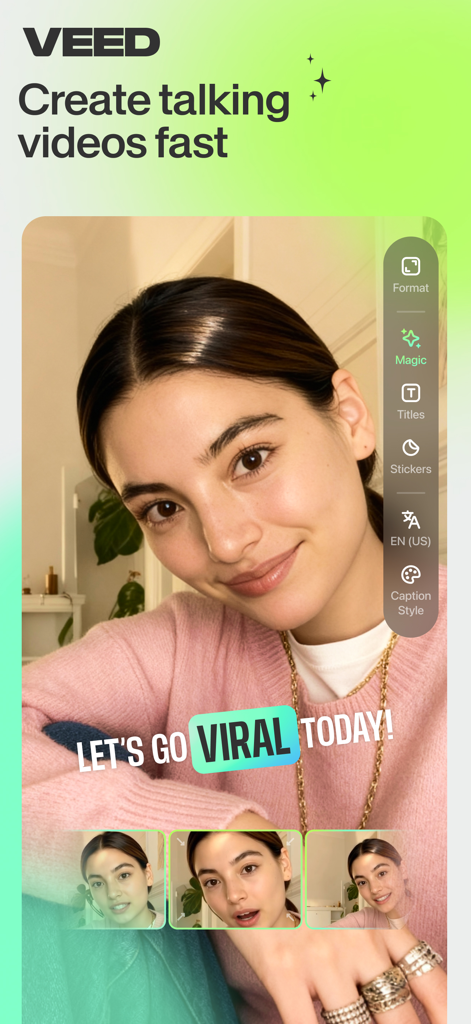
Interface of VEED Shorts app showing a video creator with viral captions and editing tools
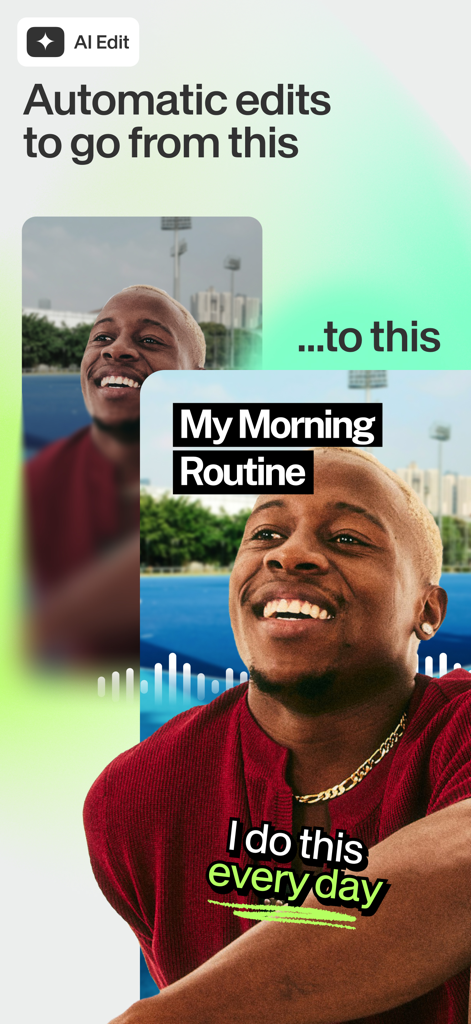
A before and after comparison of a raw video clip transformed into a polished social media video with AI captions and titles
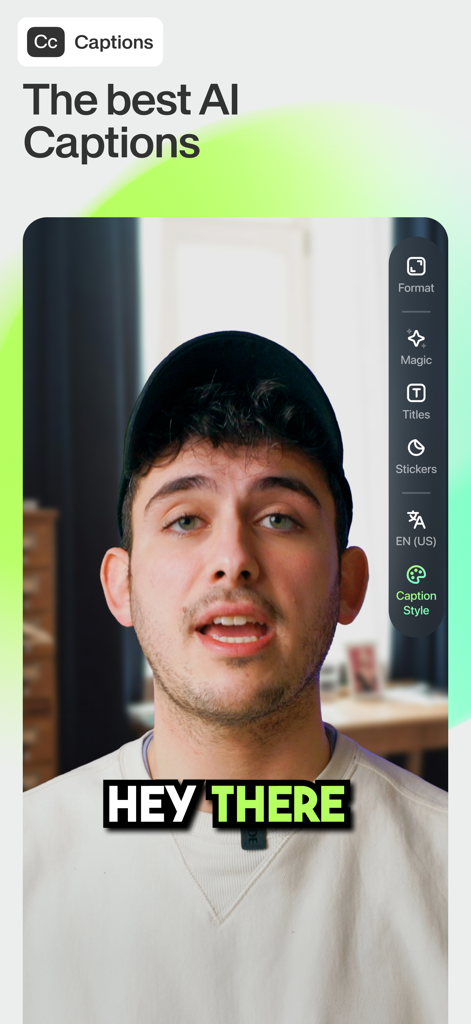
Interface of the VEED app showing a creator using the auto-captions feature with a stylish yellow and black text overlay
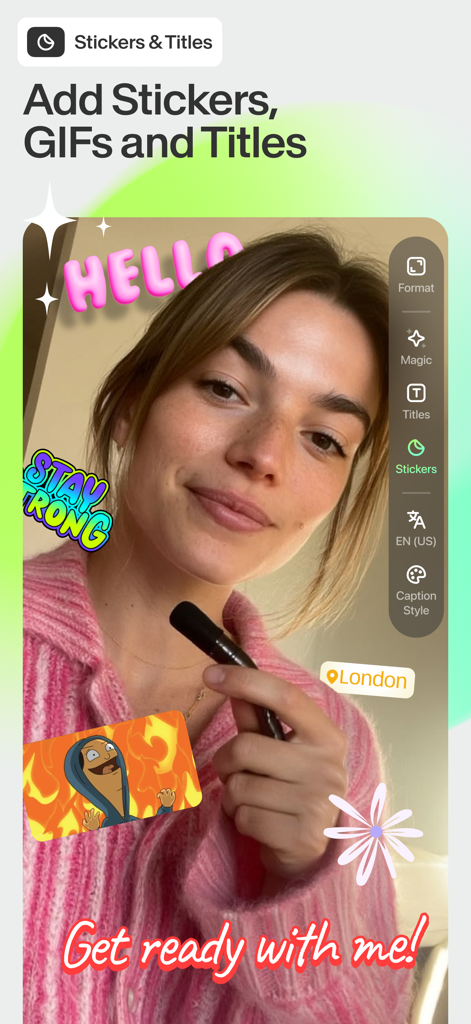
Young woman using the VEED Shorts app to add colorful stickers, GIFs, and animated titles to her video content.
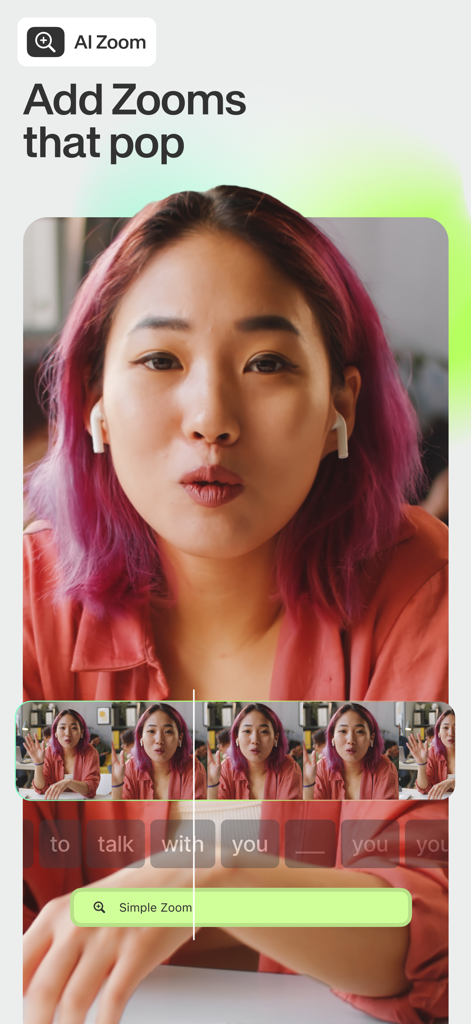
Mobile app interface of VEED Shorts showing the AI zoom feature with a video timeline and editing tools
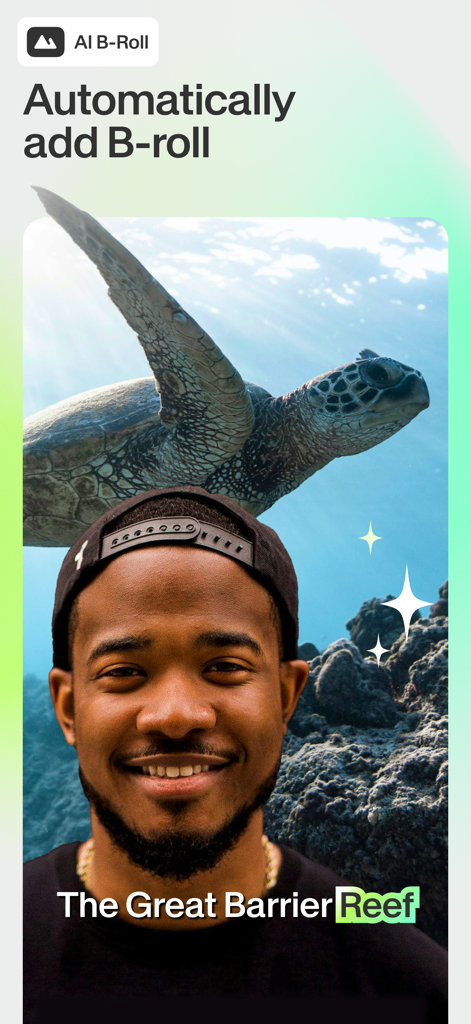
A man using the VEED app to automatically add AI generated B-roll of a sea turtle to his video
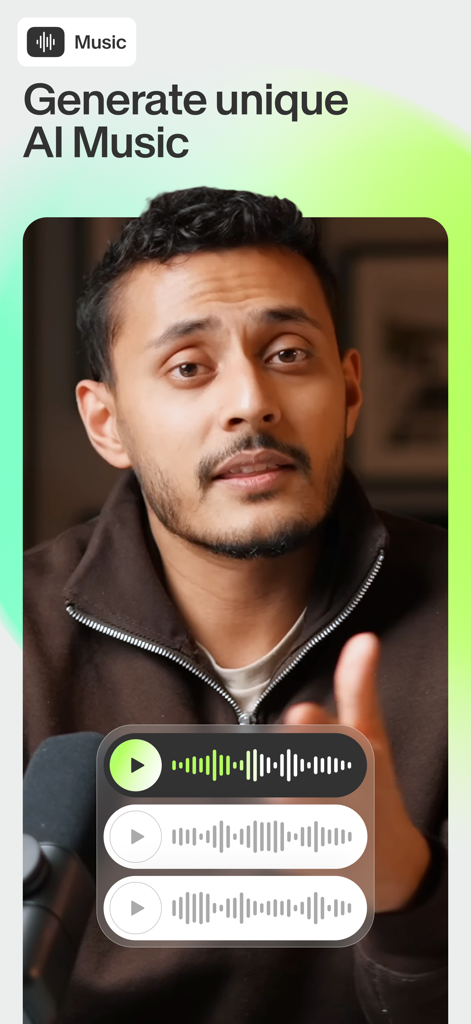
A video creator using the VEED Shorts app to generate unique AI music for social media content.
Description
Download
More Like This
Apps with similar features and user experience

AI Video Maker - Renderforest
Renderforest LLC

Slideshow Creator -MovieStudio
立瑗 胡

Filmigo Video Maker & Editor
VIDEOSHOW PTE. LTD.

Slideshow Maker Video & Photo
Honk Honk Punch Pty Ltd

Quick Slideshow Maker + Music
Zipo Apps Ltd.

Salad Video -Video Editor
ChengDu PinGuo Technology Co., Ltd.

Story Swag - Quick Reels
Slider LLC

StoryWave - Video Maker
UNSTATIC LTD

Smoozly: Animated Stories
Smoozly Inc.
This page is not an official page of the app or its developer, but an independent editorial publication created for informational and commentary purposes. Unless expressly stated otherwise, neither the app nor its developer is affiliated with, endorsed by, sponsored by, authorized by, or otherwise officially connected with MWM, Apple, Google Play, the app publisher, or the app's developer, and nothing on this page implies that the app was developed using MWM's services. Any trademarks, logos, screenshots, and other content remain the property of their respective owners.